
Your album cover
Generated from your prompt
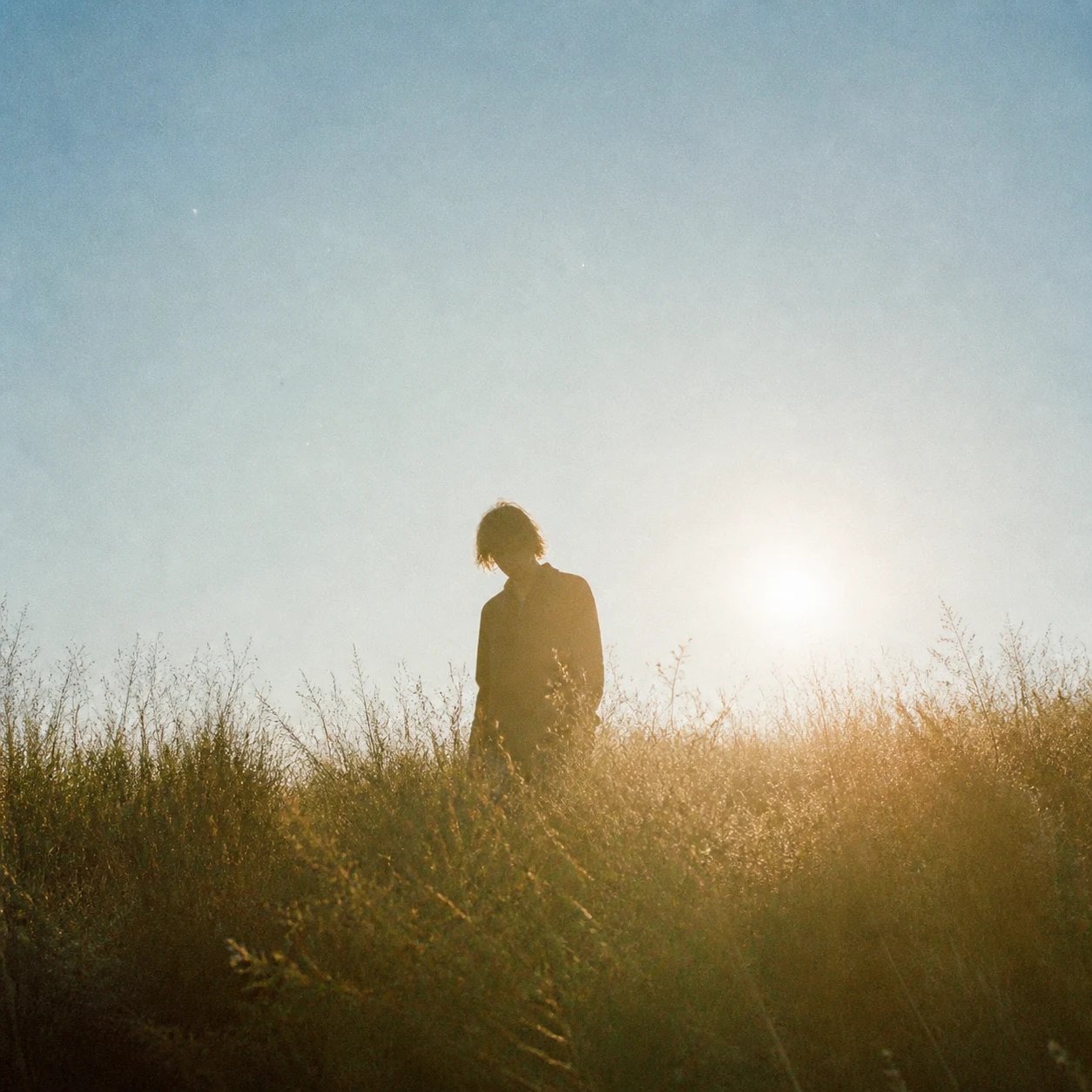
AI Album Cover Generator — Album Art
Describe your genre and mood, and the AI album cover generator draws release-ready square cover art in that direction. Explore styles, keep the one that fits your sound, and use it for your single, EP, or album — no design skills.
What is an AI album cover generator?
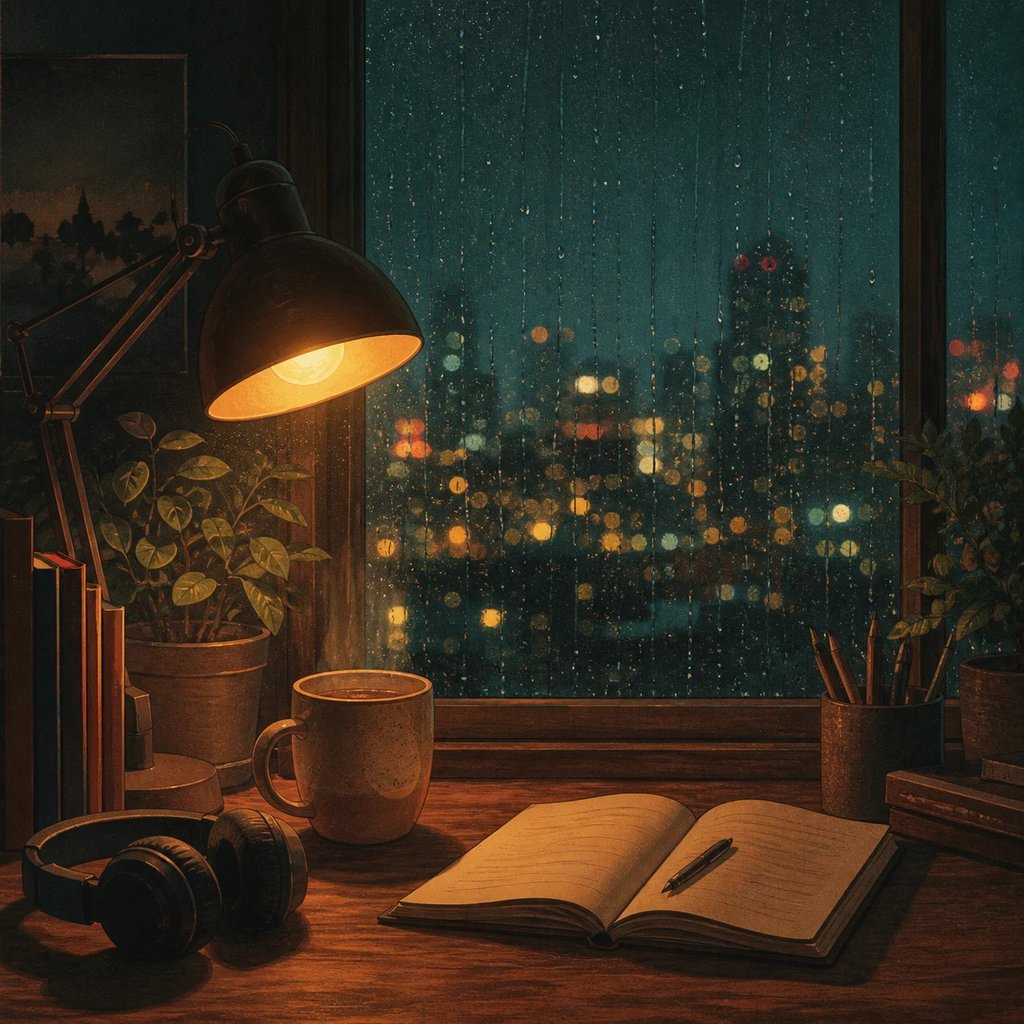
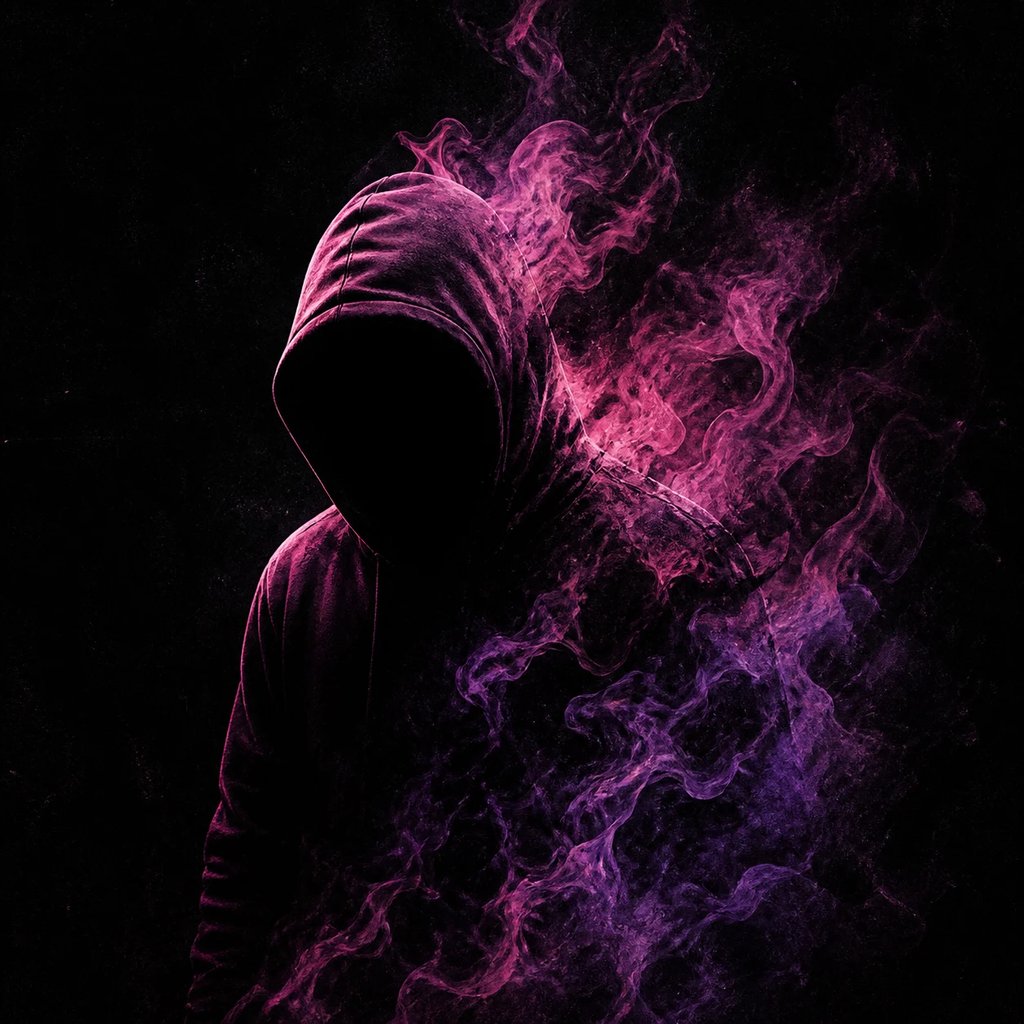
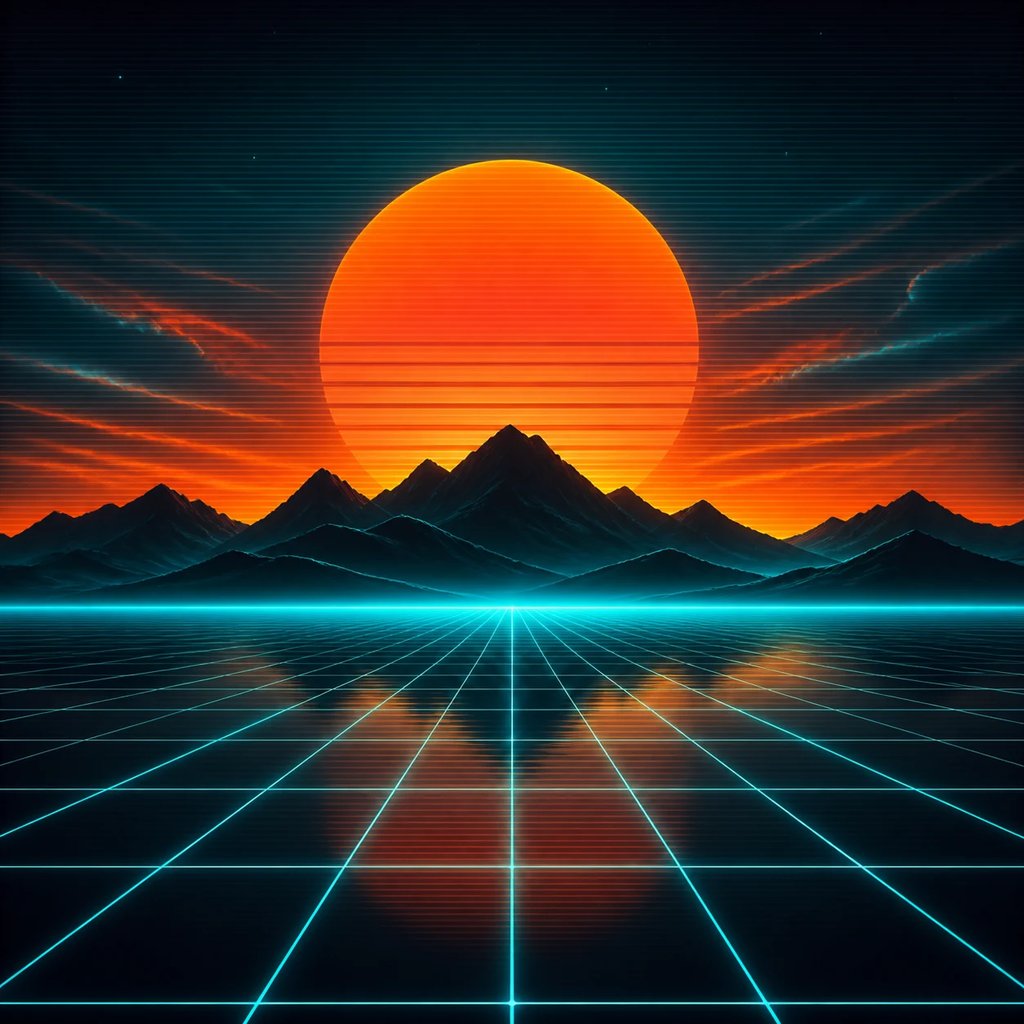
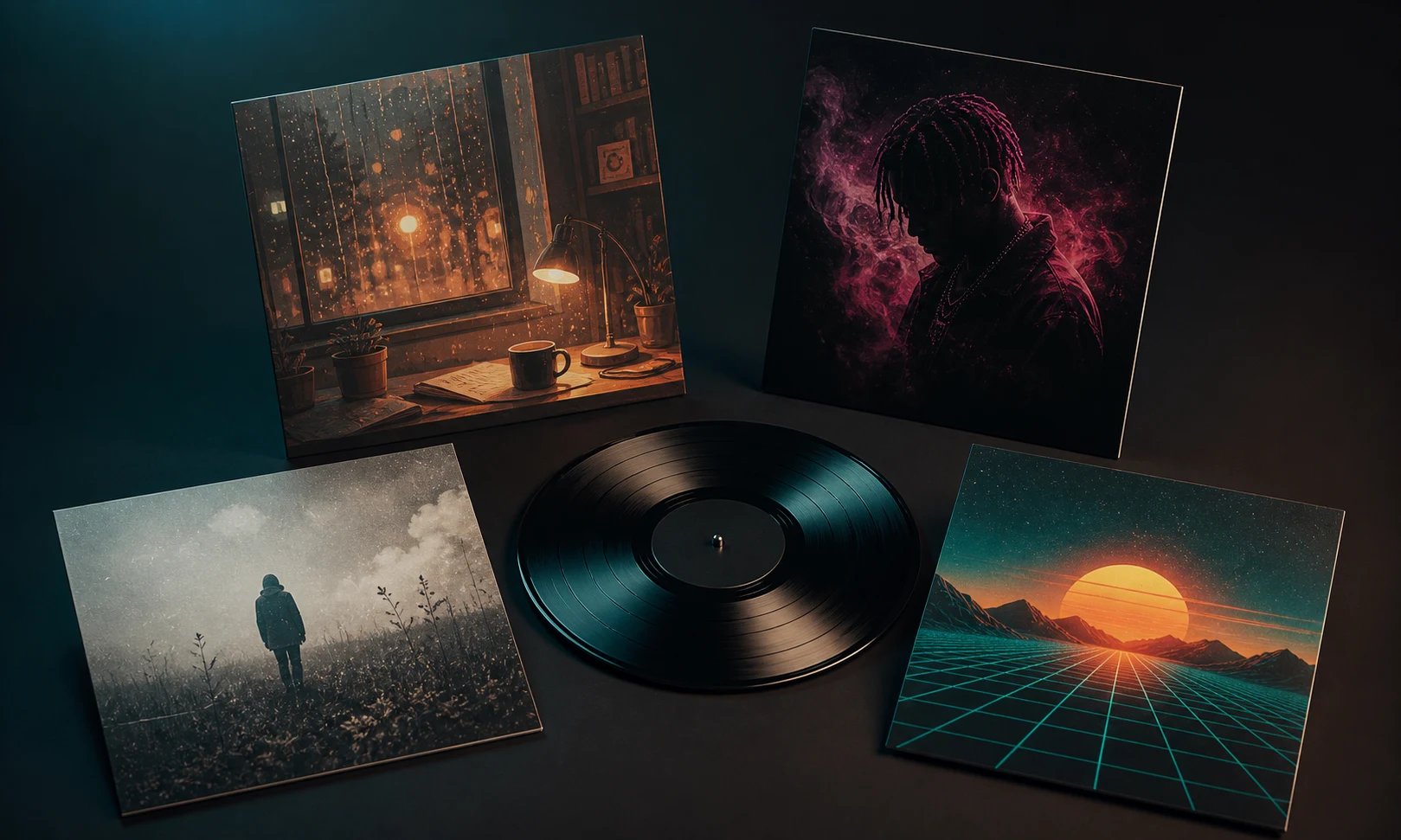
An AI album cover generator turns a written description into square cover art for your music. Tell it the genre, mood, and imagery — a rainy lo-fi night scene, a dark trap silhouette in neon smoke, a synthwave sunset — and the AI album cover generator renders it as a finished cover. It works like the pillar image generator, pointed at album art: square artwork sized the way covers are, for singles, EPs, albums, and mixtapes, instead of generic pictures. Because it starts from your words, you do not need a designer or Photoshop skills — you describe the album cover and get a polished image back.
Why use an AI album cover generator?
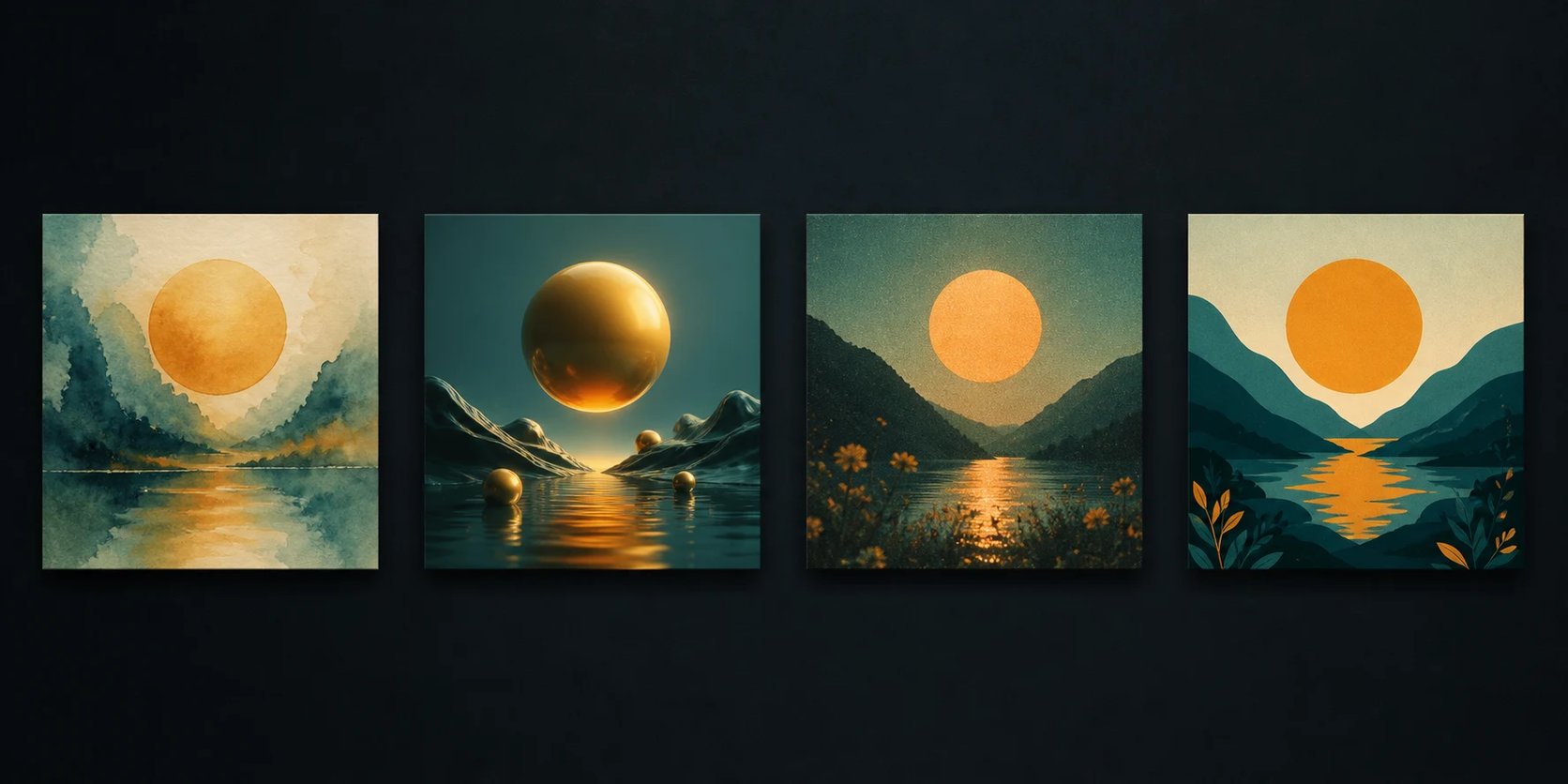
Commissioning cover art costs money and takes days of back-and-forth, and designing it yourself is hard when you make music, not graphics. An AI album cover generator gives you release-ready art in about a minute and lets you explore a whole direction before you commit. Generate a moody cover for a single, a brighter one for the EP, and a few alternates in the same palette, then change a few words to try another genre or color story. Iterate until the album cover matches the sound of the release.
Cover art shouldn't hold up your release
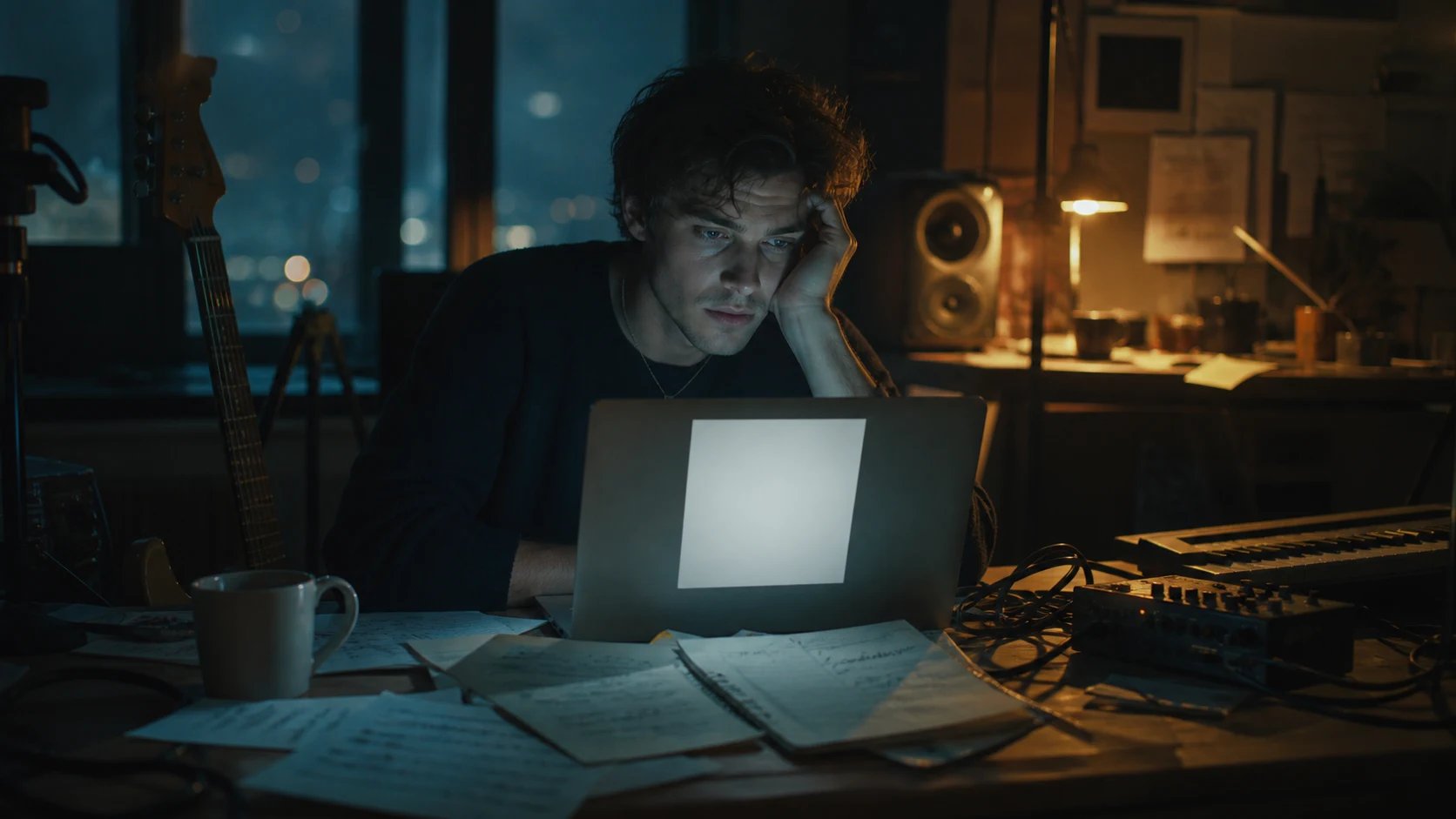
Plenty of finished tracks sit unreleased because the cover is not ready — a designer is out of budget, the deadline is close, and a blank square is the only thing between you and a live release. An AI album cover generator removes that block: describe the genre and mood you want and get square cover art in minutes. Try a few directions, keep the one that fits, and move your single or album toward release instead of staring at an empty cover.
How to make an album cover
Three steps to take the AI album cover generator from an idea to a finished album cover.
- 1
Describe your cover
Type the genre, mood, colors, and imagery — "dark trap cover, hooded figure in magenta smoke, black background" or "warm lo-fi bedroom scene at night".
- 2
Generate and compare
The AI album cover generator returns square cover art from your prompt. Adjust the wording and regenerate to explore genres and moods.
- 3
Keep the cover that fits
Pick the result that matches your sound and use it as a square image for your single, EP, or album.
Make your album cover in minutes
Turn a text prompt into release-ready square cover art with the AI album cover generator — no design skills needed.
More AI Image Generators
AI album cover generator FAQ
To generate an effective album cover, include the music genre, emotional mood, focal visual subject, color palette, and art medium in your prompt (e.g., 'ambient synthwave album cover, neon grid horizon, retro sunset, cinematic film grain'). Describe visuals rather than text, as song titles should be added afterward in a design tool.
Not reliably — AI image generators render text as shapes, so titles come out garbled. Generate the artwork here, then add your album title and artist name yourself in a design tool where you control the typography.
The art comes out square, the shape streaming platforms use, but you are responsible for the final file — typically 3000×3000 with no promotional text, URLs, or social handles. The AI album cover generator does not guarantee a distributor will approve your release.
Describe the genre and mood — lo-fi, trap, indie rock, synthwave, metal, or jazz — plus colors and imagery, and the AI album cover generator renders in that direction. The more specific your prompt, the closer the cover matches your sound.
Creating Image's Terms of Service do not grant a specific license for commercial use of generated images, so check them before using a cover on a release you sell. As with any AI image, you cannot claim the underlying style is exclusively yours.
Yes. Generating album cover art runs on credits and needs you to be signed in, so you can iterate through several directions and keep the ones that fit.