
Creating Image for AI Image Creation
Create AI images from text with GPT Image 2 or Nano Banana 2, then use the same workspace when you need supported video generation.

AVAILABLE ON CREATING IMAGE
 GPT Image 2
Create Faster, Sharper, Smarter with GPT Image 2.
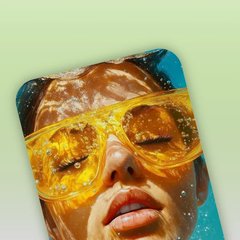
Create authentic, lifelike visuals and videos with ease.





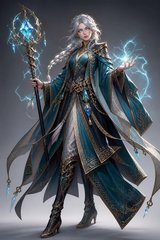




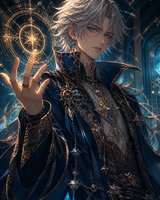
How to Create AI Images from Text
Three simple steps to create production-ready visuals from written prompts.
- 01
1. Enter Your Image Prompt
Describe your visual concept, subject, lighting, composition, and artistic direction in natural language.
- 02
2. Choose Model & Style
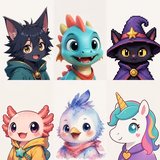
Select GPT Image 2 for photorealistic precision and typography, or Nano Banana 2 for vibrant stylized art.
- 03
3. Synthesize & Review Output
Review your generated visuals in the web workspace and access them anytime in your generation history.
Engine Performance & Technical Specifications
Real-world generation latency, prompt limits, and creative capabilities across our supported models.
| Engine | Modality | Average Speed | Prompt Capacity | Primary Strengths |
|---|---|---|---|---|
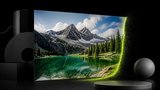
| GPT Image 2 | Text to Image | ~14s | 500 tokens | Photorealistic scenes, clean typography, and prompt fidelity |
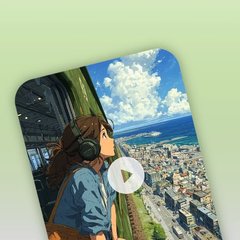
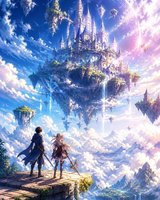
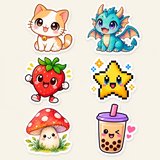
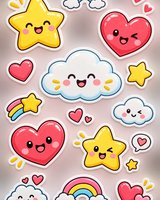
| Nano Banana 2 | Text to Image | ~12s | 400 tokens | Vibrant anime art, character styling, and stickers |
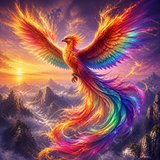
| Seedance 2 | Text to Video | ~28s | 300 tokens | Fluid scene motion, camera tracking, and cinematic clips |
More AI Image Generators
AI Image Creation Tools for Creative Work
Generate images from written prompts, compare image models, and keep related visual workflows in one workspace.
Use GPT Image 2 to generate images from detailed text prompts with strong prompt fidelity.
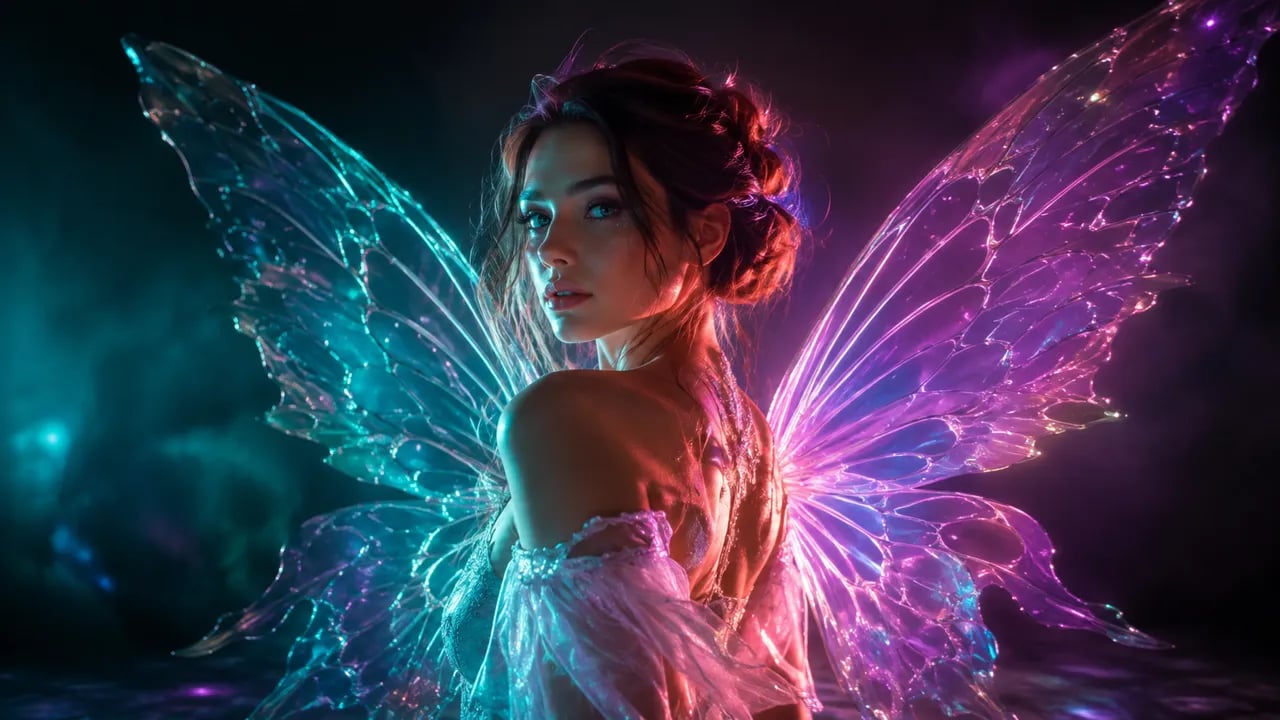
A Practical AI Image Creation Workspace
Creating Image keeps prompt-to-image creation clear: choose a model, understand credits, and keep each result in your workspace.
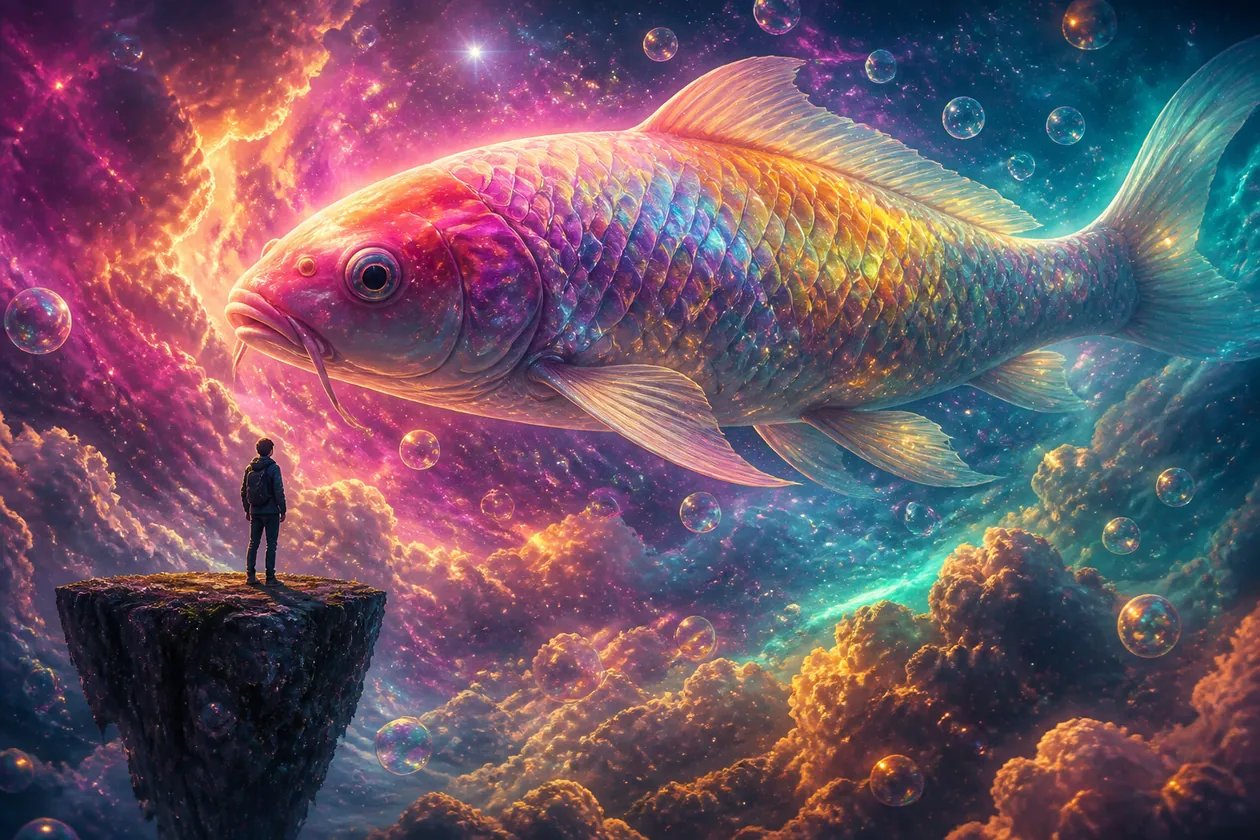
Generate Images from Text
Describe an idea in natural language and create a high-quality picture with supported AI image models.
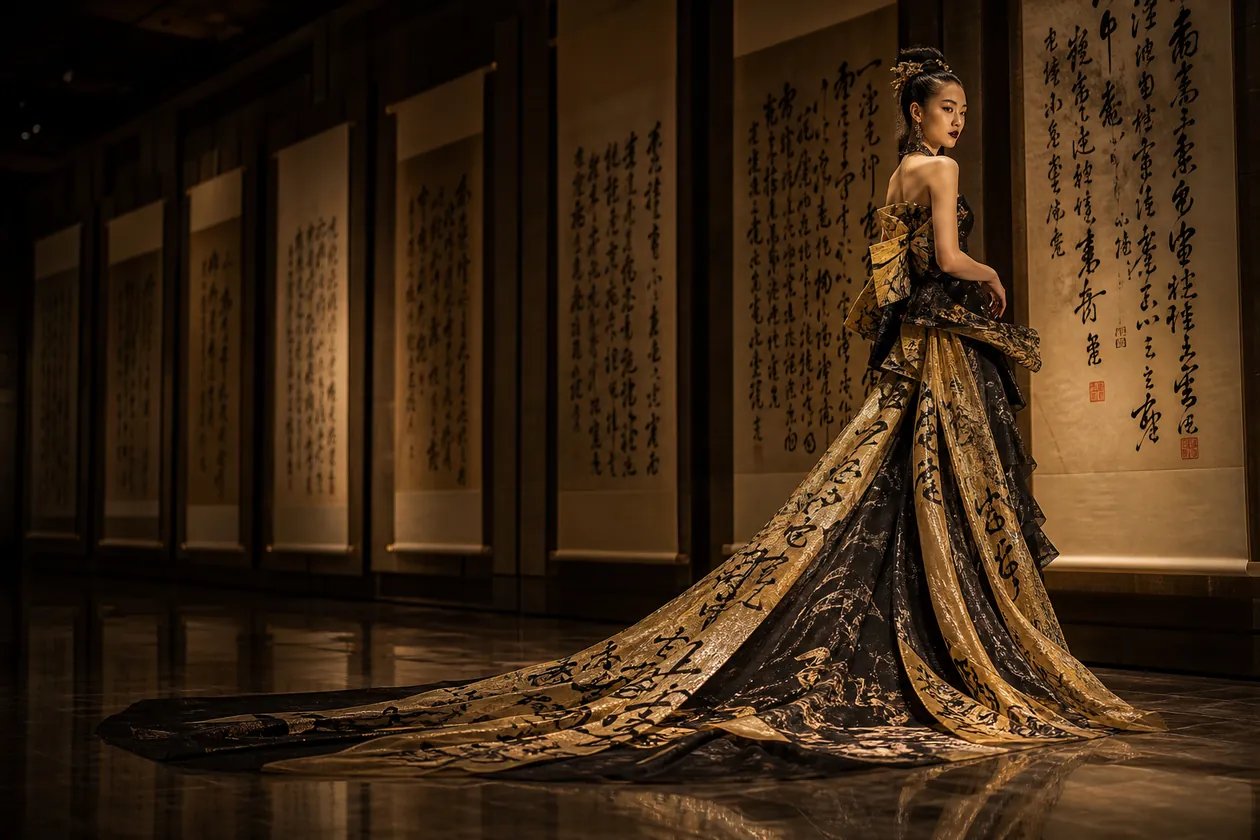
Choose an Image Model
Select GPT Image 2 or Nano Banana 2, review its credit cost, and generate from your prompt.
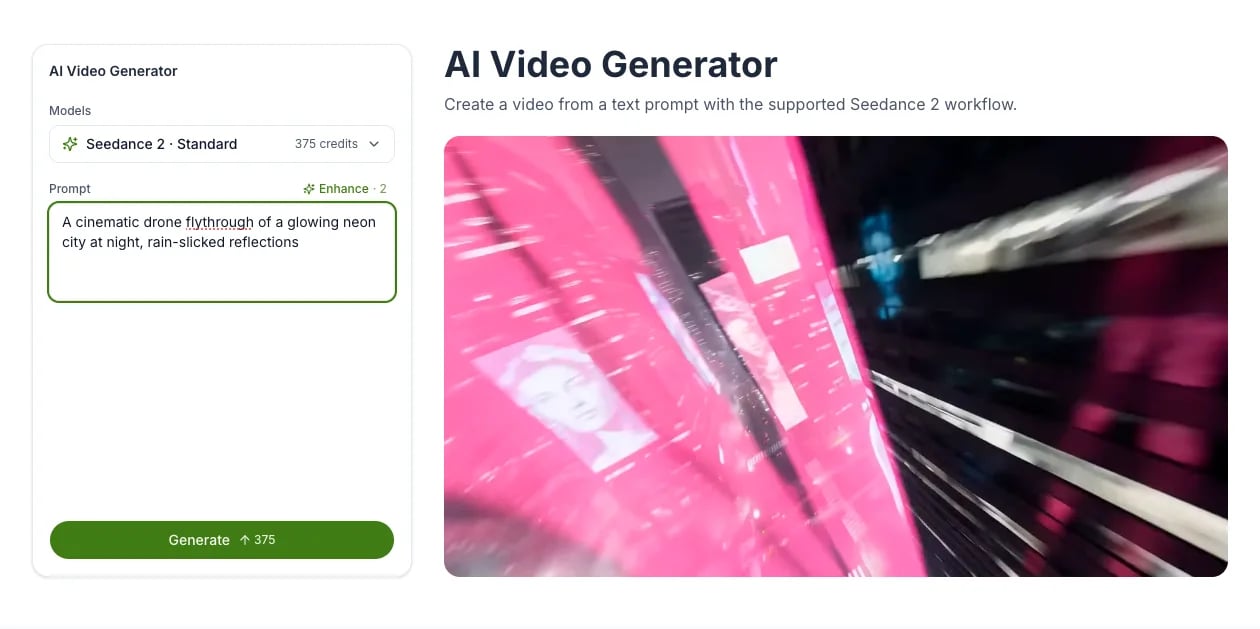
Generate Video from Text
Describe a scene, motion, and style, then create a video with the supported Seedance 2 workflow.
Who Uses an AI Image Generator?
Creating Image helps creators, marketers, designers, and businesses produce visual assets from written prompts.
Marketers & Social Media Professionals
Create campaign concepts, social posts, and advertising visuals from detailed text prompts.
Designers & Creative Artists
Test visual directions and create new concepts with different prompts and supported models.
E-Commerce & Retail Businesses
Create product concepts and promotional imagery from written descriptions.
Everyday Consumers & Hobbyists
Start with a plain-language idea and build a generated image or video with a simple workflow.
Educators & Researchers
Teachers and researchers turn complex data and concepts into clear diagrams, infographics, and charts in minutes, making presentations and reports far more engaging.

Start Creating with Creating Image
Try the AI image generator: after you sign up, answering 3 quick questions gives you 16 credits, enough for one 4K image with GPT Image 2. Then choose a credit plan that fits your workflow.
AI Image GeneratorQuestions About Creating Image AI Image Creation
Learn how text-to-image and text-to-video generation, models, and credits work.
Creating Image is a prompt-based visual creation workspace powered by GPT Image 2 and Nano Banana 2 that generates production-ready imagery directly from text descriptions. It unifies high-fidelity image synthesis, style direction, and creative workflow tools in one credit-based browser environment.
No. Creating Image runs in a modern web browser. Sign in to use your workspace, credits, generation history, and account features.
Yes. Start with a plain-language prompt, then choose the image or video workflow that matches the result you want to create.
You can create images from text with GPT Image 2 or Nano Banana 2. Supported models and credit costs are shown in the generator.
The current product configuration includes GPT Image 2, Nano Banana 2, and Seedance 2 for the supported image and video workflows.
Completed images and videos are copied to Creating Image's own media storage and returned through Creating Image's media URL rather than the upstream provider URL.
Generation time depends on the selected model and provider queue. The workspace shows the task status until the result is ready.
Yes. Describe the scene in a text prompt and use the supported Seedance 2 workflow. The selected model determines the credit cost.
Yes. Use detailed text prompts to create product concepts, campaign visuals, and other supported image-generation outputs.
Check the task status for any credit return or pending review after a failed generation. Returned credits keep their original expiry date. This is separate from a payment refund.
After you sign up, answering 3 quick questions gives you 16 credits, enough for one 4K image with GPT Image 2. Video generation is a paid credit workflow and is not covered by the survey credits.
Each supported model has a defined credit cost. The server checks the available balance and records the credit deduction when it creates the generation task.