
OC Maker: Create Your Original Character with AI
Describe your OC's look, outfit and personality, name an art style, and get a full-body character image you can keep, share with your group or show an artist. Every result is AI-generated.
Your original character
AI-generated example. Your generated image appears here.
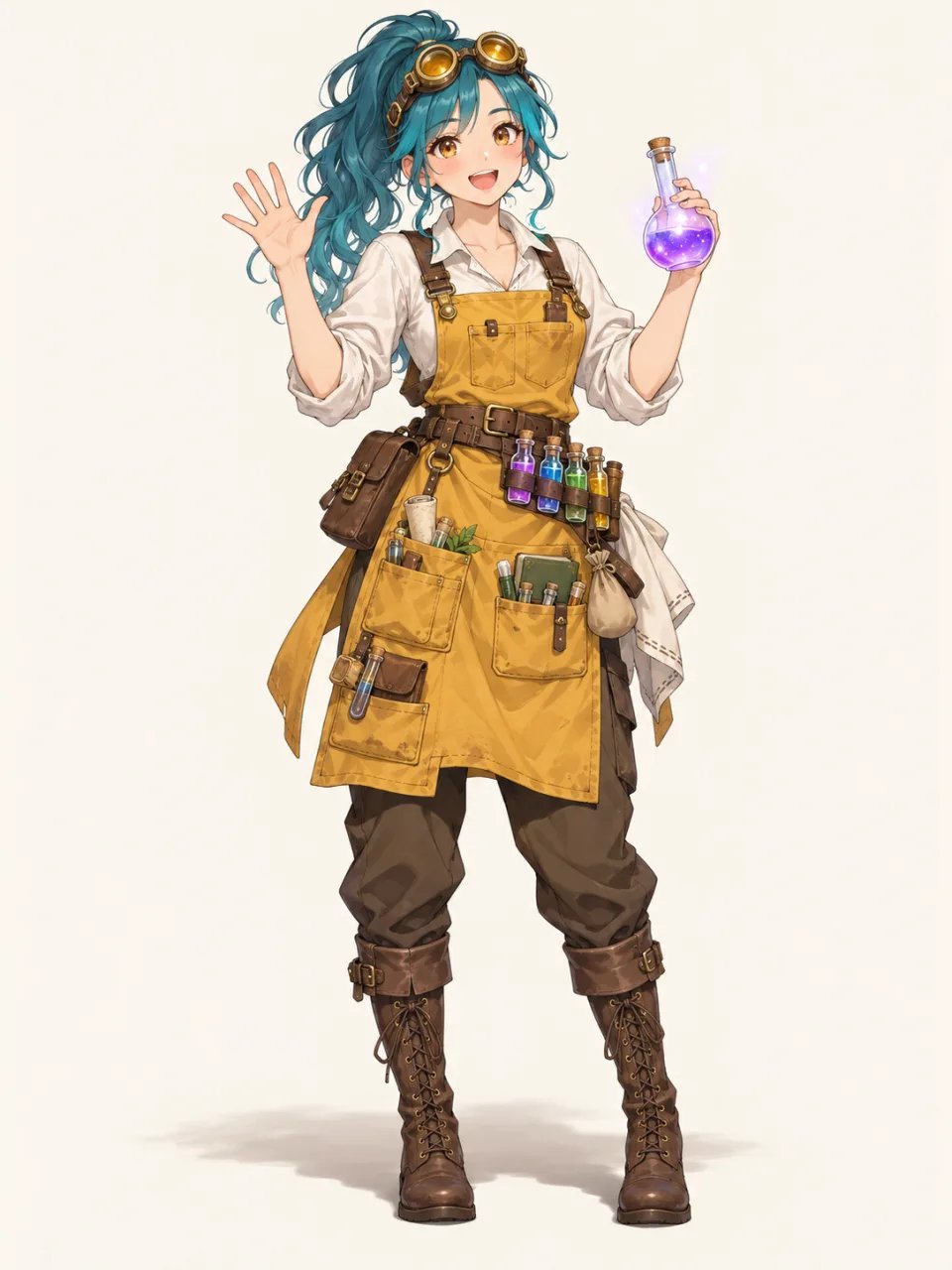
Can't Draw Your OC? Describe It Instead
Plenty of people can picture an original character in detail but can't draw it, so they piece one together from photos, game character creators or doll makers. Here you write the character instead: who they are, what they wear, what they carry and which art style you want. The result is a new full-body image built from that description.
Every image on this page is AI-generated. Check hands, faces and small accessories before using a result, and generate again if something is off.
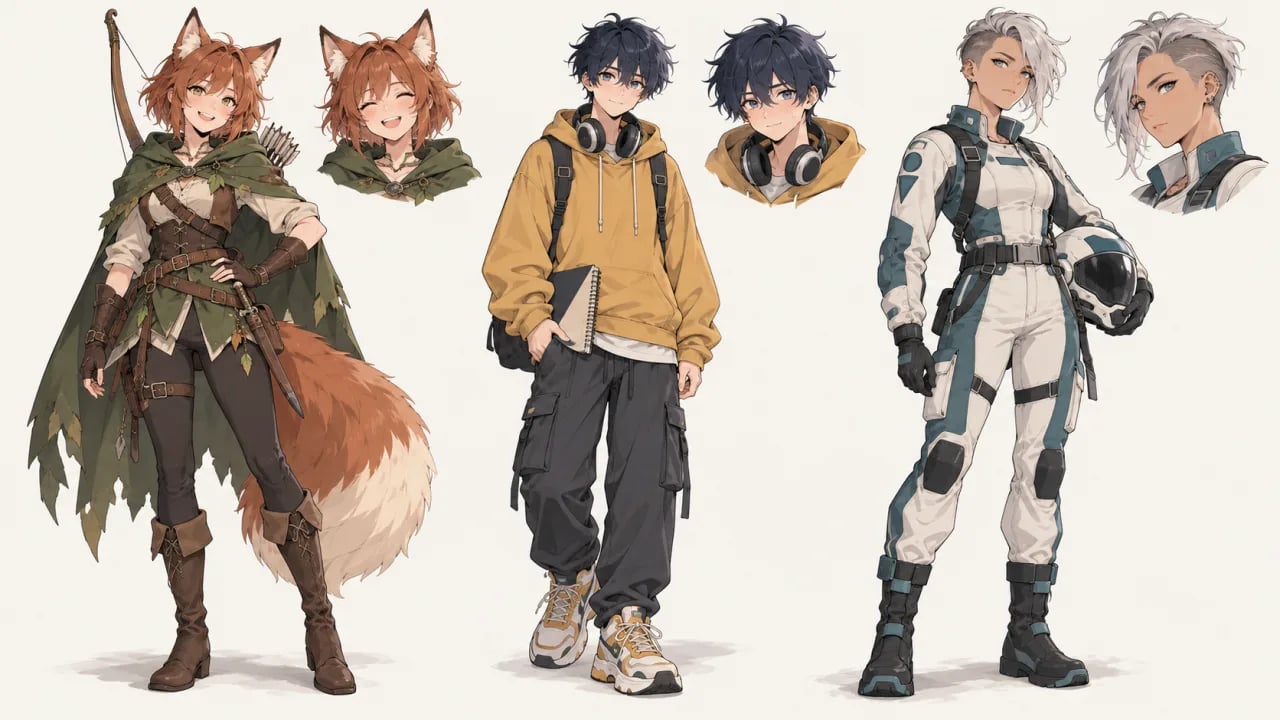
What Is an OC Maker?
An OC maker is a tool for creating an original character (OC), a character you invent rather than one taken from an existing story. This OC maker is a text-to-image generator: you describe the character's appearance, outfit and art style, and it returns an AI-generated full-body image you can review, regenerate and save.
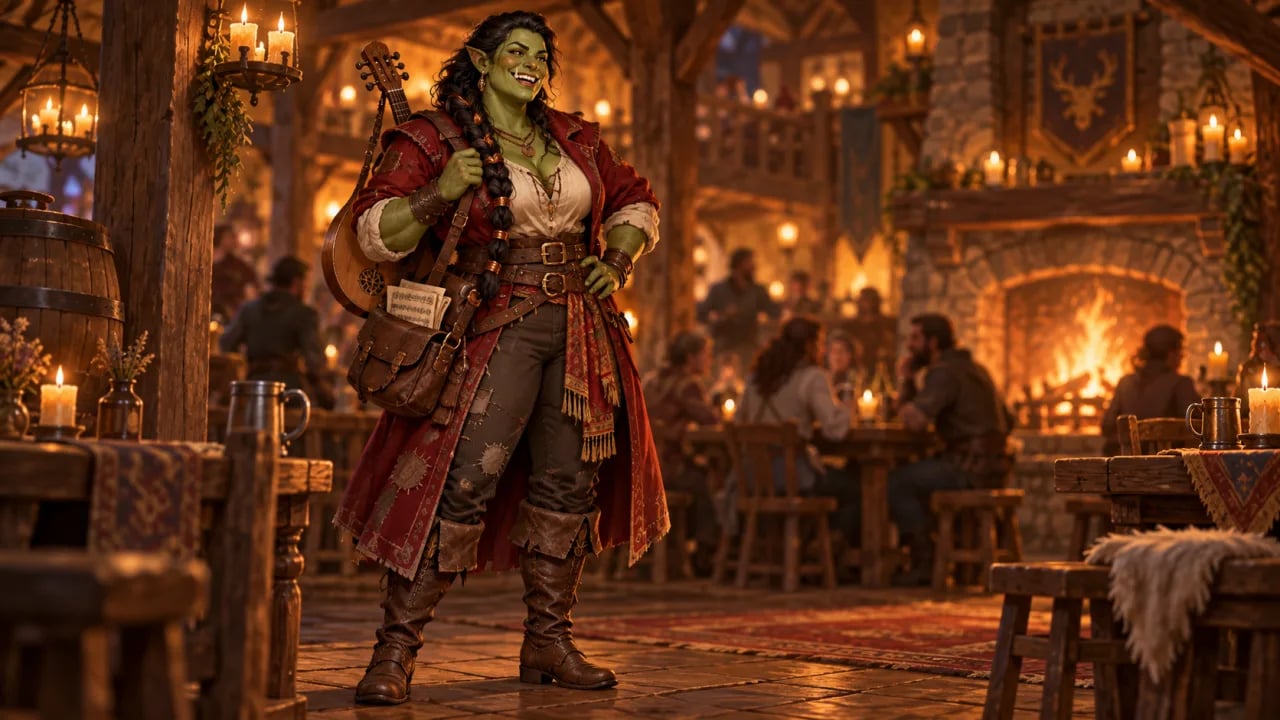
See your party character before session one
Players often arrive with a backstory and no picture. Describe your character's ancestry, gear, clothing and personality, and get a full-body image to share with your group or your game master.
- Write the gear and outfit your character actually carries
- Add a setting so the image matches your campaign
- Generate again until it feels like your character
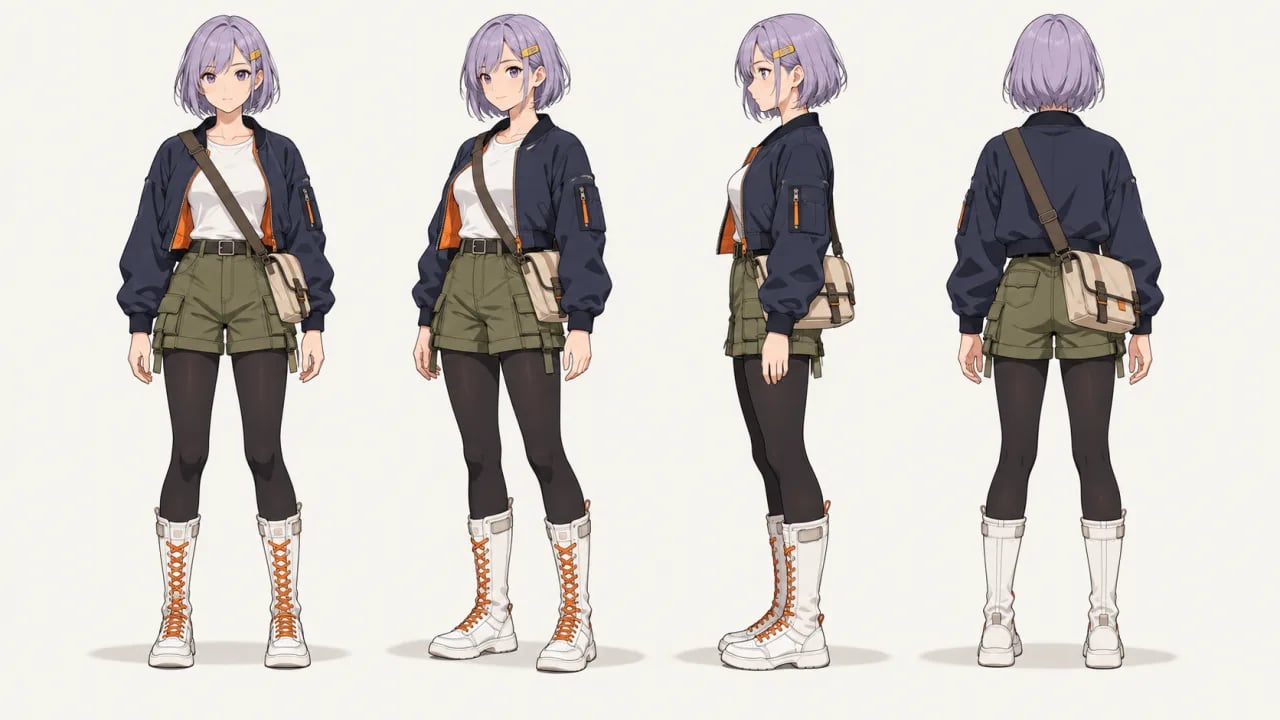
Lay out front, side and back views
Ask for a turnaround and the generator can draw your OC from several angles in one image. Views can disagree on small details such as a clip, a strap or a hairline, so check each view before you use it as a reference.
- Request front, three-quarter, side and back views
- Keep a plain background so the outfit reads clearly
- Check every view for details that changed
Try one character in different art styles
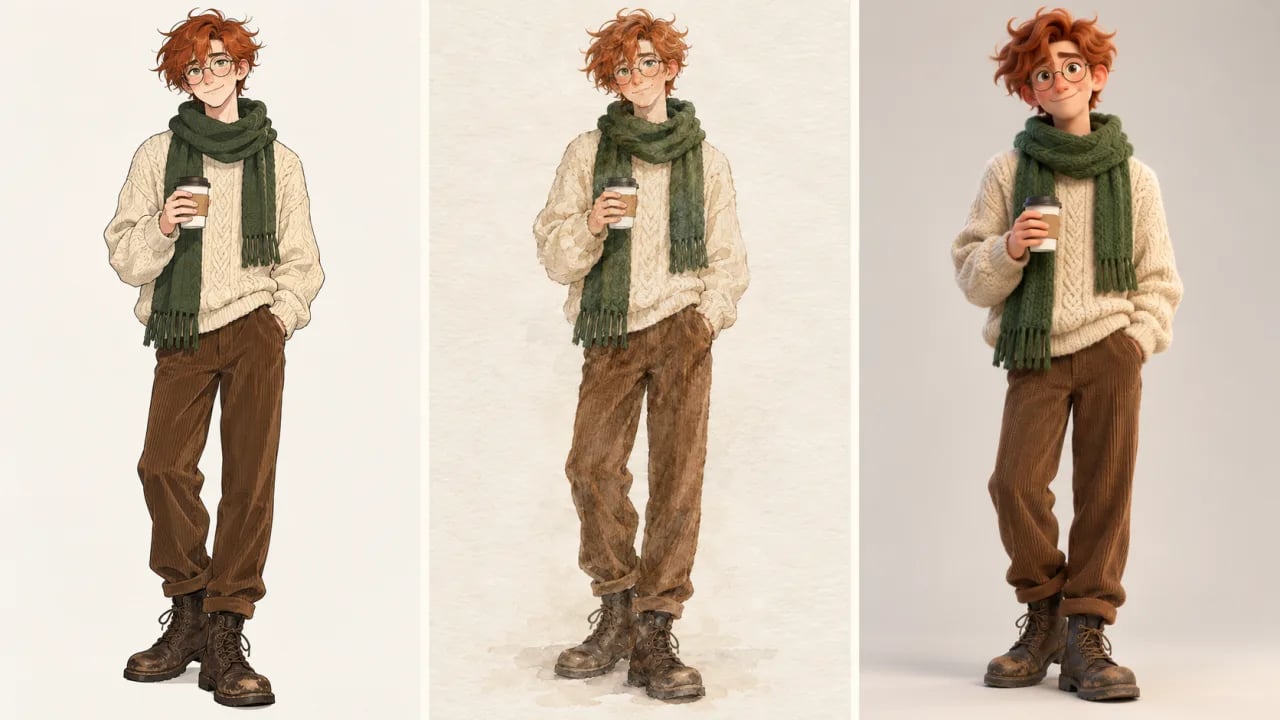
The same description can be drawn as clean anime, a watercolor storybook or a 3D animated look. Name the style in your prompt and keep the character details the same to compare versions.
- Name the art style in your prompt
- Keep the same character details between versions
- Expect small differences between generations
How to Make an OC with AI
- 1
Describe your character
Write who they are, then the details people notice first: species or ancestry, age, hair, outfit, props and expression. Add a pose and a plain background for a full-body design.
- 2
Name an art style and generate
Name a style such as anime, watercolor or semi-realistic fantasy, pick an available model and check the credit cost in the selector, then select Generate my OC. You need to sign in before generating.
- 3
Review and keep the version you like
Check hands, faces and accessories. To refine the design, change one detail in the prompt and generate again, and keep your description so you can reuse it later.
Bring Your Original Character to Life
Start with one sentence about who your character is, add what they wear and the art style you like, and see them in full for the first time.
Generate my OCFor fantasy, RPG and concept-art characters in general, try the AI Character Generator. For anime scenes and illustrations, use the AI Anime Generator.