
Your pixel art
Generated from your prompt
AI Pixel Art Generator — Retro Sprites
Turn text prompts into crisp retro pixel art. Describe your character sprite, isometric game scene, or 8-bit icon, and the AI pixel art generator renders it in minutes.
What is an AI Pixel Art Generator?
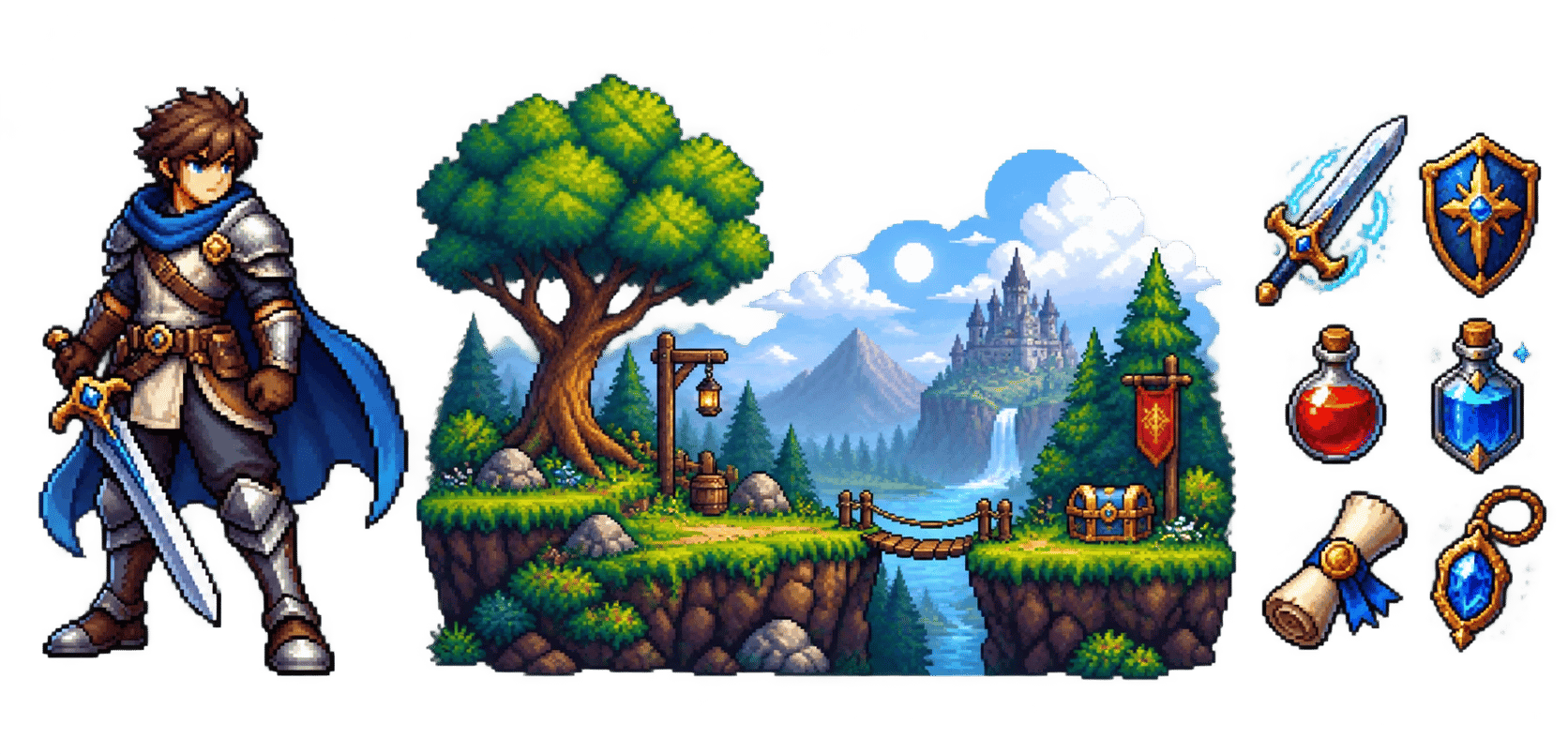
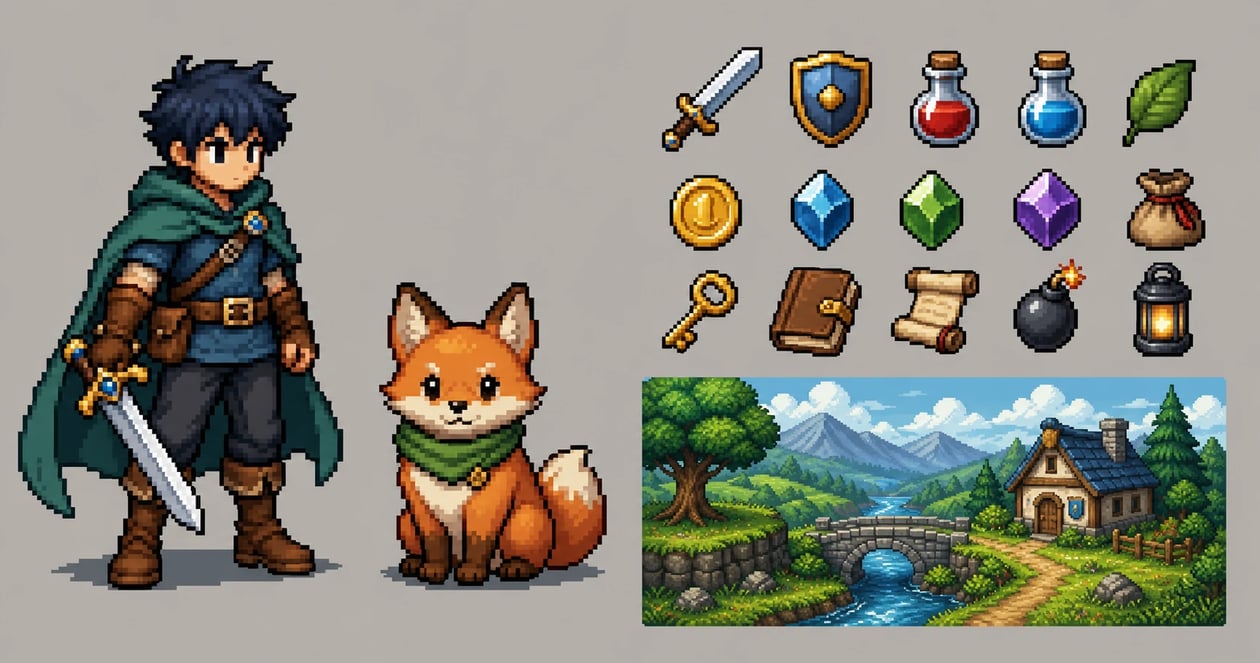
An AI pixel art generator is an algorithmic image creation tool that converts natural language descriptions into retro 8-bit and 16-bit pixel art graphics. By quantizing color palettes and aligning details to clean pixel grids, it renders game sprites, item icons, and nostalgic environments in minutes.
8-Bit & 16-Bit Character Sprites
Generate detailed game protagonists, enemies, and RPG hero sprites with authentic color palettes and distinct silhouettes.
- Quantized retro color palettes and clean pixel edges
- 16x16, 32x32, and 64x64 aesthetic scaling
- Front-facing and dynamic action sprite stances
Retro Game Environments & Isometric Overworlds
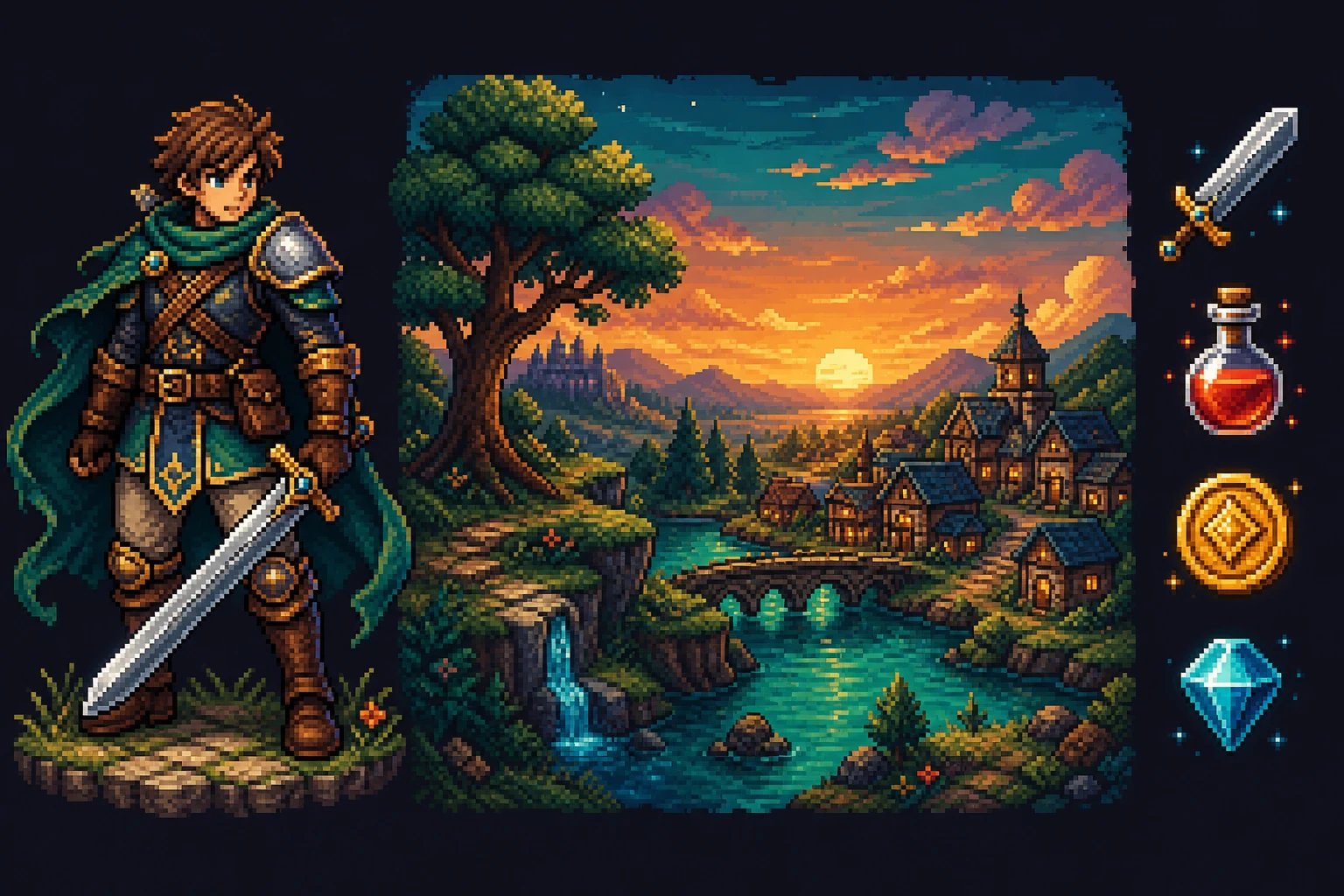
Render nostalgic game maps, cozy isometric rooms, pixel villages, and dungeon tilesets from descriptive text.
- Isometric 3D perspectives and top-down tile views
- Rich environmental shading and tileable textures
- Cozy retro palette harmonies for indie games
Cyberpunk & Fantasy Pixel Art Landscapes
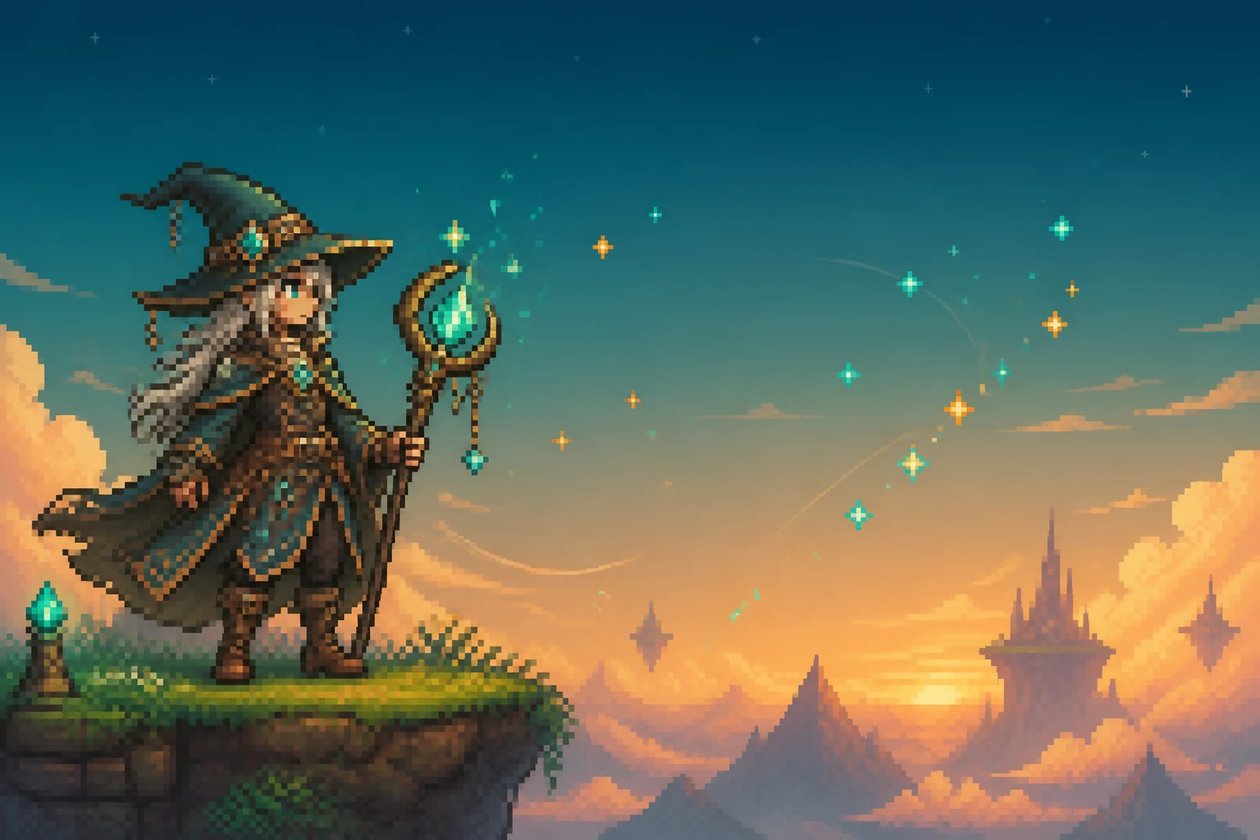
Create wide cinematic pixel art wallpapers, neon-lit cityscapes, and sunset fantasy horizons with rich retro ambiance.
- Dithering techniques for smooth retro gradients
- Neon glow and volumetric pixel lighting effects
- Zero blurry anti-aliasing artifacts on hard edges
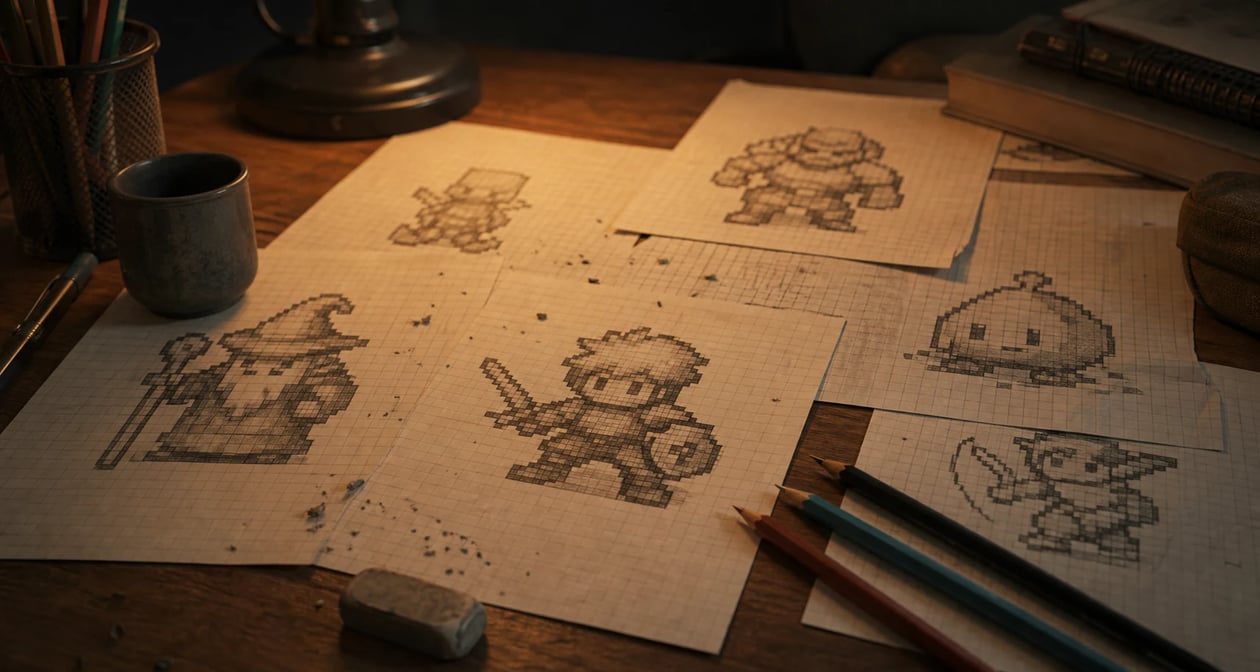
AI Pixel Art Generator vs Manual Sprite Painting
Compare pixel art creation workflows across iteration speed, palette control, scene complexity, and game asset readiness.
| Specification / Workflow | Creating Image AI | Manual Aseprite / Grid Work | Generic AI Generator |
|---|---|---|---|
| Pixel Grid & Palette Quantization | Crisp quantized pixels with retro palette alignment | Meticulous single-pixel placement for hours | Blurry smudged pixels and fake noisy gradients |
| Style Selection (8-Bit / 16-Bit) | Prompt-guided era control (Game Boy, NES, SNES) | Manual palette index swapping per asset | Mixed blurry resolution artifacts |
| Asset Turnaround Time | Typically 1–2 minutes per image | 3 to 10 hours per complex scene or sprite | Fast but requires extensive pixel-by-pixel repainting |
| Scene & Environment Complexity | Full isometric rooms & detailed fantasy vistas | Weeks of tedious tile building for overworlds | Perspective drift and mismatched tile heights |
| Changes & Iterations | Rewrite the prompt and generate again | Revision rounds through the artist | Depends on the tool |
How to Generate Pixel Art
Three steps to take the AI pixel art generator from an idea to usable pixel art.
- 1
Describe your pixel art
Type the subject, palette, and style — "green-cloaked knight sprite, 16-bit, dynamic pose" or "cozy forest town scene, retro palette".
- 2
Generate and compare
The AI pixel art generator returns pixel art from your prompt. Adjust the wording and regenerate to explore styles.
- 3
Keep the pixel art you love
Pick the result that fits and use it as a PNG in your game, avatar, or project.
Make Pixel Art in Minutes
Turn a text prompt into crisp retro pixel art with the AI pixel art generator — no drawing skills needed.
More AI Image Generators
AI Pixel Art Generator FAQ
Character sprites, enemies, item icons, tiles, backgrounds, avatars, and retro scenes — describe the subject and style and the AI pixel art generator renders it in pixel art.
No. It produces a pixel-art-style image (a PNG), not a true low-resolution editable grid you would open in Aseprite, and not a packed sprite sheet. It is for finished pixel-art visuals, not pixel-by-pixel editing. If you need multi-frame character sheets or action keyframes for 2D games, explore our AI Sprite Generator.
No. It generates pixel-art images, not block schematics, bead grids, or crochet charts. For those you would need a dedicated grid converter.
Describe the era and palette — 8-bit, 16-bit, monochrome Game Boy, or bright modern pixel — and the AI pixel art generator renders in that direction. The more specific your prompt, the closer the result.
Creating Image's Terms of Service do not grant a specific license for commercial use of generated images, so check them before shipping pixel art in a game you sell. As with any AI image, you cannot claim the underlying style is exclusively yours.
Yes. Generating pixel art runs on credits and needs you to be signed in, so you can iterate through several looks and keep the ones you like.