
AI Human Generator
Create realistic portraits of people who don't exist. Describe their age, look, clothing and setting to give a story character, NPC or user persona a face.
Your fictional person
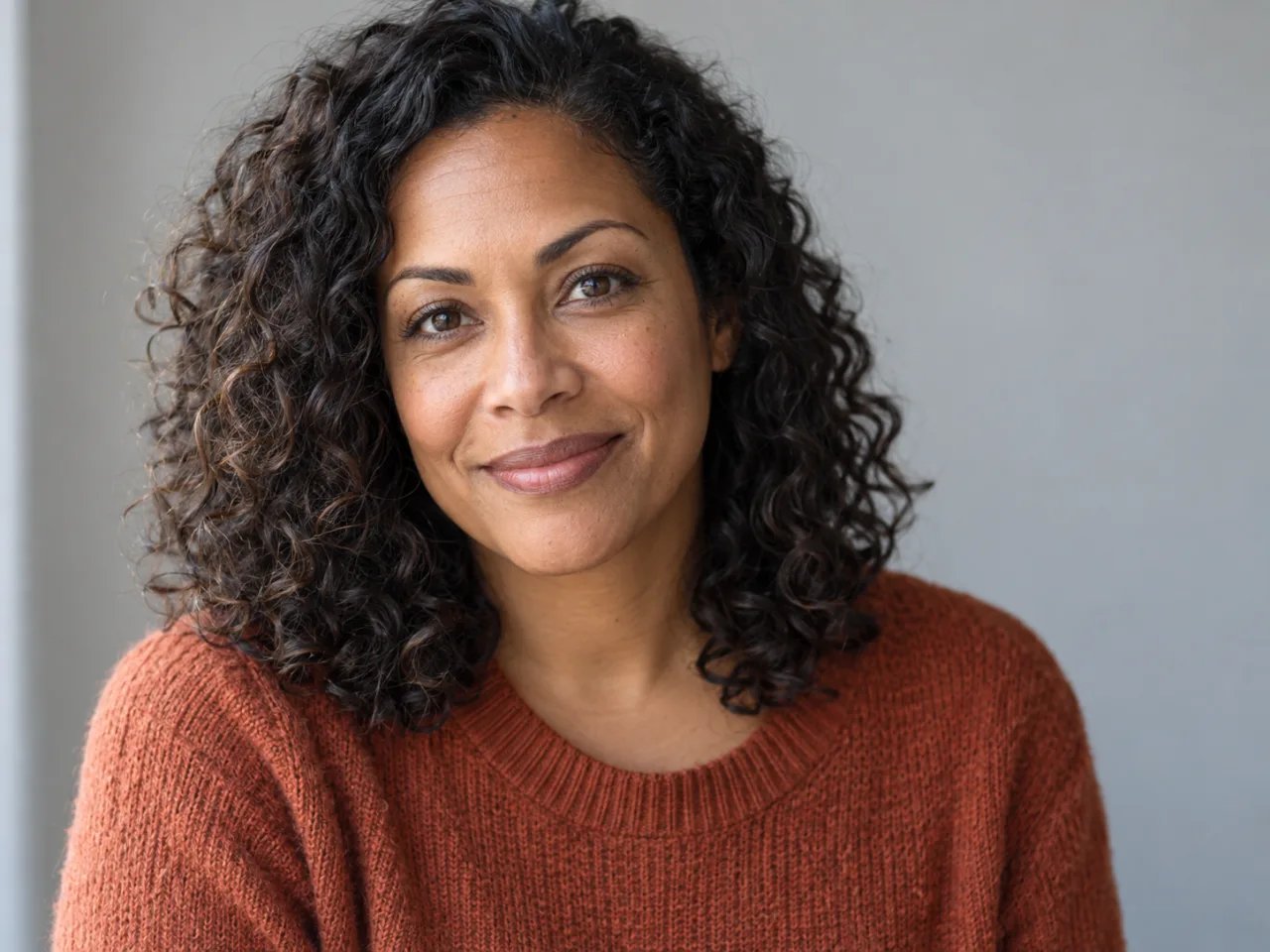
AI-generated example. Your generated image appears here.
Describe a Person Who Doesn't Exist
Random face generators make you refresh until something close appears. Here you write the person instead: an age, a background, a hairstyle, what they wear and how they feel. The result is a new face built from your description, not a photo of someone real.
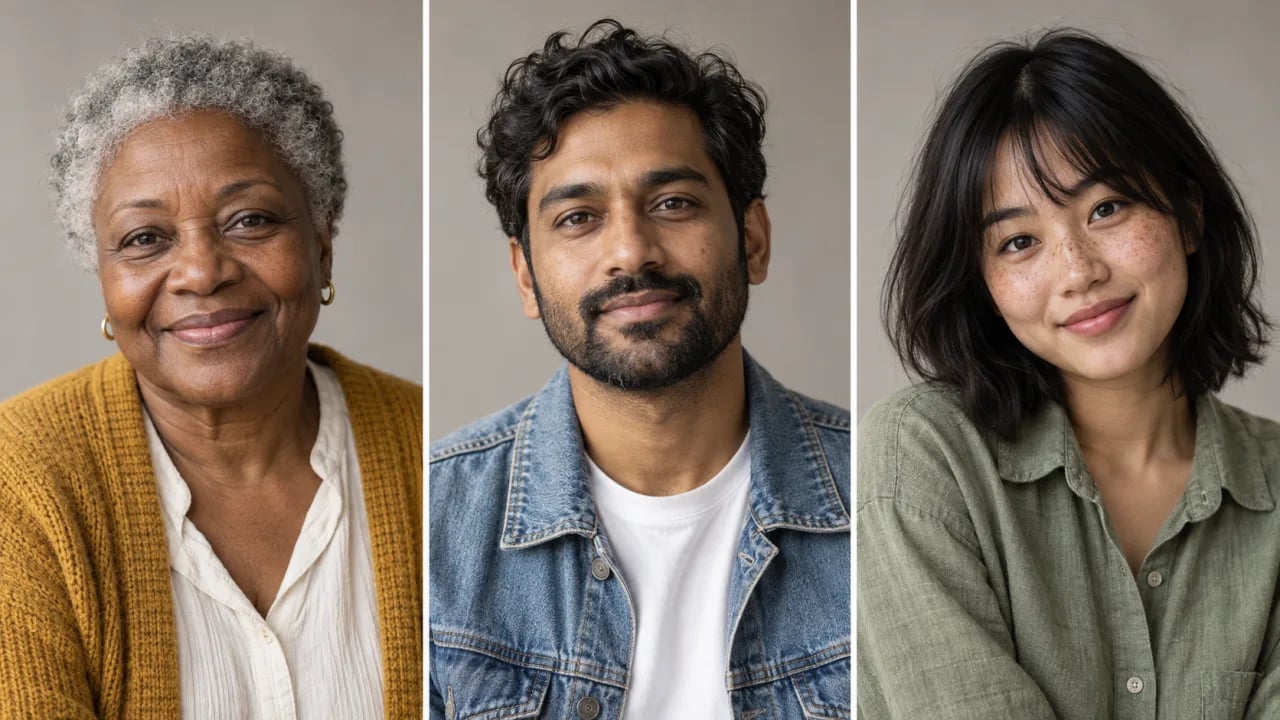
The examples are AI-generated. Look closely at eyes, hands, teeth and background details before using a result, and generate again if something looks off.
What Is an AI Human Generator?
An AI human generator is a text-to-image tool that creates realistic portraits of people who do not exist. Writers, game masters and designers describe age, appearance, clothing and setting, then review the image as a character face, NPC portrait or persona placeholder. Results can contain flaws, so check each one.
Put a face to a character you can't draw
Picturing a cast is easier with a face to look at. Describe a character's age, era, clothing and mood, and use the portrait as a visual reference while you write, without commissioning art or borrowing a real person's photo.
- Write the era, costume and expression you imagine
- Keep the face fictional instead of casting a real actor
- Generate again until the character feels right

Give every NPC a face players remember
A portrait helps players tell the innkeeper from the merchant. Describe each NPC with the same lighting and setting so a set of portraits feels like it belongs to one campaign.
- Reuse one lighting and setting line for a matching set
- Vary age, background and clothing for each NPC
- Save the portraits you like for your session notes

Fill persona cards and mockups with a believable face
User personas and interface mockups need a profile photo that matches a specific age group and style. Describe the persona and generate a portrait that fits it, instead of searching stock sites for the right person.
- Match the persona's age, style and setting
- Use a plain backdrop for a consistent set of avatars
- Treat it as a placeholder for real research findings

How to Create a Realistic Fictional Person
- 1
Describe the person
Write an age, background, hairstyle, clothing and expression, then add the light and backdrop you want. Specific details work better than refreshing random faces.
- 2
Pick a model and generate
Choose an available model, check the credit cost shown in the selector, then select Generate a person. You need to sign in before generating.
- 3
Check the face and download
Look at the eyes, teeth, ears, hands and background before downloading. To try a different person, change a few details in the prompt and generate again.
Give Your Next Character a Face
Start with one sentence about who this person is, add their age and what they wear, and see a realistic portrait of someone who doesn't exist.
Generate a personFor illustrated, anime or fantasy characters, try the AI Character Generator. To restyle a photo of yourself instead, use the AI Portrait Generator.