
Upload your photo
Headshot styles
Your professional headshot
Your selfie, upgraded to a studio headshot. Drag to compare before and after.
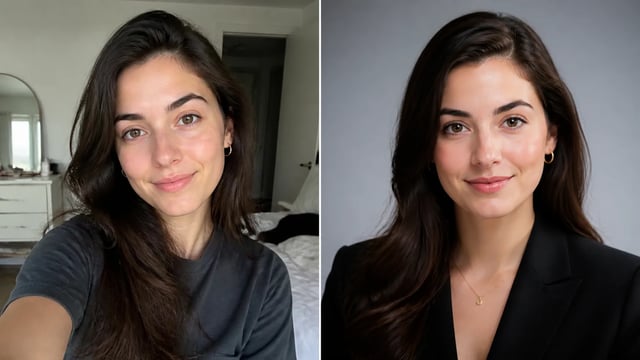
AI Headshot Generator — Studio Headshots
Upload a selfie and the AI headshot generator turns it into a polished professional headshot — studio lighting, business attire, and a clean background. Sign in and it runs on your credits.
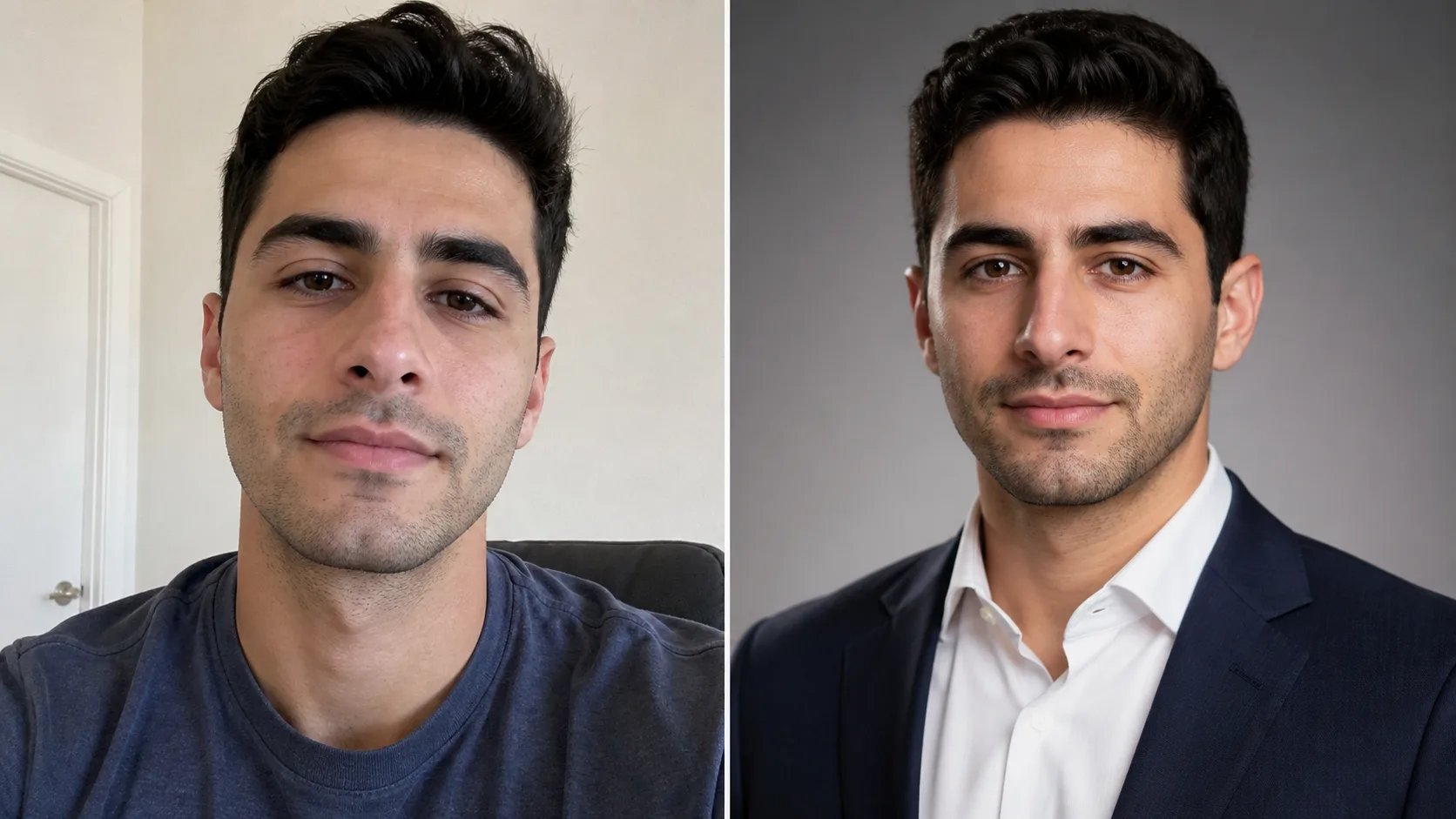
What is an AI headshot generator?
An AI headshot generator turns an ordinary selfie into a professional headshot without a studio or a photographer. You upload a photo of your face, and the model restyles it with the things a portrait studio would give you — soft, even lighting, a clean background, business attire, and a confident, natural crop. It keeps your likeness while upgrading everything around it, so the person in the headshot is recognizably you, just camera-ready. That is what separates an AI headshot generator from a plain filter: it rebuilds the shot as a portrait, not just a color tweak.
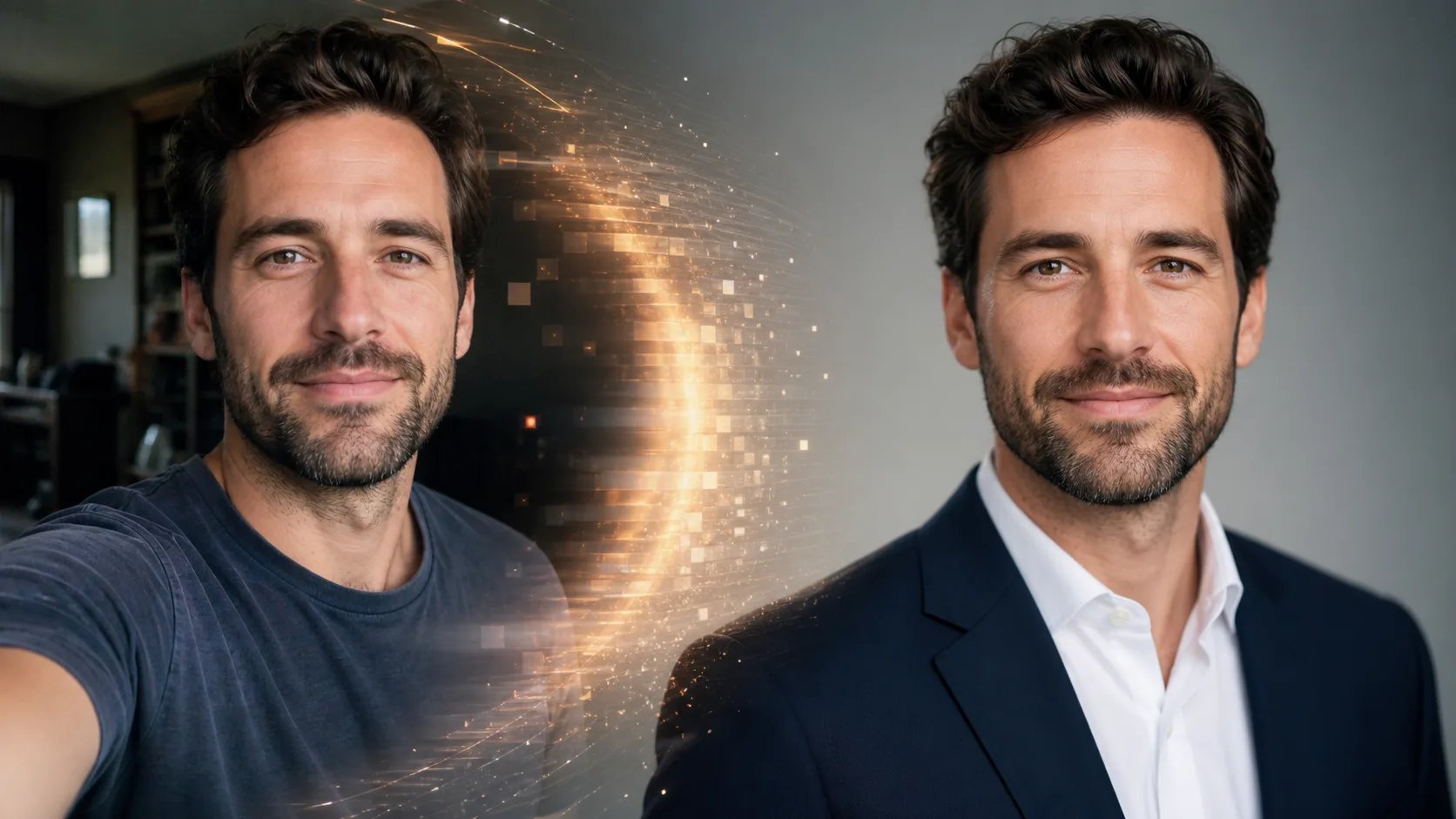
Why use an AI headshot generator?
A good professional headshot usually means booking a photographer, dressing up, and paying for a studio session. An AI headshot generator gives you the same result from a photo you already have. Upload a selfie and get a headshot with studio lighting, a neutral background, and a polished, professional look — ready for a profile, a resume, a company page, or a bio. Because it starts from your own face, the result stays recognizably you, and you can generate several looks to pick the one that feels right.
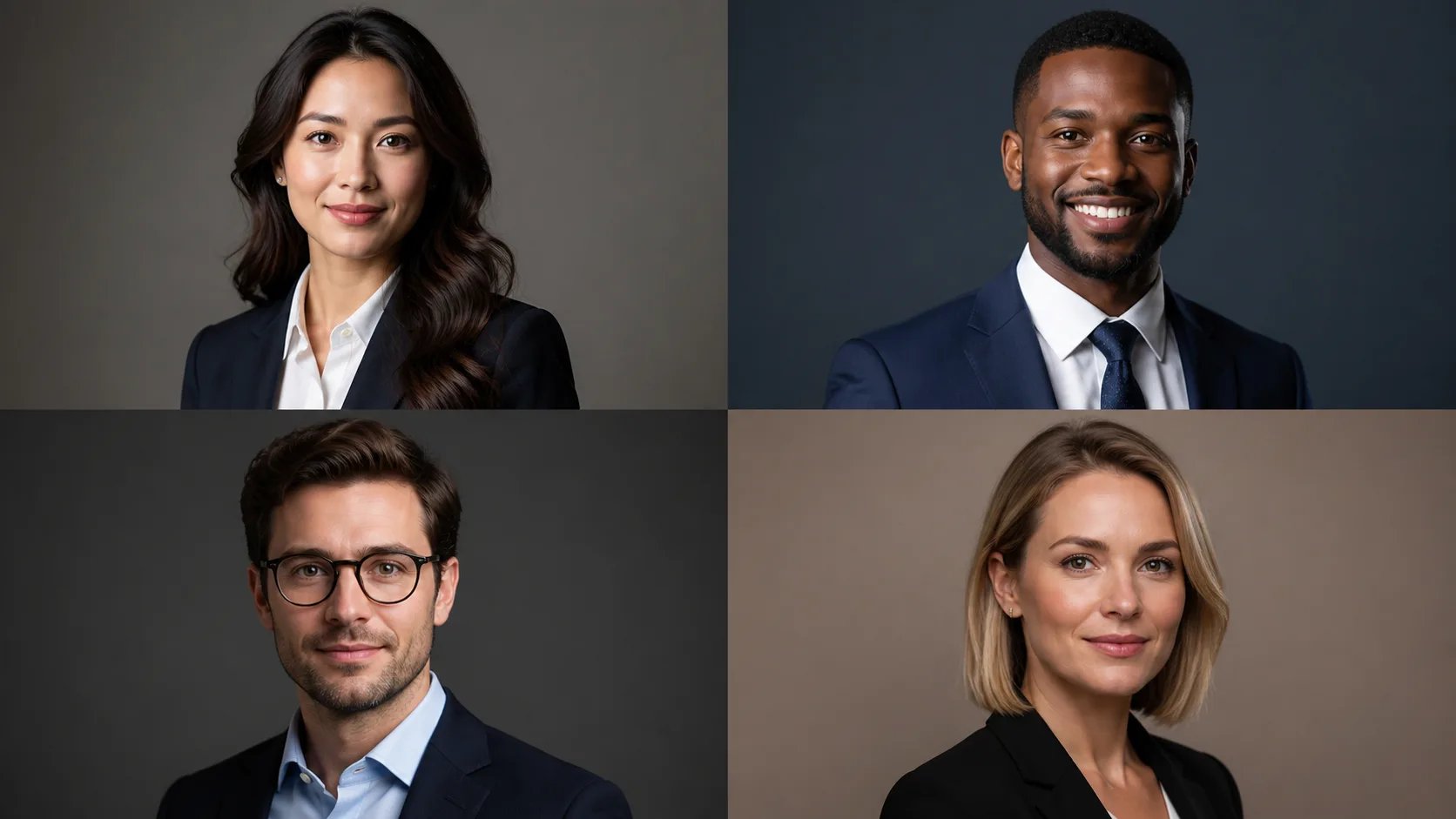
Need a professional headshot but not a photo shoot?
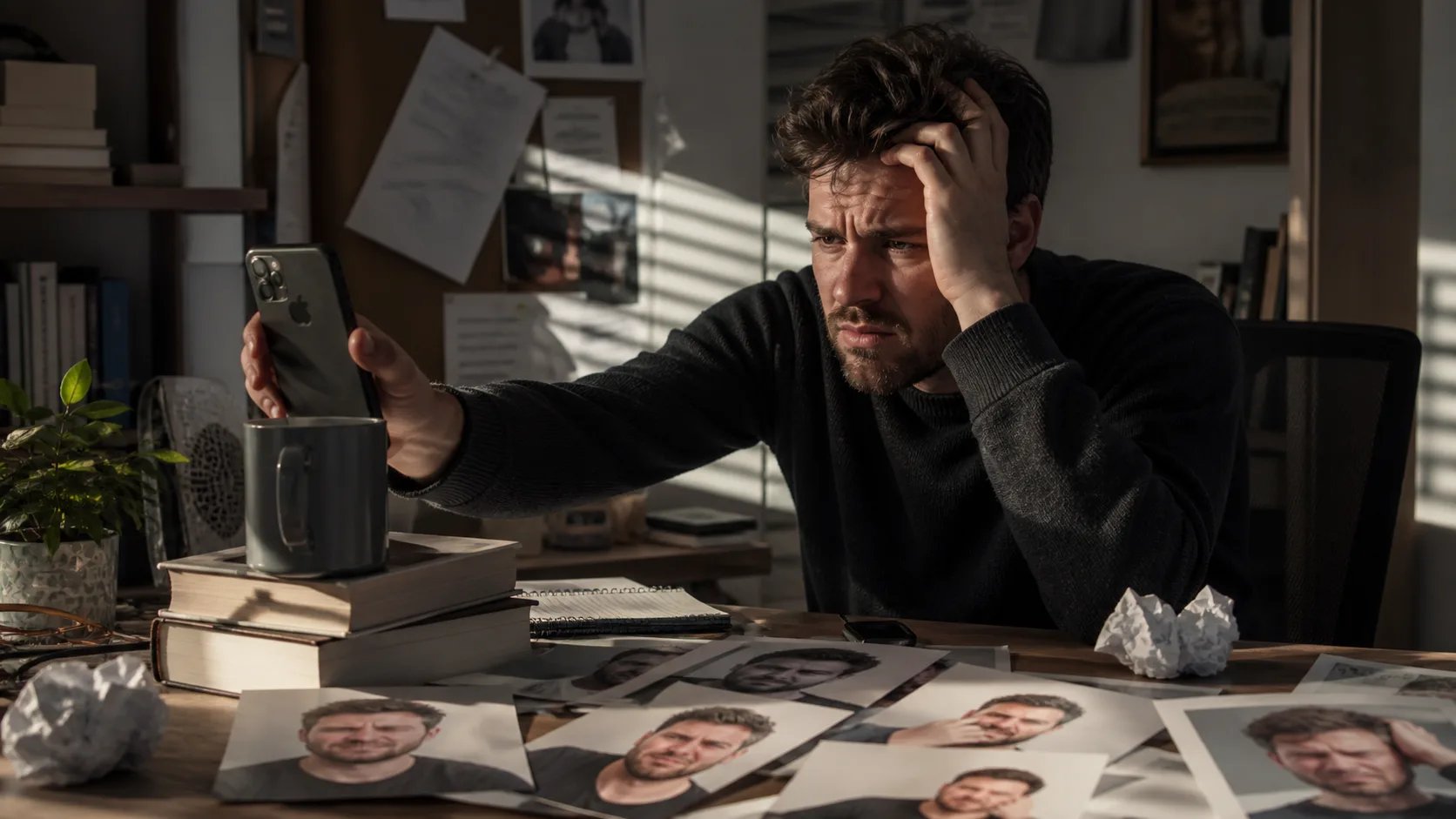
Getting a good headshot the traditional way is a hassle — scheduling a photographer, paying studio rates, or propping your phone against a stack of books and hoping the lighting works. Most self-taken attempts end up with harsh light, a messy background, or an awkward crop. The AI headshot generator skips all of it: upload one clear photo of your face and it produces a studio-grade headshot for you, so a professional profile picture is minutes away instead of a booked afternoon.
How to use the AI headshot generator
Turn a selfie into a professional headshot in three steps.
- 1
Upload your photo
Sign in and upload a clear, front-facing photo of your face — a JPG, PNG, or WebP. Good input light gives the best headshot.
- 2
Pick a style
Choose a headshot style — corporate, business casual, or a clean neutral look — or describe the attire and background you want.
- 3
Generate and download
The AI headshot generator returns a professional headshot from your photo. Compare it with your original, then download the result.
Get a professional headshot
Upload a selfie and let the AI headshot generator turn it into a studio-quality headshot.
More AI Image Generators
AI headshot generator FAQ
It turns a regular selfie into a professional headshot. You upload a photo of your face and it adds studio lighting, business attire, a clean background, and a polished crop while keeping your likeness.
A clear, front-facing photo of your face in reasonable light works best. A JPG, PNG, or WebP is fine, and the clearer your input, the better the headshot.
Yes. The generator keeps your likeness and upgrades what a studio would — light, background, attire, and crop — so the headshot is recognizably you, just camera-ready.
You can aim for a corporate, business-casual, or clean neutral look, and describe the attire and background you want in the prompt. Generate a few and pick your favorite.
Yes. Sign in and each headshot draws from your credit balance. The amount depends on the model and resolution you choose.
Yes. Once your headshot is ready you can compare it with your original photo and download it to use on your profiles.