Creating Image

AI Instagram Ad Generator for Static Ad Images

No prompt-writing needed. Pick an ad effect, adjust the auto-filled brief if needed, then generate a 4K vertical image draft.

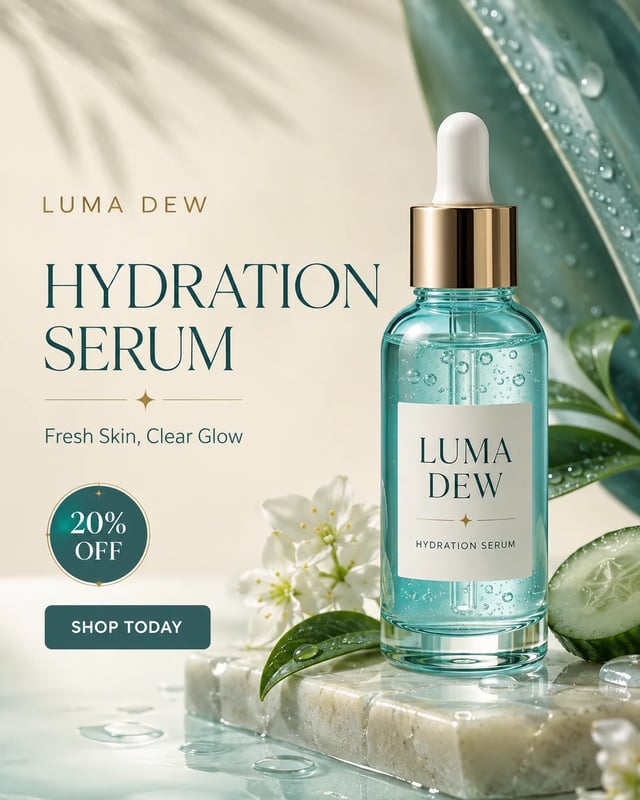
Vertical Instagram-style skincare serum ad with a product bottle, hydration headline, offer badge, and CTA.
Create your ad image
Pick the result you want
No prompt-writing needed
Ready setup
EngineGPT Image 2 · 4K
Frame3:4 vertical
Cost16 credits/image

Locked to a static Instagram ad image. Pick an effect and generate.

Optional brief editsThe selected effect already wrote the brief. Open this only to change product, audience, offer, or CTA.
410/1500

Your ad image preview

AI-created example. Pick an effect and generate from a ready brief.

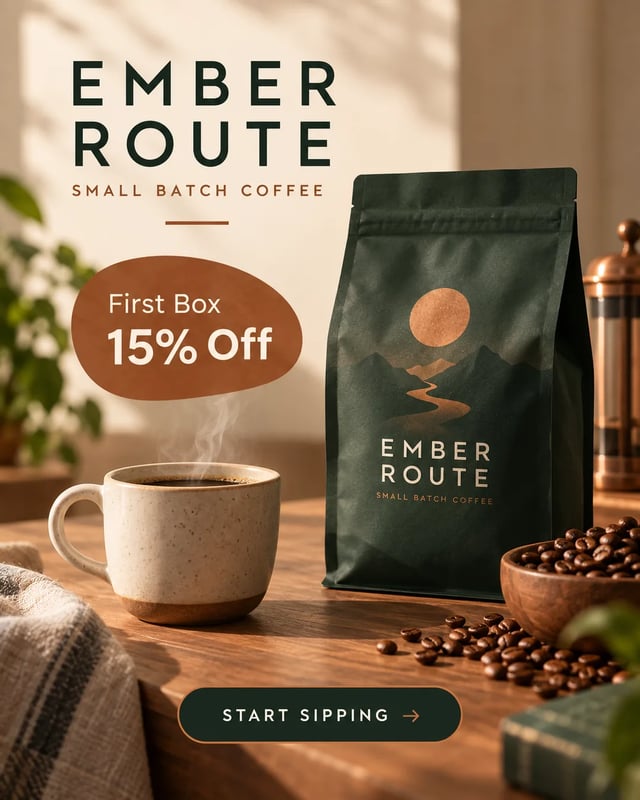
AI-created Instagram ad image for a fictional coffee subscription with a coffee bag, offer badge, and short CTA.

What Is an AI Instagram Ad Image Generator?

An AI Instagram ad image generator creates a static ad visual from an effect preset or edited brief. Choose the result you want, then Creating Image returns a flat image draft to review. Campaign setup, targeting, compliance, and performance decisions still happen outside this page.

Product promotions

Show the offer without a template hunt

For a product drop or discount, give the generator one hero product, a campaign mood, and a short offer. The image becomes a draft to judge for clarity before you rebuild or publish it in your ad stack.

  • Name the fictional or owned product clearly
  • Keep the offer badge short
  • Check every generated word before use
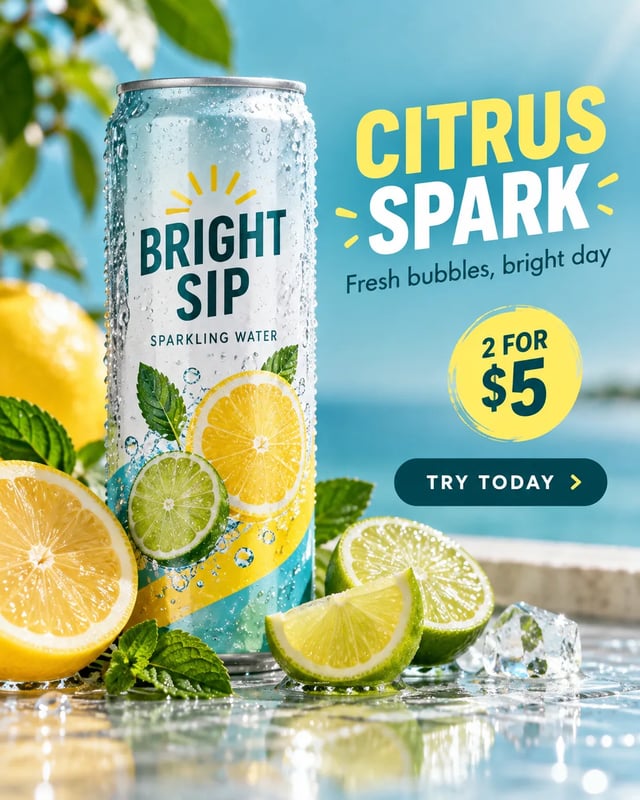
Vertical Instagram-style product ad for a sparkling citrus drink with a can, citrus slices, and offer text.
Service ads

Turn a service pitch into a visual draft

Service teams can sketch a campaign image before briefing a designer. Describe the audience, setting, benefit angle, and CTA, then review whether the result feels credible for the offer.

  • Use a realistic setting for the audience
  • Avoid guarantees or regulated claims
  • Pick another effect for a new concept
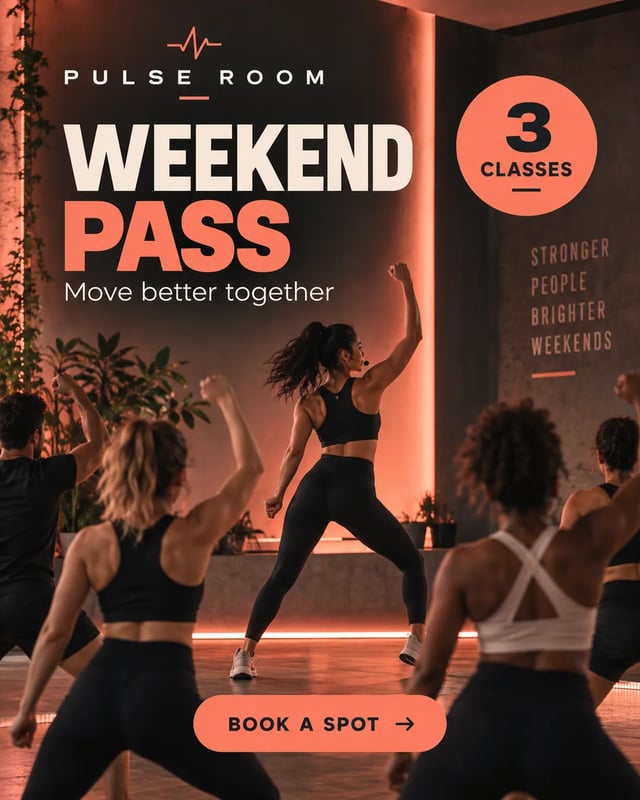
Vertical Instagram-style fitness coaching ad with bold studio lighting and short promotional text.
Local campaigns

Create a quick concept for local offers

Local shops can describe the item, season, and neighborhood feel to get a first visual. Treat the output as a concept image and verify prices, dates, address details, and policy-sensitive claims yourself.

  • Mention the seasonal context
  • Leave exact facts out of the image prompt when unsure
  • Use a separate editor for exact layout changes
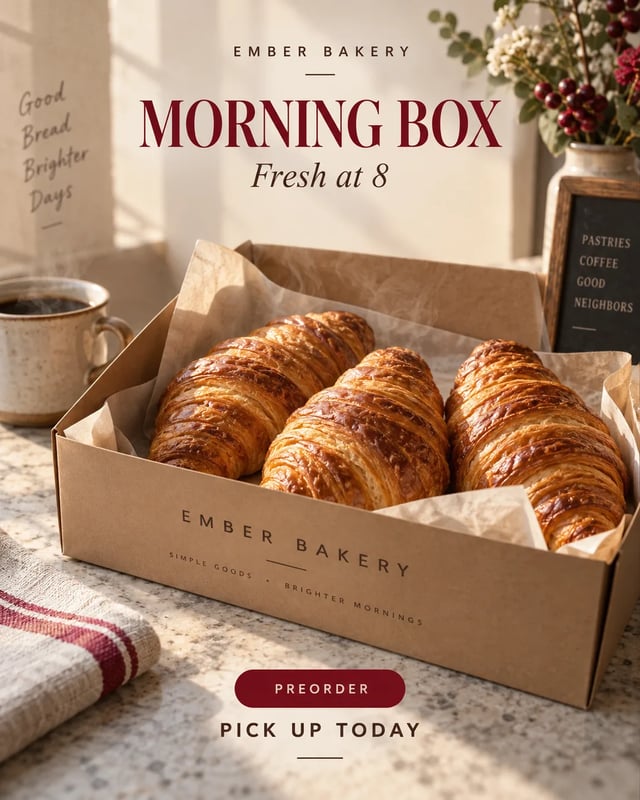
Vertical Instagram-style bakery ad with pastries, warm storefront light, and seasonal offer copy.

Stuck Between Generic Templates and Slow Creative Queues?

Use effect-first creation when you need a first ad visual to evaluate, not a full campaign manager.

Effect-first choices

Pick the result you want first. The page fills a usable brief, so you are not forced to invent prompt structure before seeing a draft.

Short copy hierarchy

Ask for a compact headline, offer badge, and CTA. Inspect the lettering after generation because precise ad copy still needs human review.

GPT Image 2 4K framing

This page sends a GPT Image 2-supported vertical ratio with the 4K resolution tier, so the generator stays on the final-quality model setting.

How to Create an Instagram Ad Image with AI

  1. Pick the ad effect

    Choose product promo, service lead, local sale, or app install. The page fills the brief for you, so you can generate without starting from a blank box.

  2. Generate a static draft

    Review the GPT Image 2 4K credit cost shown on the button. Sign in to generate a vertical image draft from the selected effect.

  3. Review before publishing

    Check text, cropping, product accuracy, and claim risk. Download the image when it fits your brief, then use your own ad platform or editor for campaign setup.

Choose the Right Workflow for Instagram Ad Images

Creating Image helps with effect-to-image concept drafts. Template editors and agencies still matter when you need exact layers, brand systems, or campaign delivery.

Workflow comparison for static Instagram ad image production.
What mattersCreating ImageTemplate editorAgency or designer
Starting inputA written ad brief with offer, audience, and styleExisting template, images, and editable textCampaign brief, brand assets, and references
Creative variationPick another effect or edit the brief, then generate againSwap layouts, photos, and copy manuallyRequest revisions within the agreed scope
Control levelFlat generated image, useful for concept reviewLayer-level control over text and assetsCreative direction plus production support
Campaign workImage creation only; no ad account publishingDesign export only unless connected tools are usedDepends on the service agreement

Create a Static Instagram Ad Image Draft

Start with the offer and audience, then generate a vertical ad image to review.

Create My Ad Image

More AI Image Generators

AI Instagram Ad Image Questions

What does this Instagram ad image tool create?

It creates a flat static image draft from a preset effect or edited brief. You can choose a product, service, local sale, or app install direction, then edit details if needed. It does not publish campaigns, connect to an Instagram account, or optimize ad delivery.

Can it make Instagram video ads or Reels ads?

No. This page is for static image ad drafts. Use a video generation page when you need motion, and still review platform requirements before publishing.

Will the ad text be ready to publish?

Treat generated text as draft copy inside an image. Short text often works better, but you still need to inspect spelling, spacing, offer wording, and legal or platform-sensitive claims before using it.

Can I use it for real brands or products?

Use assets and brand names you own or are allowed to use. For page examples and effect presets, this tool uses fictional brands to avoid copying real logos or protected campaign material.

Does generating an ad image use credits?

Yes. Sign in and check the credit cost on the generation button before submitting. Creating another draft uses credits too. The pricing page explains available plans and credit allowances.

View pricing
Will AI ad images improve CTR or ROAS?

No tool can guarantee ad performance. Some advertisers test AI images, while others prefer product photography or UGC. Use the output as a creative draft and measure results in your own ad workflow.