
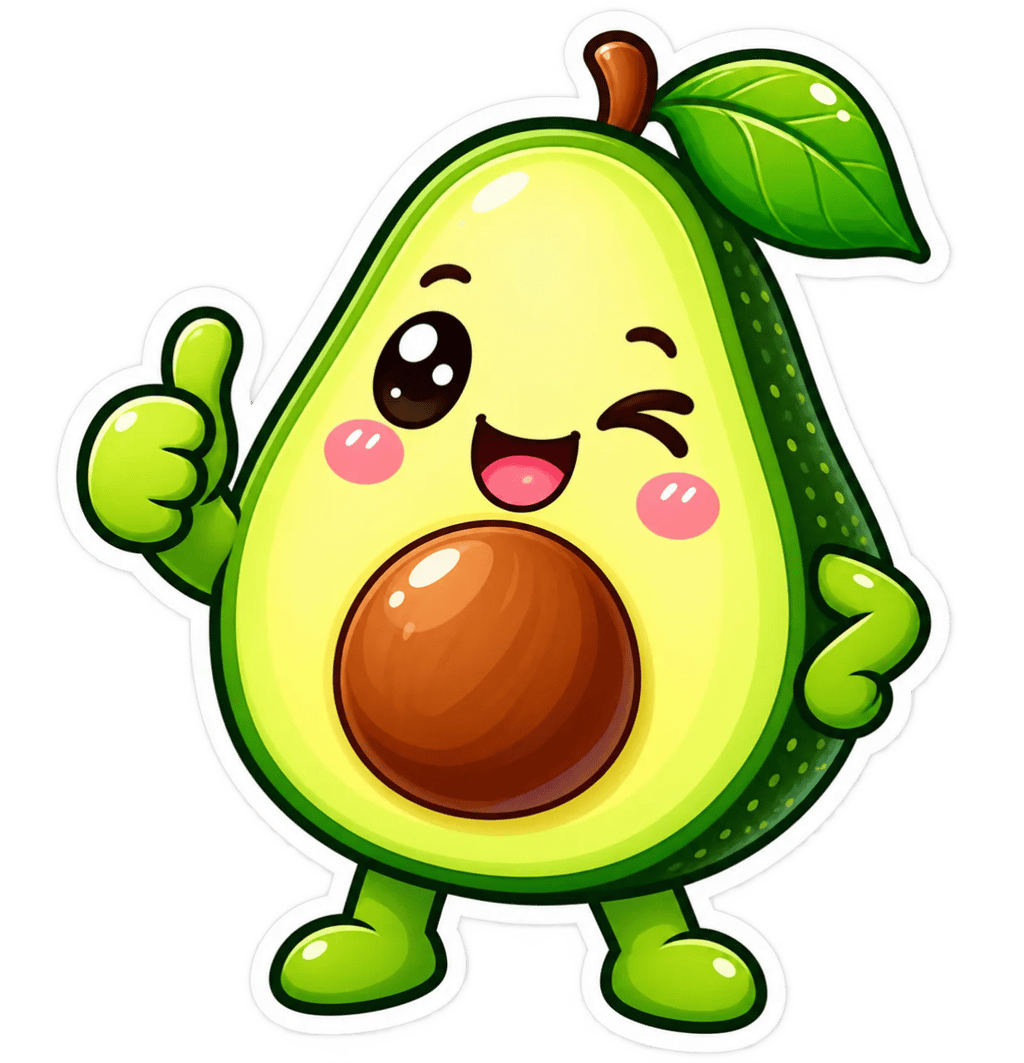
Your sticker
Generated from your prompt
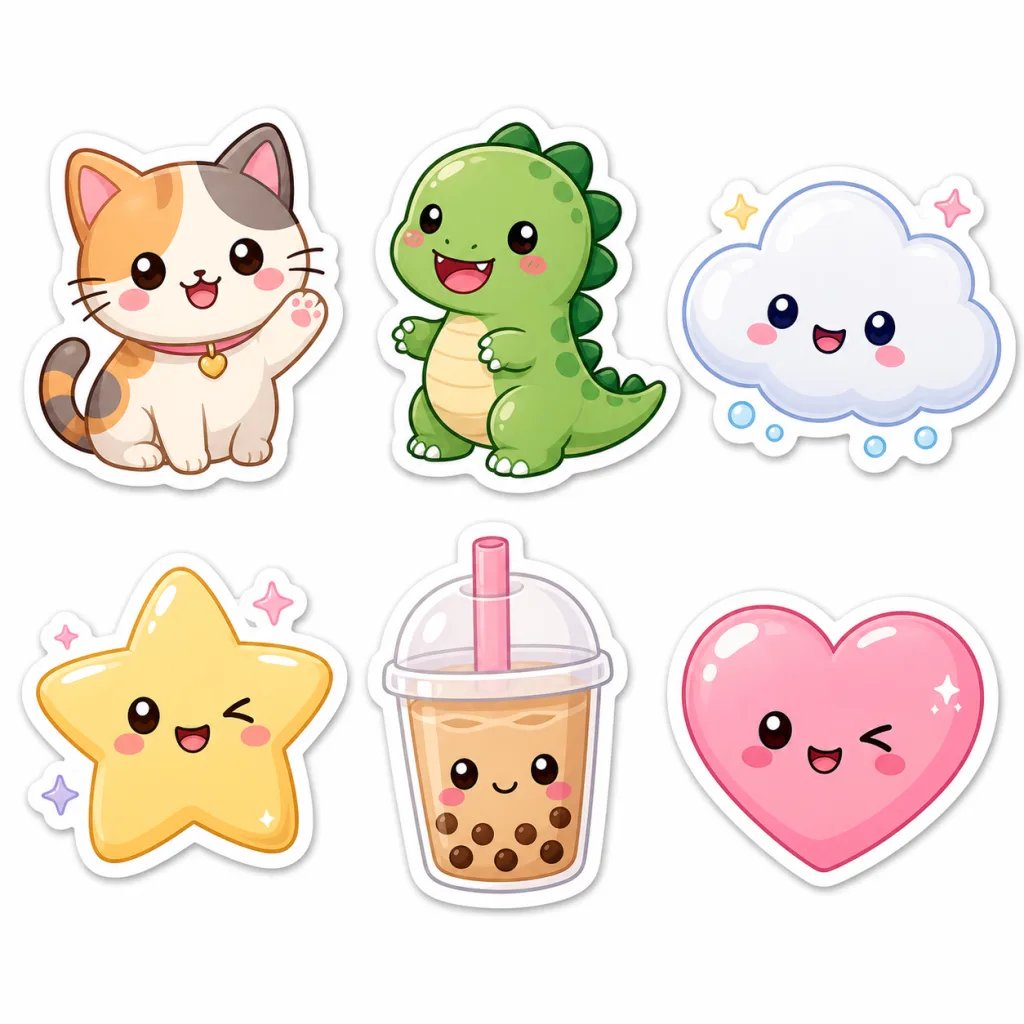
AI Sticker Generator — Custom Stickers
Turn text prompts into high-quality die-cut stickers. Describe your kawaii animal, anime mascot, or 3D emoji, and the AI sticker generator creates it in minutes.
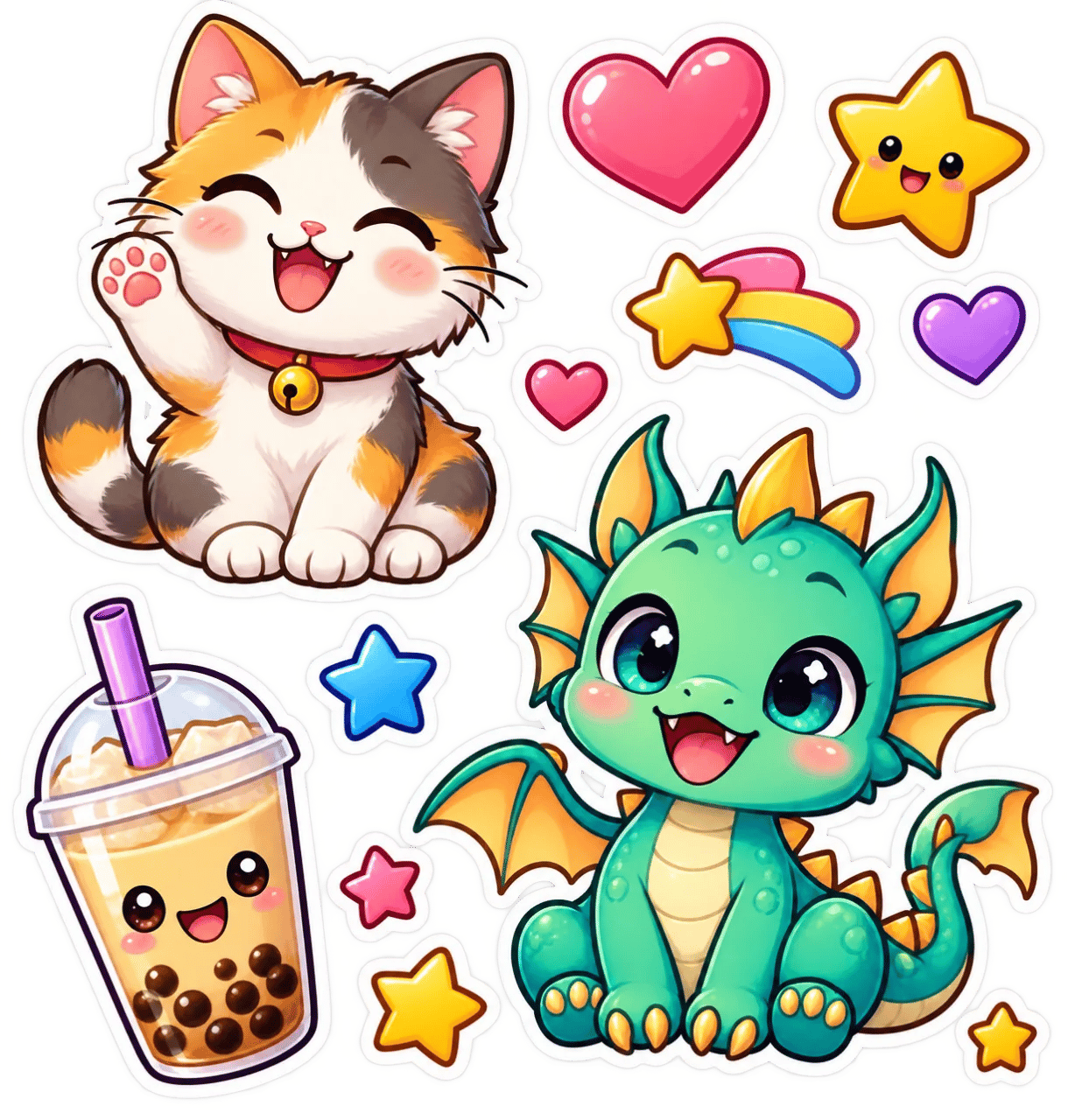
What is an AI Sticker Generator?
An AI sticker generator is an automated design tool that converts text descriptions into die-cut stickers and clipart graphics. By isolating subjects against clean white outlines and bold silhouettes, it renders custom vector-style graphics, emojis, and mascot art in minutes without manual illustration.
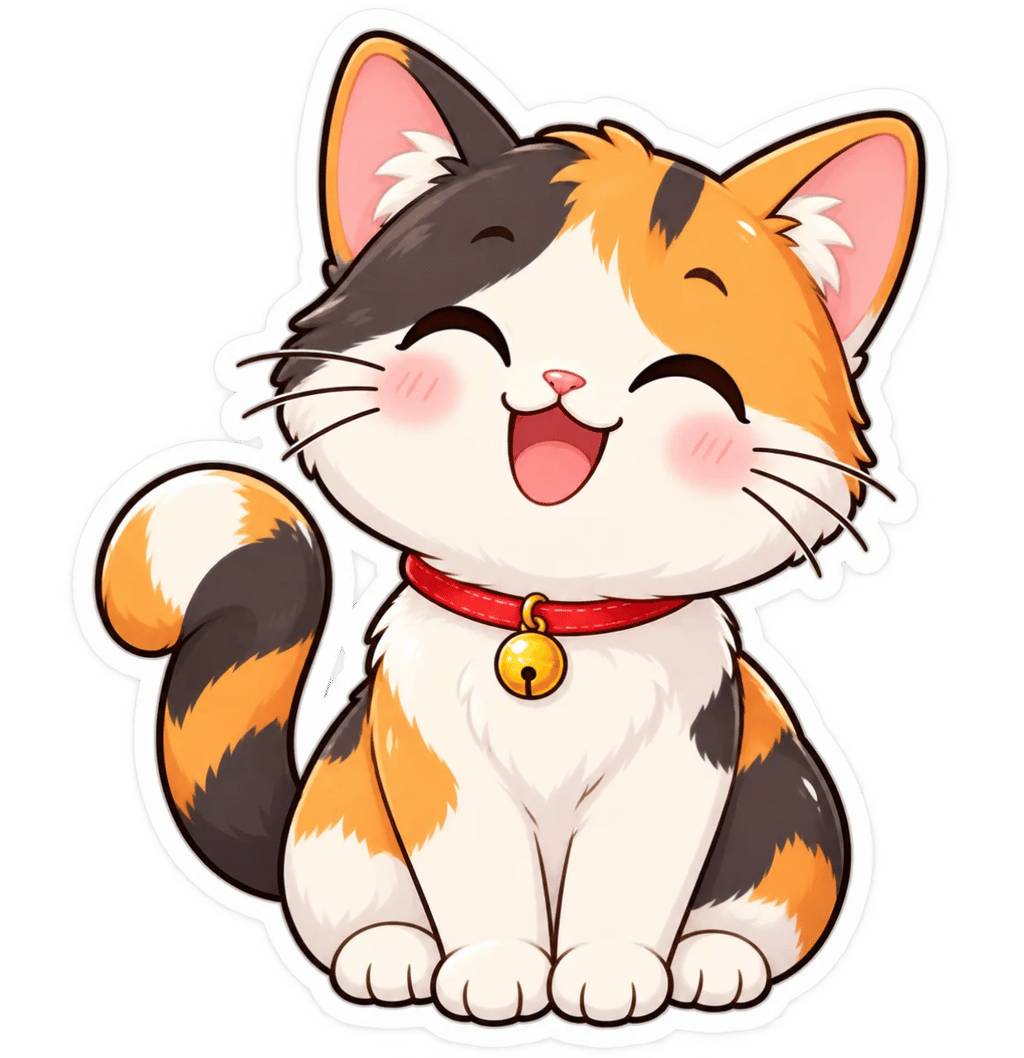
Clean Die-Cut Contours & White Sticker Borders
Generate custom stickers with clean vector-style white borders and distinct silhouette separation ready for printing.
- Clean white die-cut contour border separation
- Solid isolated subject isolation without background bleed
- High-contrast borders optimized for vinyl cutters
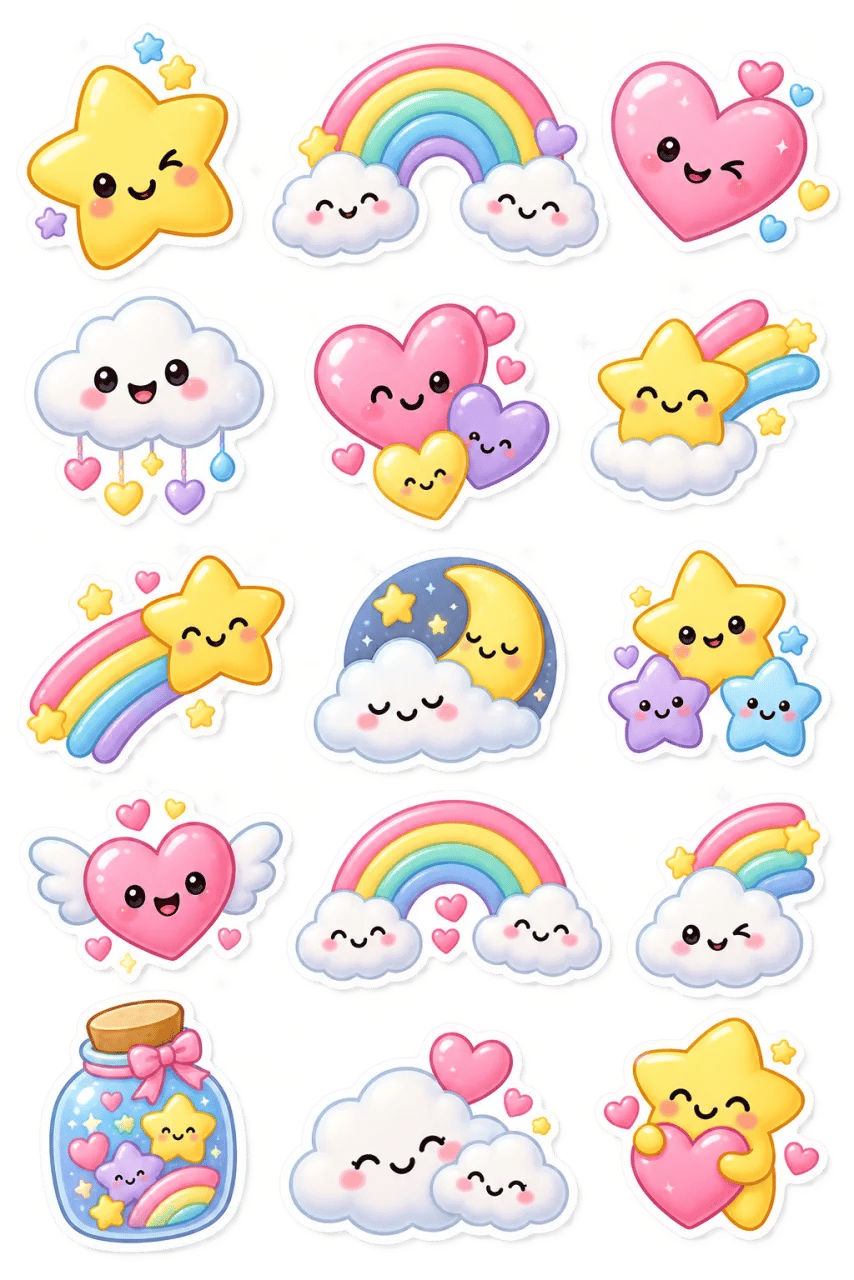
Kawaii Mascot Badges & 3D Glossy Emojis
Create cute expressive chibi mascots, kawaii animal decals, and shiny 3D glossy icons for chat apps.
- Adorable chibi proportions with oversized glossy eyes
- Vibrant candy palettes and smooth specular highlights
- Sticker-sheet ready aesthetic consistency
Retro Vintage Badges & Holographic Decals
Design distressed vintage outdoor emblems, retrowave holographic foil badges, and urban graffiti decals.
- Authentic worn texture and distressed print effects
- Simulated iridescent and holographic foil sheen
- Bold typography integration and geometric badge frames
AI Sticker Generator vs Manual Sticker Illustration
Compare custom sticker workflows across die-cut outline quality, style flexibility, generation speed, and cost efficiency.
| Specification / Workflow | Creating Image AI | Manual Vector Design | Generic AI Generator |
|---|---|---|---|
| Die-Cut Border Isolation | Crisp white contour borders and clean edges | Manual pen-tool tracing taking hours per asset | Messy bleed edges and missing cut paths |
| Style Versatility | Prompt-guided Kawaii, 3D, Vinyl, Retro, and Anime | Fixed to individual designer style specialty | Generic painterly backgrounds without isolation |
| Iteration Turnaround Time | Typically 1–2 minutes per image | 2 to 5 business days per design iteration | Fast but produces non-isolated scenes |
| Cost & Credit Predictability | Clear transparent per-image credit usage | $25 to $100+ per custom sticker asset | Hidden recurring subscription tiers |
| Changes & Iterations | Rewrite the prompt and generate again | Revision rounds through the artist | Depends on the tool |
How to Make a Sticker with AI
The AI sticker generator turns a written idea into a finished sticker in three steps — no drawing or design software needed.
- 1
Step 1: Choose an image model
Select a supported model and review the credit cost shown beside it.
- 2
Step 2: Describe your sticker
Write a prompt for the subject, style, colors, and mood you want in your design.
- 3
Step 3: Generate your sticker
Submit the task, wait for the model to finish, and review the result in the workspace. Adjust the prompt for another paid generation.
Make a Sticker for Any Chat
People bring the AI sticker generator to every app where a custom sticker helps — here are the most common.
Discord and chat
Create a sticker for Discord, Telegram, or other chat apps. Describe the look you want and generate it from a text prompt. Not affiliated with those platforms.
Social and posts
Make a design for social posts, stories, and profiles with a prompt for the style and mood you want.
Any art style
Generate a cute, anime, cartoon, or kawaii design by describing the style in your prompt.
Start Generating Your Sticker
Describe what you want, choose a model, and create one with the Creating Image sticker generator.
More AI Image Generators
FAQs About the AI Sticker Generator
An AI sticker generator is an algorithmic design tool that creates custom die-cut stickers and emojis from text prompts. On Creating Image, describe your character, border style, and mood to render production-ready sticker art in minutes using credits.
Yes. Describe the look you want for Discord, Telegram, chat apps, or social posts, and generate it from a text prompt. The generator is not affiliated with those platforms.
After you sign up, answering 3 quick questions gives you 16 credits, enough for one 4K image with GPT Image 2. Each generation then uses credits according to the selected model.
Yes. Describe the art style, such as cute, anime, cartoon, or kawaii, in your prompt, and the model generates one in that style.
Yes. Sign in with any authentication method enabled by the site administrator before generating one. After you sign up, answering 3 quick questions gives you 16 credits, enough for one 4K image with GPT Image 2.
A sticker generator is a tool that creates a sticker from a text prompt. As a sticker maker and sticker creator, Creating Image turns your description into a new design for chats and social posts.