
Word Art Generator — Turn Words into Stylized Text Art
Type the exact words, describe a look such as 3D chrome, a neon sign, retro WordArt or letters shaped into an object, and the AI renders it as an image. No Photoshop, Illustrator or Blender skills needed.
Your word art, rendered from a prompt
Put the exact words in quotes and describe the style. Check the spelling in the result before you download it.
What Is a Word Art Generator?
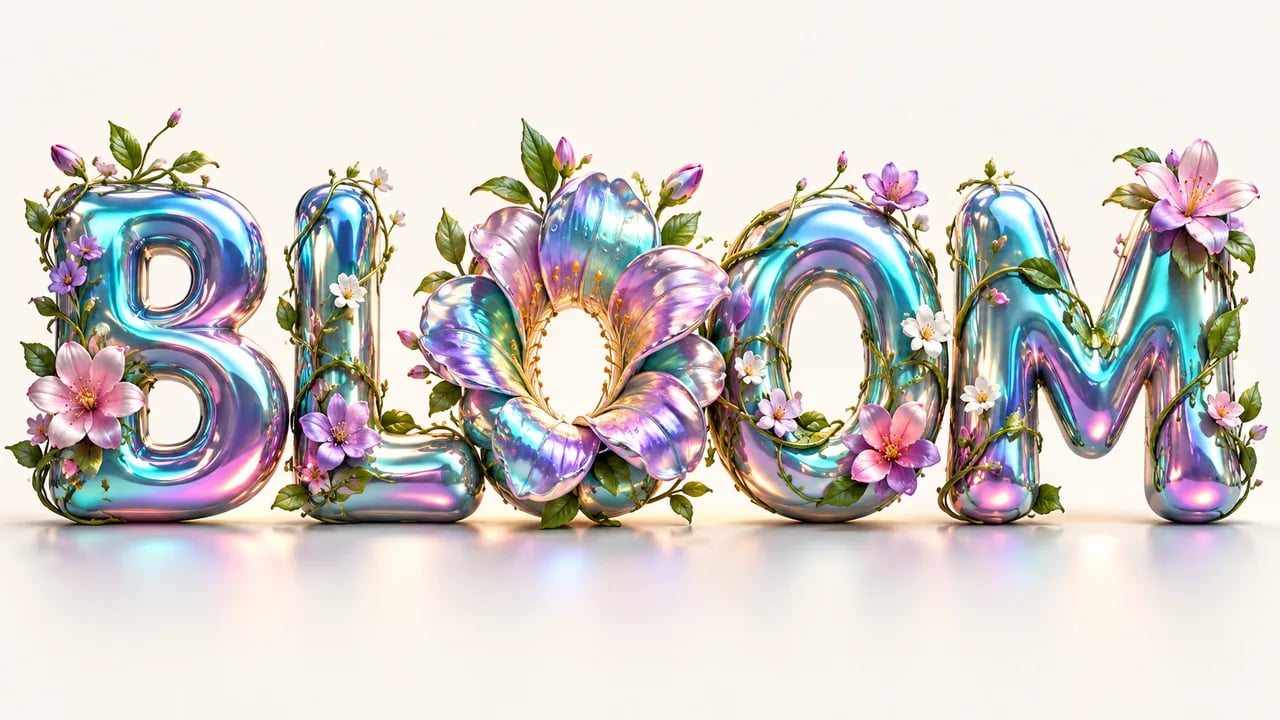
A word art generator is a text-to-image tool that turns a word or short phrase into stylized artwork for social posts, posters or shirt mock-ups, such as 3D chrome letters, neon signs, retro WordArt or letters shaped into objects. Type the exact words and a style, then download a 2K or 4K image. It does not make word clouds or editable text.
Text Effects Without Layer Styles or 3D Software
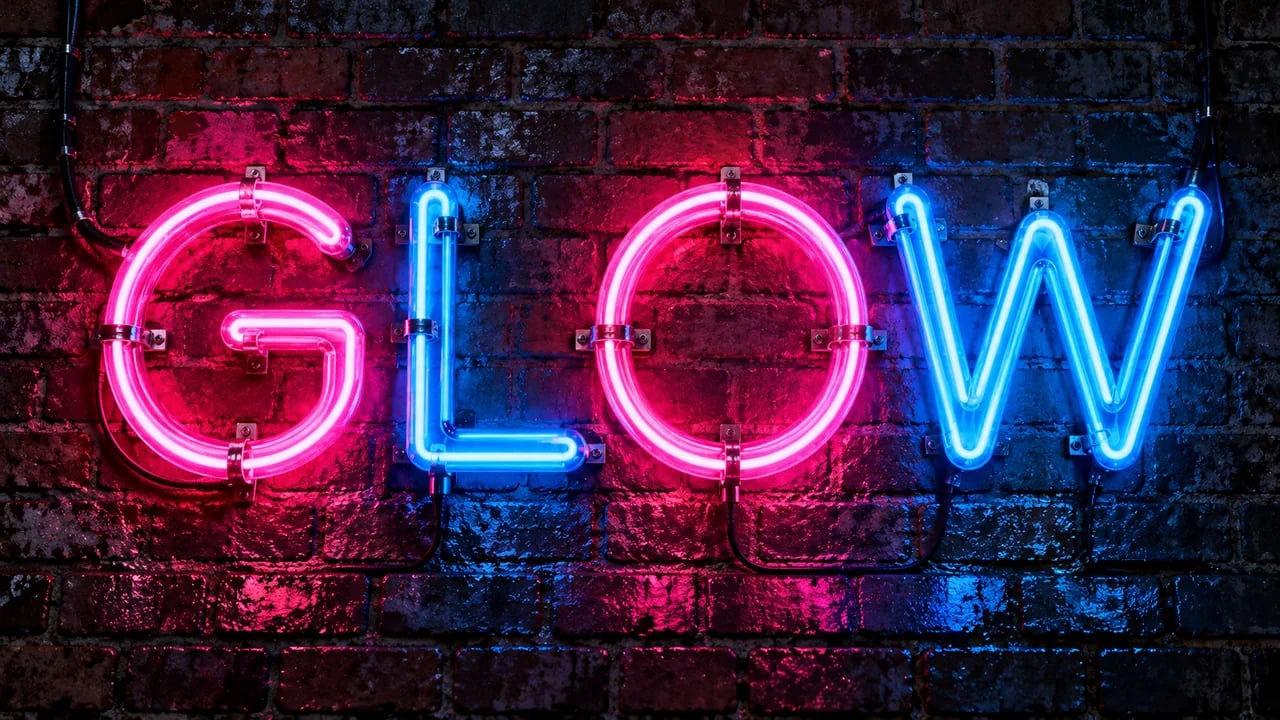
Chrome, neon, ink, glass or balloon-style lettering usually means stacking layer styles in Photoshop or rendering in Blender. Describe the material and lighting instead, and the model paints the effect onto your words in one image.
- Chrome, neon, glass, ink and bubble-letter looks
- Lighting, background and color set in the prompt
- Regenerate to try another material on the same word
Letters That Become the Thing They Name
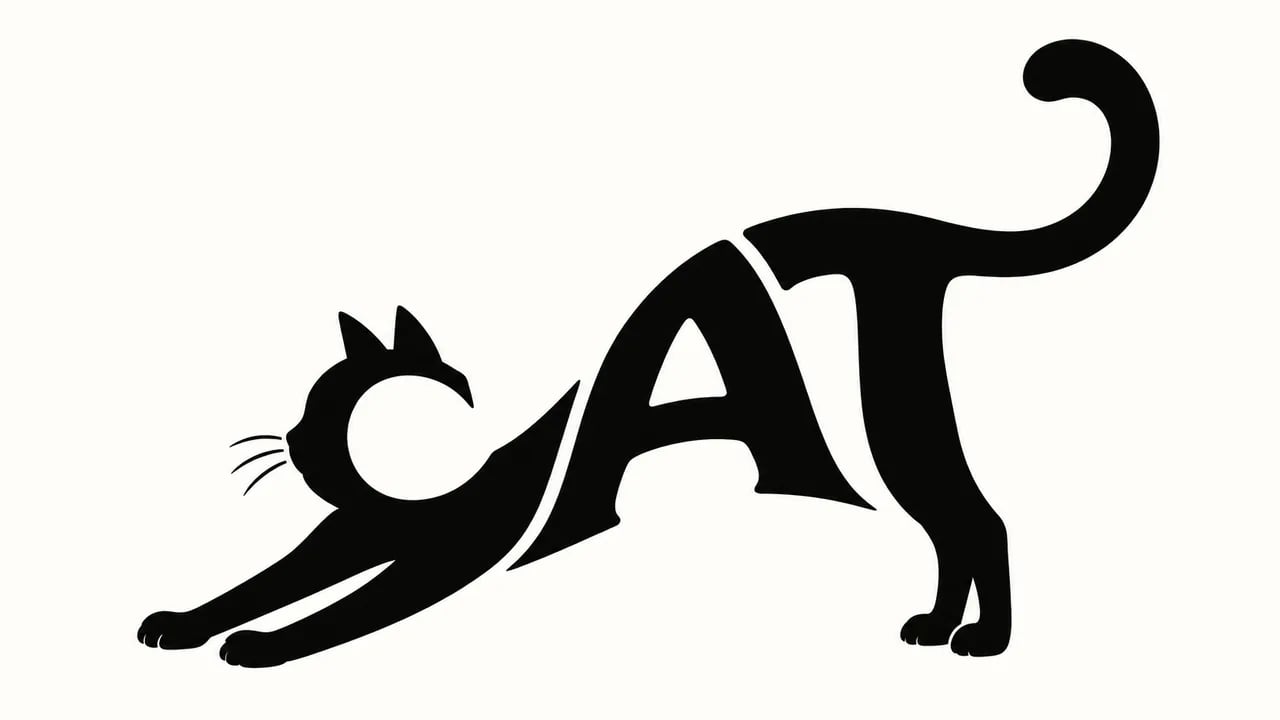
A typographic illustration bends the letters themselves into a shape, so the word reads as text and as a picture at once. Ask for one word, say what it should become, and tell the model not to repeat the word or add other text.
- One word shaped into an animal, object or symbol
- Minimal black-and-white or full-color styles
- Works best with short words of three to six letters
The 90s WordArt Look as a Finished Image
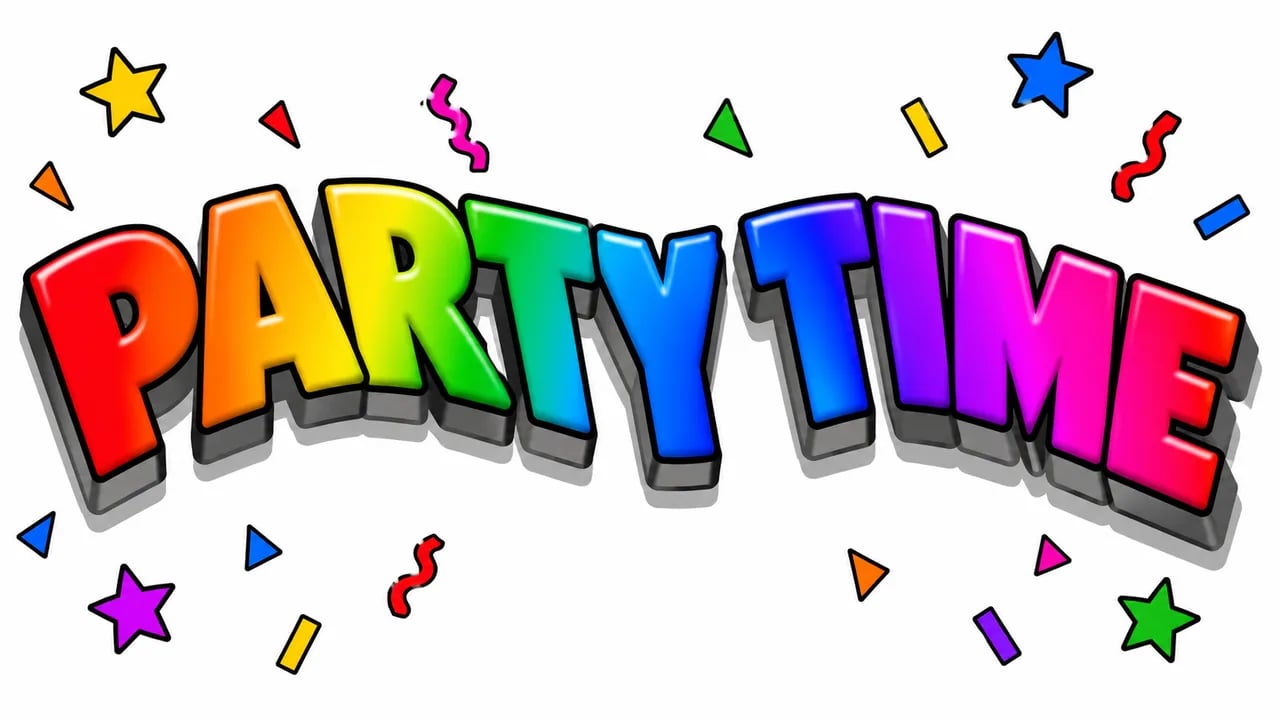
Rainbow gradients, wavy arches, thick outlines and hard drop shadows bring back classic desktop WordArt. Here it arrives as a picture for invites, memes or nostalgic posts, not as an editable text box inside Word or PowerPoint.
- Rainbow fills, outlines and drop shadows
- Arched or wavy layouts described in the prompt
- Image output, not an Office WordArt object
Built for Words, Not Just Pictures
Word art lives or dies on readable letters, so the workflow is set up around the text you type.
Exact Words in Quotes
Write the text you want inside quotation marks and add "spell it exactly, no other text" so the model knows which letters matter.
16:9 Canvas
Every result is a wide 16:9 image with room around the letters, a good fit for banners, headers, thumbnails and slides.
2K or 4K Images
Pick GPT Image 2, Nano Banana 2 or Nano Banana Pro at the 2K or 4K tier and download the result.
Fix It by Regenerating
If a letter comes out wrong or the style misses, adjust the prompt and generate again. Each run uses credits, so check the preview first.
AI Word Art vs Text-Effect Templates vs Word Clouds
Three tools people search for as "word art". Each solves a different job, so pick the one that fits yours.
| What you get | AI word art (this tool) | Text-effect template tools | Word cloud generators |
|---|---|---|---|
| Output | A stylized image generated from your description | Your text placed into a preset effect | Many words arranged by frequency inside a shape |
| Style range | Any look you can describe, including letters shaped into objects | Limited to the effects the tool offers | Fonts, colors and outline shapes |
| Editable text | No; it is a raster image, so regenerate to change the words | Usually yes, inside the tool | Usually yes, by editing the word list |
| Spelling | Usually right for short quoted text; check every result | Exact, because it uses real fonts | Exact, because it uses real fonts |
How to Make Word Art in 3 Steps
- 01
Write the words in quotes
Keep it short, ideally one to three words, and put them in quotation marks. Add "spell it exactly, no other text" to the prompt.
- 02
Describe the style and generate
Name the letter shape, material, colors and background, or start from a style chip. Choose a model and tier, then select Generate Word Art.
- 03
Check the letters, then download
Read every letter in the preview. If one is off, tweak the prompt and run it again; when it is right, download the image.
Where People Use Word Art
Stylized text works anywhere a single word or short phrase needs to carry the whole image.
Social posts & headers
Turn a channel name, quote or announcement into an eye-catching header for posts, banners and stream overlays.
Poster & event titles
Draft a bold title treatment for a party invite, gig flyer or event poster, then place it in your layout tool.
Shirt & sign mock-ups
Explore lettering ideas for a T-shirt, shop sign or label. Use the image as a draft and prepare the final print file with your printer.
Gifts & personal projects
Make a name, nickname or inside joke into a playful image for a card, phone wallpaper or scrapbook page.
Turn Your Words into Art
Type a word, pick a style and generate. After you sign up, answering 3 quick questions gives you 16 credits, enough for one 4K image with GPT Image 2.