
Your tattoo design
Generated from your prompt
AI Tattoo Generator — Custom Tattoo Art
Describe the tattoo you are picturing and the AI tattoo generator draws design concepts in minutes. Explore styles, refine the one you love, and bring it to your artist — no drawing skills needed.
What is an AI tattoo generator?
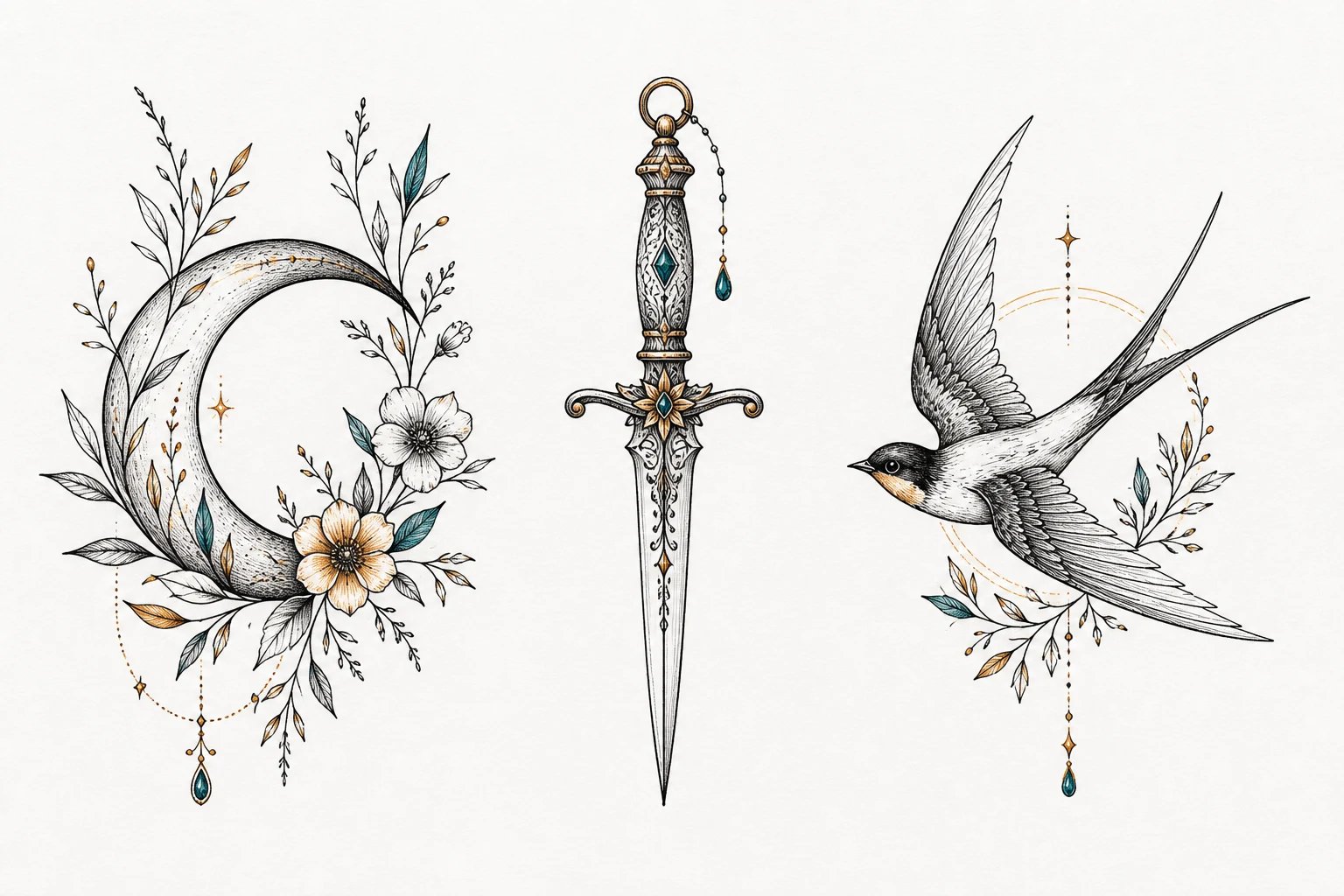
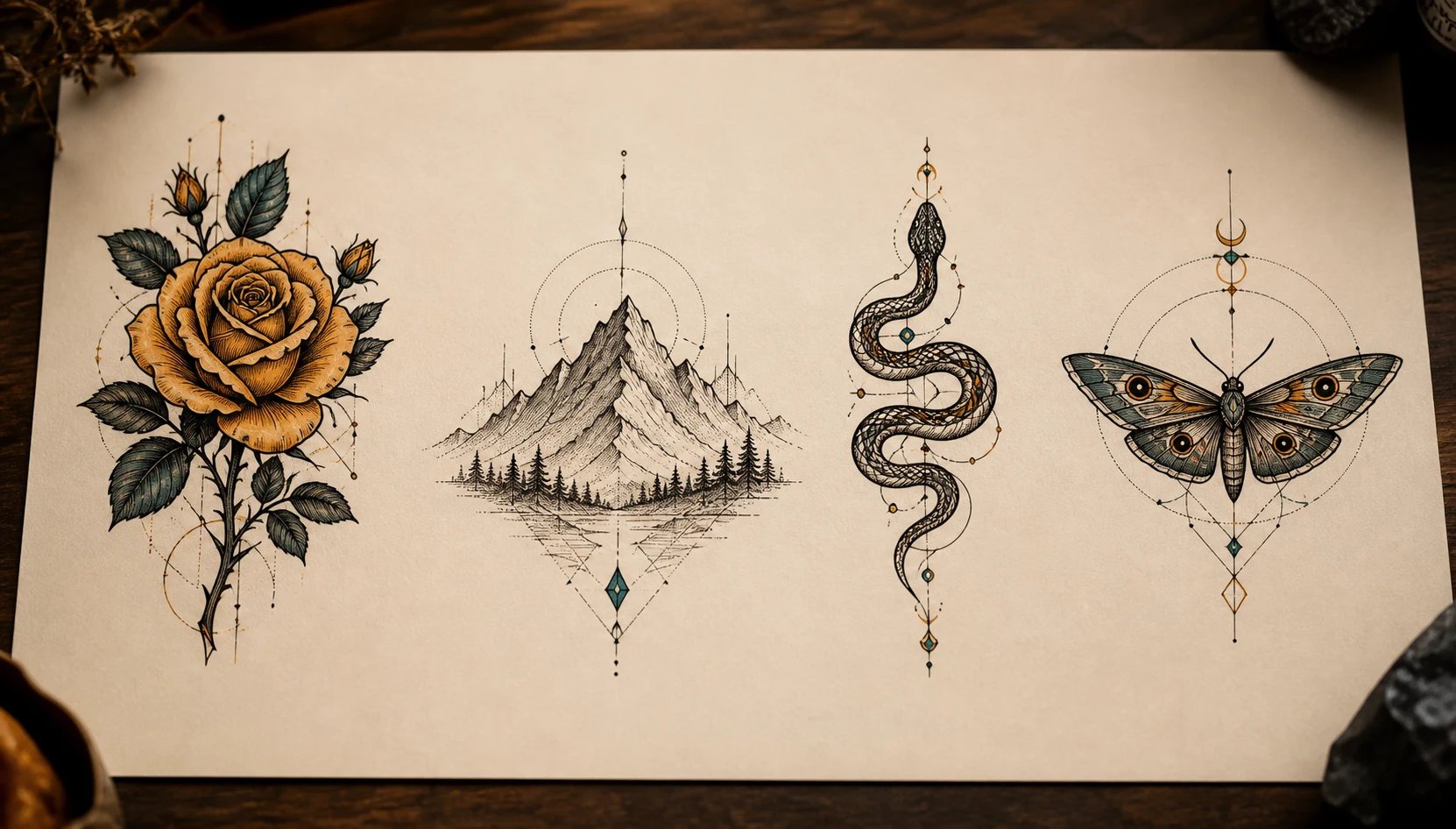
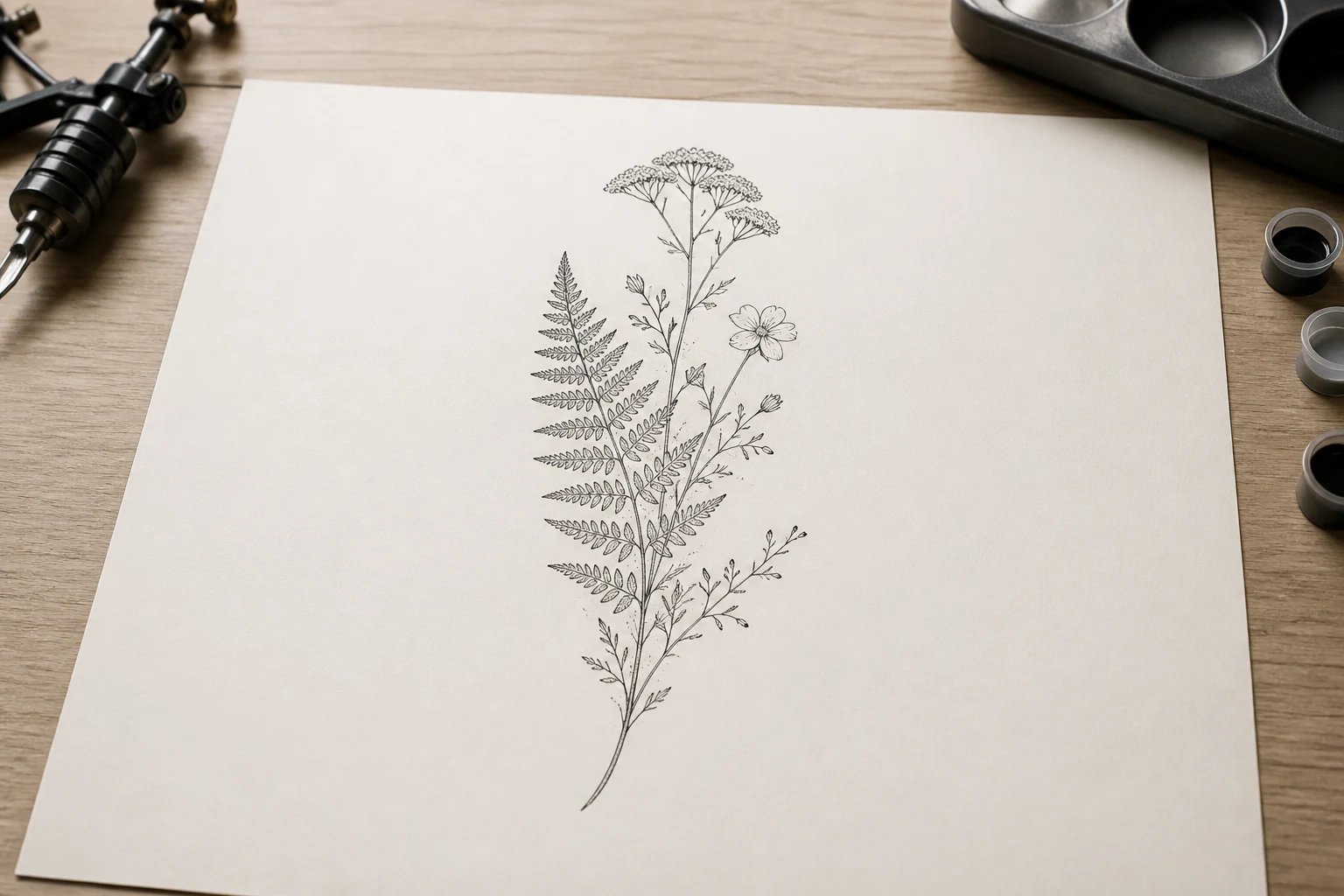
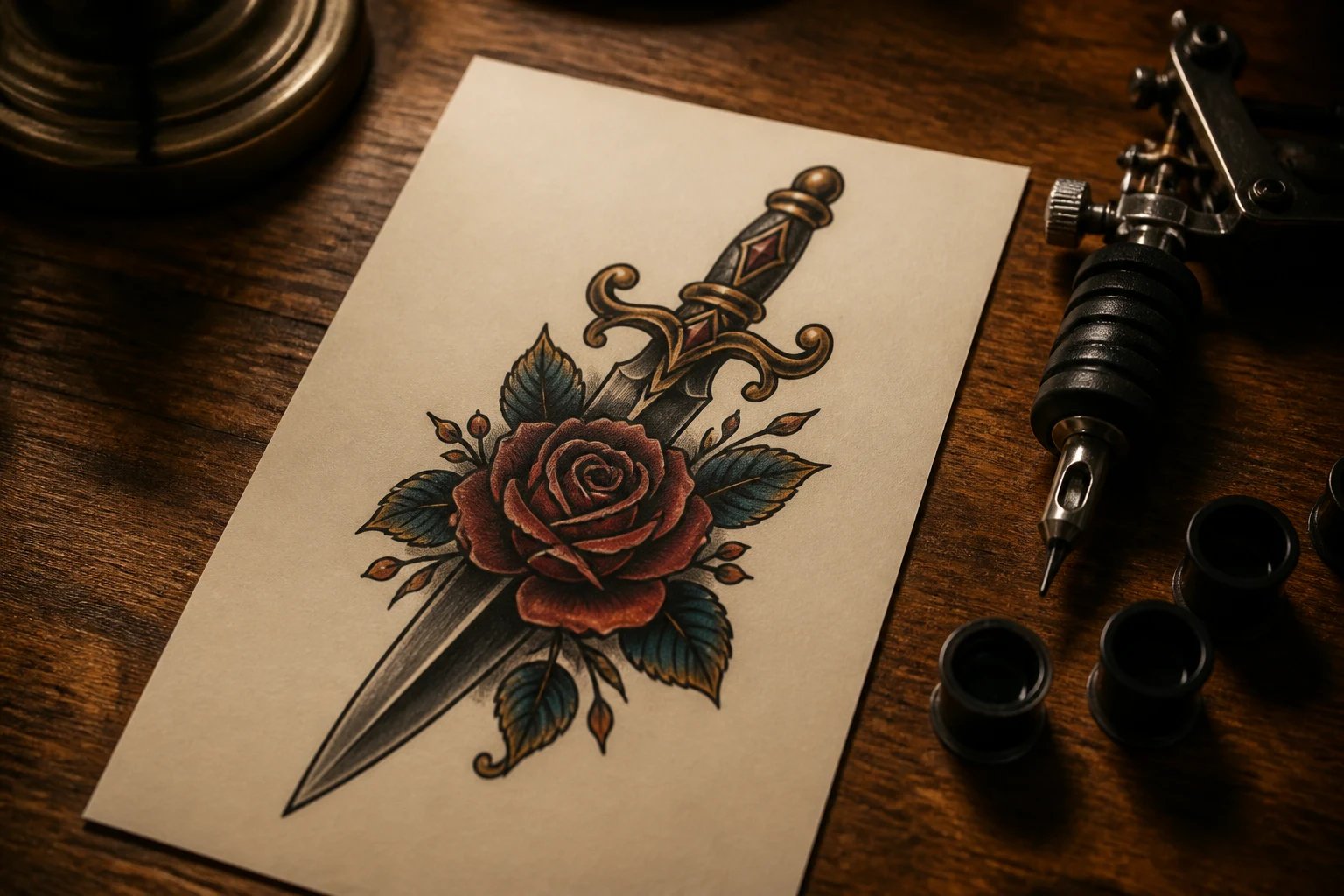
An AI tattoo generator turns a written description into a finished tattoo design. Tell it the subject, style, and linework you want — a fine-line fern, a neo-traditional dagger, a geometric wolf — and the AI tattoo generator draws that design for you. It works like the pillar image generator, pointed at tattoo styles: fine-line, blackwork, dotwork, script lettering, and illustrative ink instead of photos. What you get is the design on the page — art you can study and refine — produced from your words, so you never have to sketch it by hand.
Why use an AI tattoo generator?
A tattoo is permanent, so the worst outcome is committing to a design you never really saw. An AI tattoo generator lets you explore first: change a few words, get a different design, and compare directions side by side before anything touches skin. Roughing out several concepts this way is faster and cheaper than commissioning sketches one at a time, and it turns a vague idea in your head into something concrete you can react to, keep, or throw away. When you find the design that fits, you walk into the studio with a clear reference instead of a hunch.
Scared you will regret it? See the design first
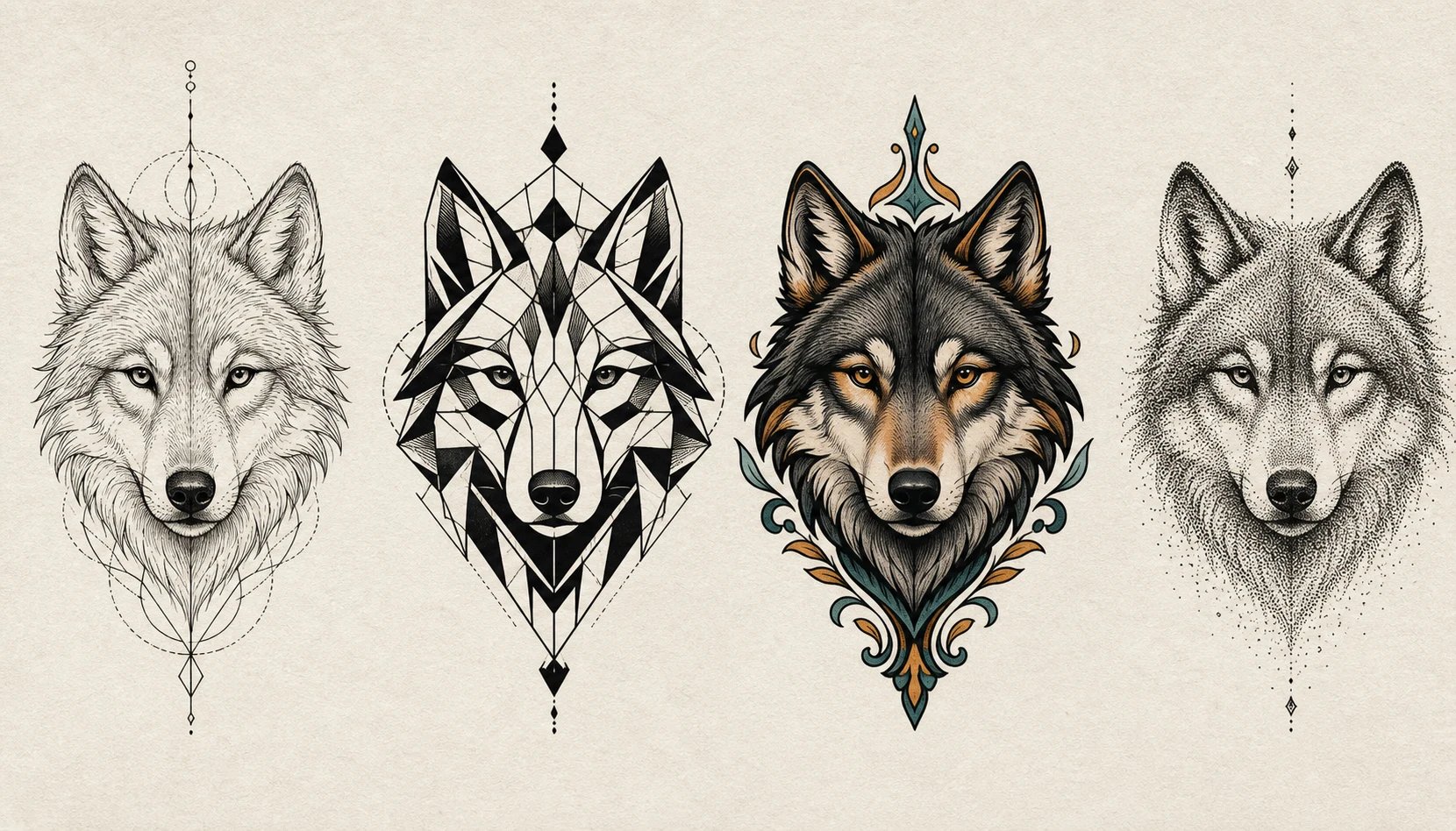
Most tattoo hesitation comes down to one fear: getting something permanent that does not match what you pictured. The gap between the idea in your head and the final piece is where regret lives. An AI tattoo generator closes that gap — it makes the design visible while it still costs nothing to change, so you can sit with it, tweak the linework, try another style, and only move forward when it feels right. Bring the design you settle on to your tattoo artist as a clear starting point to talk through, not a rushed decision made in the chair.
How to generate a tattoo design
Three steps to take the AI tattoo generator from a rough idea to a finished design you can bring to your artist.
- 1
Describe your tattoo
Type the subject, style, and linework — "fine-line lavender, minimal, single needle" or "neo-traditional tiger, bold color".
- 2
Generate and compare
The AI tattoo generator returns design concepts from your prompt. Adjust the wording and regenerate to explore different directions.
- 3
Refine and take it to your artist
Keep the design you love and bring it to your tattoo artist as a reference to adapt, place, and ink.
Design your tattoo before you commit
Turn your idea into a tattoo design with the AI tattoo generator, then refine it and take it to your artist.
More AI Image Generators
AI tattoo generator FAQ
No. This is a text-to-image AI tattoo generator — it creates the design on the page from your description. It does not upload your photo or preview the tattoo on your skin. Use the generated design as a reference and let your tattoo artist place it on your body.
Not from your existing tattoo. The generator makes new designs from a prompt, so it cannot see or work from a photo of the tattoo you want to cover. You can still generate cover-up-style ideas by describing them, then take those to an artist who works from your actual tattoo.
Describe the style you want — fine-line, blackwork, dotwork, neo-traditional, tribal, script lettering, or illustrative — and the AI tattoo generator renders the design in that direction. The more specific your prompt, the closer the result.
Yes. The AI tattoo generator runs on credits and needs you to be signed in. Each generation spends credits, so you can iterate through several concepts until one fits.
Yes — that is the point. Generate a design you are happy with and bring it to your artist as a clear reference. Your artist adapts it to fit your body and finalizes the linework before tattooing.
Yes, you can take a generated design to a studio as a reference for your own tattoo. As with any AI image, you cannot claim the underlying style is exclusively yours, and your artist will usually redraw it for skin.