
Upload your photo
Caricature style
Your caricature
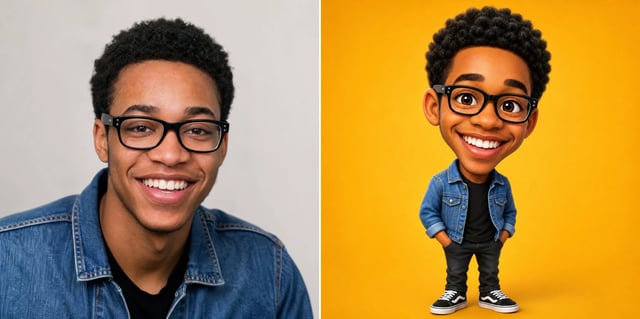
Exaggerated from your photo
Caricature Generator — Photo Caricatures
Upload a photo and the caricature generator gives you a playfully exaggerated caricature that still looks like the person — big head, bigger smile, same face. Pick a caricature style, compare before and after, and download it to share. No drawing, no waiting in line.
What is a caricature generator?
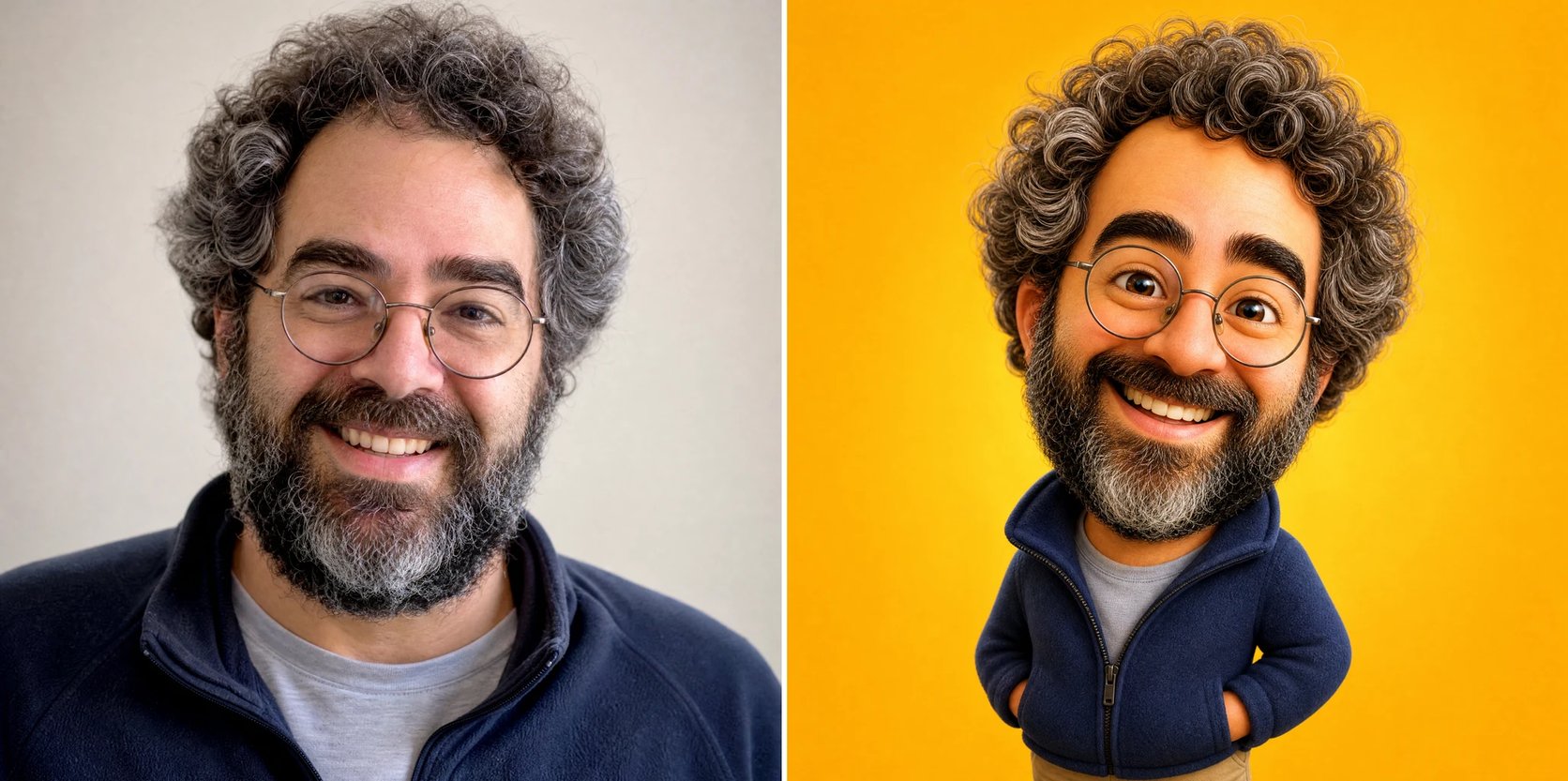
A caricature generator takes a photo and turns it into a caricature — a portrait that exaggerates a person’s features for a fun, playful effect while keeping them recognizable. You upload a photo, and the caricature generator enlarges the head, plays up the eyes, nose, smile and other defining features, and renders it in the style you pick. Exaggeration is the whole point of a caricature, so features get pushed — but the person still looks like themselves. It works like the pillar image generator pointed at your own photo: instead of drawing a caricature by hand, you upload the photo and get one back in minutes.
Why use a caricature generator?
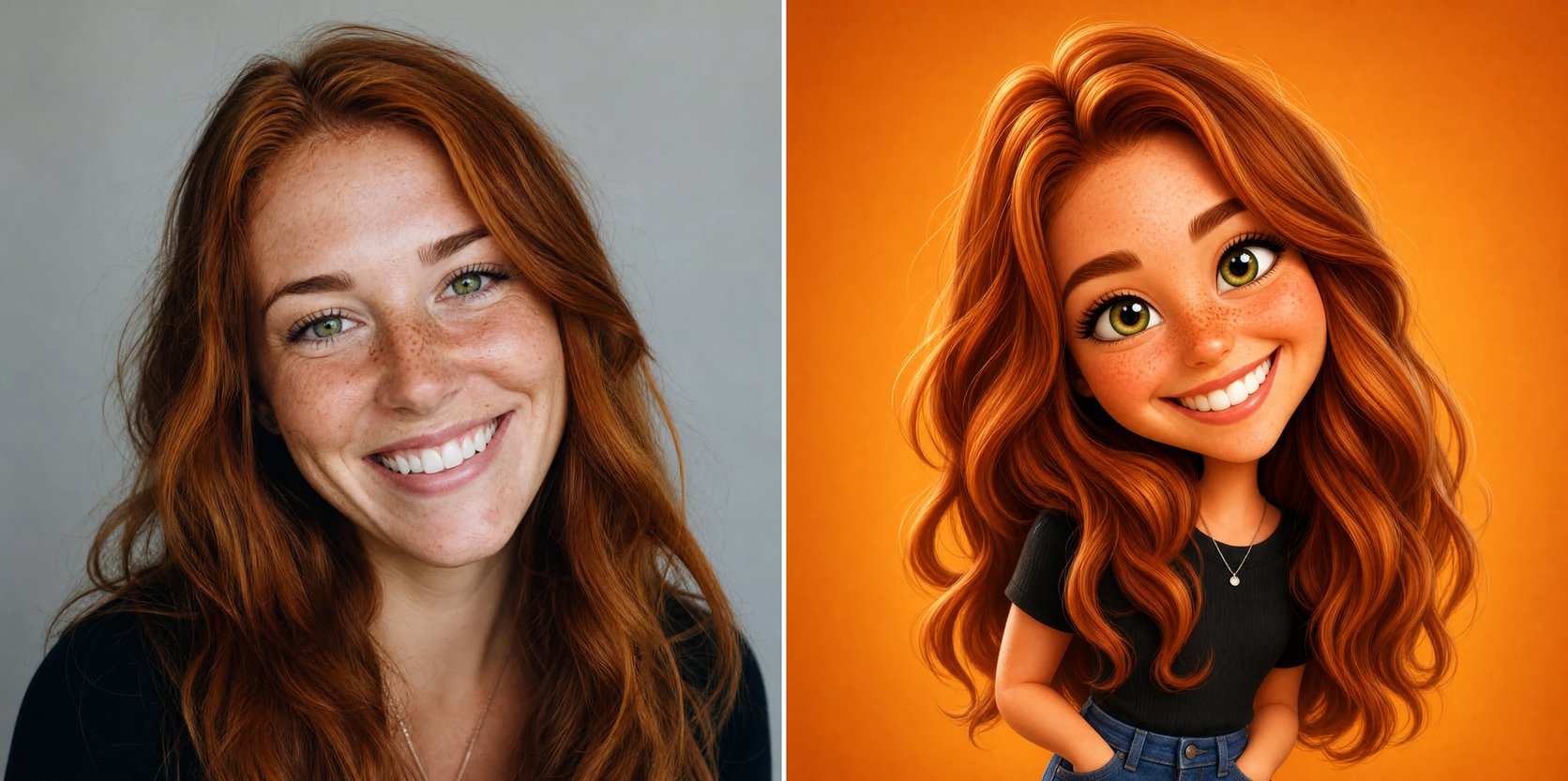
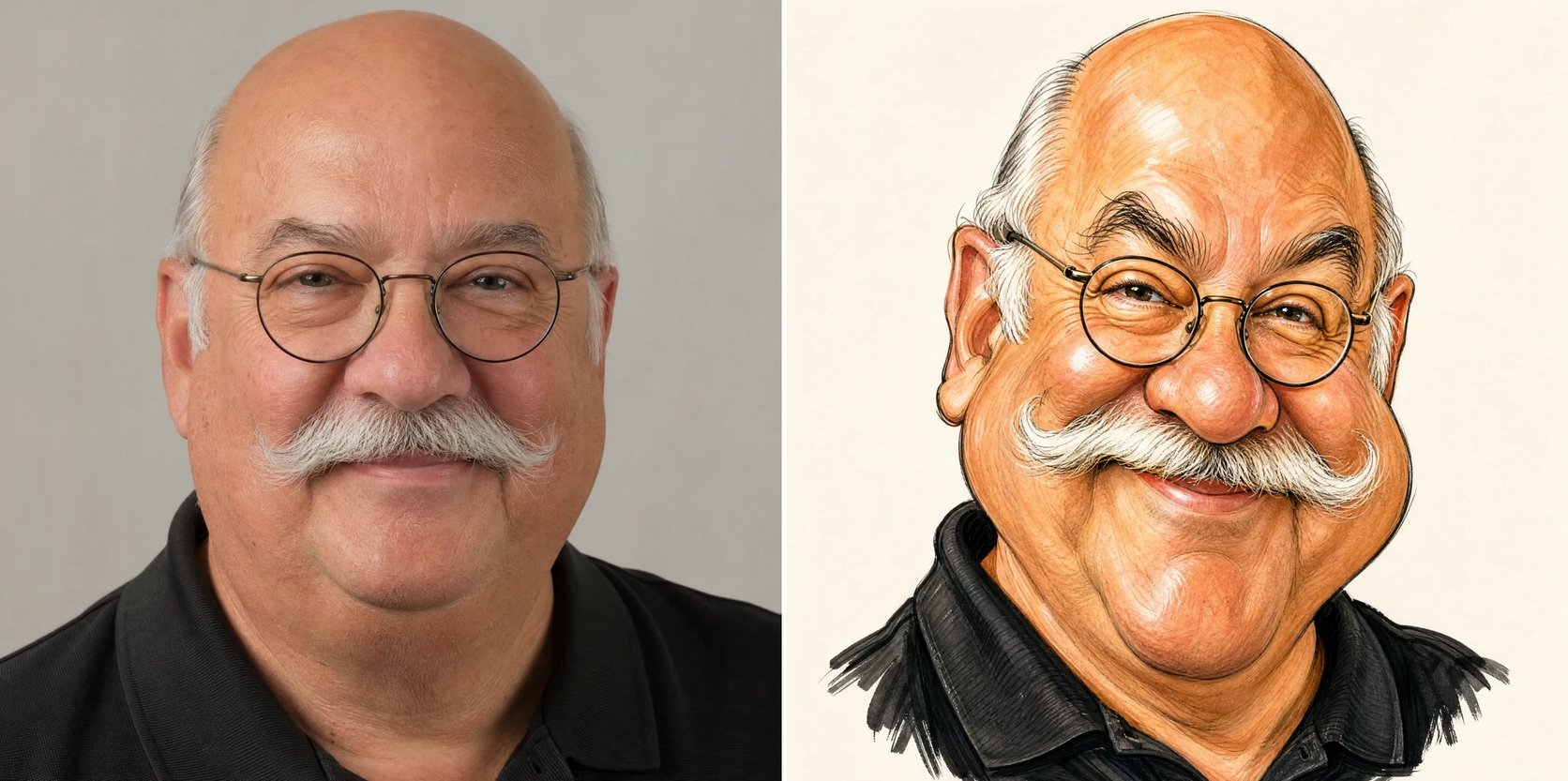
A caricature is a great gift, a fun profile picture, or a party keepsake — but hiring a caricature artist means paying by the face and waiting in line at an event, or mailing a photo and waiting days. A caricature generator gives you one in about a minute, and lets you try a few looks — a smooth 3D caricature, a hand-drawn satirical one, or a soft watercolor — then keep the one that gets the best laugh. Make a caricature of yourself, a friend, or the whole group, and share it or print it.
Want a caricature but the artist’s line is too long?
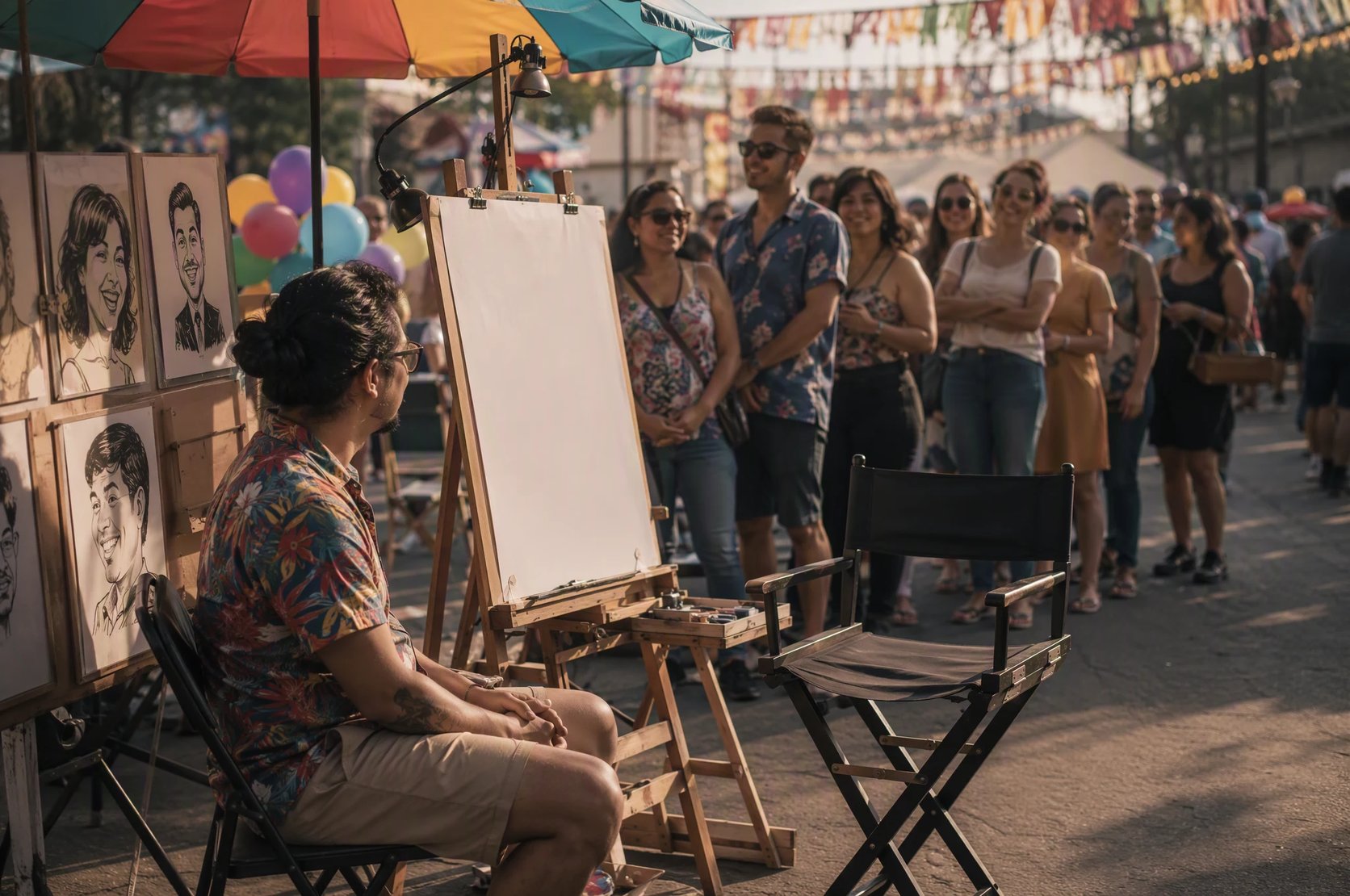
You have seen caricature artists at fairs, weddings and theme parks — but the line is long, it is not cheap, and you only get one style. A caricature generator skips all of that: upload a photo, pick a caricature style, and get an exaggerated caricature of yourself in minutes. Try a few styles, keep the funniest, and download it — no queue, no per-face fee.
How to turn a photo into a caricature
Three steps from a photo to a caricature.
- 1
Upload a photo
Add a clear, front-facing photo of one face. Good lighting and a visible face give the most recognizable caricature.
- 2
Choose a caricature style
Pick 3D, hand-drawn, watercolor, or a classic portrait — or describe your own caricature style.
- 3
Generate and download
The caricature generator exaggerates the features while keeping the likeness. Compare before and after, then download your caricature.
See yourself as a caricature
Upload one photo and get a fun, exaggerated caricature in minutes.
More AI Image Generators
Caricature generator FAQ
Yes. A caricature exaggerates your features on purpose — a bigger head, a bigger smile — but the caricature generator keeps your face, hair, and defining features recognizable, so it still looks like you, just funnier.
No. The caricatures are AI-generated from your photo, not drawn by a human artist. That is what makes them fast and cheap, but if you specifically want an original hand-drawn piece signed by an artist, this is not that.
A smooth 3D caricature, a hand-drawn satirical caricature, a soft watercolor caricature, and a classic exaggerated portrait are built in, and you can also describe your own style.
No. The caricature generator works from a photo you upload, so it makes caricatures of the person in your picture — not a trademarked character or a celebrity you do not have a photo of.
A clear, well-lit, front-facing photo of one face works best — the caricature generator needs to see the features it exaggerates. Group shots work too, but a single clear face comes out most recognizable.
Yes. Making a caricature runs on credits and needs you to be signed in, so you can try several styles and keep the ones you like.