
Generate with GPT Image 2
Type a prompt, and GPT Image 2 renders a high-quality image.
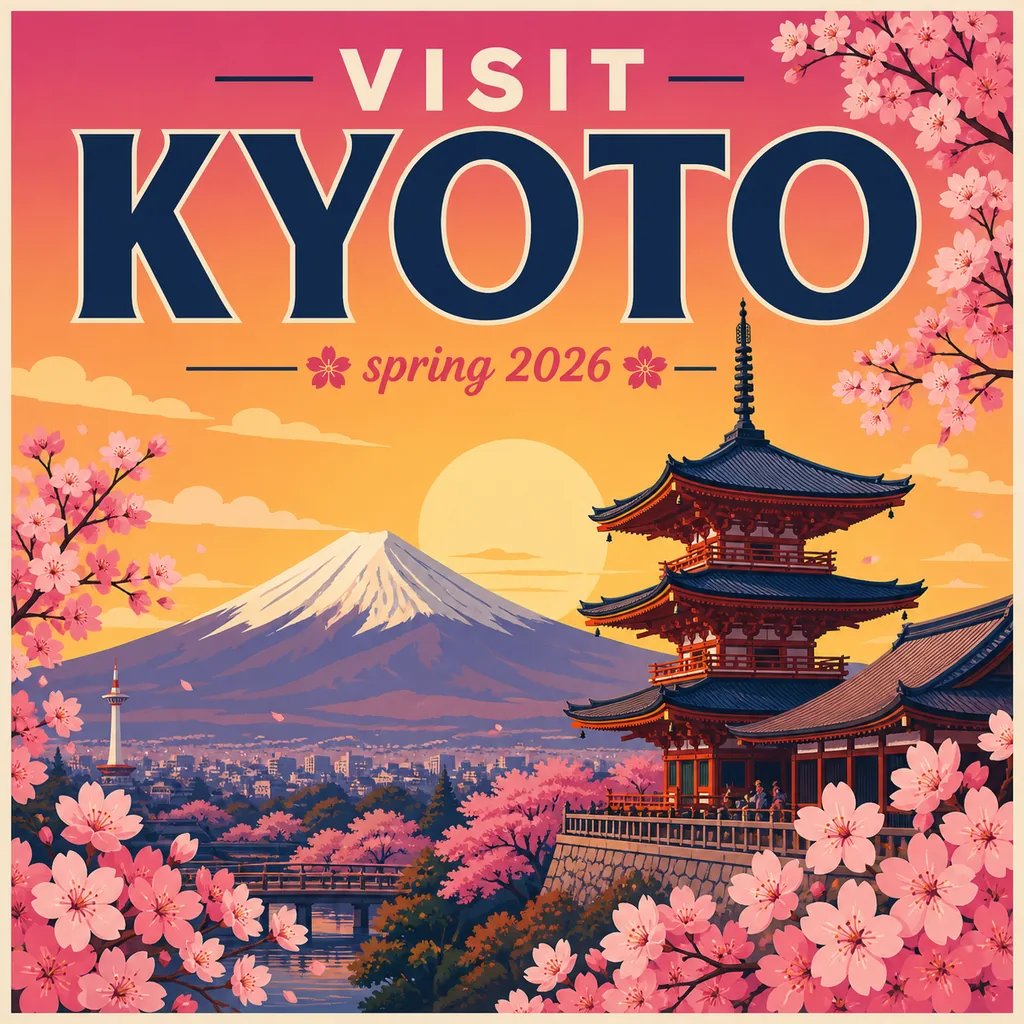
GPT Image 2 — AI Images from Text
Creating Image is an AI image generator built on the GPT Image 2 model. Describe an image in plain text and GPT Image 2 renders a detailed result with crisp, accurate in-image text in minutes — sign in and spend credits to generate.
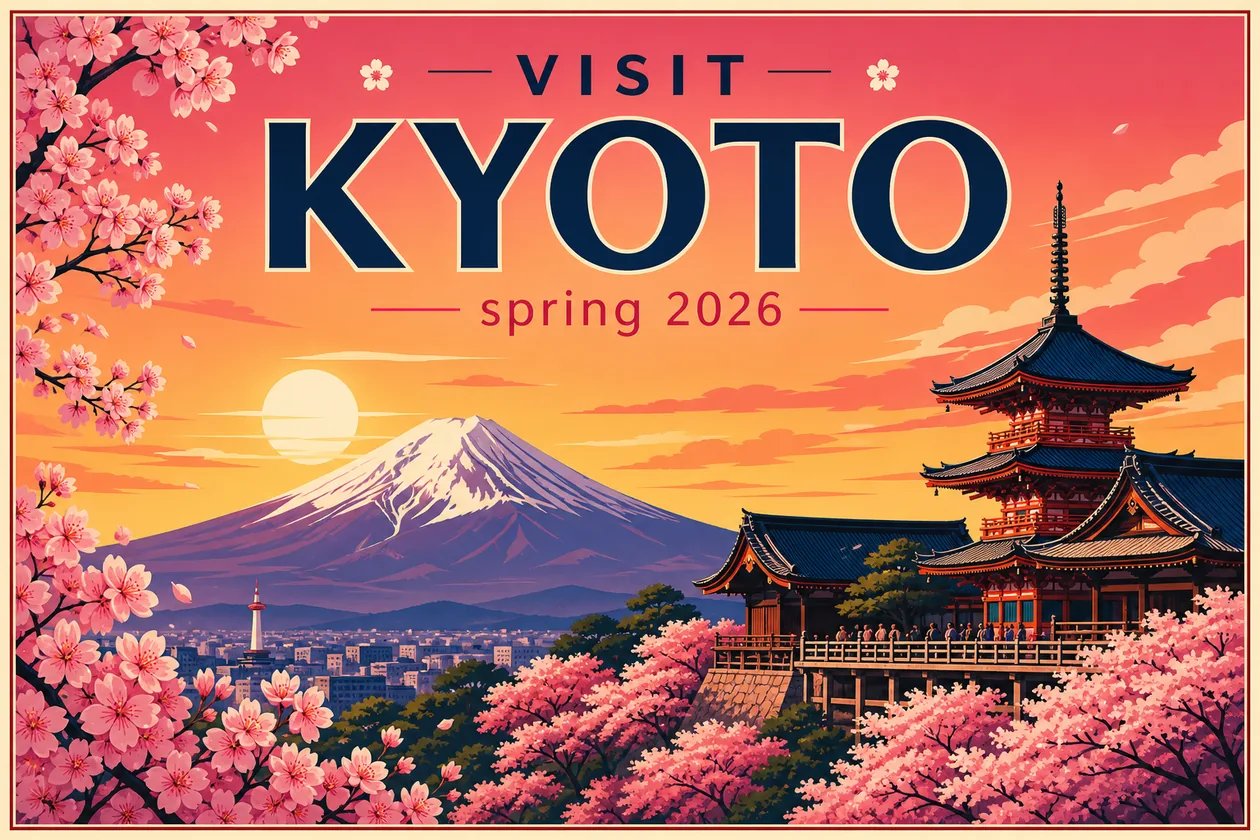
What is GPT Image 2?
GPT Image 2 is OpenAI's text-to-image model, best known for rendering sharp, accurate text inside the picture and for following detailed prompts closely. Creating Image runs it so you can use GPT Image 2 straight from the browser: no install and no OpenAI account — you type a prompt and the model returns an image. Creating Image is an independent product and is not affiliated with OpenAI; it simply provides GPT Image 2 as the engine behind this generator. Every image on this page comes from that same engine, so the detail and the text quality you see are its own.
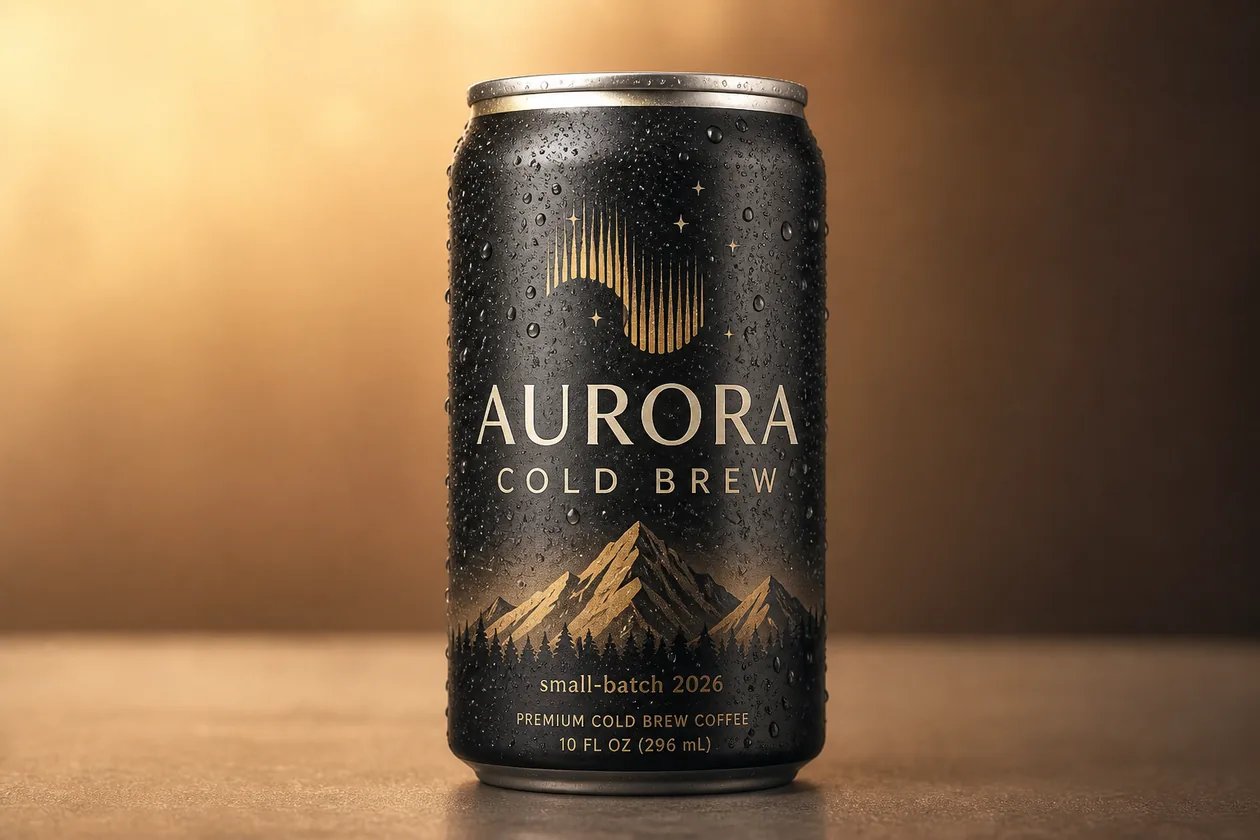
Why generate with GPT Image 2?
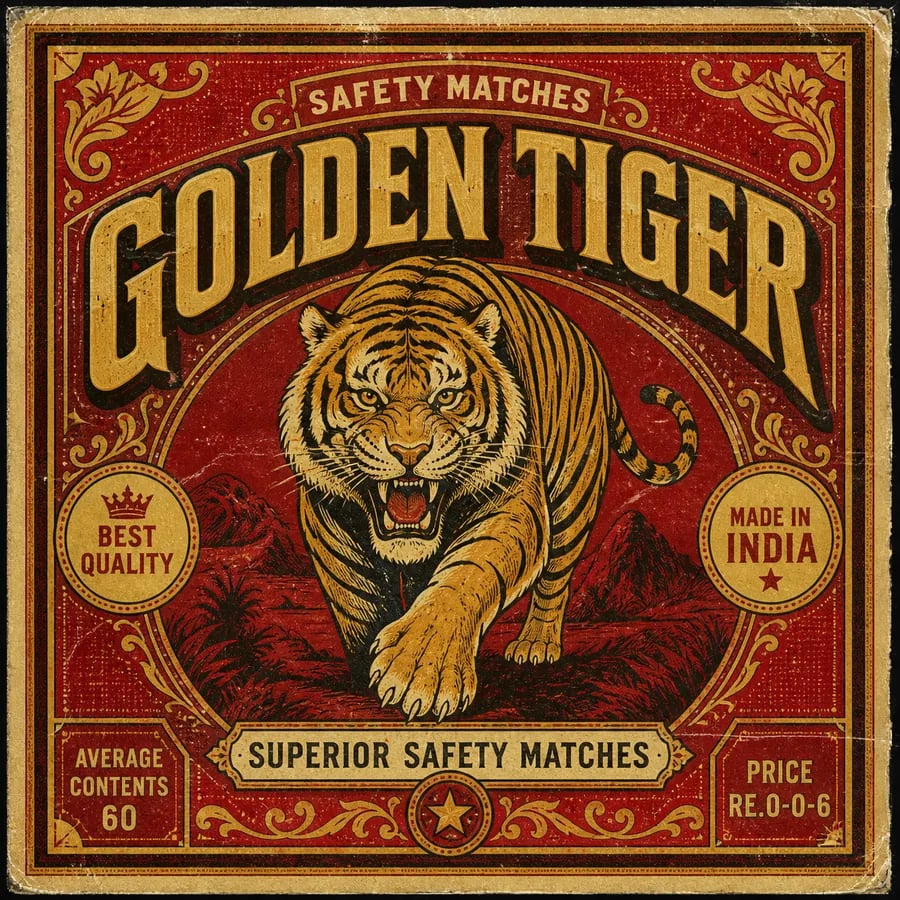
Reach for GPT Image 2 when the words on the image matter — a poster headline, a product label, a shop sign, a matchbox design — and when a prompt lists a lot of specific details you need honored. Where many AI image generators smear letters into gibberish and drop half your instructions, GPT Image 2 keeps text legible and sticks to what you asked for. On Creating Image you get it behind a clean text box: describe the subject, the layout, and the exact words to render, and it returns a crisp image. Same prompt-only workflow as the rest of Creating Image, pinned to this one model.
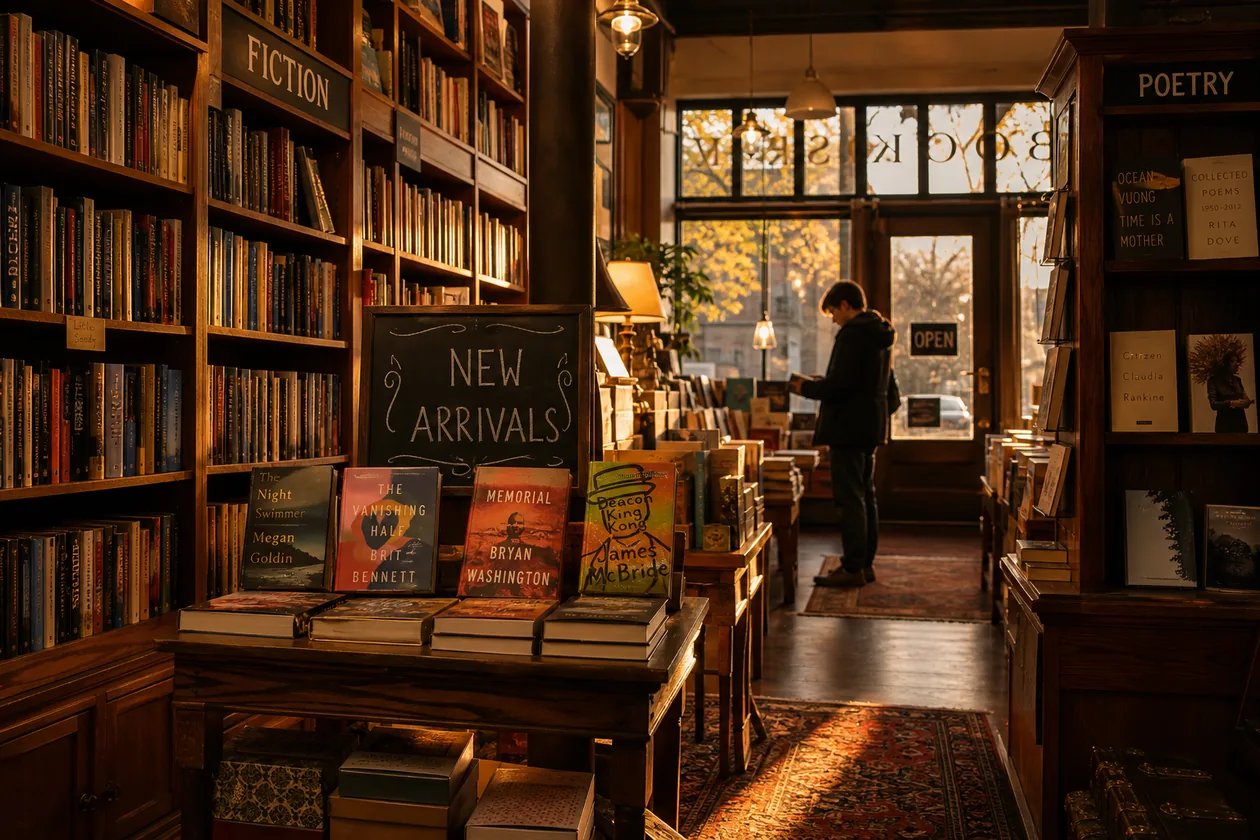
Tired of AI posters where the text comes out as garbled nonsense?
Most image models turn a simple headline into warped, misspelled shapes and quietly ignore half the details in your prompt — so you rewrite it again and again and still can't use the result. GPT Image 2 is built for the opposite: readable lettering and faithful, detailed scenes. On Creating Image you don't hunt through a model dropdown or settings — this page is pinned to GPT Image 2, so every prompt goes straight to it. Describe what you want, generate, and fine-tune the wording until the text lands exactly right.

How to generate with GPT Image 2
Three steps to your first GPT Image 2 image on Creating Image.
- 1
Describe your image
Type a plain-text prompt — the subject, the style, the layout, and any exact words you want rendered on the image.
- 2
Generate with GPT Image 2
The tool is pinned to this model. Sign in, spend credits, and GPT Image 2 renders your image.
- 3
Refine the prompt
Not quite right? Adjust the wording and generate again — small prompt changes steer GPT Image 2 toward exactly what you pictured.
What people make with GPT Image 2
One text-to-image tool on the GPT Image 2 model, many jobs. Here is where people reach for it most.
Posters & designs with real text
Make a poster, label, or sign where the words matter. GPT Image 2 renders legible, correctly-spelled lettering that most image generators can't.
Photoreal scenes & products
Describe a product shot or a scene and get believable, detailed results — down to reflections, textures, and small props.
Characters, art & illustration
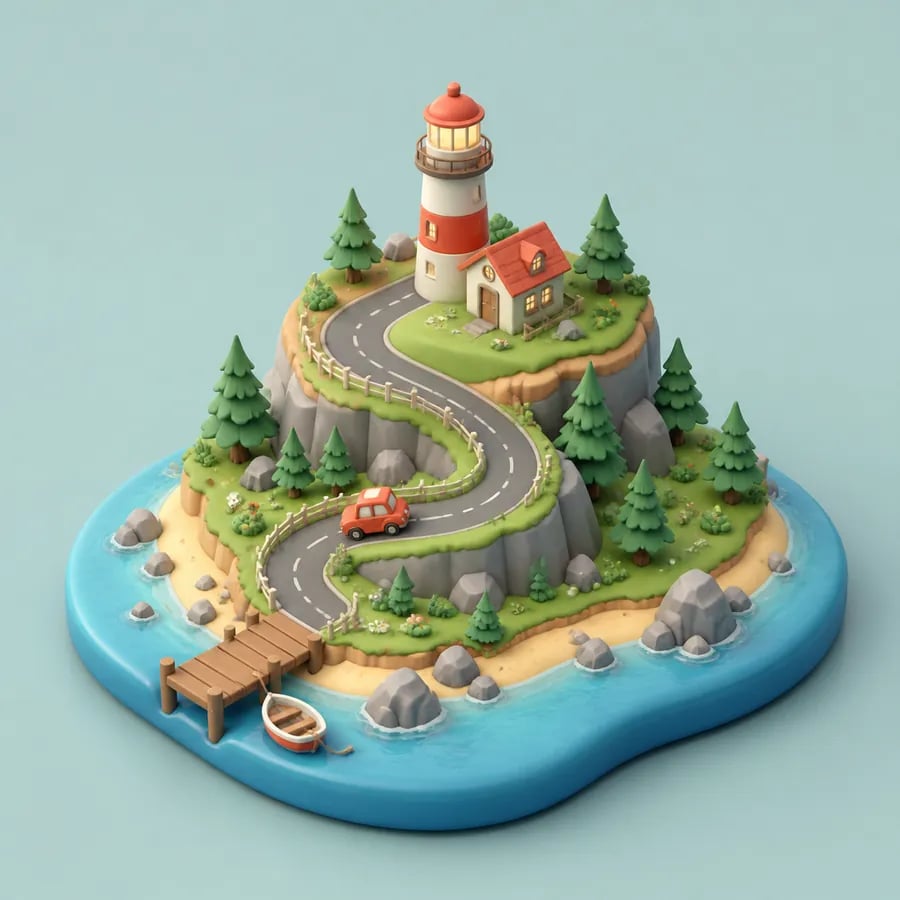
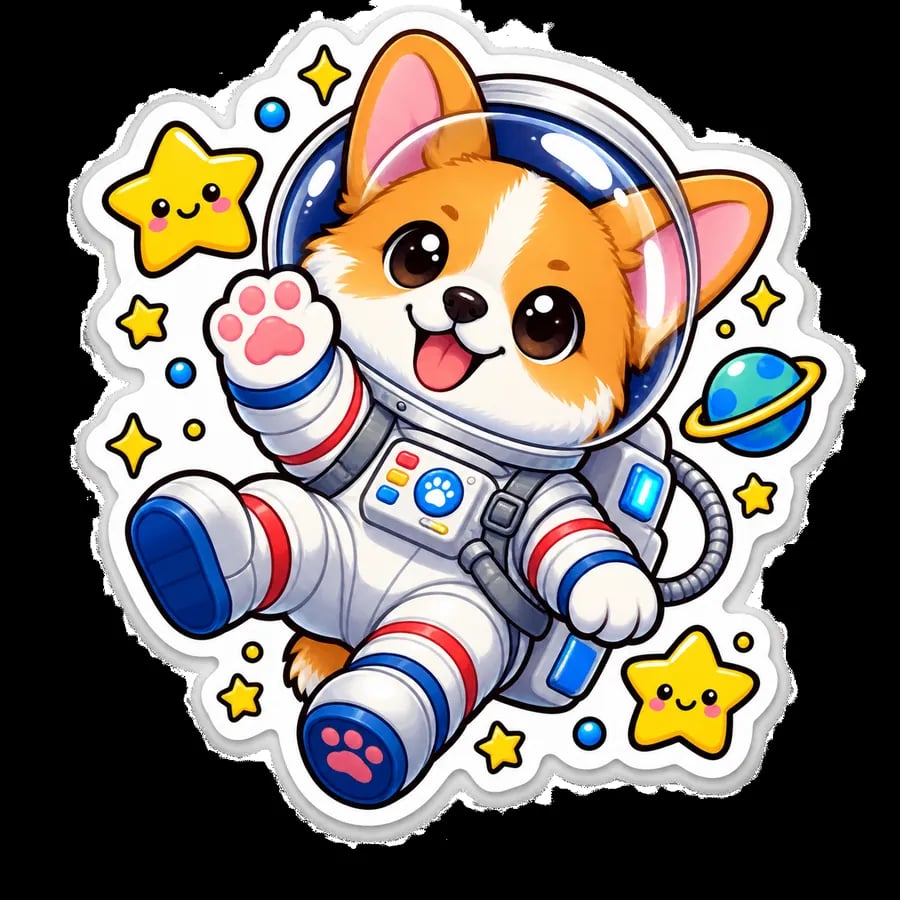
From hyperreal portraits to stickers, 3D dioramas, and concept art — describe a style and GPT Image 2 follows it.
Made with GPT Image 2
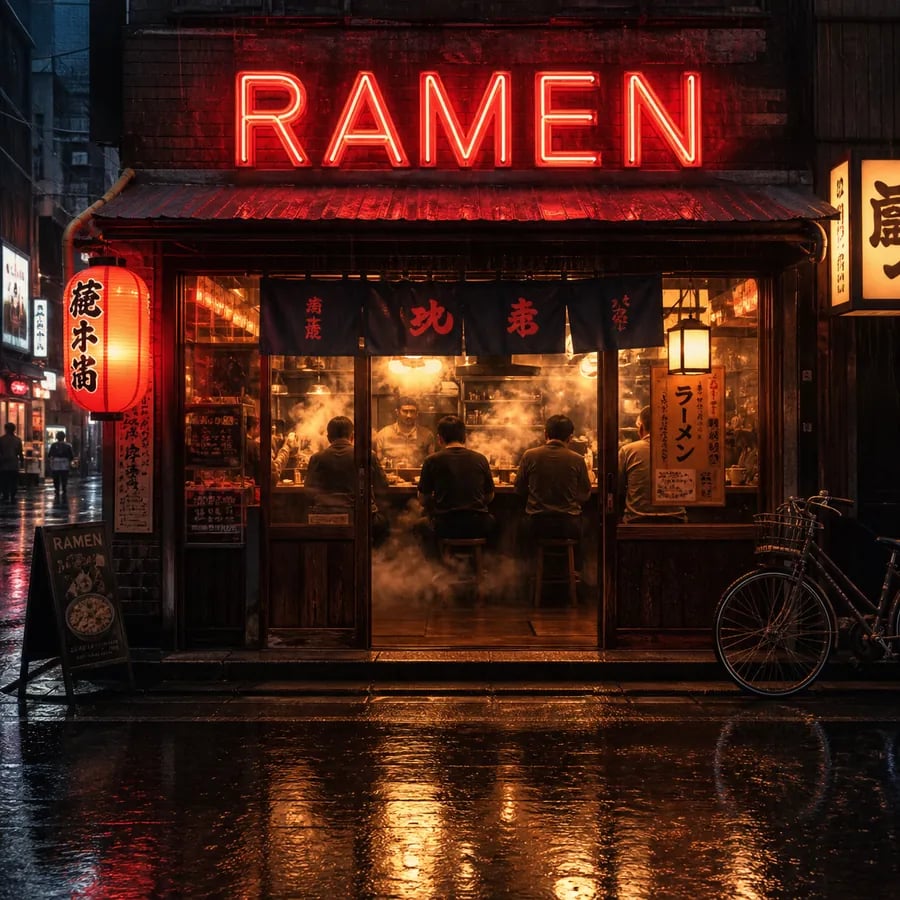
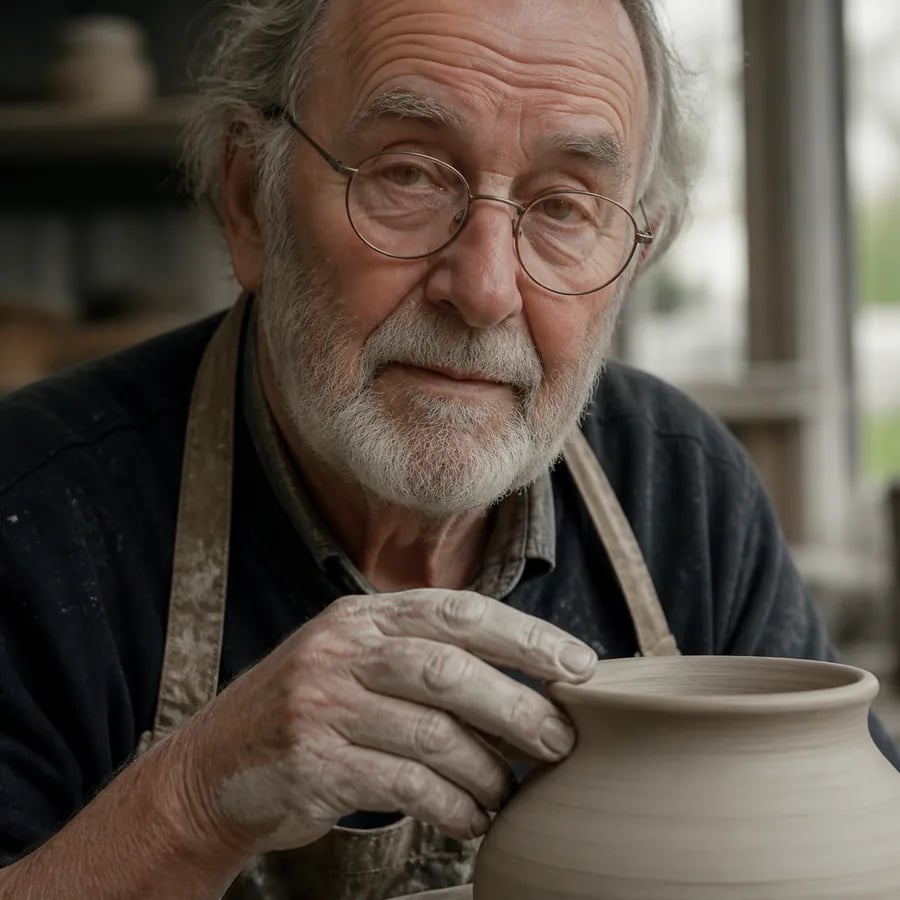
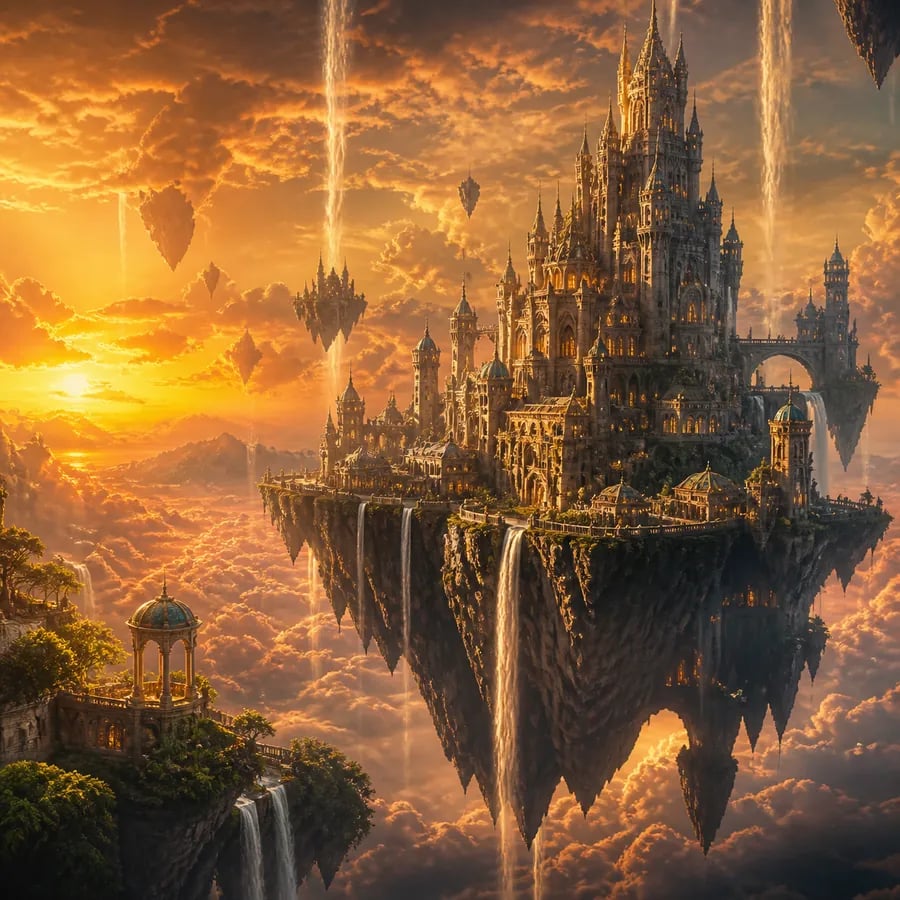
Every image below came from a single text prompt on Creating Image — the same GPT Image 2 engine this page is pinned to.
Generate Your First GPT Image 2 Image
Describe the image in your head and let GPT Image 2 render it — sharp text and all. Sign in, spend credits, and generate in minutes.
More AI Image Generators
GPT Image 2 — FAQ
GPT Image 2 is OpenAI's text-to-image model, known for sharp in-image text and close prompt-following. This page lets you generate with GPT Image 2 directly on Creating Image — type a prompt, and the model renders an image.
No. Creating Image is an independent product and is not affiliated with OpenAI. It is built on the GPT Image 2 model — it provides that model as the engine behind this generator, nothing more.
No. You use the model through Creating Image — sign in to Creating Image, spend credits, and generate. No OpenAI account or separate setup is needed.
No. This page is text-to-image only: you describe the image in words and GPT Image 2 generates it from the text alone.
Accurate in-image text is one of this model's signature strengths. Put the exact words in your prompt and GPT Image 2 renders them far more reliably than a general image generator.
Each generation spends credits from your Creating Image account. Sign in to see your balance and pricing; there is no separate model fee beyond Creating Image credits.