
Your text to image result
Write a prompt, choose a model, and your image appears here.
AI Text to Image — Images from Text
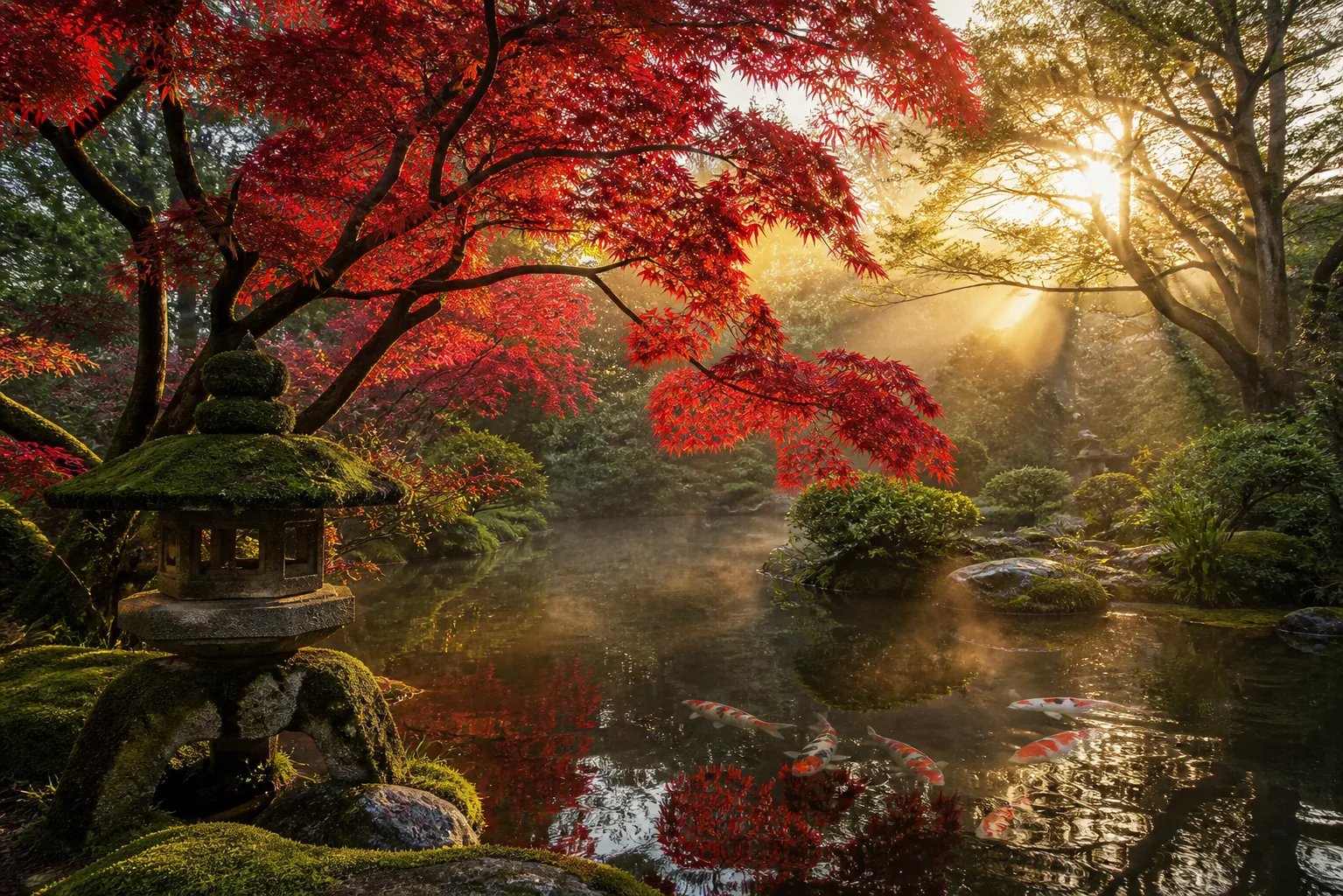
Describe the picture in your head and this text to image generator paints it. You control the style, lighting, and composition through the words of your prompt, then get a high-resolution image back in minutes.
What is a text to image generator?
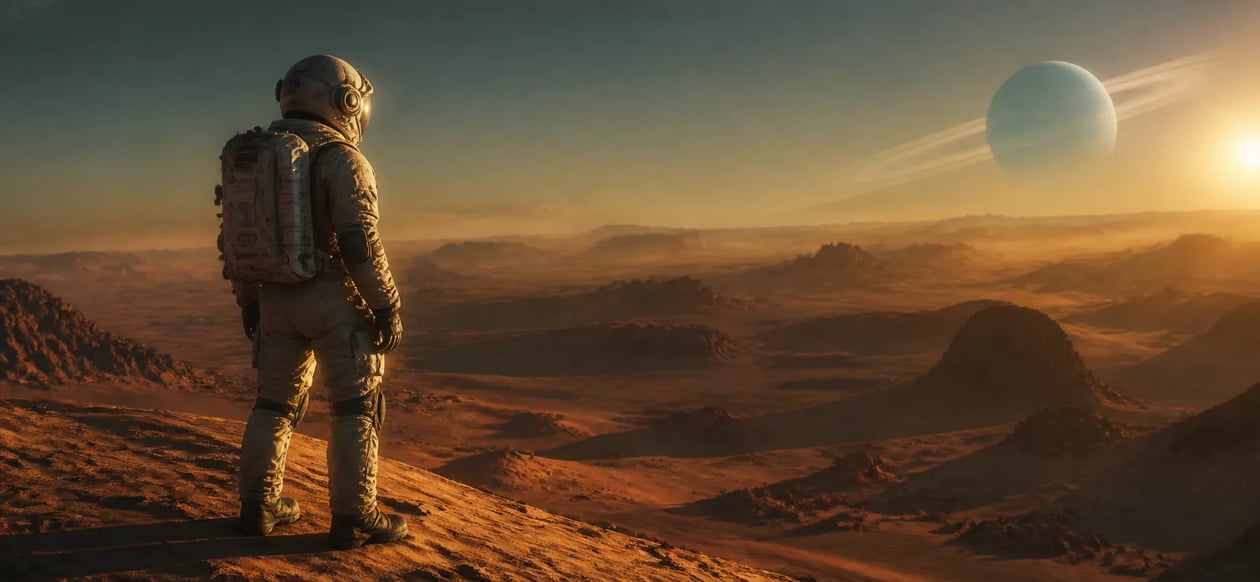
A text to image generator is an AI tool that reads a written description and produces a matching picture. Instead of drawing or photographing anything, you type a prompt — the subject, the setting, the art style, the light — and the model turns those words into a finished image. The more specific your prompt, the closer the result matches what you pictured. This page runs a prompt-only text to image workflow: every image starts from text you write, so you keep full creative direction over what appears on the canvas.
Why the prompt is where the craft lives
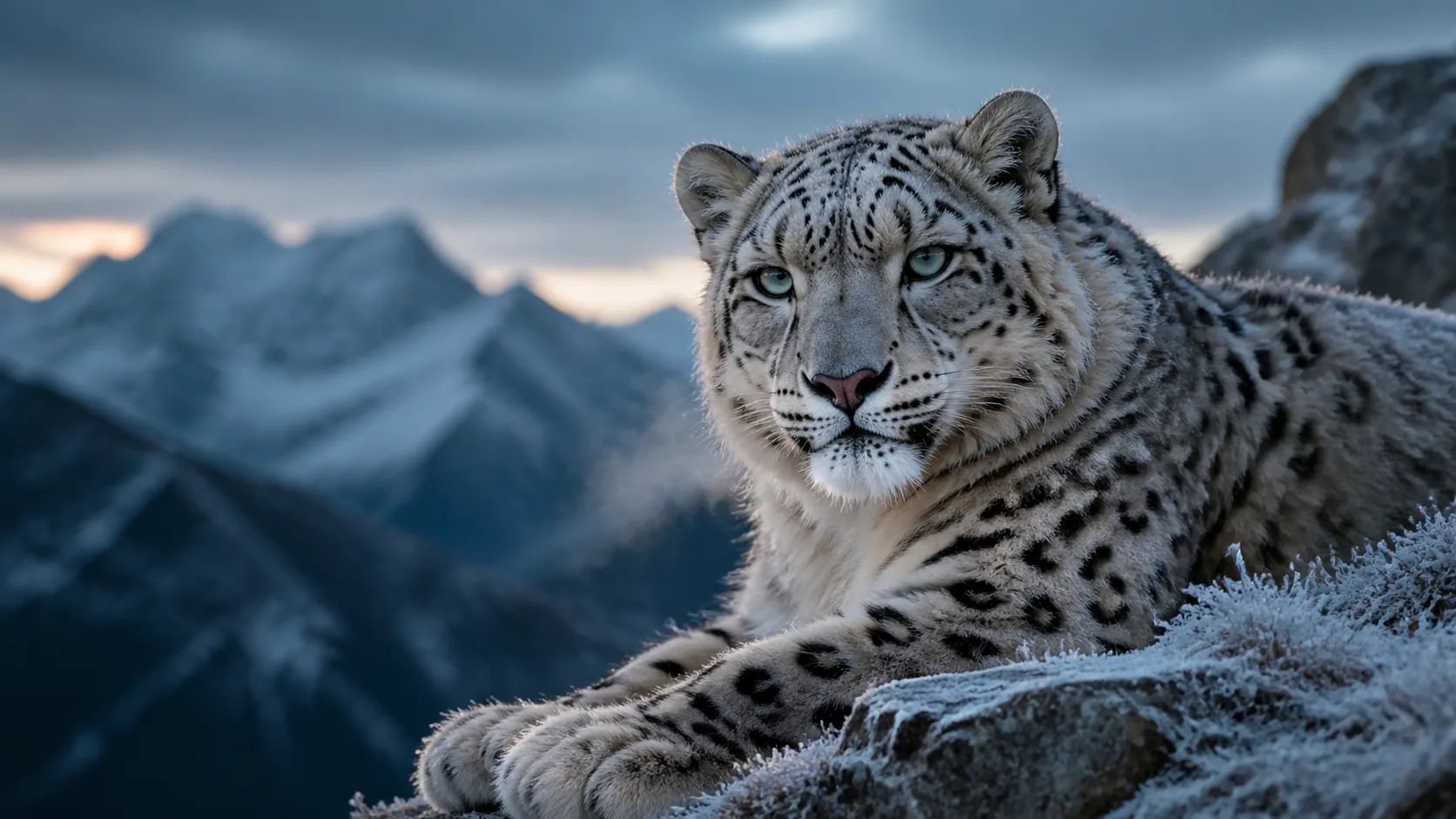
With a text to image generator the prompt is your paintbrush. A vague line like "a city" gives a generic result; a precise line — the era, the palette, the camera angle, the mood — steers the model toward the exact frame you had in mind. Naming a style (watercolor, flat vector, cinematic photo), a light source, and a composition turns the same text to image model into a very different picture. Learning to describe what you want is the single biggest lever on quality, and it is a skill this text to image workflow is built to reward.
From a rough idea to the image you meant
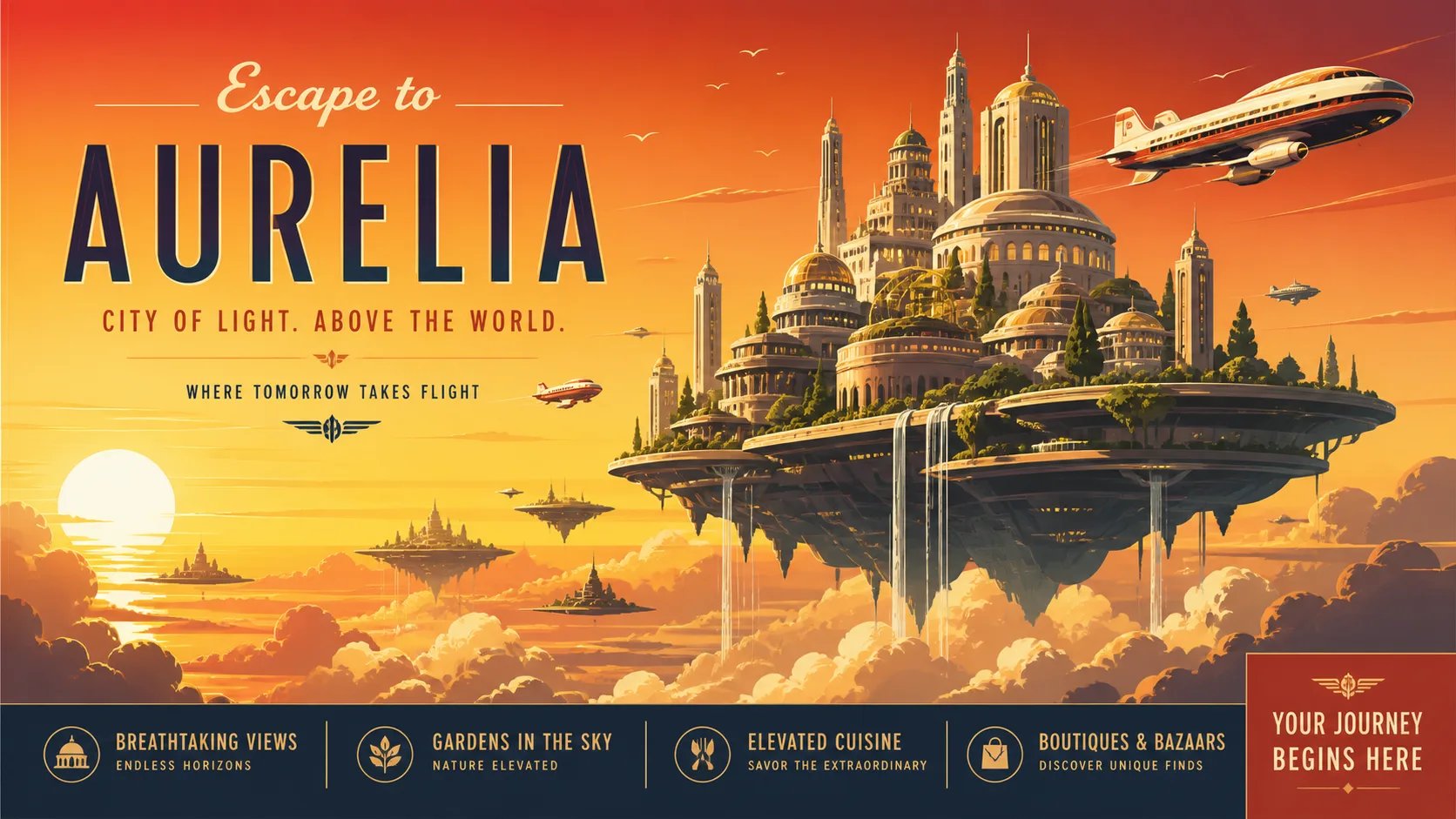
Most people start with a rough idea and a plain prompt, then wonder why the picture feels generic. The fix is not a better tool — it is a better description. Add the concrete nouns, the adjectives that carry mood, and the style words that fix the look, and the text to image generator has enough to work with. Re-prompt with one more detail each time and the result converges on your vision. Because generation costs credits, a specific prompt also spends them well: you reach the image you meant in fewer tries.
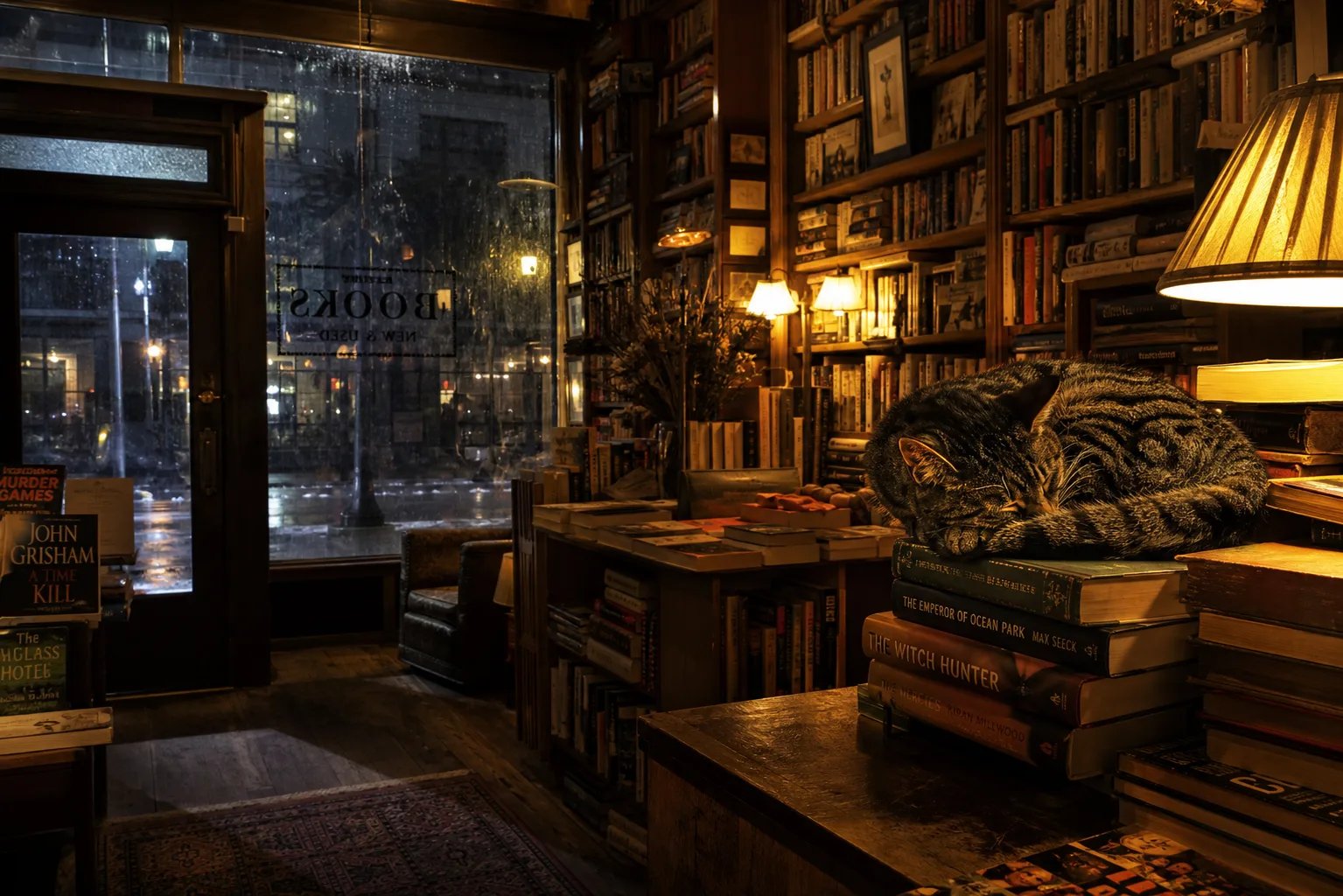
How to use the text to image generator
Three steps from a blank box to a finished image.
- 1
Write a clear prompt
Describe the subject, the style, the lighting, and the mood. Specific words give the text to image model more to work with.
- 2
Pick a model
Choose from the available image models. Each has its own strengths for photos, art, or graphic styles.
- 3
Generate and refine
Select Generate, review the result, then add one more detail to your prompt and run it again to close in on your vision.
Turn your next idea into an image
Write a prompt, pick a model, and let the text to image generator do the rest.
More AI Image Generators
Text to image generator FAQ
A text to image generator is an AI tool that turns a written prompt into a picture. You describe the subject, style, and mood in words, choose a model, and the tool produces a matching high-resolution image — no drawing or photography needed.
Name the concrete things you want: the subject, the setting, an art style (watercolor, flat vector, cinematic photo), the lighting, and the mood. Specific prompts steer the model toward the exact frame you pictured; vague prompts return generic images. Add one detail at a time and re-generate to refine.
No. This is a prompt-only text to image workflow — every image starts from the text you write, so no upload or reference photo is required. You keep full creative direction through the prompt alone.
Generating an image requires signing in and uses credits, since each generation runs a paid AI model on our servers. You can see your credit balance and top up any time from your account.
The text to image generator returns high-resolution images suitable for on-screen use and sharing. The exact size depends on the model you pick from the selector.
Same underlying tool, focused view: this page is built around the text to image workflow and writing prompts that get the result you want. The main AI image generator page covers the full range of models and image tasks.