
Upload your photo
Cartoon style
Your cartoon
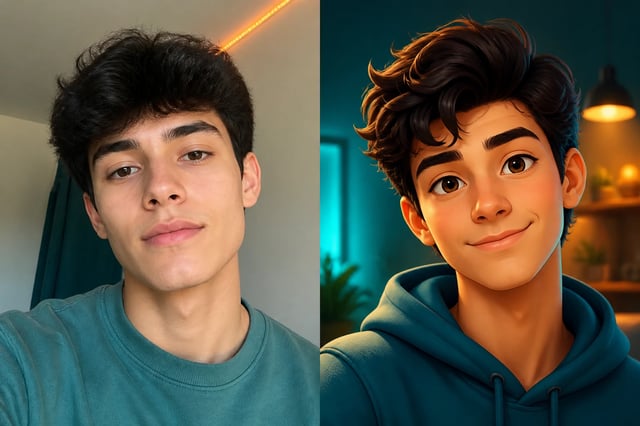
Cartoonized from your photo
AI Cartoon Generator — Photos to Cartoons
Upload a photo of yourself, a friend, or your pet, and the AI cartoon generator turns it into a fun cartoon — 3D-animated, comic, anime, or caricature — with the face kept. No drawing skills.
What is an AI cartoon generator?
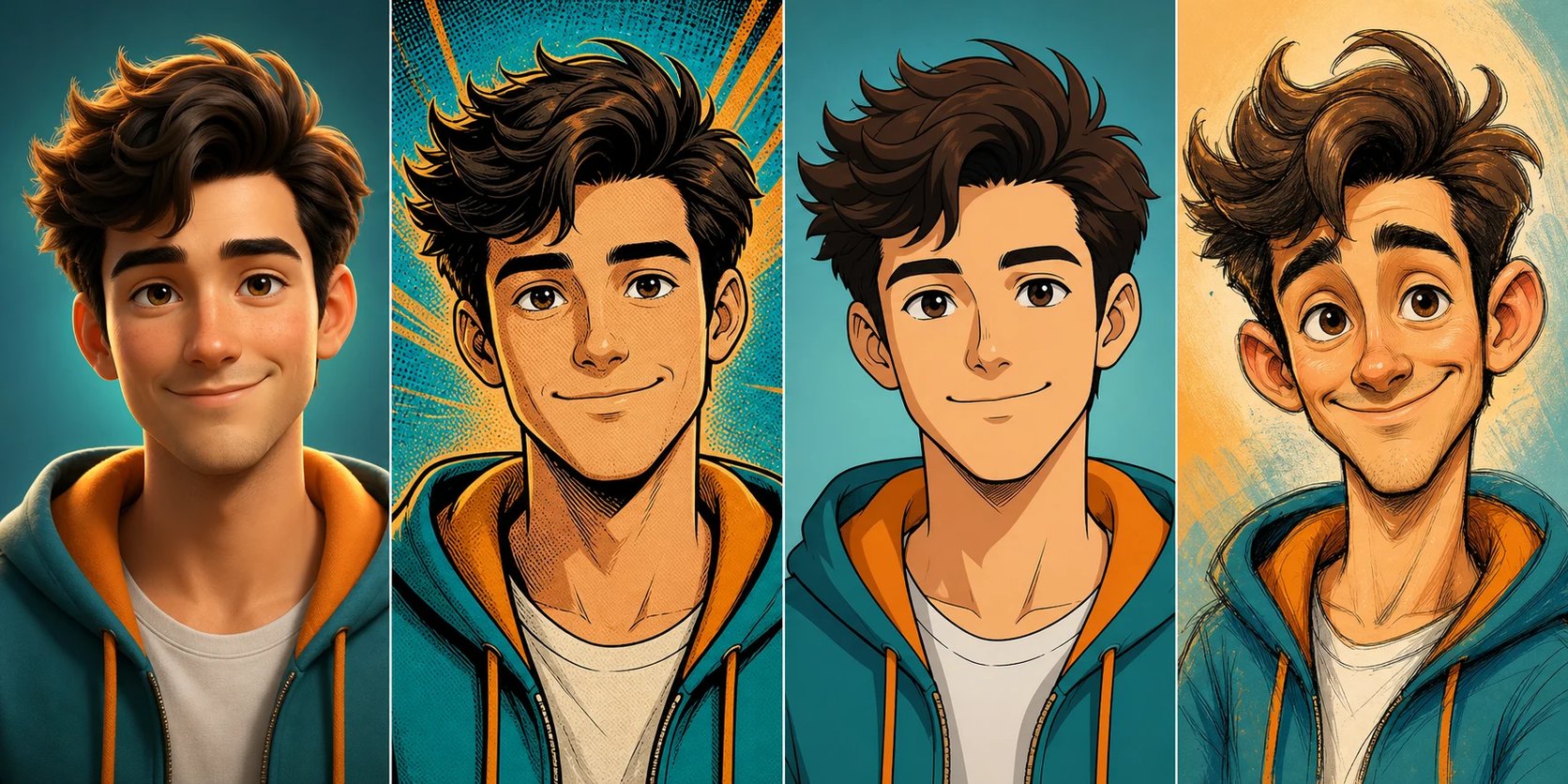
An AI cartoon generator takes a photo and restyles it into a cartoon, keeping the face recognizable. Upload a picture of yourself, a friend, or your pet, pick a style — 3D-animated, comic, anime, caricature — and the AI cartoon generator redraws it as a cartoon. Unlike a text tool that invents a stranger, it works from your actual photo, so the cartoon is still you (or your dog), just drawn. It is the fun, casual counterpart to a portrait tool: where a portrait keeps things artistic, an AI cartoon generator makes something playful for avatars and profile pictures.
Want an anime look instead of a cartoon? Turn your photo into anime with the photo to anime converter.
Why use an AI cartoon generator?
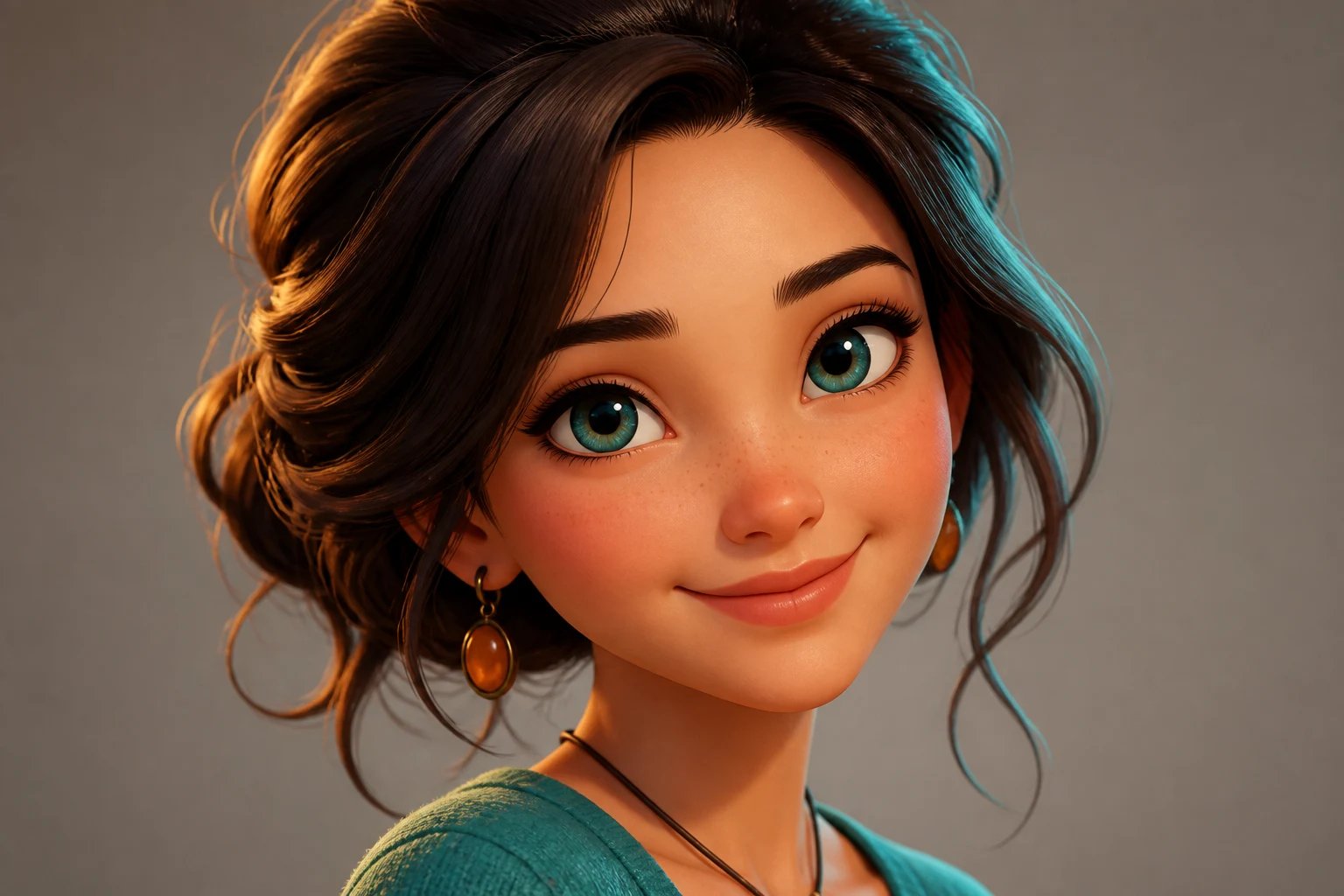
A custom cartoon of yourself or your pet used to mean hiring an illustrator and waiting a week. An AI cartoon generator does it in about a minute, and lets you try several styles from one photo. Make a 3D-animated version for your profile picture, a comic version for a group chat, or a caricature of your dog for a gift — all from the same upload. Because each cartoon keeps the likeness, it still reads as you or your pet, which a random AI face never does.
Want a fun cartoon of yourself — without hiring an artist?
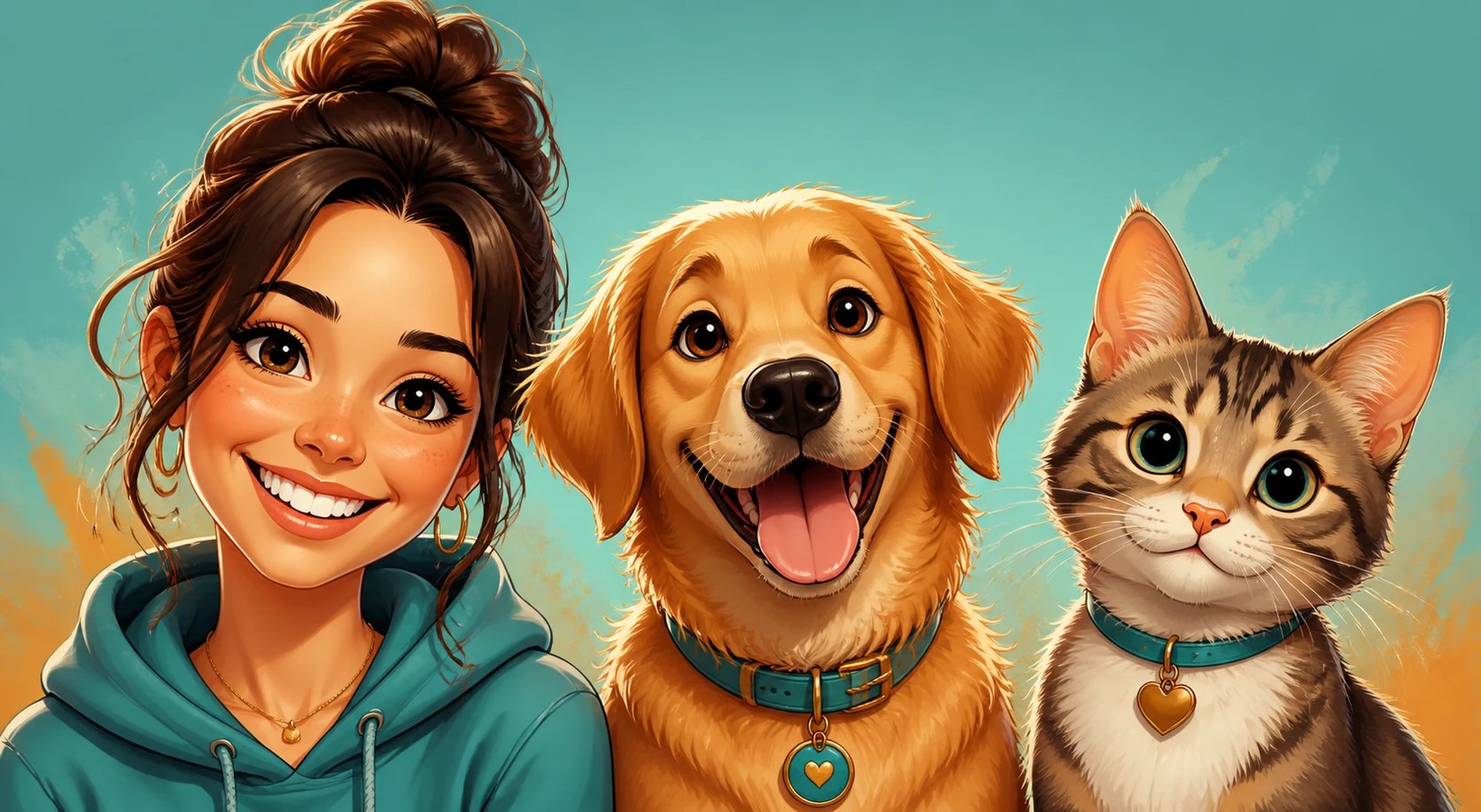
Maybe you have always wanted a cartoon avatar for your profile, or a cute cartoon of your pet, but commissioning an artist is expensive and quick apps often make it look creepy or generic, so you settle for a plain photo. An AI cartoon generator fixes that: upload one picture, choose a style, and get a fun cartoon that actually looks like you in minutes. Try a few styles, keep the ones you love, and use them as profile pictures, stickers, or gifts.
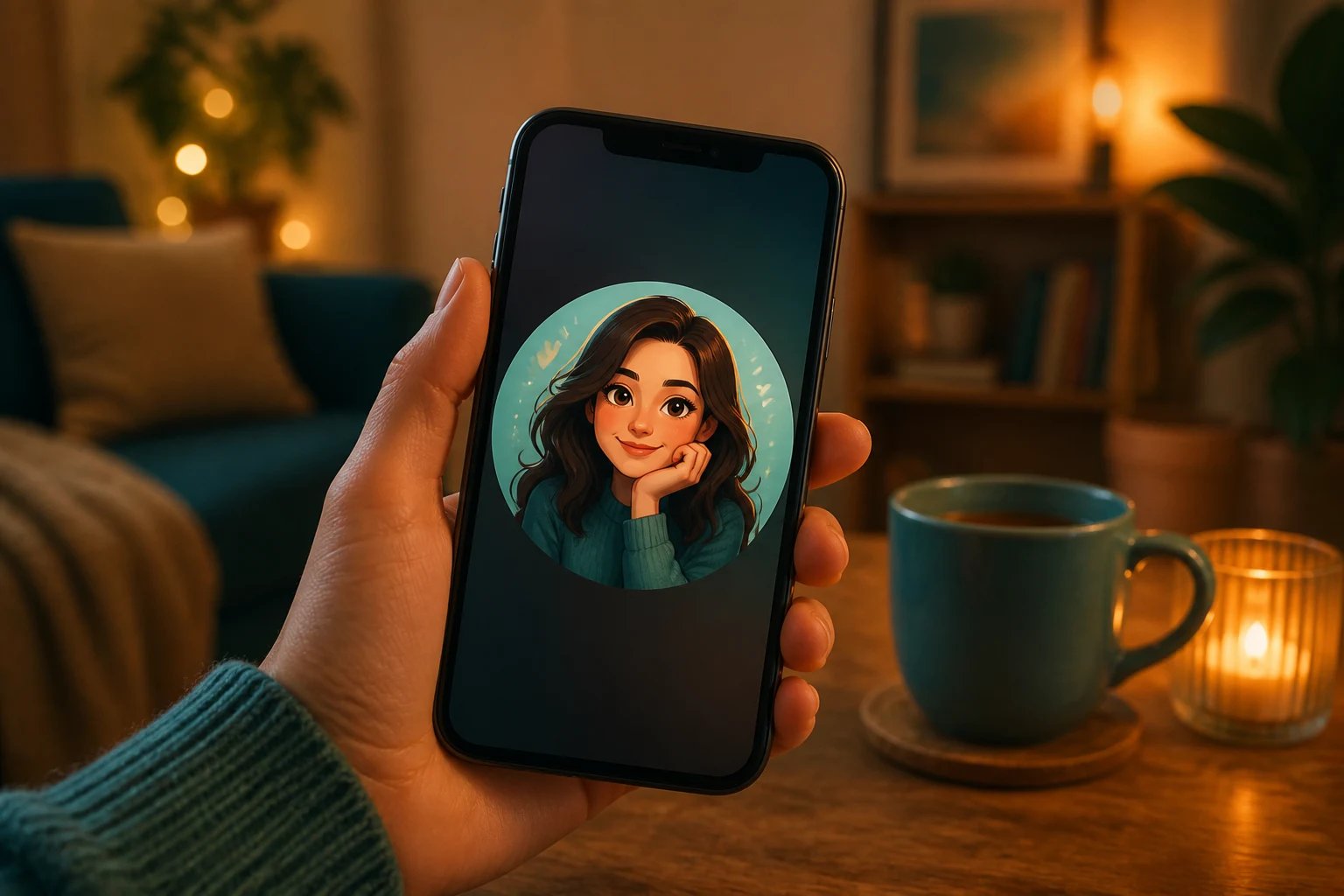
How to cartoonize a photo
Three steps from a photo to a cartoon of you or your pet.
- 1
Upload a photo
Add a clear, front-facing photo of a person or pet. Good lighting gives the closest cartoon.
- 2
Choose a style
Pick 3D-animated, comic, anime, or caricature — or describe your own style in the box.
- 3
Generate and download
The AI cartoon generator cartoonizes your photo. Generate a few, then download the cartoons you love.
See yourself as a cartoon
Upload one photo and turn it into a fun cartoon in minutes.
More AI Image Generators
AI cartoon generator FAQ
Yes. The AI cartoon generator restyles your own photo, so it needs one clear, front-facing picture of a person or pet. It does not invent a face from text — the cartoon is you (or your pet), redrawn.
It keeps the likeness, and how close it looks depends on your photo. A sharp, well-lit, front-facing shot gives the best resemblance; blurry or angled photos drift further. Generate a few and keep the closest.
3D-animated, comic, anime-style, and caricature are built in, and you can describe your own — watercolor cartoon, sticker style, retro toon — in the prompt box. Each keeps the face.
No. The AI cartoon generator makes generic cartoon styles, not imitations of any trademarked studio, franchise, or character. Describe the general look you want — 3D-animated, comic, hand-drawn — and it renders in that direction.
Yes. Upload a photo of a pet, a friend, or a group, and it cartoonizes them in your chosen style. Pets and people both work; clear, well-lit faces come out best.
Yes. Cartoonizing a photo runs on credits and needs you to be signed in, so you can try several styles and keep the ones you like.