
Scene Frame Generator
Describe shot scale, lighting, character action, and camera perspective.
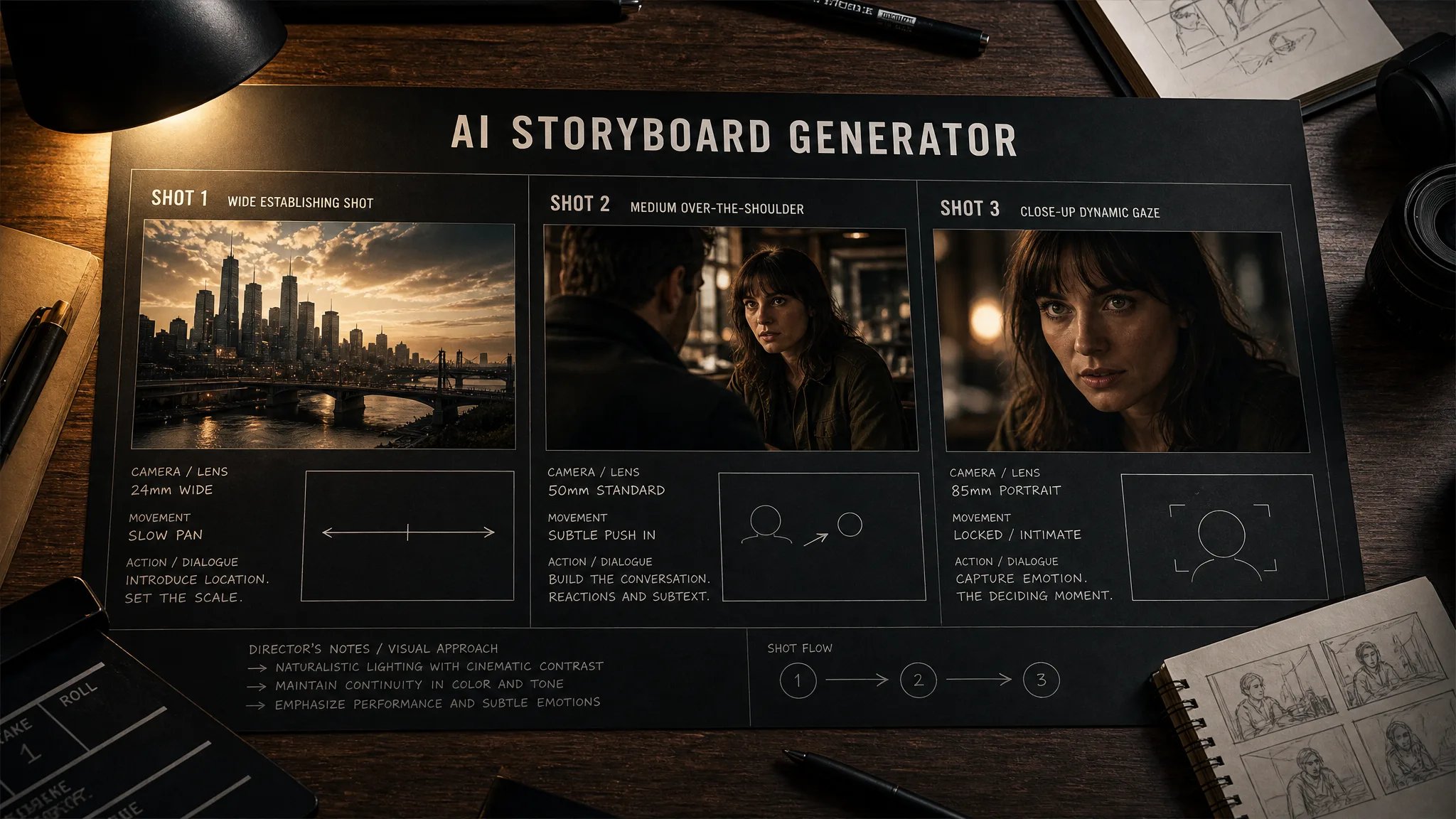
AI Storyboard Generator
Transform narrative beats and screenplay descriptions into coherent, cinematic 16:9 visual frames. Ideal for directors, indie filmmakers, and video creators pitching scene sequences.
What Is an AI Storyboard Generator?
An AI storyboard generator is a prompt-based pre-visualization tool that serves as a dedicated AI image generator for storyboarding and cinematic scene frames. Filmmakers, creative directors, and video producers describe camera angles, character staging, and lighting conditions to generate sequential pitch sketches, aligning creative teams before physical production begins.
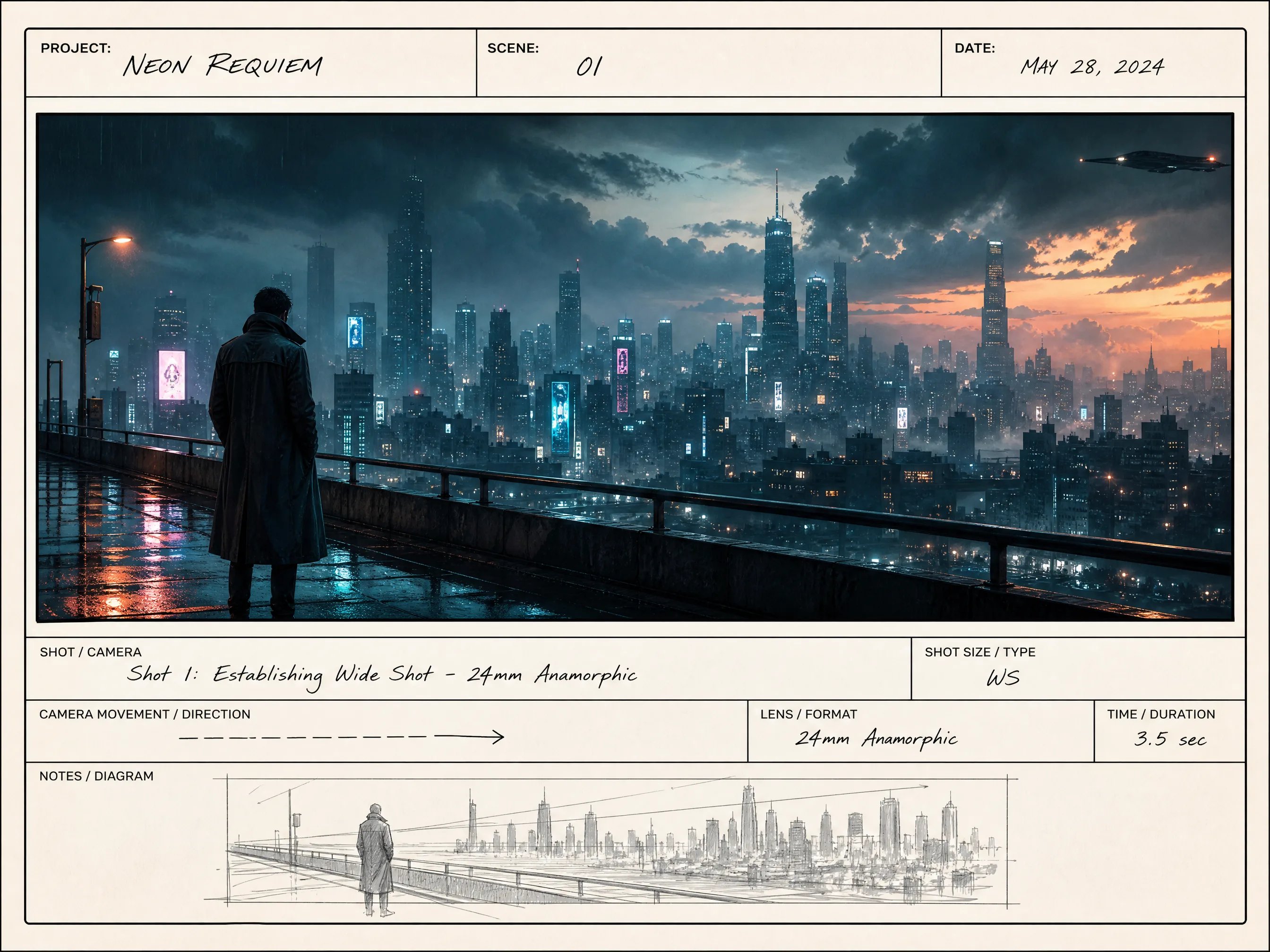
Rapid Environmental Concept Frames
Lock down geographical mood, architectural scale, and ambient lighting before scheduling locations or building sets.
- Wide and ultra-wide panoramic establishing angles
- Cinematic lighting palettes: golden hour, noir shadows, neon haze
- Visual cues for art departments and DP location scouts
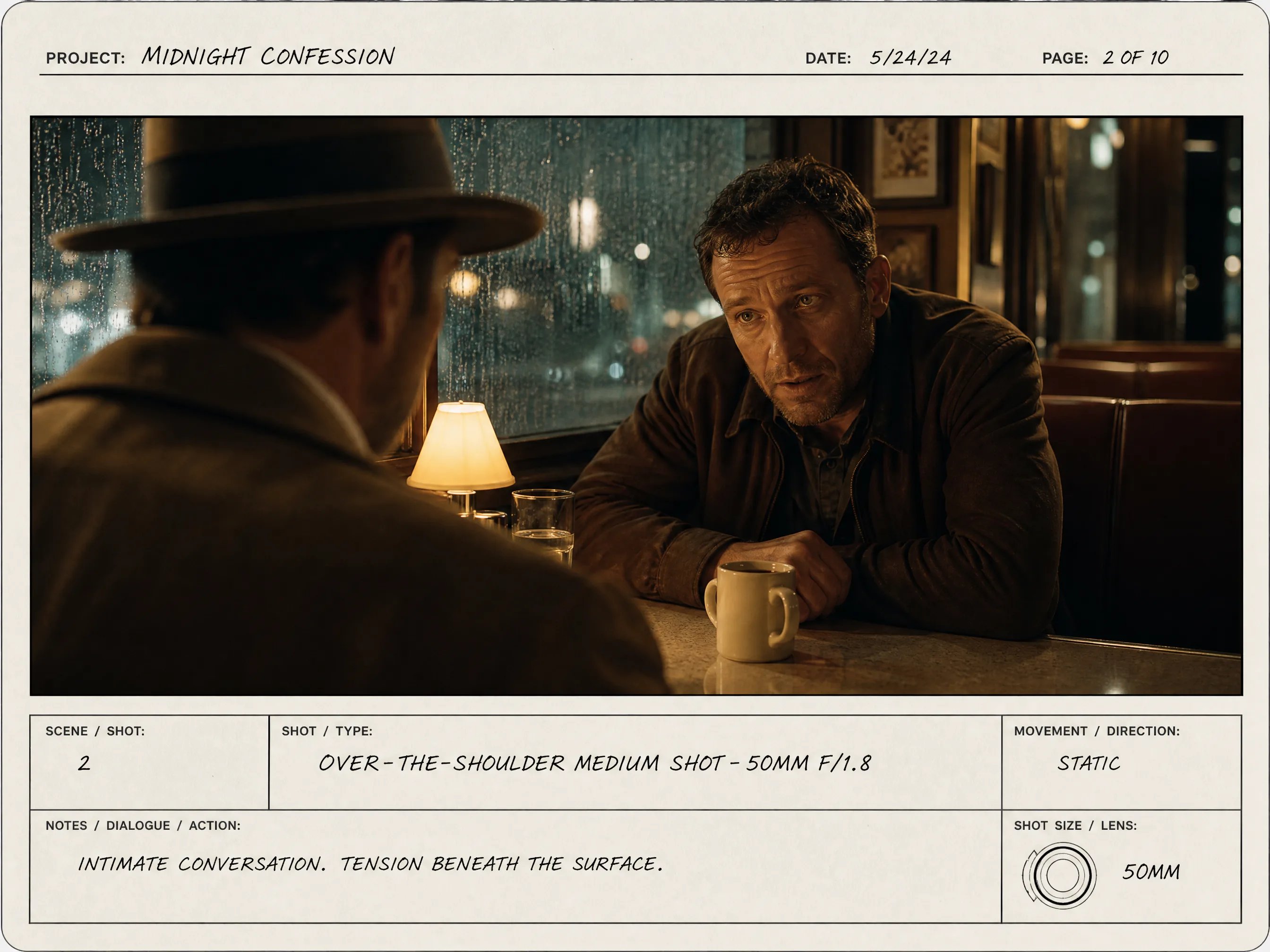
Over-The-Shoulder & Conversational Pacing
Visualize interpersonal character tension, camera height, and eyeline matching across conversational scene beats.
- Over-the-shoulder (OTS) and medium two-shot compositions
- Clear character posture and facial emotional cues
- Pre-plan shot reverse shot cutting sequences
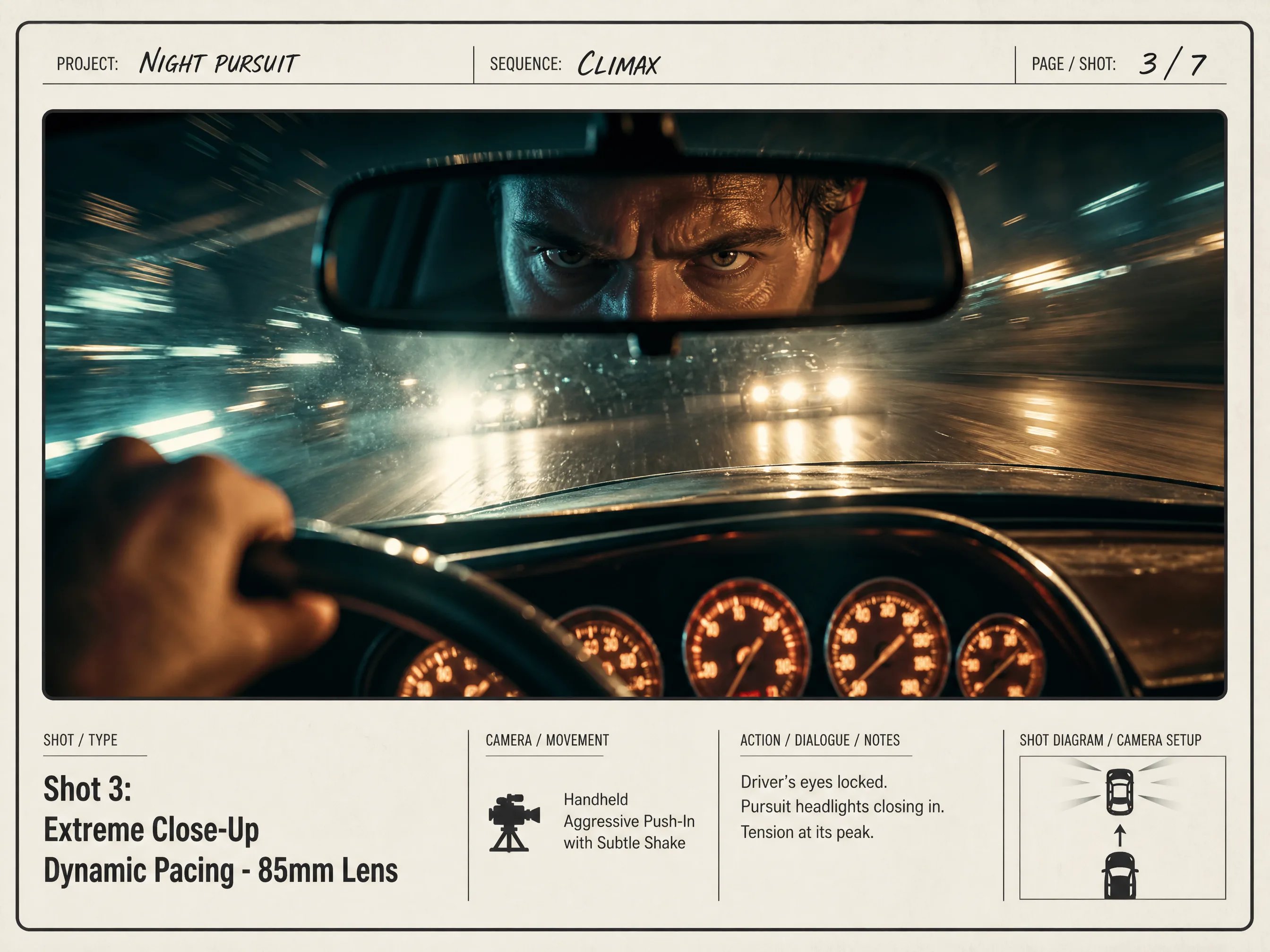
High-Stakes Motion & Dynamic Framing
Draft dramatic camera tilt, tracking motion vectors, and intense confrontation frames for pitch reels and stunt planning.
- Dynamic low-angle and dutch angle action perspectives
- High-contrast rim lighting and motion vector suggestions
- Pitch-ready visuals for production heads and clients
Why Video Creators Choose AI Storyboarding
Compare traditional manual illustration vs generic image generation vs Creating Image AI Storyboard Generator.
| Workflow Capability | Creating Image Storyboard AI | Traditional Storyboard Artist | Generic AI Art Tool |
|---|---|---|---|
| Turnaround Time per Sequence | Minutes per cinematic 16:9 frame | 2 to 5 business days per scene | Fast, but random composition formats |
| Cost per Storyboard Frame | 10–24 credits per frame, depending on model and size | $50 - $150 per drawn panel | Subscription without cinematic focus |
| Camera & Framing Vocabulary | Tuned for Wide, Medium, OTS, and Close-Up | Expert manual framing execution | Weak adherence to OTS and shot scales |
| Pitch Deck Resolution & Ratio | Native 16:9 high-res landscape outputs | Manual rescanning and formatting | Usually square (1:1) default crops |
| Script-to-Visual Iteration | Text-prompt tweaks between renders | Slow revision cycles and redraw fees | Manual prompt hacking required |
How to Create Storyboard Frames in 3 Simple Steps
Generate director-level storyboard concept sketches from text descriptions in under a minute.
- 1
1. Define Shot Scale & Staging
Specify whether your scene is an establishing wide shot, an over-the-shoulder conversation, or a tight close-up.
- 2
2. Set Lighting & Environmental Mood
Add cinematic details like golden hour sunlight, rainy neo-noir neon, or high-contrast dramatic studio rims.
- 3
3. Generate & Assemble Sequence
Click generate to produce your high-resolution 16:9 frame, ready to export into Keynote, Figma, or your director pitch deck.
Bring Your Screenplay to Life with AI Storyboarding
Transform your script beats into cinematic visual frames in minutes. Pitch with confidence and align your production crew.
More AI Image Generators
Frequently Asked Questions About AI Storyboard Generation
An AI storyboard generator is a prompt-based visual pre-visualization tool that transforms narrative script beats into cinematic 16:9 scene frames. It allows filmmakers, directors, and creators to test visual pacing, shot angles, and composition ideas before physical filming starts.
Current text-to-image AI models generate each panel independently. While you can maintain consistent character appearance by reusing detailed descriptive prompt tags (clothing colors, hair style, distinctive props), slight facial variations occur between frames. It is optimized for visual pre-visualization and shot planning rather than finished animated frames.
You can specify standard cinematic cinematography terminology including Extreme Wide Shot (EWS), Establishing Shot, Medium Two-Shot, Over-The-Shoulder (OTS), Close-Up (CU), Low Angle, High Angle, Bird's Eye View, and Dutch Angle. Our prompt engine translates these cues directly into compositional perspective.
Yes. Every generated storyboard frame renders in high resolution and can be downloaded as WebP or PNG format. You can directly import them into Keynote, PowerPoint, Figma, Boords, or video editing timelines for client presentations.