
Your drawing
Write a prompt, choose a model, and your drawing appears here.
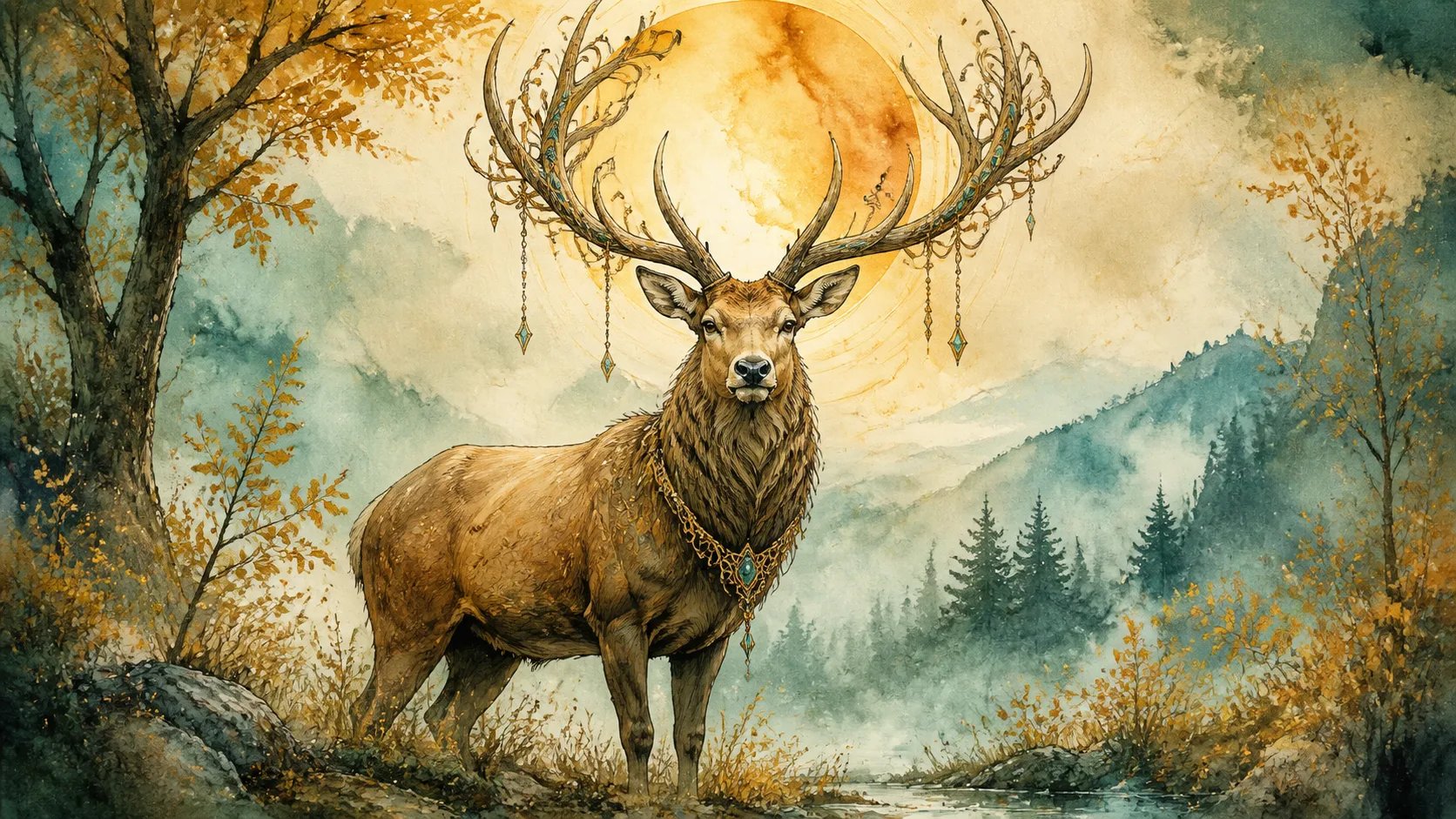
AI Drawing Generator — Sketches & Art
Describe what you want and the AI drawing generator turns it into a finished drawing — sketches, line art, cartoons, and detailed illustrations, no drawing skills needed. Sign in and it runs on your credits.
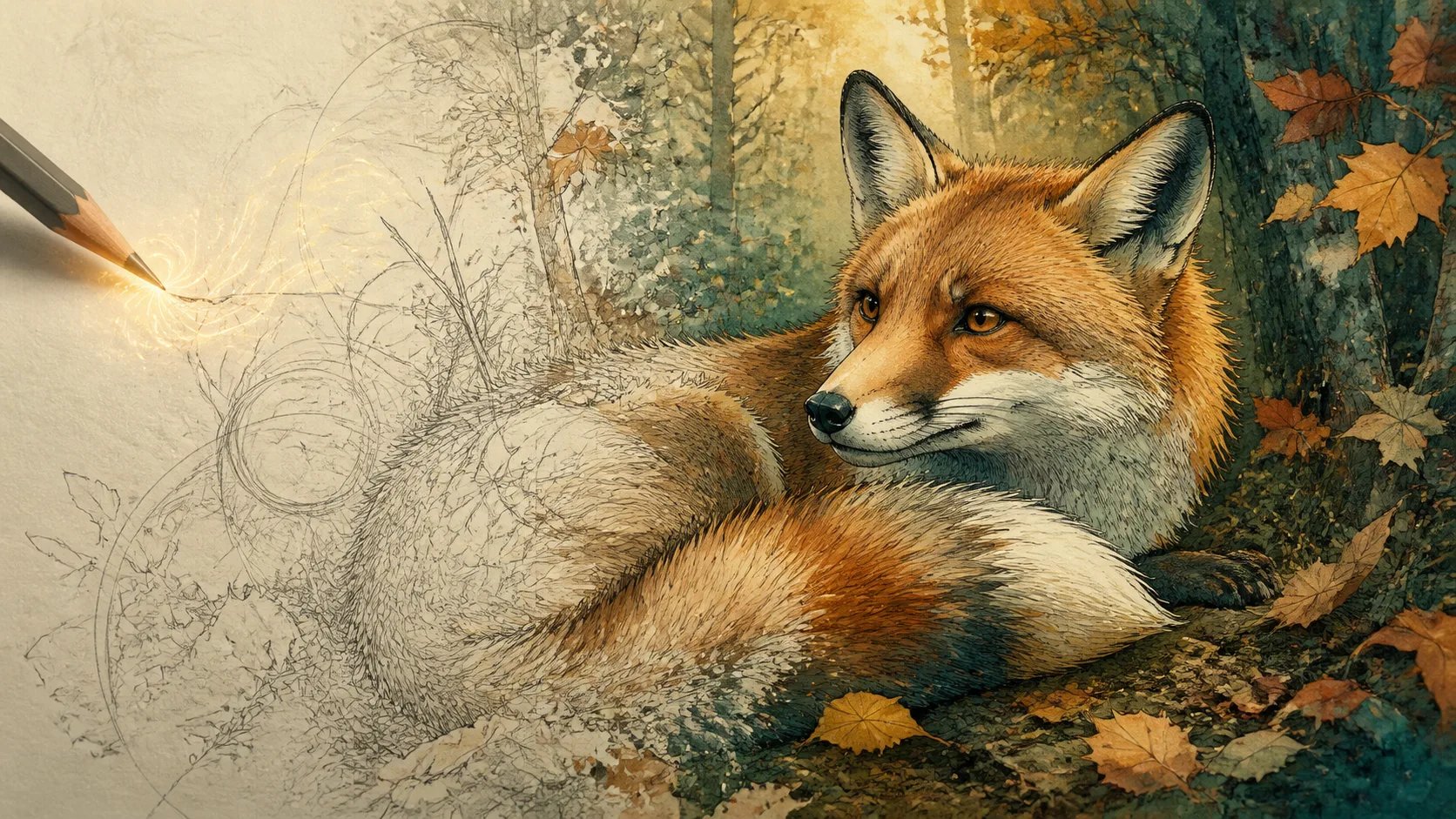
What is an AI drawing generator?
An AI drawing generator turns a text prompt into a finished drawing. You describe the subject, style, and mood in plain words, and the model renders it as artwork — pencil sketches, clean line art, bold cartoons, or detailed ink-and-watercolor illustrations. You do not draw anything yourself; the drawing is generated from your description. That is what separates an AI drawing generator from a canvas or brush tool: it produces the finished piece from words, not from your own hand. Under the hood it works like the pillar image generator, tuned toward drawing and illustration looks — the same prompt-to-image model pointed at line art, ink, and painterly styles instead of photorealism. So an AI drawing generator is the right tool when you want something that reads as drawn — a sketch, a comic panel, an illustrated character — rather than a photo.
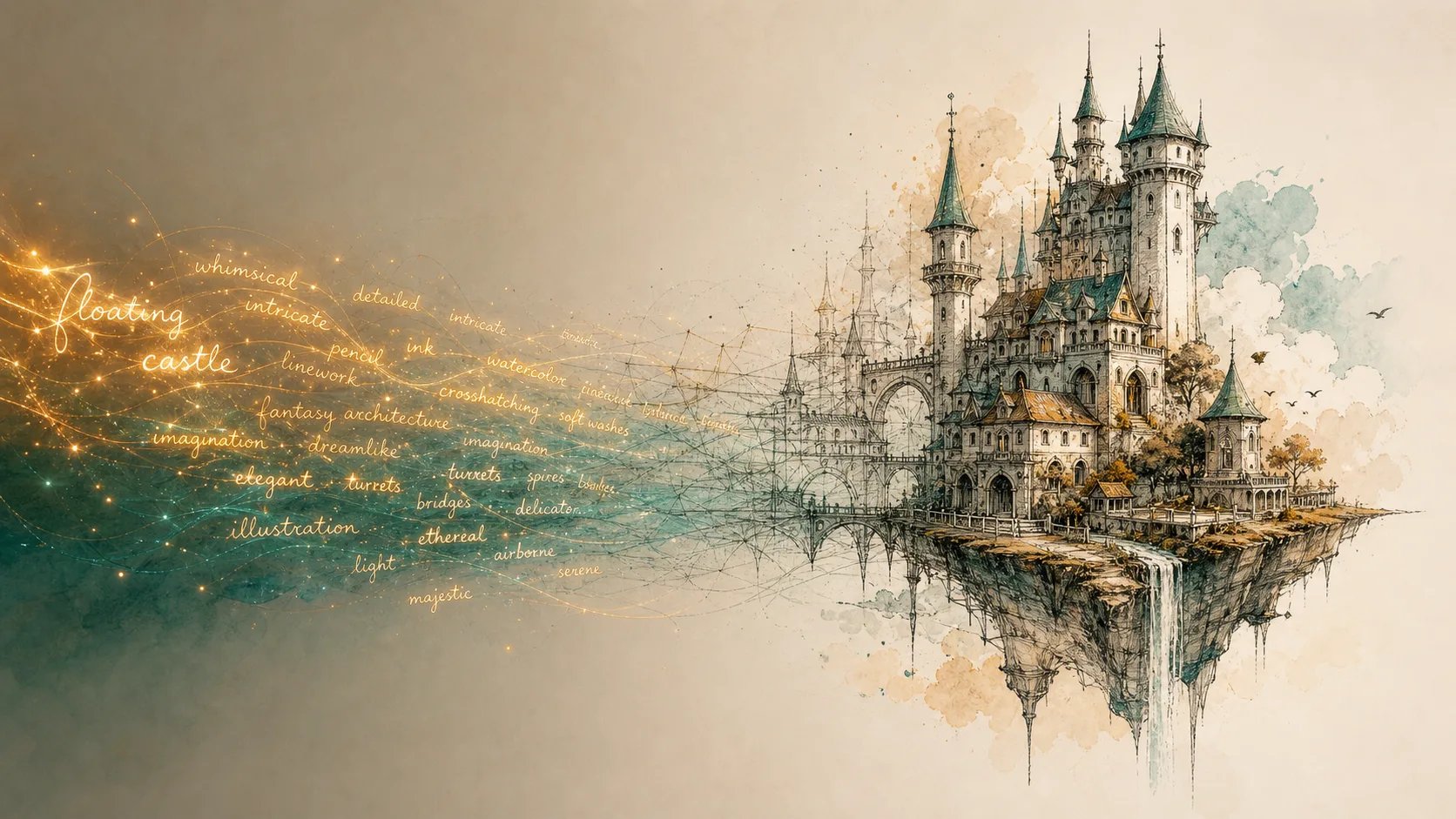
Why use an AI drawing generator?
Not everyone can draw, but everyone has ideas. An AI drawing generator lets you get a real drawing without years of practice — a mascot for a project, an illustration for a post, a sketch to explore a concept. Describe the style you want — manga, cartoon, ink, watercolor, pencil — and it renders a drawing in that style. Because it works from your prompt, you can iterate quickly: change a few words, get a different drawing, and keep the one that fits. It is also a fast way to explore a direction before committing — rough out several drawings from different prompts, compare the styles side by side, and lock in the one that matches your project. Whether you need a single hero illustration or a set of matching drawings, describing them is quicker than drawing each by hand.
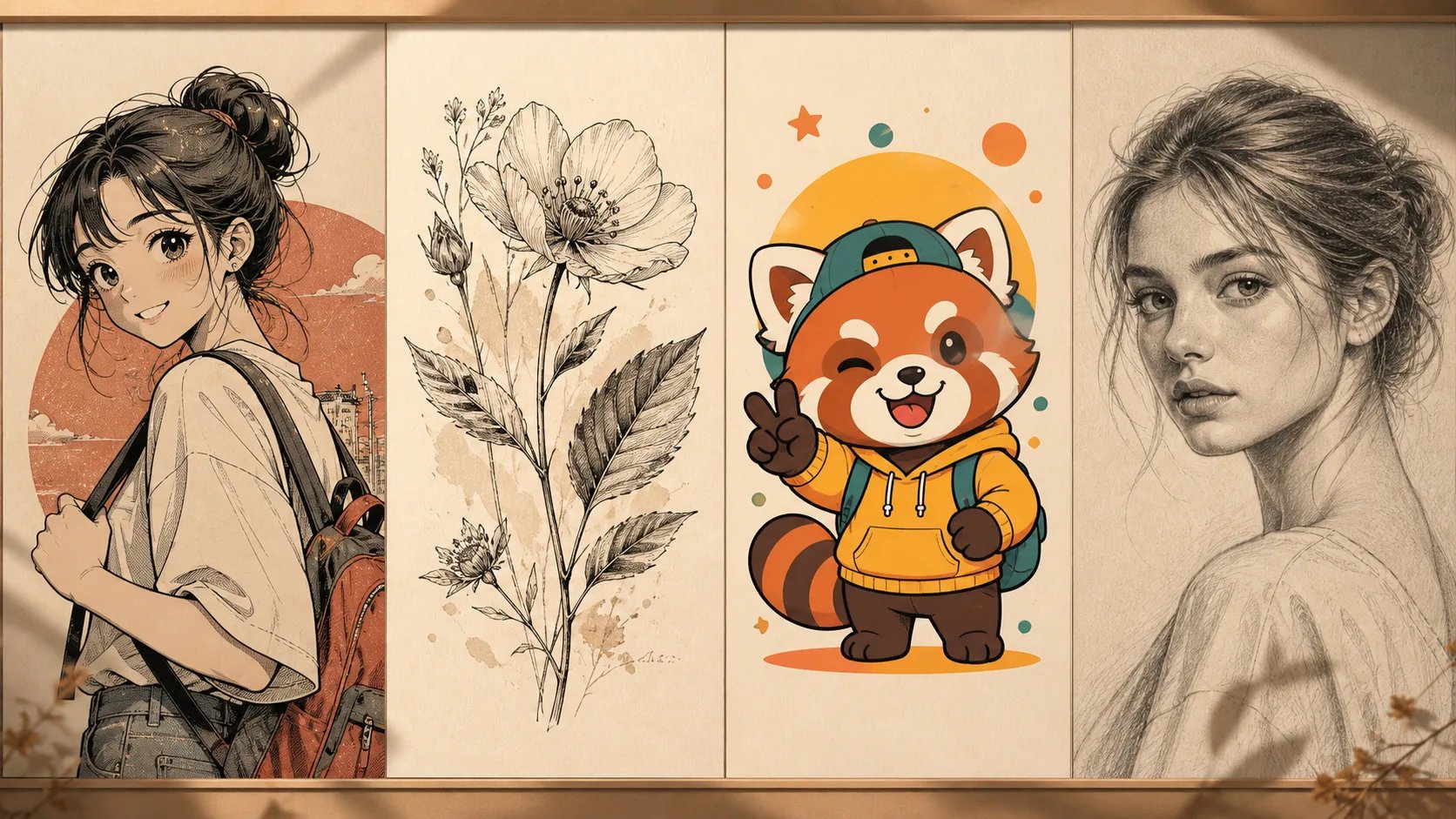
Can't draw what's in your head?
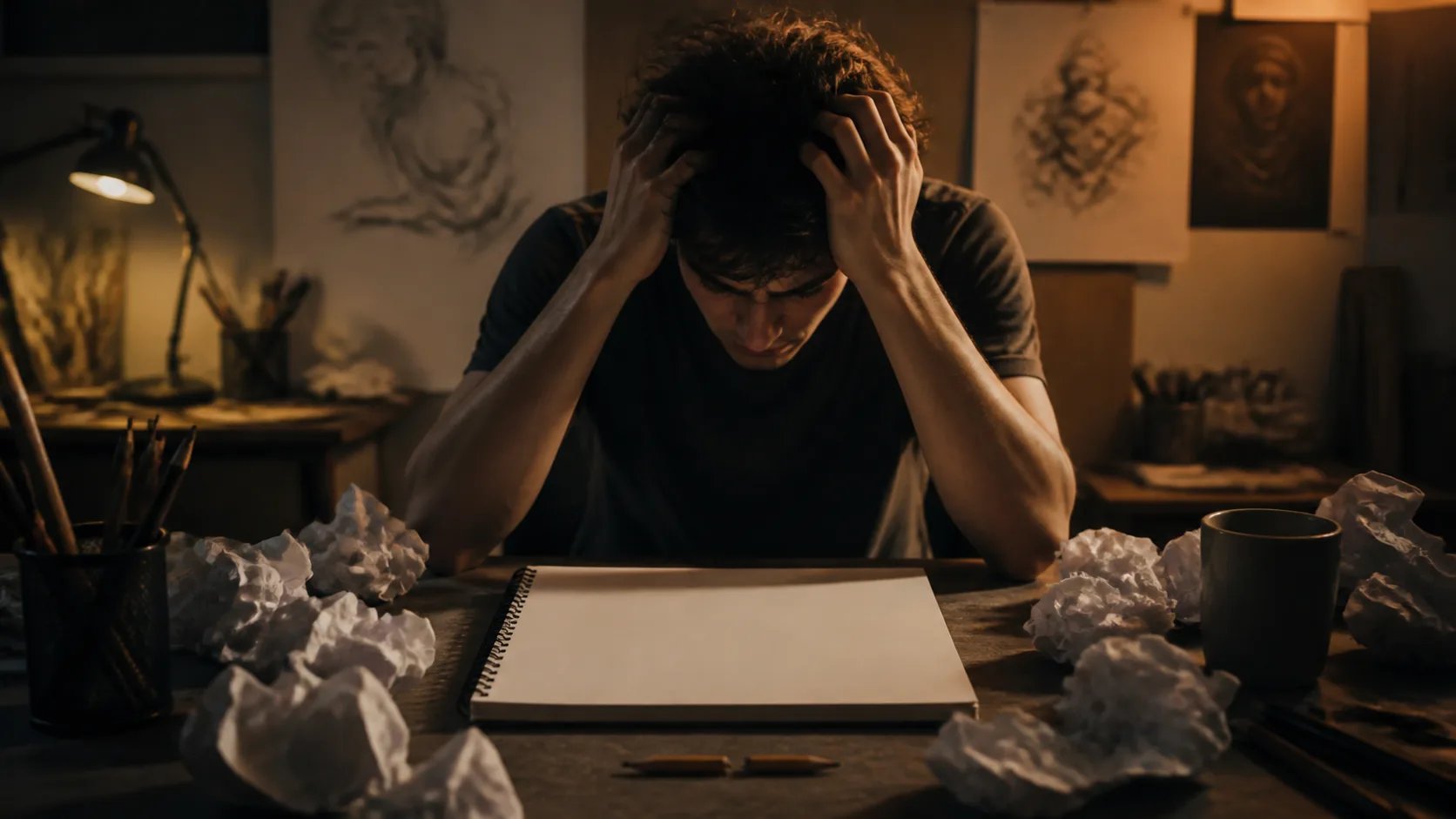
A blank page is intimidating when the drawing in your head will not come out through your hand. Learning to draw takes years, and hiring an illustrator takes time and money. The AI drawing generator closes that gap: describe the drawing you want and it renders it for you. No blank-page paralysis, no broken pencils — a finished drawing is a sentence away instead of a skill you have to master first.
How to use the AI drawing generator
Turn an idea into a drawing in three steps.
- 1
Describe your drawing
Sign in and type what you want drawn — the subject, the style (sketch, cartoon, ink, watercolor), and the mood.
- 2
Pick a model
Choose a model for the look you are after, then generate. Adjust the prompt to steer the style and detail.
- 3
Generate your drawing
The AI drawing generator renders a finished drawing from your prompt. Re-prompt to explore variations until it fits.
Turn your idea into a drawing
Describe it and let the AI drawing generator draw it for you.
More AI Image Generators
AI drawing generator FAQ
It turns a text prompt into a finished drawing. You describe the subject and style, and it renders artwork — sketches, line art, cartoons, or detailed illustrations.
No. The drawing is generated from your description, not your own hand. If you can describe what you want in words, the AI drawing generator can draw it.
Describe the style in your prompt — pencil sketch, clean line art, manga, cartoon, ink, or watercolor. Different models suit different looks, so try a few.
This page generates drawings from a text prompt, not from an uploaded image. Describe what you want and it draws it from your words.
Yes. Sign in and each drawing draws from your credit balance. The amount depends on the model and resolution you choose.
You can download the drawings you generate and use them in your projects. Generate a few variations and keep the ones that fit.