
Your flyer draft, generated from text
Describe the offer, audience, headline, key details, style, and CTA. The generator creates a vertical flyer draft you can review before publishing.
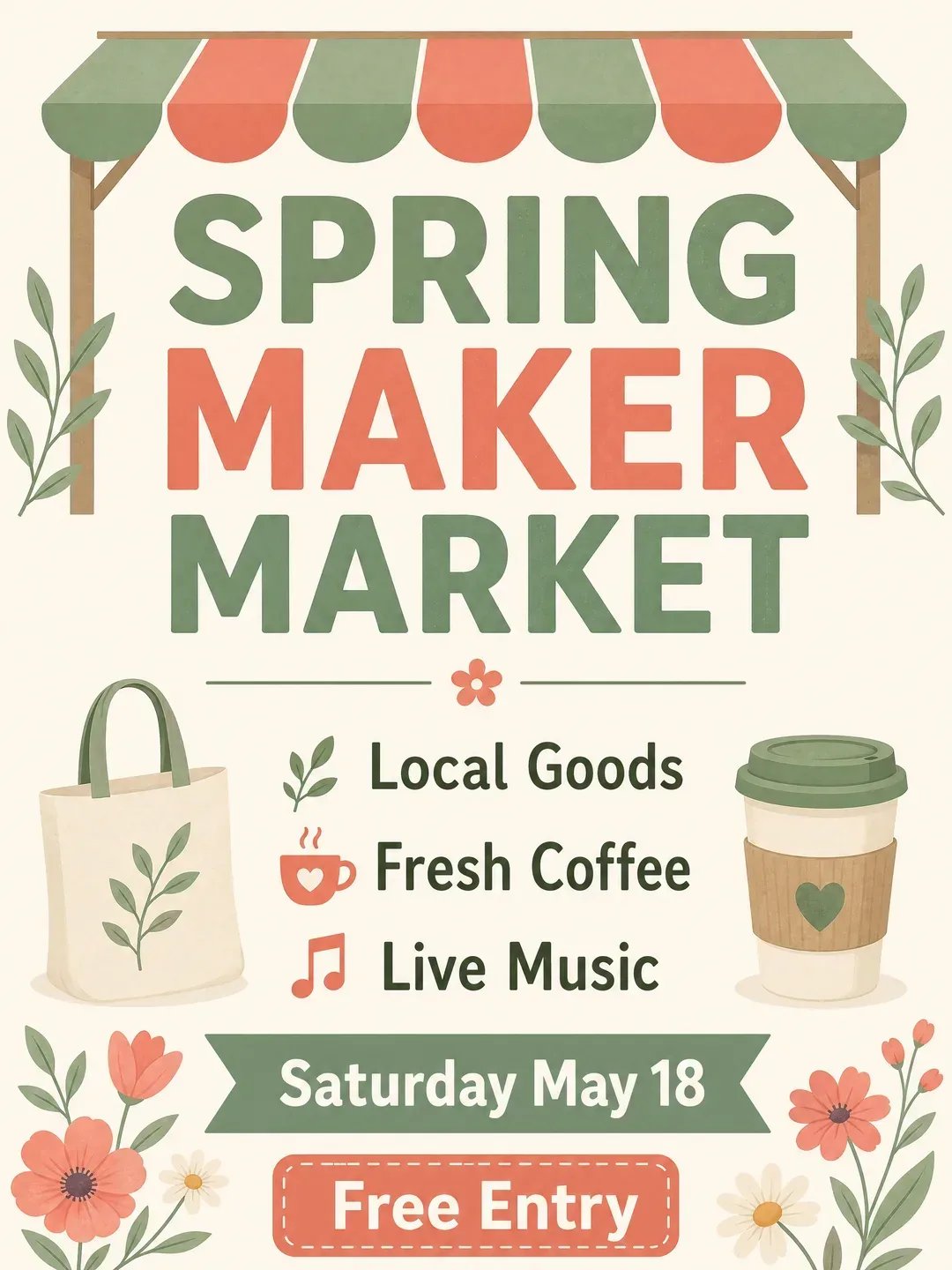
AI Flyer Generator — Custom Flyers Online
Turn a short brief into a clean flyer draft for events, small business promotions, sales, and social posts. Keep the message readable, review the details, and refine before you publish.
What Is an AI Flyer Generator?
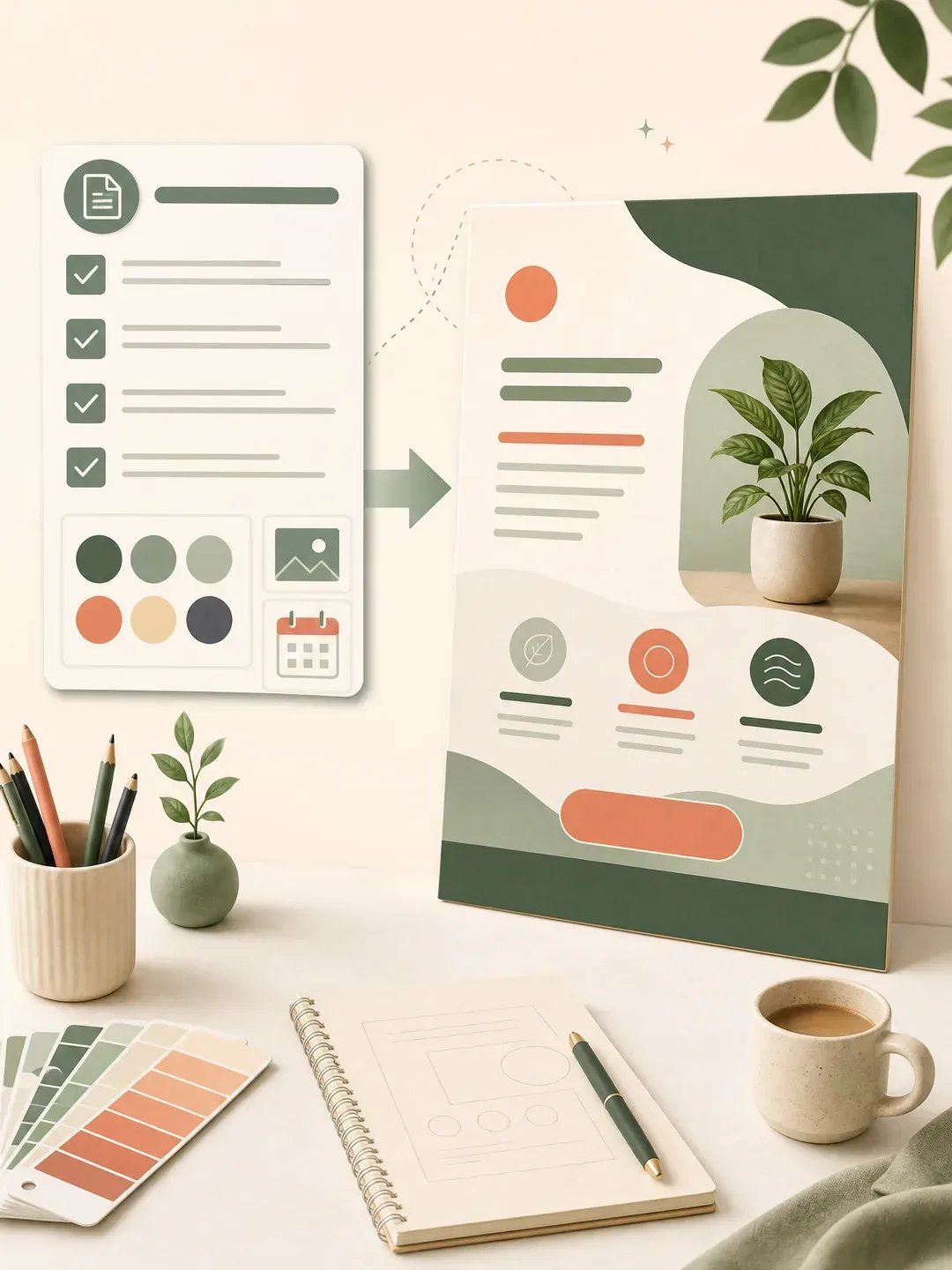
An AI flyer generator creates a flat promotional flyer image from a written brief. Instead of starting from a blank design canvas, write what you are promoting, who it is for, the main headline, the key details, the visual style, and the call to action. Creating Image renders a vertical flyer draft you can inspect, download, or regenerate. Use it for quick concept work and small campaigns, then check names, dates, prices, addresses, and on-image text before using the flyer publicly.
How to Avoid an AI-Looking Flyer
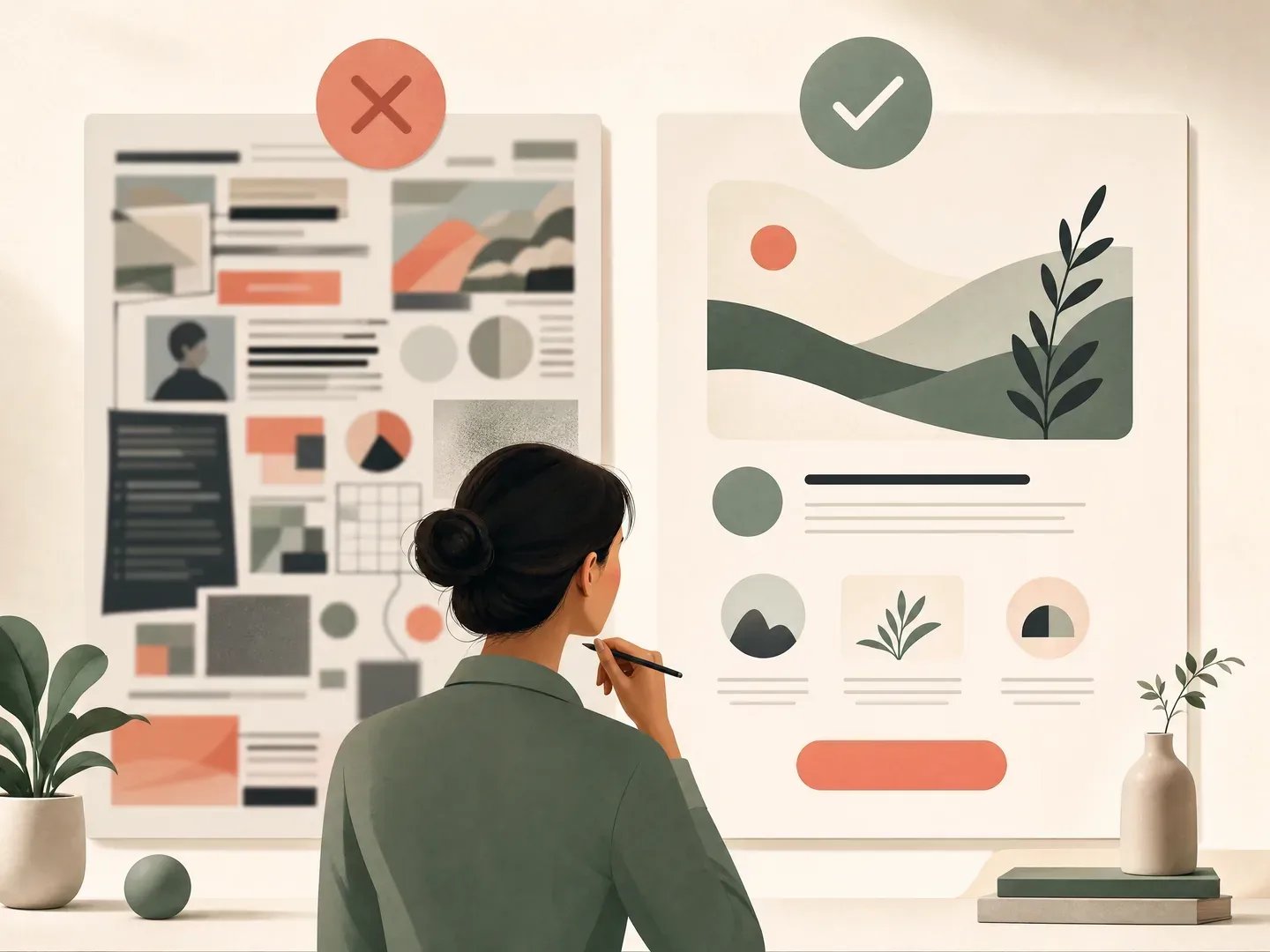
Bad AI flyers usually fail in the same way: they look crowded, generic, and hard to trust. These prompt rules keep the result closer to a usable flyer draft.
- 1. Use one main headline and a short CTA.
- 2. Limit the flyer to date, place, offer, and one audience promise.
- 3. Ask for generous negative space and readable typography.
- 4. Avoid glowing effects, random fonts, fake sponsors, and tiny labels.
- 5. Use real product or event photos later when trust matters.
How to Create a Flyer with AI
A strong flyer prompt is a small creative brief, not just “make me a flyer.”
- 1
Write the flyer brief
Name the offer, audience, headline, key details, brand mood, and CTA. Keep the text short so the generated flyer stays readable.
- 2
Generate a vertical draft
Choose the supported model and generate a 3:4 flyer image. The page uses a text-friendly image model and shows the credit cost before generation.
- 3
Review and refine
Check every word, date, price, and visual detail. If the layout feels crowded or generic, edit the prompt with clearer hierarchy and generate another version.
Flyers You Can Create
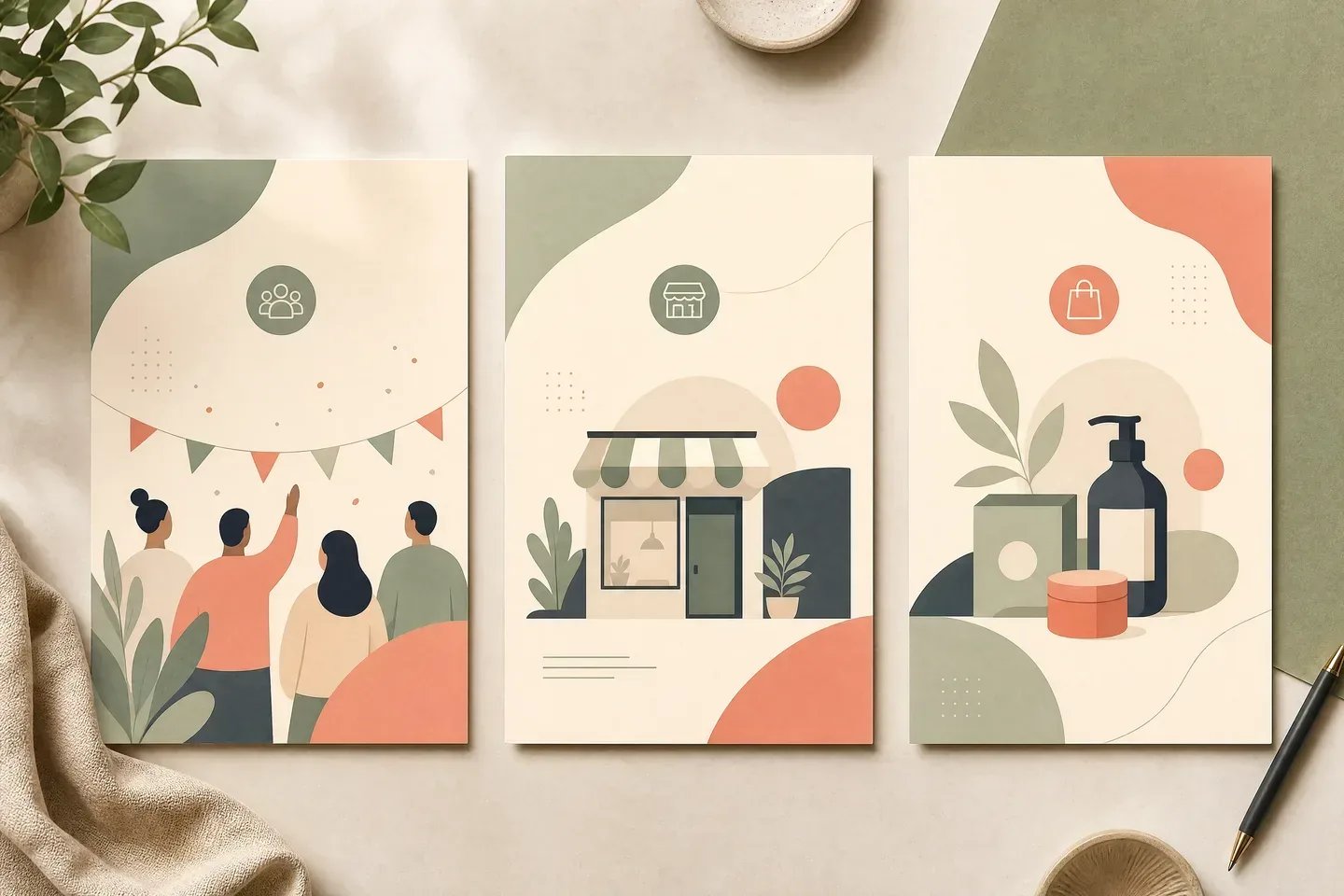
Use the same text-to-image workflow for common flyer jobs. Keep each flyer focused on one message.
Event flyers
Create a flyer draft for markets, workshops, meetups, parties, fundraisers, and community events. Include the event name, date, venue, mood, and one CTA.
Small business flyers
Sketch a flyer for a local service, storefront offer, food special, or launch. Use real business details later and review the result for credibility.
Sale and promo flyers
Turn a discount, seasonal offer, or product drop into a vertical promo flyer. Keep the offer badge short and avoid claims the image cannot verify.
Will an AI Flyer Hurt Trust?
Use the generator for controlled drafts, then review the result like a public brand asset. Obvious AI flyers can feel lazy when they use fake details, warped products, unreadable text, or generic effects. Keep the layout simple, replace placeholders with real business information, and use real photos when accuracy matters.
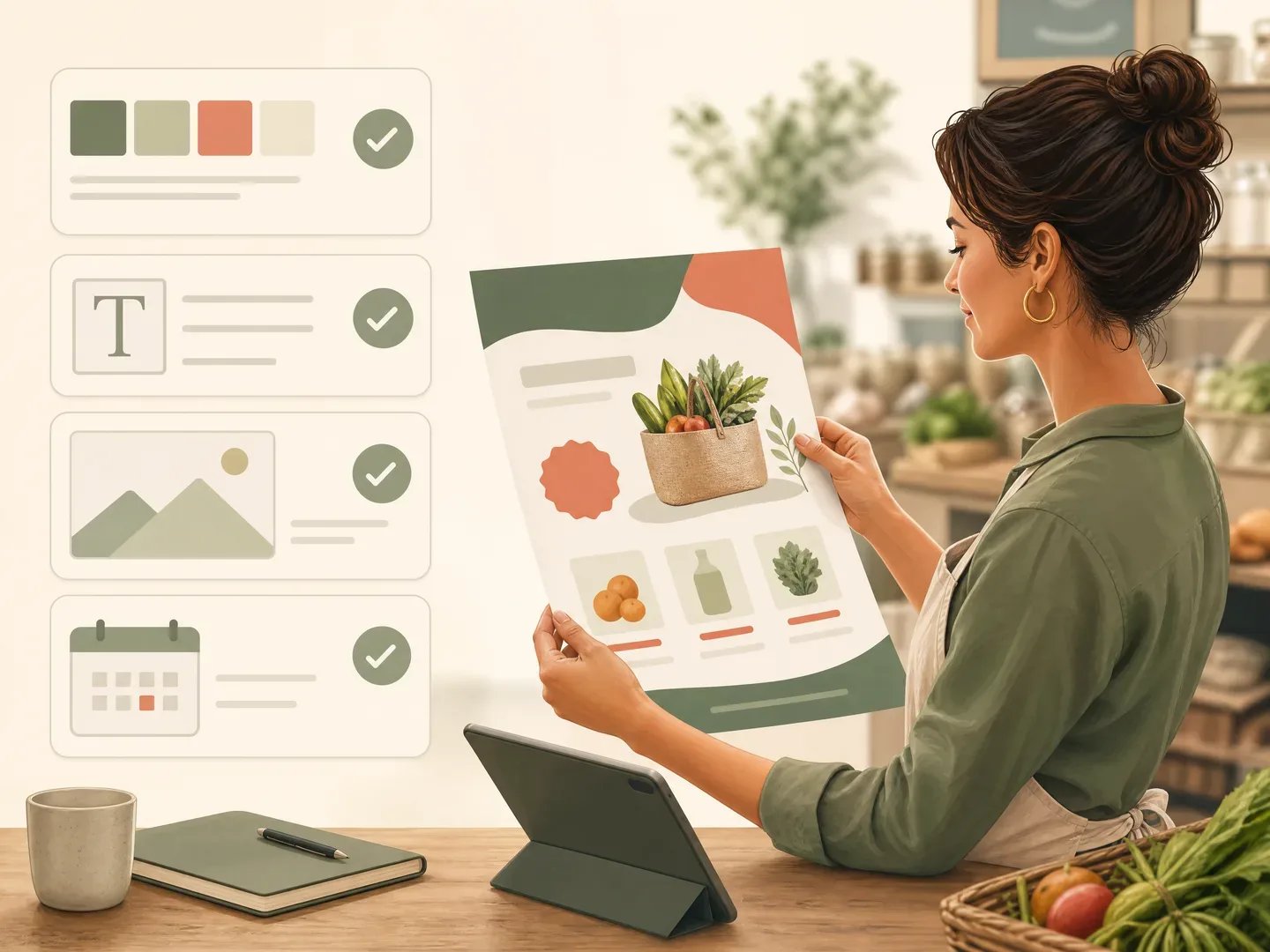
Create a Flyer Draft from Your Brief
Start with the headline, details, and CTA. Generate a clean promotional flyer you can inspect before using it.
More AI Image Generators
AI Flyer Generator FAQ
It creates a flat vertical flyer image from your text prompt. The result is useful as a promotional draft for events, small business offers, sales, and social posts. It does not create editable PSD or layered template files.
Yes. Describe the flyer goal, audience, headline, details, style, and CTA. Shorter on-image text usually works better, and every generated word should be checked before publishing.
You can open the page and edit the prompt, but generation requires signing in and spending the model-specific credits shown in the workspace. Check the pricing page for current plans and credit allowances.
Treat the output as a high-quality flyer draft. For print, verify spelling, dimensions, bleed, color requirements, image rights, and any printer specifications in a dedicated design or print workflow.
Use fewer words, one clear visual idea, a restrained color palette, and instructions such as “generous negative space,” “large readable typography,” and “no random text.” Avoid asking for crowded scenes or many competing effects.
The flyer page focuses on promotional handouts and social-ready event or business flyers with a clear offer, date, and CTA. The poster page is broader portrait key art for cinema, event, business, and motivational poster concepts.