Creating Image

AI Thumbnail Maker: Create Video Covers

Give your next video one clear visual idea. Describe the topic, main subject and short headline, then create a widescreen thumbnail draft you can review.

Text-to-image creation · 16:9 output · Sign in and use credits

Describe your thumbnail
782/1500

Your thumbnail preview

AI-created example. Your result follows your prompt and selected model.

AI-created thumbnail with a glowing glass computing cube and the headline HOW AI LEARNS on a yellow panel.

What Is an AI Thumbnail Maker?

An AI thumbnail maker is a prompt-based image creation tool for original video covers. Creators describe a topic, subject and short headline to explore covers for technology explainers, cooking videos and educational lessons. Creating Image produces a flat image to review and download; text accuracy and channel fit still need a human check.

Technology explainers

Make an abstract topic visible

A topic like artificial intelligence can be hard to picture. Give it one recognizable subject, a clear silhouette and a short headline. The technology example uses a friendly robot and strong separation between the visual and words.

  • Choose one object that represents the video
  • Describe the background and lighting
  • Keep the headline separate from the subject
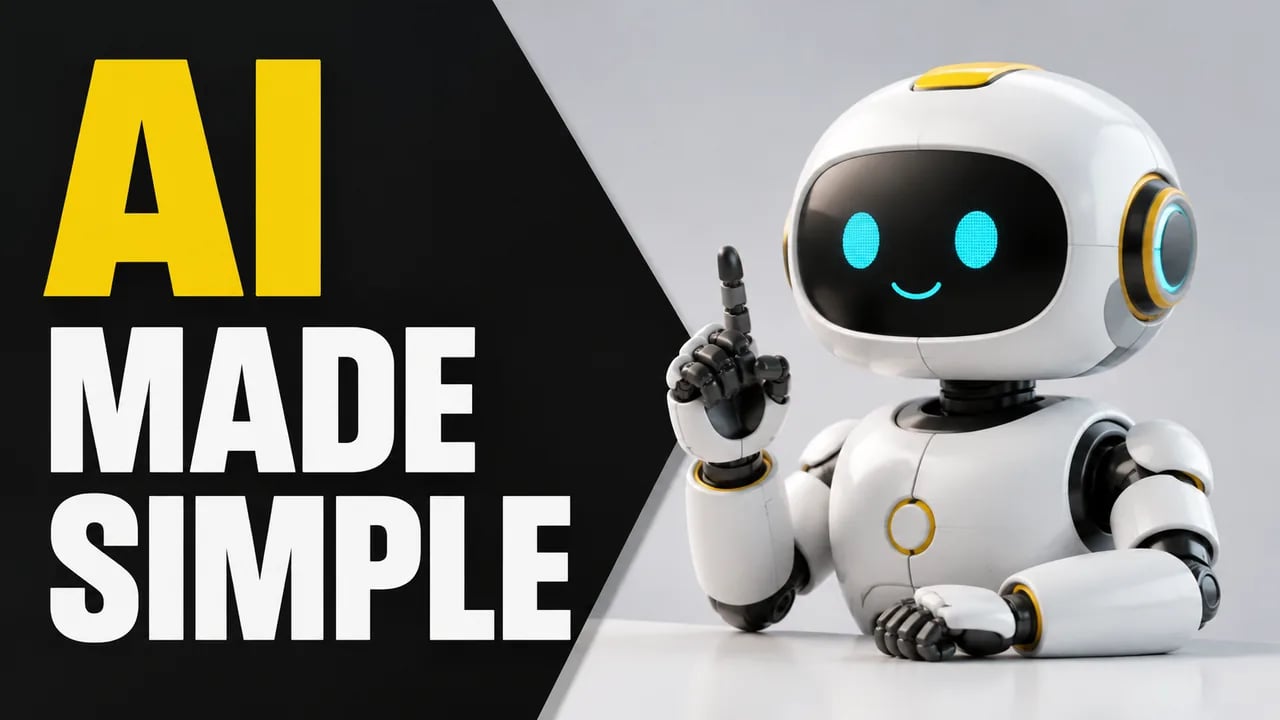
White and yellow robot beside the bold words AI MADE SIMPLE on a black background.
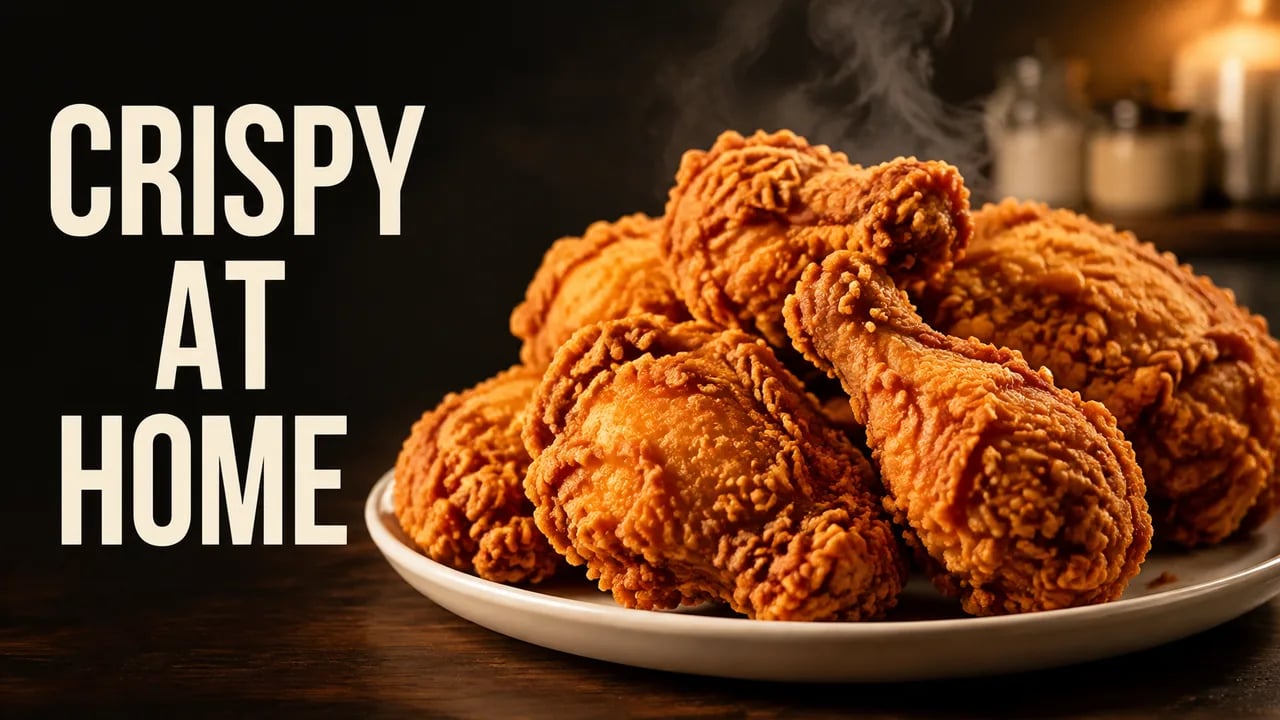
Cooking videos

Put the finished dish in focus

Show viewers what the recipe is about with a single prominent dish. Specify the food texture, light and background in your prompt, then leave room for a few words. Check that the generated food still represents the recipe you are presenting.

  • Name the dish and its defining texture
  • Keep supporting props to a minimum
  • Review the image against the actual recipe
Golden fried chicken on a white plate with the headline CRISPY AT HOME.
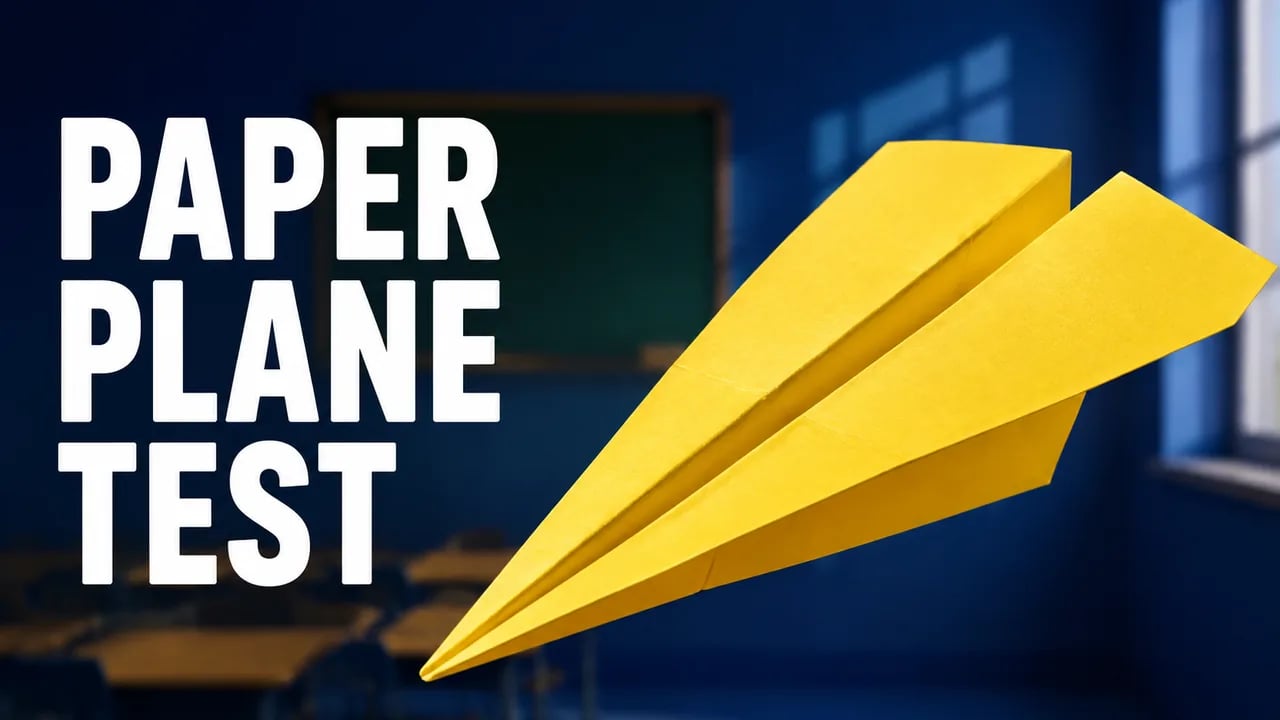
Educational videos

Lead with the idea being explained

Turn a lesson or experiment into a simple visual cue. The paper-plane example makes the subject large and keeps the title short. Treat the image as a cover illustration, and verify any detail that could imply a scientific result.

  • Choose a subject viewers can identify quickly
  • Use color contrast to separate the main shape
  • Avoid unverified labels or results in the image
Large yellow paper airplane against a blue classroom with the title PAPER PLANE TEST.

Stuck on your thumbnail concept?

Start with a visual brief you can revise. These choices give the generator a clear direction and give you something concrete to judge.

One idea per image

Specify a main subject before adding props or effects. A focused prompt gives you a clearer starting point than a list of competing ideas.

Short text, room to breathe

Ask for a brief headline and a clear text area. Inspect the actual letters after generation; precise typography may still need a separate design editor.

A repeatable visual brief

Reuse your channel colors, subject style and composition notes when writing another prompt. Review each output for consistency before publishing.

How to Create a YouTube Thumbnail with AI

  1. Describe the video

    Enter the topic, main subject, setting and optional short headline. Choose a scene example if you need a starting prompt, then edit it to match your video.

  2. Generate a draft

    Choose a model and review the credit cost shown on the button. Sign in to generate a 16:9 image. Revise the prompt if you want to create another version.

  3. Check and download

    Inspect the wording and view the image at a small size. Download the image when it fits your topic. Use a separate editor if you need exact text placement or layered edits.

Choose the Right Way to Make Your Thumbnail

Prompt-based creation helps when you need an original visual starting point. A design editor gives direct control over layers, while a commissioned designer can work from a broader creative brief.

Workflow differences; costs and delivery terms depend on the tool or agreement.
What mattersCreating ImageLayer-based editorCommissioned designer
Starting inputA written topic and visual descriptionYour own or licensed images and textA creative brief and references
Changing the compositionRevise the prompt and generate another imageMove, resize and edit individual layersRequest revisions within the agreed scope
What you receiveA flat image you can downloadAn editable working file and an exported imageThe deliverables agreed with the designer
Cost basisCredits shown before generationDepends on the software and your timeThe project quote and revision agreement

Turn Your Next Video Topic into a Thumbnail

Start with the subject, choose a visual direction and create a draft to review.

Create My Thumbnail

AI Thumbnail Maker Questions

What does an AI thumbnail maker create?

An AI thumbnail maker creates a flat video-cover image from a text prompt. Creating Image generates original visuals for your topic and lets you download the result. It does not provide editable text layers; generation requires sign-in and credits.

Can I create a YouTube thumbnail from a video topic?

Yes. Describe the video topic, main subject and visual style, then generate an image in the 16:9 format used by this page. The input is your written description. This workflow does not analyze a video link or extract a frame from an uploaded video.

Do I need advanced design skills?

You can begin with a written description or one of the scene prompts. You still decide whether the subject, composition and wording fit your video. For precise layout changes, download the image and continue in a design editor.

How do I check whether the headline is readable?

Inspect every word in the generated image, then view it at the small size your audience will see. Short headlines and clear spacing are useful prompt instructions, but the result needs checking. This page does not include a mobile-preview or text-layer editor.

Does generating a thumbnail use credits?

Yes. Sign in and check the model-specific credit cost on the generation button before submitting. Creating another version uses credits too. The pricing page explains available plans and credit allowances.

View pricing
Will an AI thumbnail improve my click-through rate?

Click-through rate depends on the video, audience and overall packaging. Creator results vary: some channels test AI thumbnails, while others rely on custom design or photography. Compare your own results using your publishing platform; this page creates images and does not run A/B tests or predict performance.

More AI Image Generators