Creating Image
AI Infographic Generator
421/1500

Describe Your Infographic Structure

Provide a brief outline with 3-4 key steps or comparison columns for optimal layout clarity.

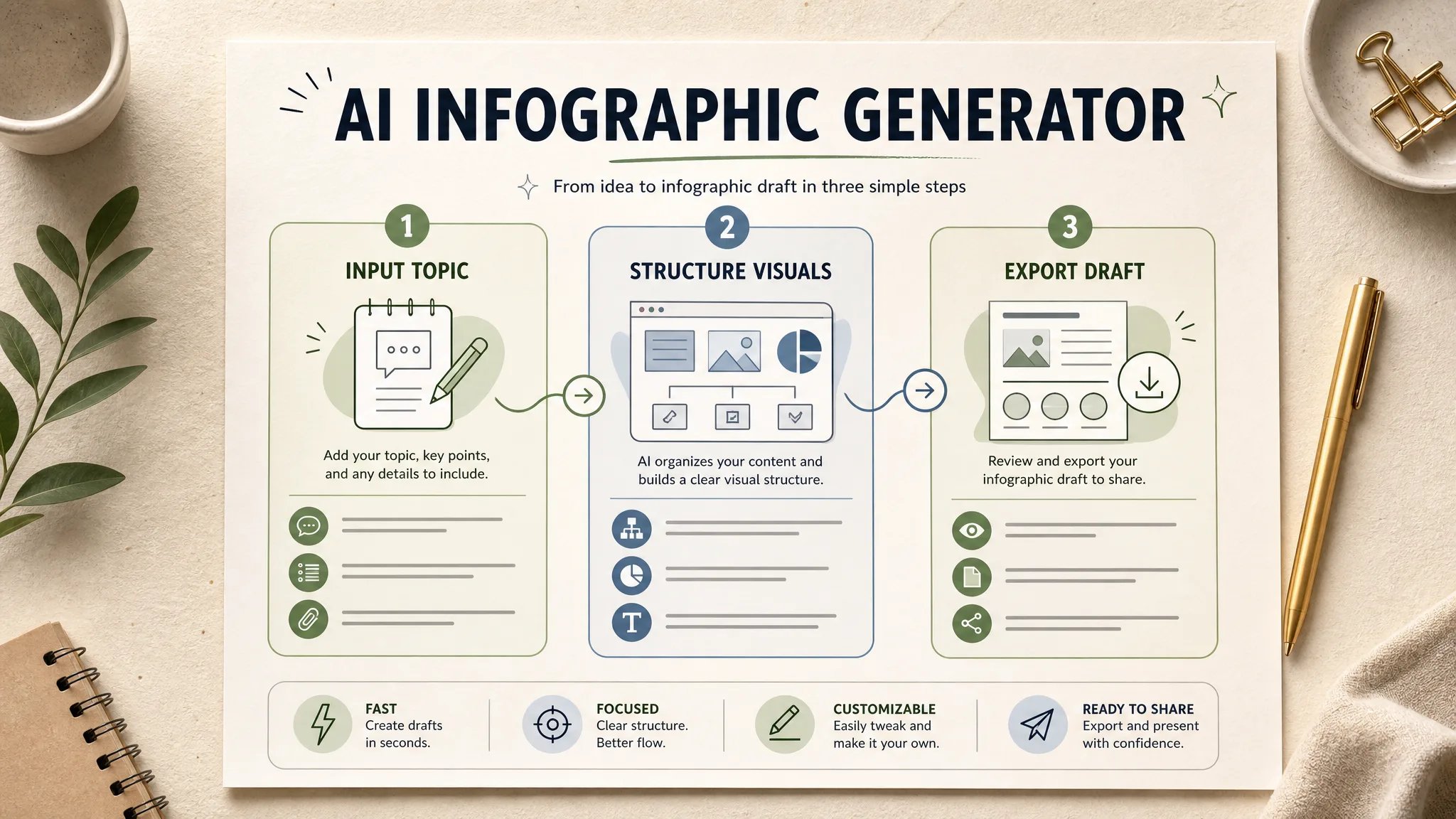
Rendered AI infographic visual draft displaying structured cards and clean editorial layout.

AI Infographic Generator

Turn raw notes, step sequences, and comparison points into balanced, high-resolution infographic visual drafts in seconds. No complex vector tools required.

What Is an AI Infographic Generator?

An AI infographic generator is a prompt-driven creation workspace that turns text outlines, structured notes, and workflow steps into high-resolution visual layout drafts. It helps marketers, educators, and creators bypass complex vector software, generating multi-panel concept flows, timeline cards, and clean visual graphics for presentations and editorial content in seconds.

Workflow & Timelines

Structured Multi-Step Process Drafts

Overcome blank-canvas design fatigue by instantly turning sequential points into clean, arrow-linked stages with clear focal hierarchy.

  • Numbered stages with connecting directional cues
  • Pastel card containers preventing visual clutter
  • Optimized for slide decks and pitch presentations
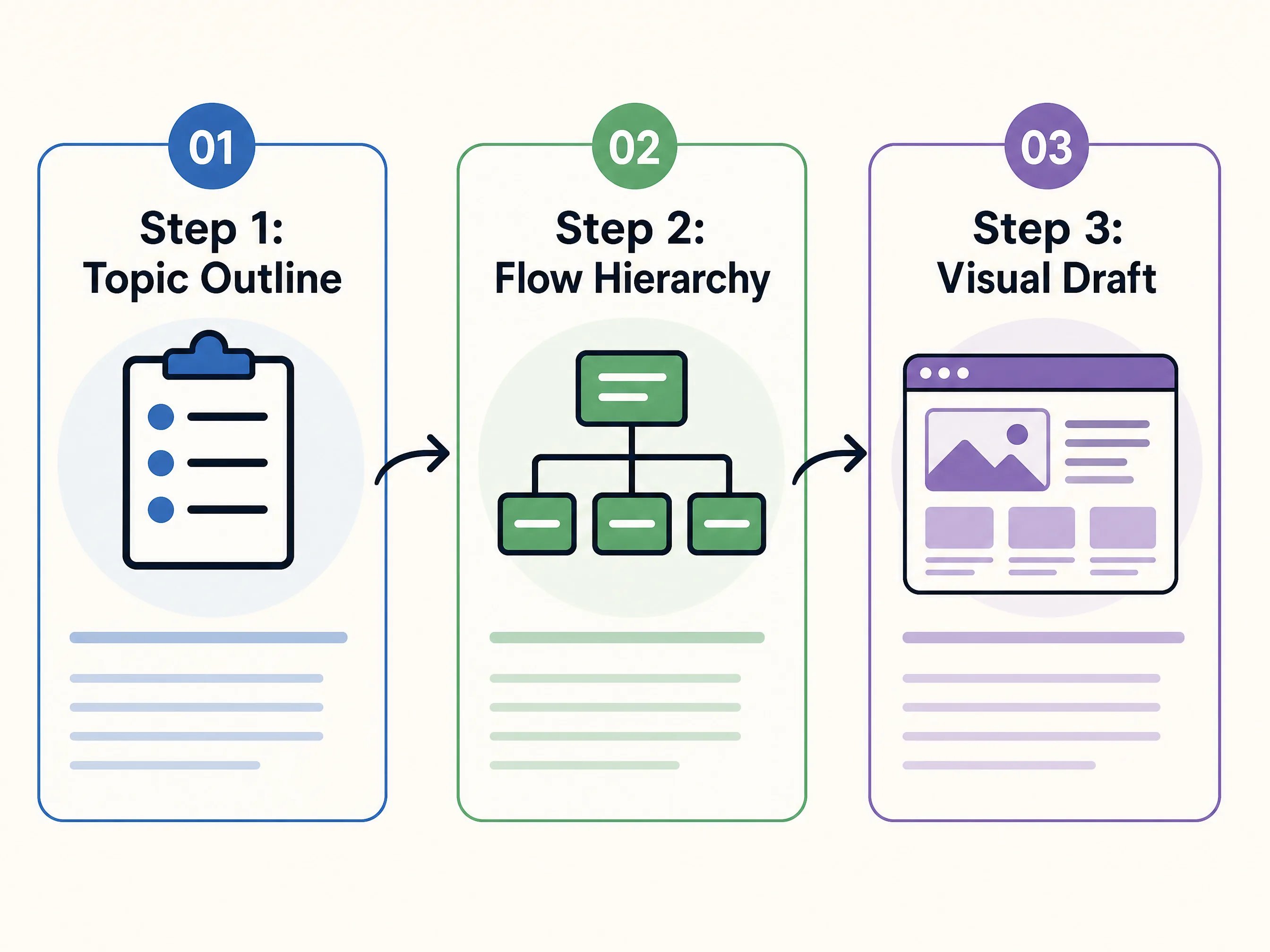
Horizontal process flow infographic draft showing Step 1 Concept, Step 2 Hierarchy, and Step 3 Visual Draft.
Comparisons & Data Cards

Side-by-Side Feature & Metric Layouts

Display dual-column trade-offs, pros-versus-cons, and benefit highlights with balanced typography and color-coded contrast.

  • High contrast split layouts for clear feature comparison
  • Prominent headline labels with minimalist iconography
  • Ideal for product landing pages and marketing blogs
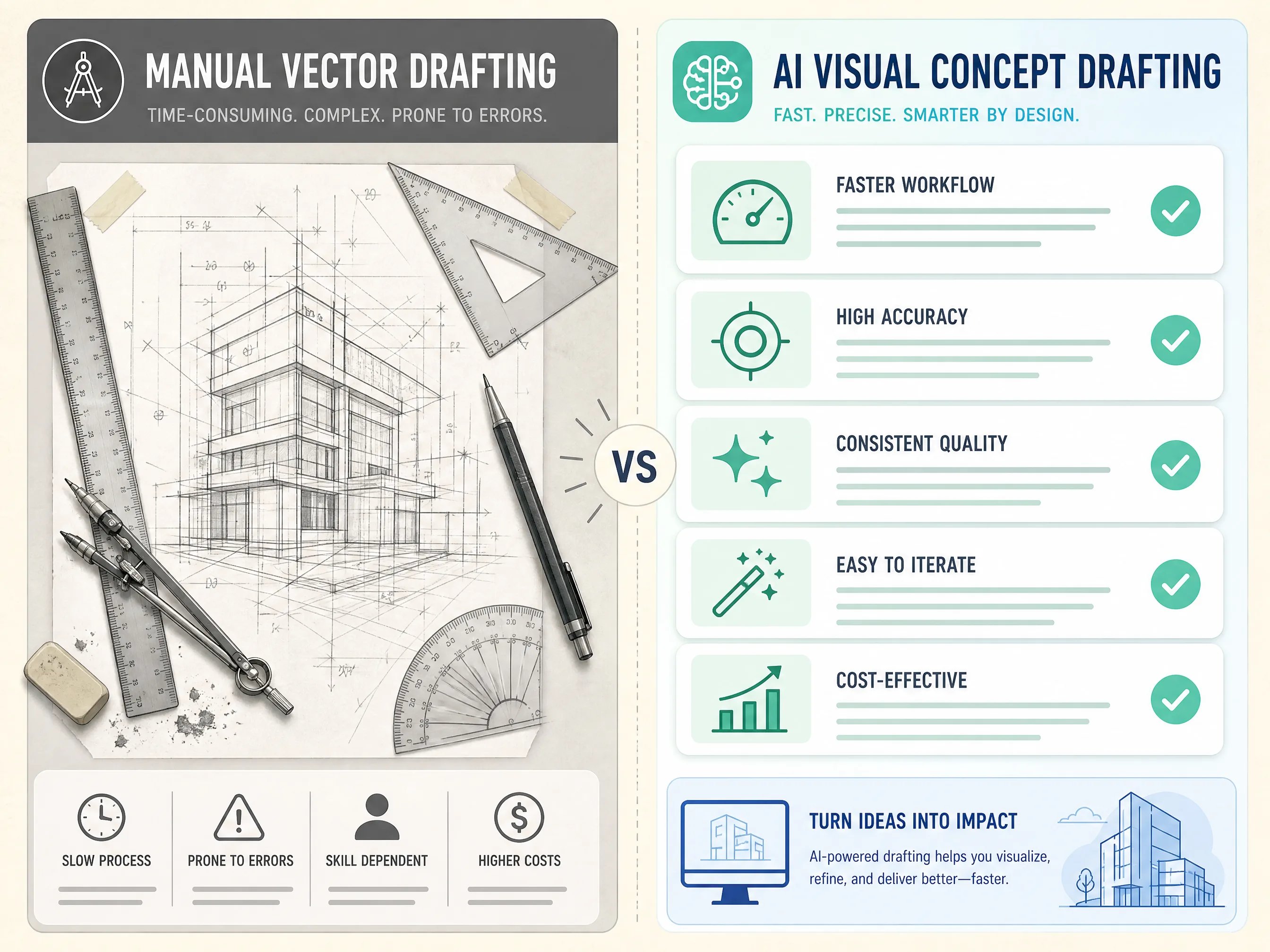
Two-column comparison infographic layout comparing manual vector drafting with AI visual concept generation.
Concept Deconstructions

Thematic Knowledge Tree & Topic Explainer

Break down complex topics into digestible visual clusters branching from a central anchor, designed for educational clarity.

  • Central focal anchor with branching topic modules
  • Short concise labels avoiding text hallucination
  • Perfect for social media infographics and Pinterest pins
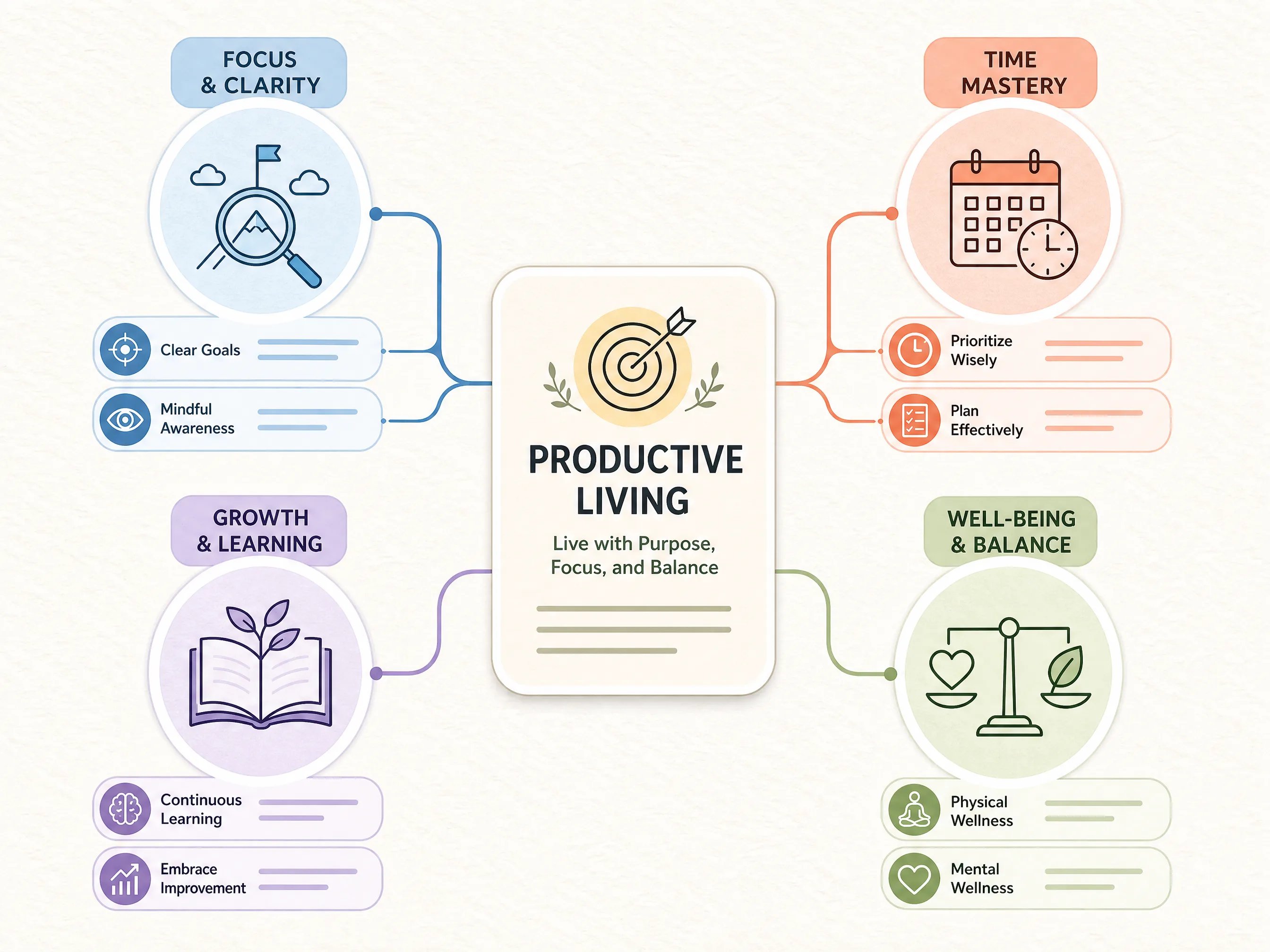
Centered knowledge tree infographic layout with rounded bubble frames and pastel thematic nodes.

Traditional Manual Infographic Design vs. Creating Image AI

Compare the workflow differences between complex vector editing software and fast AI visual concept generation.

Dimension / CapabilityTraditional Vector Tools (Illustrator / Canva)Creating Image AI Infographic Generator
Creation Speed2 to 6 hours of manual alignment and icon huntingUnder 30 seconds from structured text prompt
Initial IdeationBlank canvas paralysis; requires layout expertiseInstantly outputs balanced multi-card compositions
Data Accuracy & PrecisionExact mathematical charting and pixel-level vectorsHigh-resolution raster draft (verify short text labels)
Layer Editing (SVG / AI)Full individual vector anchor and text frame controlFlat image output; best as moodboards or concept guides
Pricing & Commitment - /month recurring subscriptionsFlexible pay-as-you-go credits with free trial tiers

How to Generate Infographic Visuals in 3 Steps

Follow this simple three-stage sequence to generate balanced, eye-catching infographic concept drafts.

  1. 1

    1. Outline Your Key Sections

    Keep your brief concise: define 3 to 4 sequential stages, a central concept, or a clear dual-column comparison.

  2. 2

    2. Pick Your Visual Palette

    Specify warm cream paper backgrounds, pastel rounded cards, or high-contrast modern editorial color schemes.

  3. 3

    3. Generate & Download

    Click generate to produce your high-resolution 2K raster draft, ready for presentations, blogs, or vector tracing.

Ready to Create Stunning Infographic Drafts in Seconds?

Turn your ideas and workflow steps into high-resolution visual diagrams with Creating Image AI.

No credit card required • Instant 2K render • Commercial use allowed

Frequently Asked Questions About AI Infographic Generation