
Your generated photo
Write a prompt, choose a model, and your photo appears here.
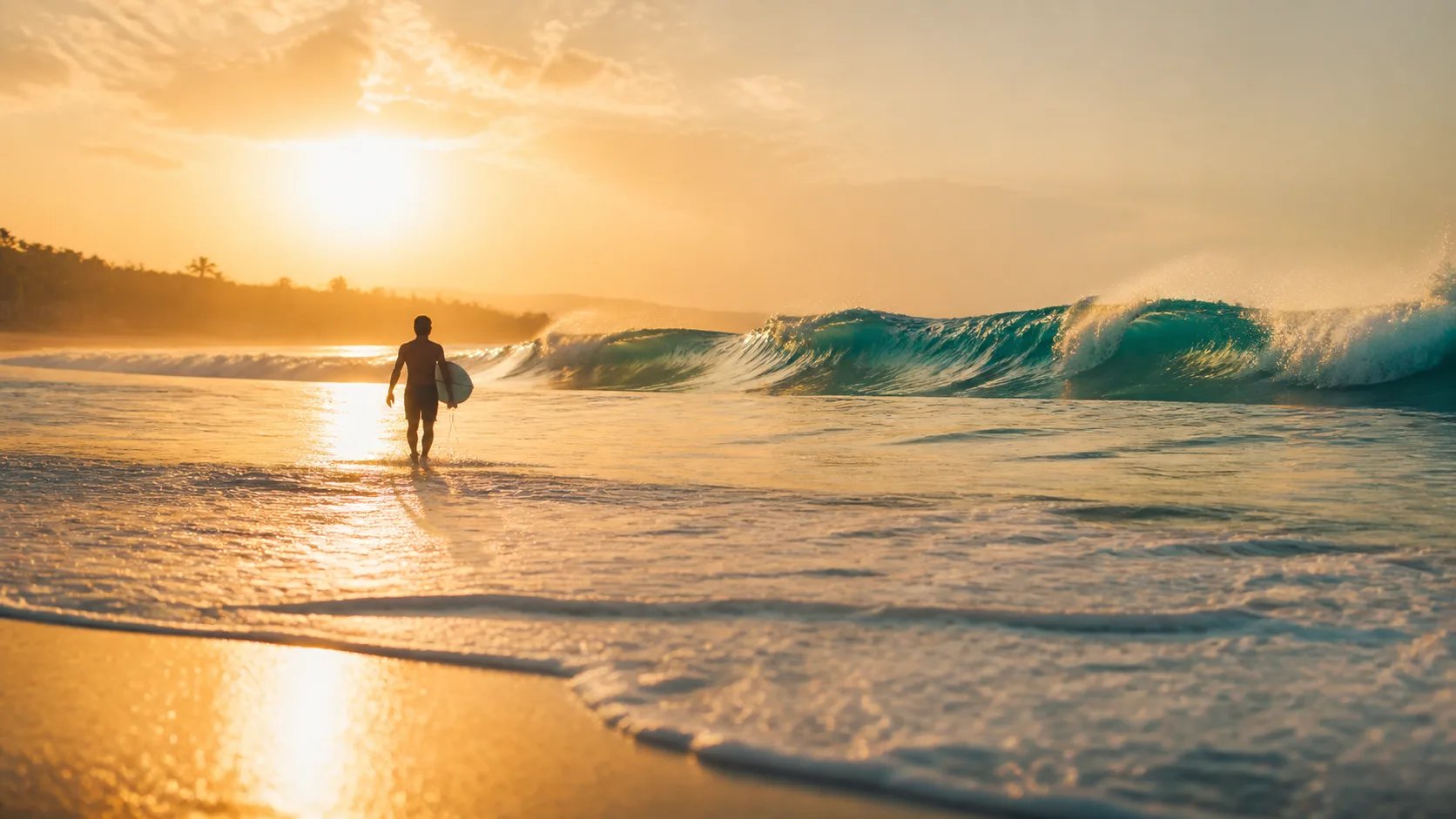
AI Photo Generator — Photos from Text
Describe a scene in words and this AI photo generator renders it as a camera-real photo. Set the subject, the light, the lens feel, and the mood through your prompt, then get a high-resolution shot in minutes.
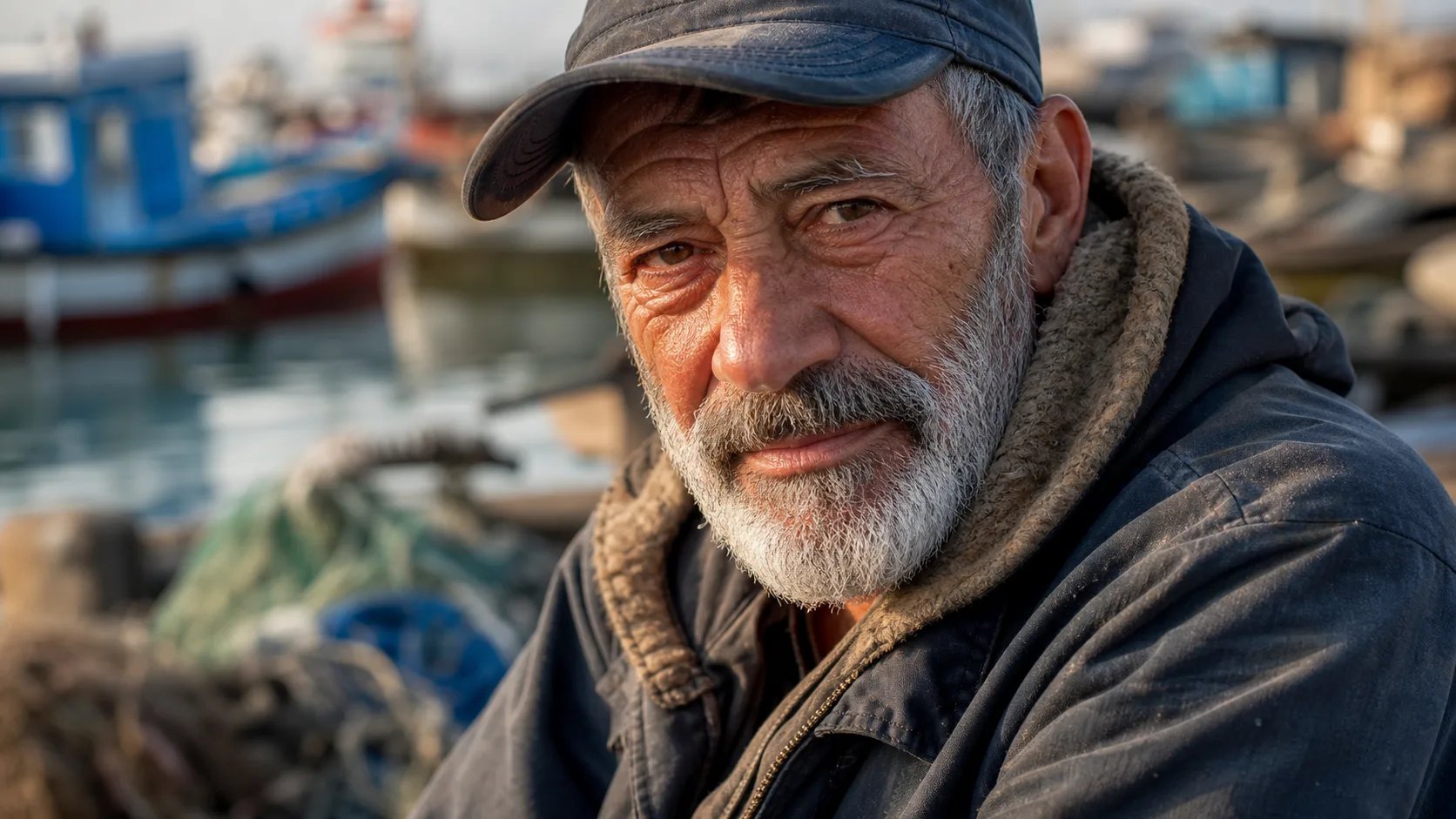
What is an AI photo generator?
An AI photo generator is a tool that turns a written description into a photorealistic image. Rather than shooting with a camera, you write a prompt — the subject, the setting, the lighting, the lens feel — and the model renders a photo-like result. The AI photo generator reads how you describe light, texture, and depth, so a prompt that names a soft window light and an 85mm portrait look produces a very different photo than a flat one. This page is a prompt-only workflow: every photo starts from text you write.
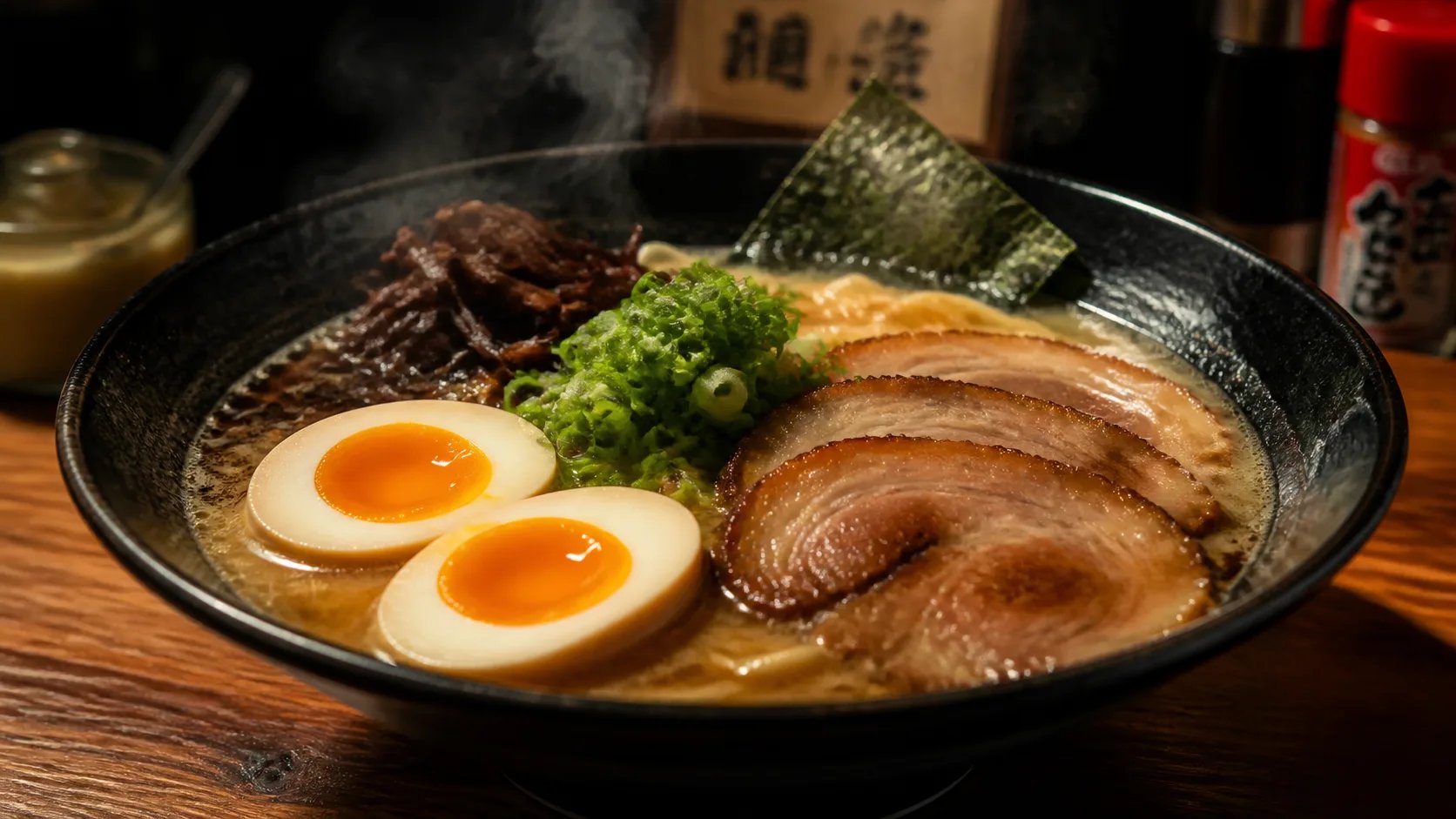
Why realistic light and lens language matter
Photorealism lives in the details a real camera captures: the direction of the light, the falloff of depth, the texture of a surface. When you prompt an AI photo generator, naming those things — soft rim light, shallow depth of field, macro detail, an 85mm portrait feel — is what pushes the result from an obvious render toward a believable photo. The same subject described as a snapshot or as a studio shot comes back as two different photos, so learning to describe like a photographer is the biggest lever an AI photo generator gives you on realism.
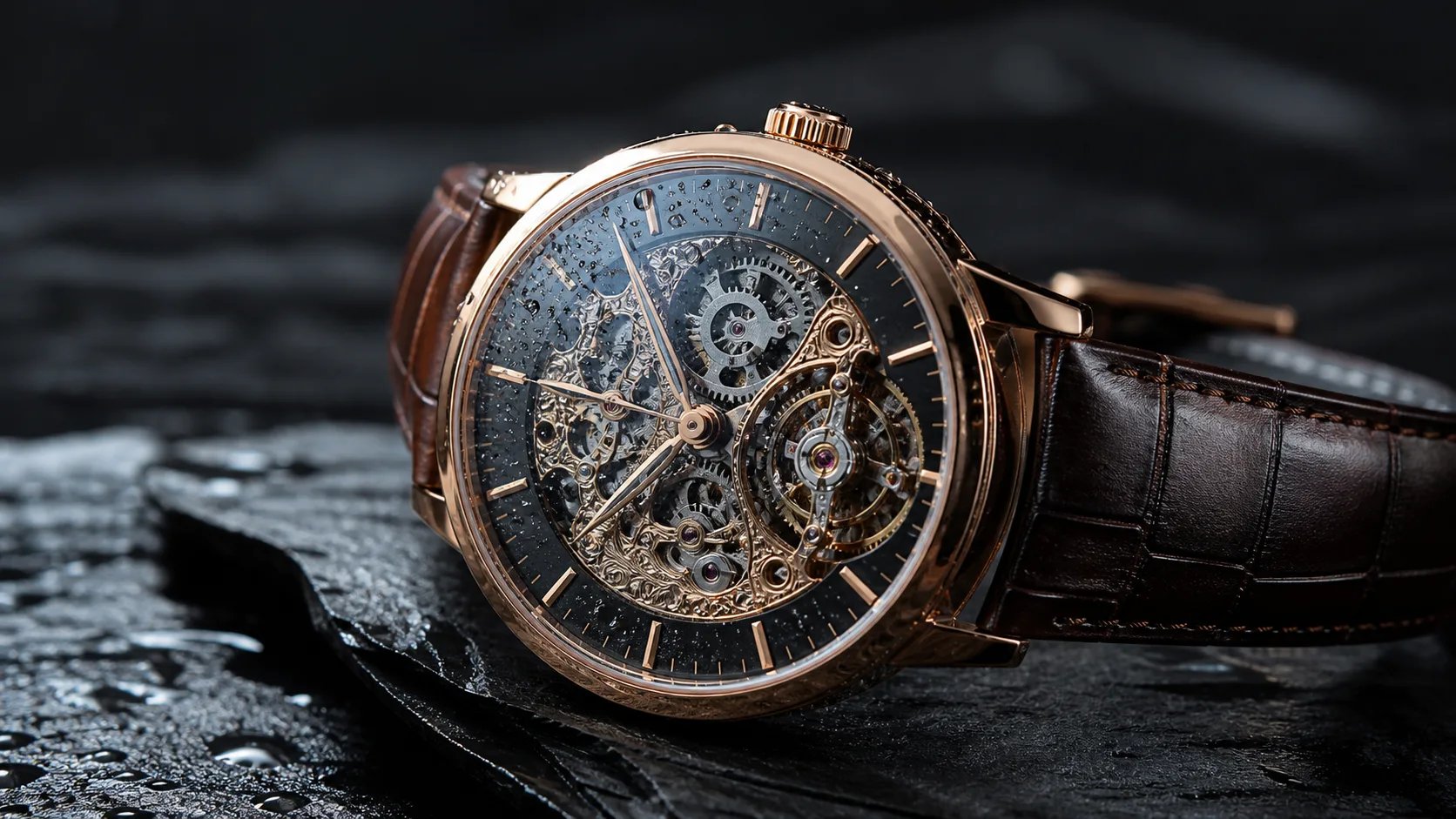
From a flat render to a photo you believe
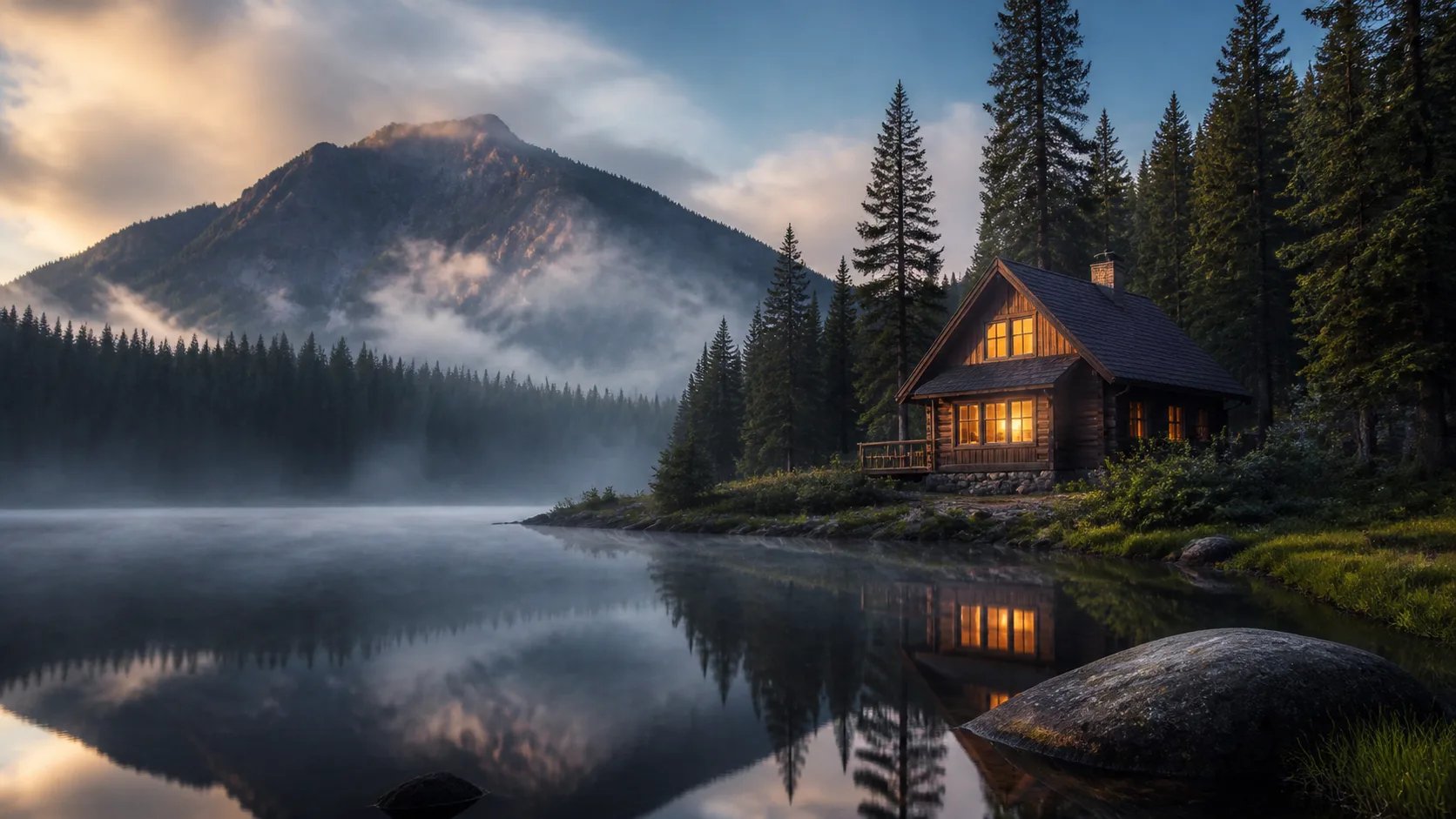
A plain prompt like "a cabin" gives a flat, generic render. The fix is to describe the photo you actually want: the time of day, the quality of light, the atmosphere, the lens. Add mist at dawn, a warm glowing window, soft fog over a lake, and the AI photo generator has enough to make the shot feel real. Re-prompt the AI photo generator with one more photographic detail each time and the result converges on a believable photo. Because each generation costs credits, a specific prompt also reaches the shot in fewer tries.
How to use the AI photo generator
Three steps from a text prompt to a photorealistic image with the AI photo generator.
- 1
Describe the photo
Name the subject, the setting, the light, and the lens feel. Photographic words give the AI photo generator more to work with.
- 2
Pick a model
Choose from the available image models. Each renders photorealistic detail with its own strengths.
- 3
Generate and refine
Select Generate, review the photo, then add one more detail to your prompt and run it again to reach the shot you want.
Turn a description into a photo with the AI photo generator
Write a prompt, pick a model, and let the AI photo generator render it.
More AI Image Generators
AI photo generator FAQ
An AI photo generator turns a written prompt into a photorealistic image. You describe the subject, lighting, and lens feel in words, pick a model, and it renders a camera-real photo — no camera or shoot required.
Prompt like a photographer: name the light direction (soft window light, golden hour), the depth (shallow depth of field), the lens feel (85mm portrait, macro), and the texture. Photographic detail is what pushes an AI photo generator from an obvious render toward a believable photo.
No. This is a prompt-only workflow — every photo starts from the text you write, so no upload or reference image is needed. You direct the whole shot through the prompt.
Generating a photo requires signing in and uses credits, since each render runs a paid AI model on our servers. You can check your credit balance and top up any time from your account.
The AI photo generator returns high-resolution images suitable for on-screen use and sharing. The exact size depends on the model you choose from the selector.
They overlap but frame it differently: this AI photo generator is built around a photographic look — light, lens, and camera-real texture. The realistic AI image generator page leans into render-grade detail across any subject, photographic or not.