
Your AI icon
Generated from your prompt
AI Icon Generator — App Icons from Text
Describe the icon you need and the AI icon generator draws polished app and product icons in minutes. Explore styles, keep your favorite, and use it in your project — no design skills, no designer budget.
What is an AI icon generator?
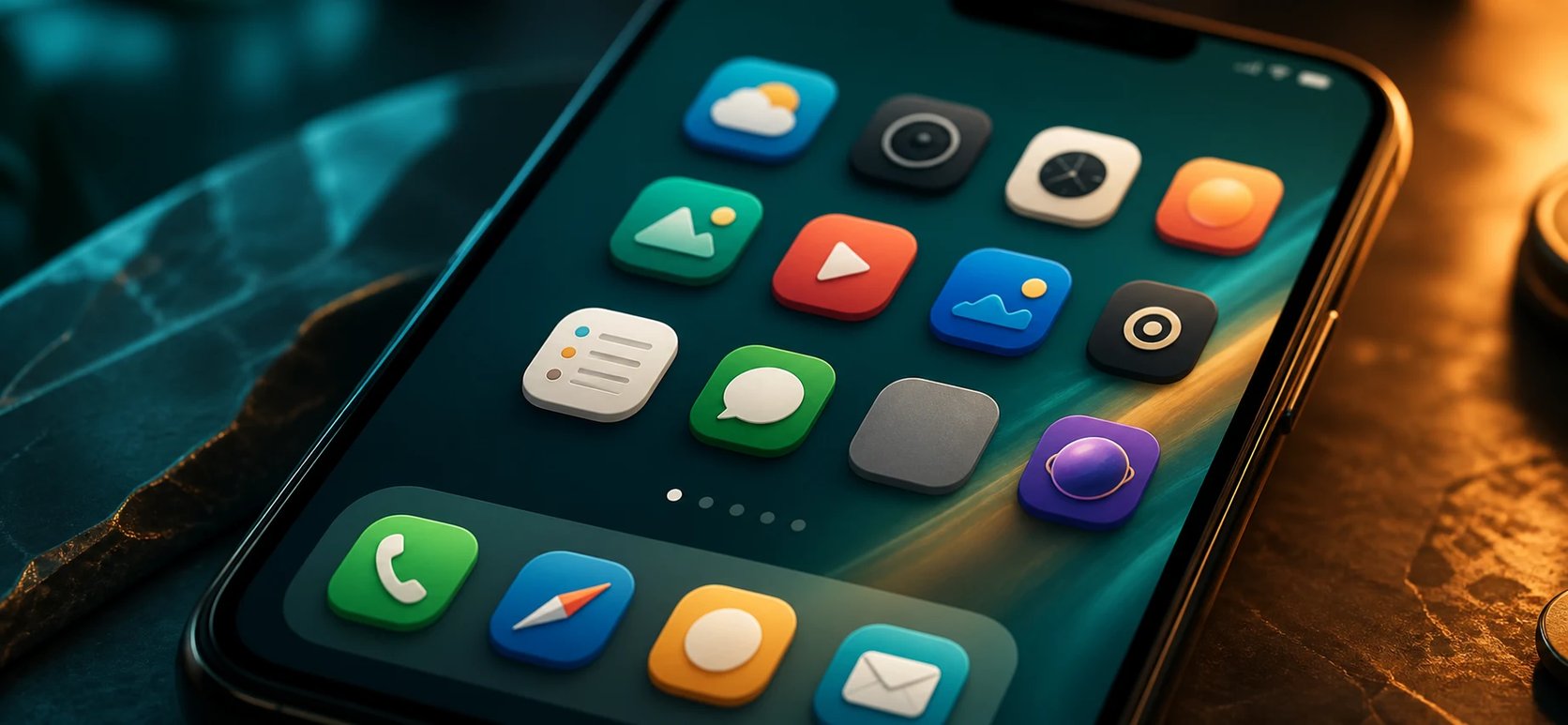
An AI icon generator turns a written description into a finished icon. Tell it the subject and style — a flat weather glyph, a gradient wallet, a minimal line camera — and the AI icon generator draws the icon for you. It works like the pillar image generator, pointed at icons: app icons, UI glyphs, and product marks instead of photos or paintings. Because it starts from your words, you do not need Figma, Illustrator, or any design skill — you describe the icon and get a polished, ready-to-use image back.
Why use an AI icon generator?
A good icon is the first thing people see in the app store or on a home screen, and a weak one makes a real product look unfinished. Hiring an icon designer costs money and time most side projects do not have. An AI icon generator gives you polished options in about a minute: describe your app, generate a handful of directions, and keep the one that fits. Change a few words to try another style, and iterate until the icon matches your brand — all before you spend on a designer.
Your app deserves better than a placeholder icon
You shipped the app, but the icon is still a gray placeholder or a clip-art stand-in — and it shows. A weak icon hurts installs and makes a solid product look amateur, but you are a developer, not a designer, and a custom icon set is expensive. An AI icon generator closes that gap: describe what your app does, generate polished icon concepts in minutes, and keep the one that finally looks the part — no design tools, no commission.
How to generate an icon
Three steps from an idea to an icon you can use.
- 1
Describe your icon
Type the subject, style, and colors — "flat weather app icon, sun and cloud, blue gradient" or "minimal line camera glyph".
- 2
Generate and compare
The AI icon generator returns icon concepts from your prompt. Adjust the wording and regenerate to explore styles.
- 3
Keep the icon you love
Pick the icon that fits and use it as a PNG in your app or project.
Design your app icon in minutes
Turn a text prompt into a polished app icon with the AI icon generator — no design skills needed.
More AI Image Generators
AI icon generator FAQ
Yes. The AI icon generator produces polished icon art you can use as an app or product icon. It comes out as a PNG image — use it in your app, then resize it to the sizes your app store needs.
No. The AI icon generator outputs raster PNG images, not editable vector SVG. For scalable vector source you would need a dedicated vector tool; for most app icons, a high-resolution PNG is what stores actually require.
No. It generates the icon artwork; it does not batch-produce every iOS and Android size. Generate the icon here, then run it through an app-icon resizer for the store-specific sizes.
Yes, with consistent prompts. Describe each icon in the same style — "flat, blue gradient, rounded" — and the results stay visually consistent. It renders one icon per prompt rather than a whole library in a single click.
App icons, UI and interface glyphs, product marks, game icons, and decorative icons — describe the subject and style and the AI icon generator renders it.
Yes. Generating icons runs on credits and needs you to be signed in, so you can iterate through several concepts and keep the ones you like.