
AI Emoji Generator: Make Custom Emoji from Text
Describe a character, an object or a reaction and get an original emoji-style image for your server or group chat. Results are square still images, not transparent PNGs or GIFs, and every one is AI-generated.
Your custom emoji
AI-generated example. Your generated emoji appears here.
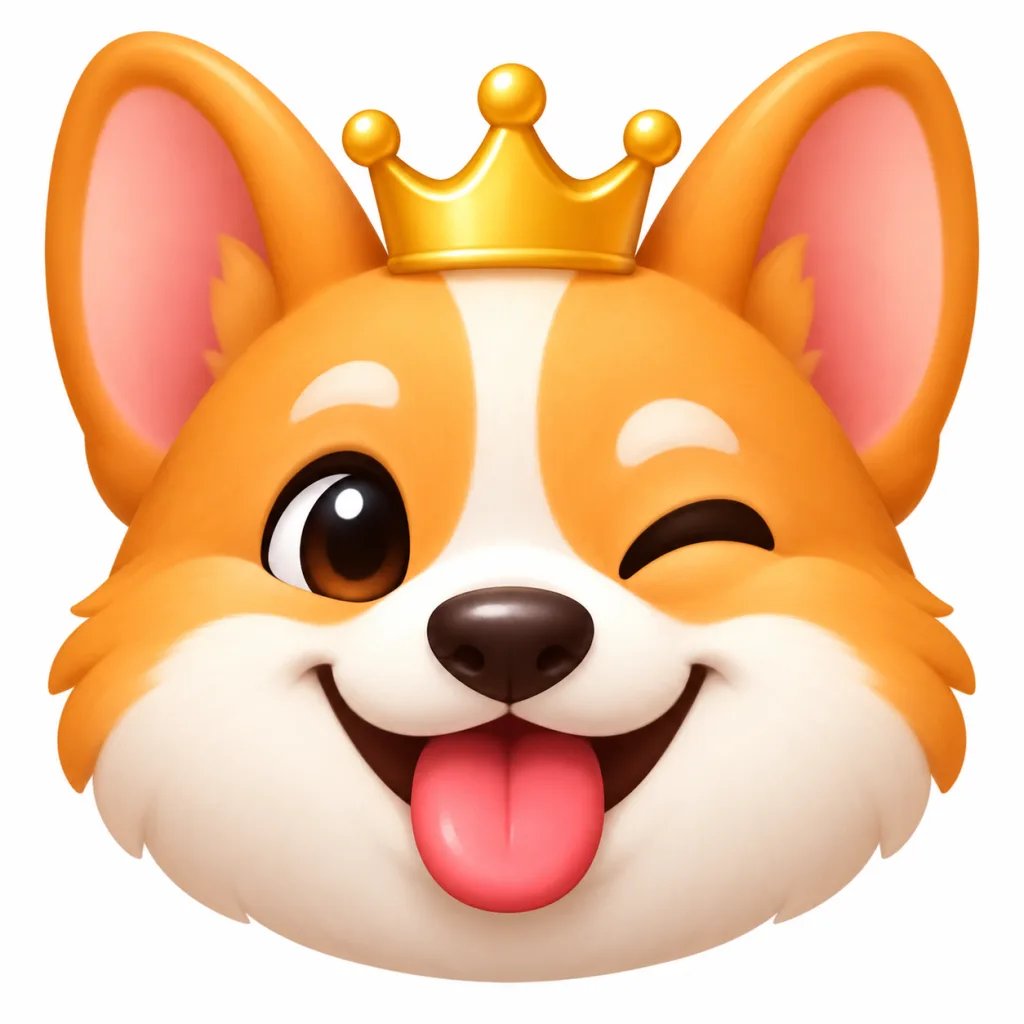
Can't Draw Emoji? Describe Them Instead
Custom emoji make a server or group chat feel like your own, but most people can't draw them, and commissioning a set can cost a lot. Here you describe the emoji in a sentence, such as a sleepy cloud in a nightcap or a robot doing a facepalm, and get a new image built from that description.
Every image on this page is AI-generated. Look at your emoji at a small size before you upload it, and generate again if the face or shape is hard to read.
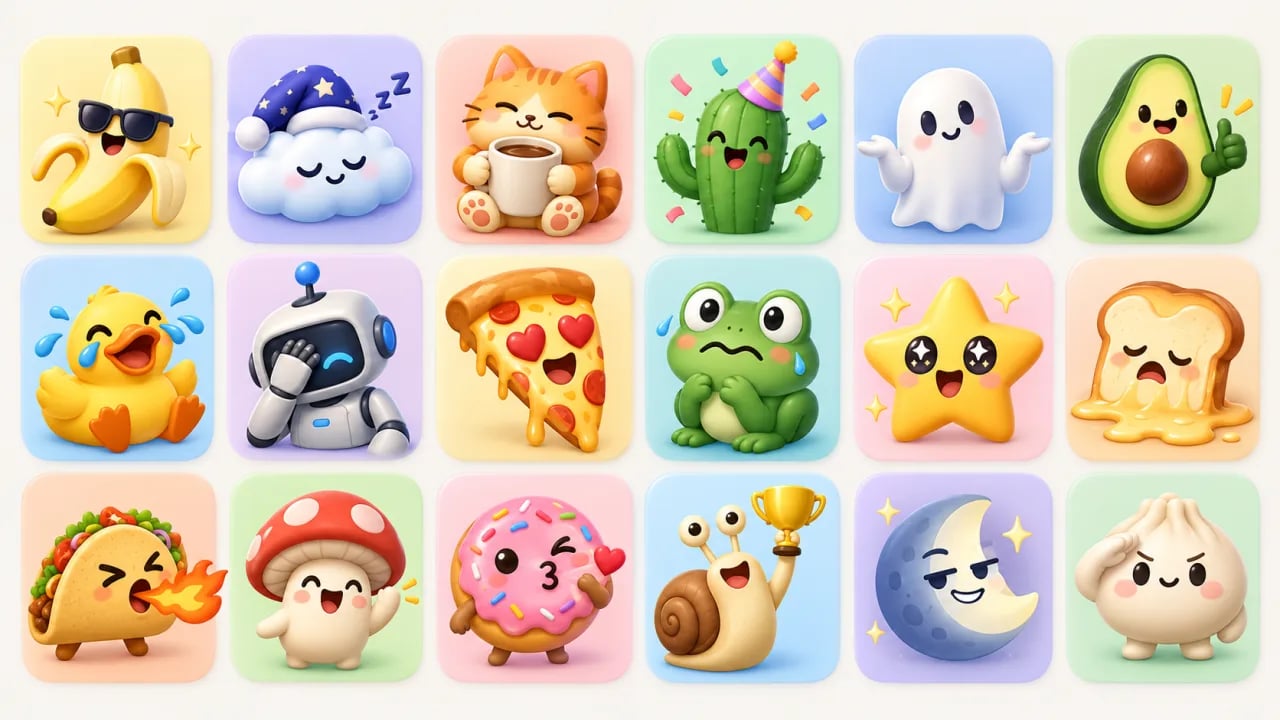
What Is an AI Emoji Generator?
An AI emoji generator is a text-to-image tool that turns a short description into an original emoji-style picture. You describe the character or object, its expression and its style, and it returns a square image you can review, regenerate and save, then prepare for your Discord or Slack server yourself.
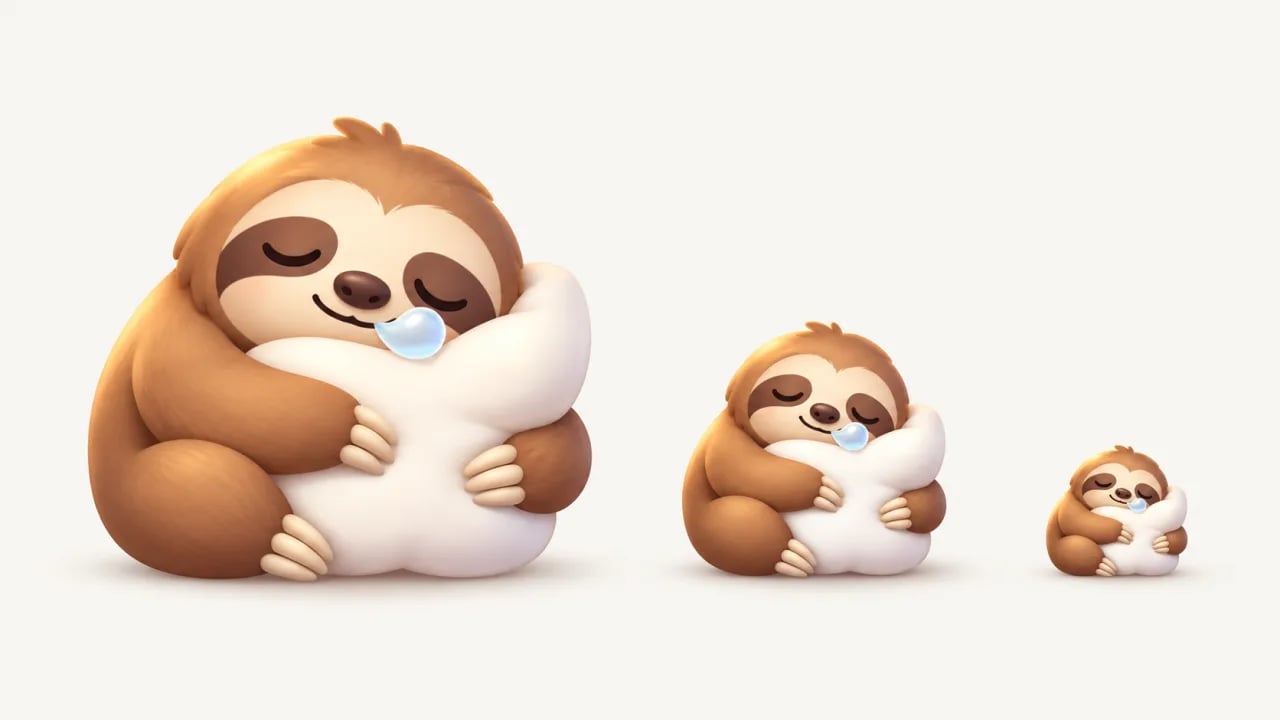
Make emoji that still read when they are tiny
Chat apps shrink emoji to a few dozen pixels, so busy drawings turn into blurs. Ask for one subject, a big expression and simple shapes, and keep the subject close to the edges of the square so it doesn't shrink further.
- Describe one subject with one clear expression
- Ask for bold shapes and few small details
- Check the result at a small size before uploading
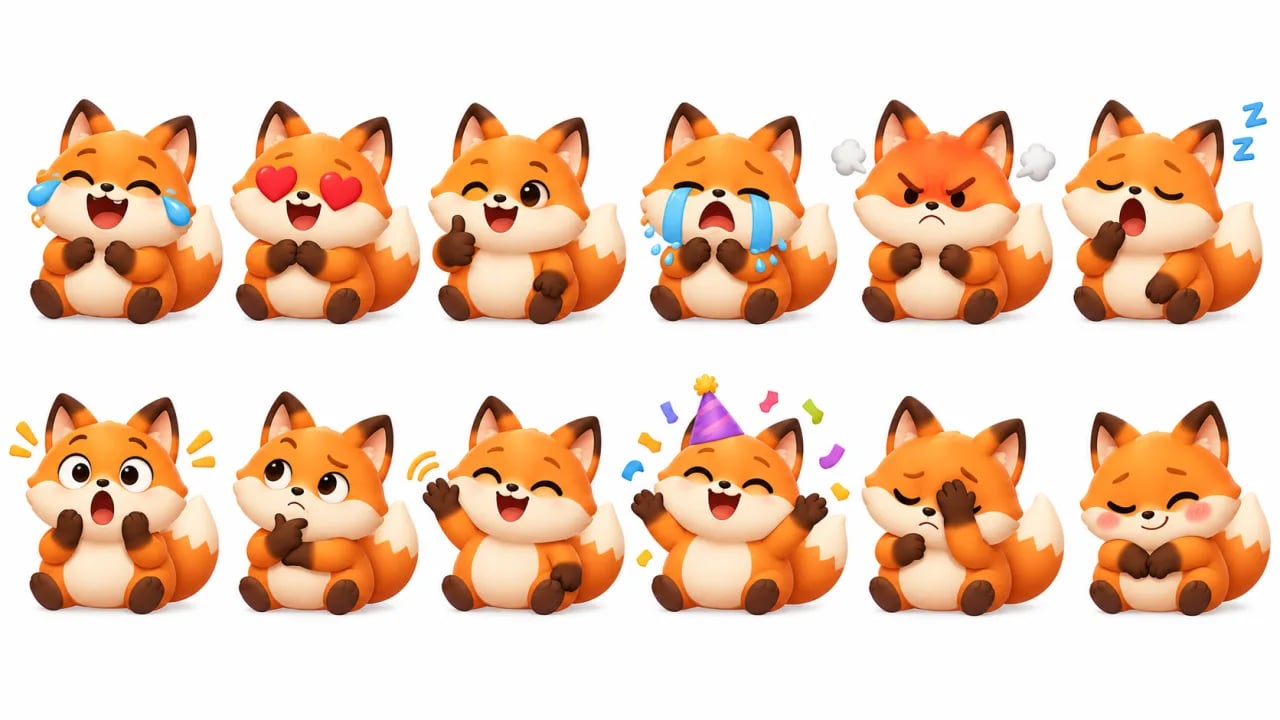
Build a matching set around one mascot
Request a grid of reactions for the same character and the whole set comes out in one style. Small details such as markings or accessories can still change between emoji, and you cut the grid into single emoji yourself.
- Describe the mascot the same way for every reaction
- List the reactions you want in the prompt
- Crop each emoji from the grid before uploading
Finish your emoji in three short steps
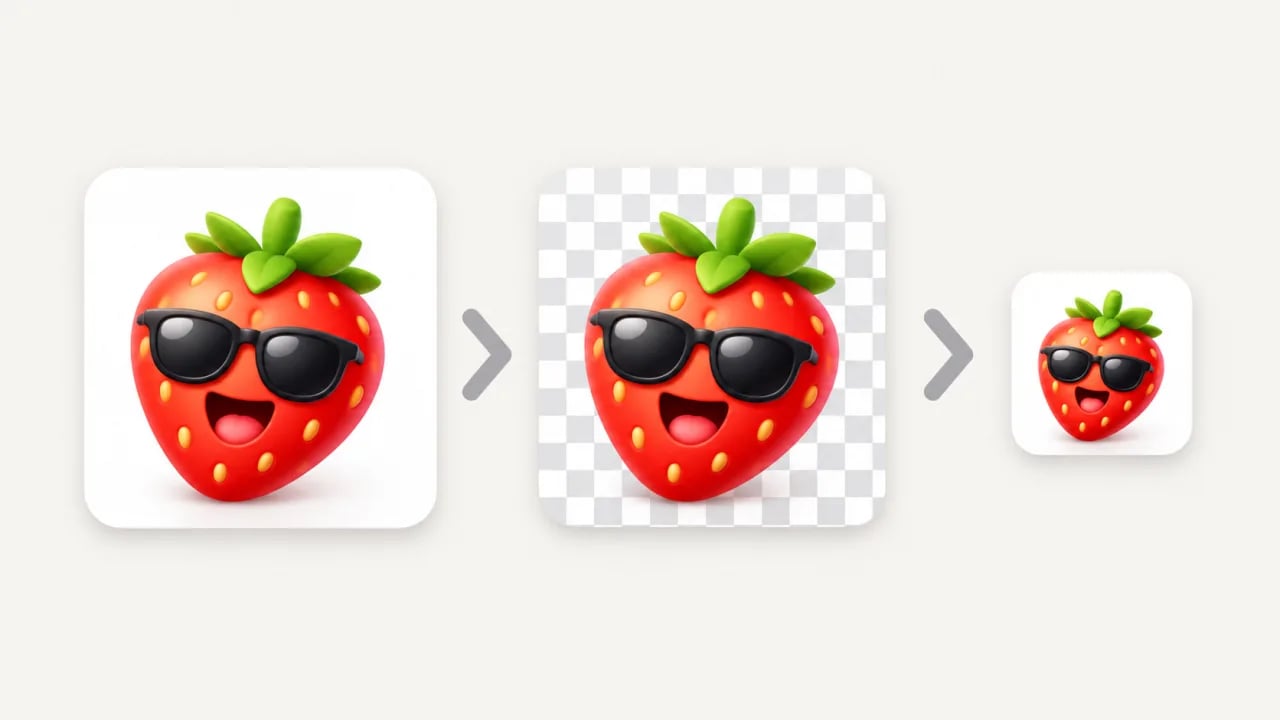
Results are still images on a solid background. For a clean server emoji, remove the background with an image editor, keep the file square and resize it to the size and file limit your platform lists.
- Remove the background in an image editor
- Keep the image square with little empty space
- Resize it to your platform's current upload limits
How to Make a Custom Emoji with AI
- 1
Describe your emoji
Name the subject, the expression and one or two props, such as a cactus wearing a party hat. Add an emoji style with simple shapes and a plain white background.
- 2
Pick a model and generate
Choose an available model, check the credit cost in the selector, then select Generate my emoji. You need to sign in before generating.
- 3
Check it small, then prepare it
Zoom out to see whether the face still reads at chat size. Then download the image, remove the background and resize it before adding it to your server.
Give Your Server Its Own Emoji
Start with one sentence about a character or a reaction your group uses all the time, keep the shapes simple and see it as an emoji.
Generate my emojiTo turn a selfie or a pet photo into emoji, use Photo to Emoji. For larger die-cut sticker designs, try the AI Sticker Generator.