
Upload your image
Edit presets
Your new image
Your photo, transformed. Drag to compare before and after.
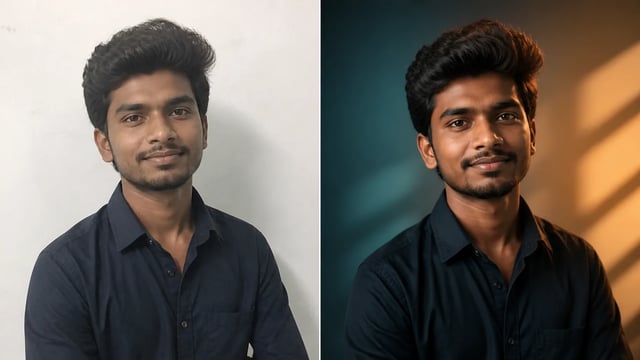
AI Image to Image Generator
Upload a photo, describe the change you want, and get a new version back. The AI image to image generator restyles, enhances, and reimagines your picture — sign in and it runs on your credits.
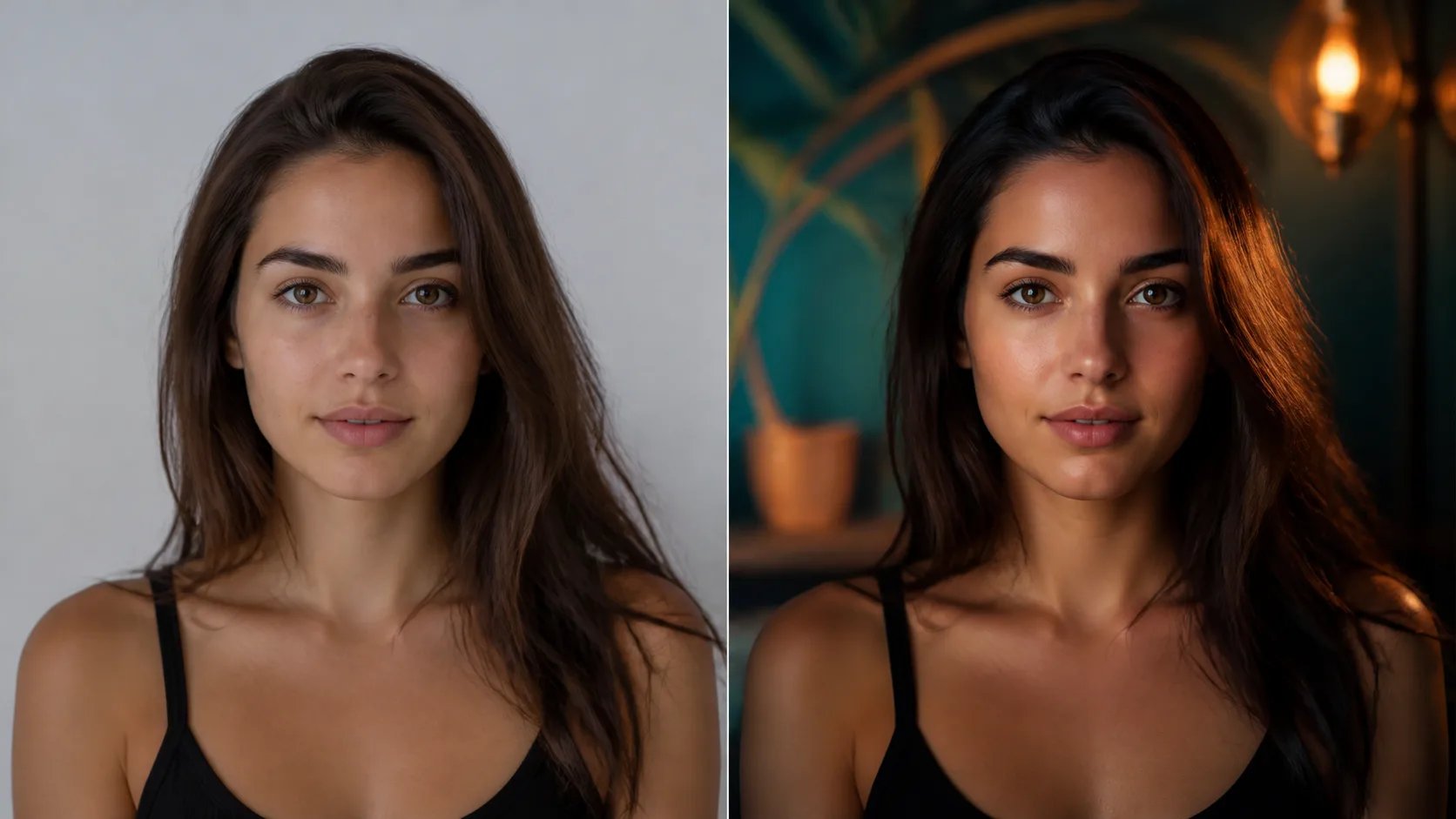
What is an AI image to image generator?
An AI image to image generator takes a picture you already have and turns it into a new version guided by a prompt. Instead of starting from a blank canvas, you upload a source image, describe the change — a new style, better light, a different background, more detail — and the model rewrites the image while keeping what you want to keep. It reads your photo as the starting point rather than inventing an unrelated scene, so the result stays recognizably yours. That is what separates an AI image to image generator from a plain text-to-image tool.
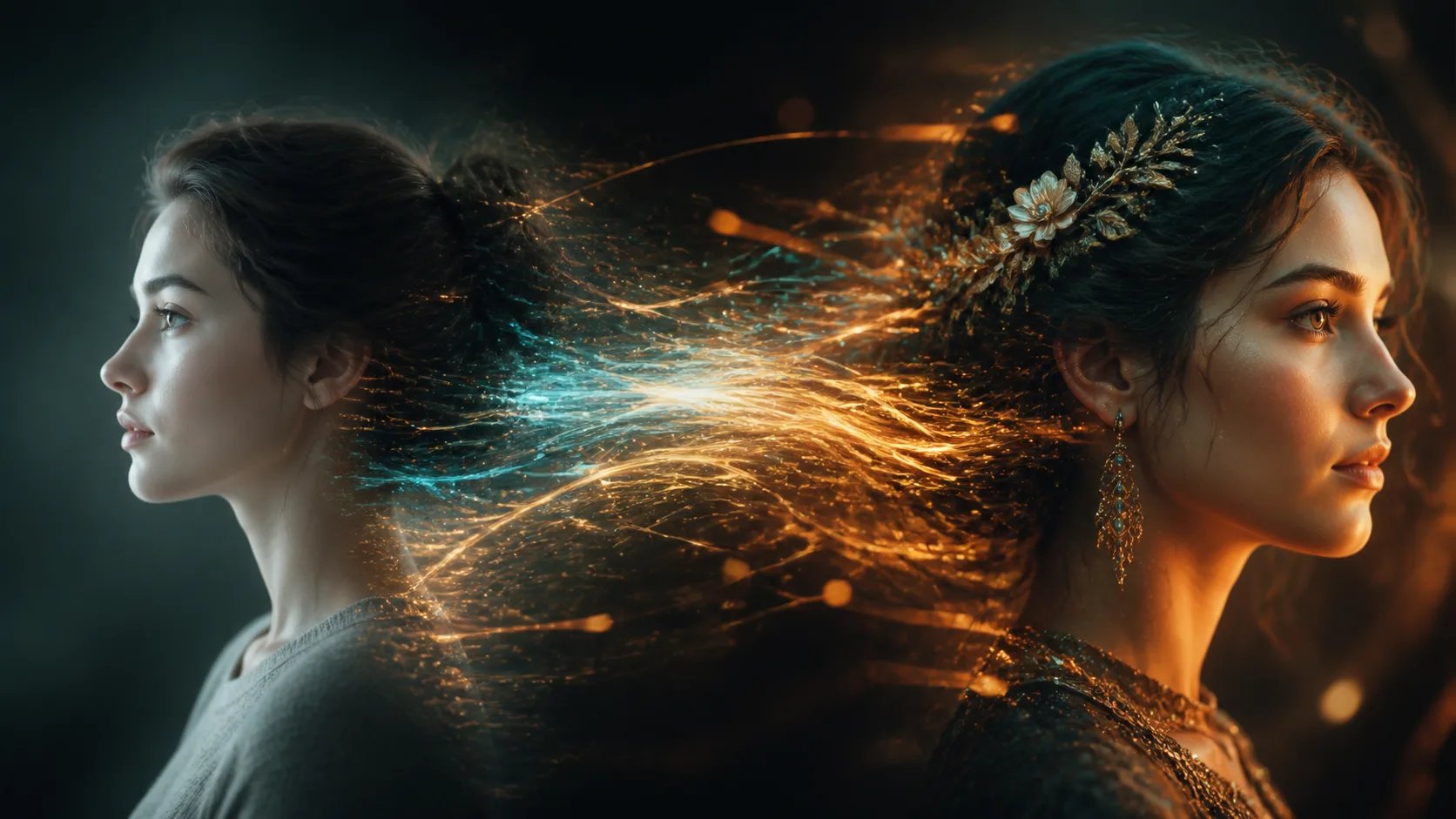
Why use an AI image to image generator?
Sometimes you do not need a brand-new picture — you need this one, changed. An AI image to image generator restyles a portrait, relights a product shot, cleans up a snapshot, or swaps a background without opening a complex editor. Describe the change in plain words and it applies it across the whole image at once. Because the edit starts from your own photo, the output keeps the composition and subject you uploaded instead of drifting into something unrelated, which makes it dependable for a consistent look across a set of images.
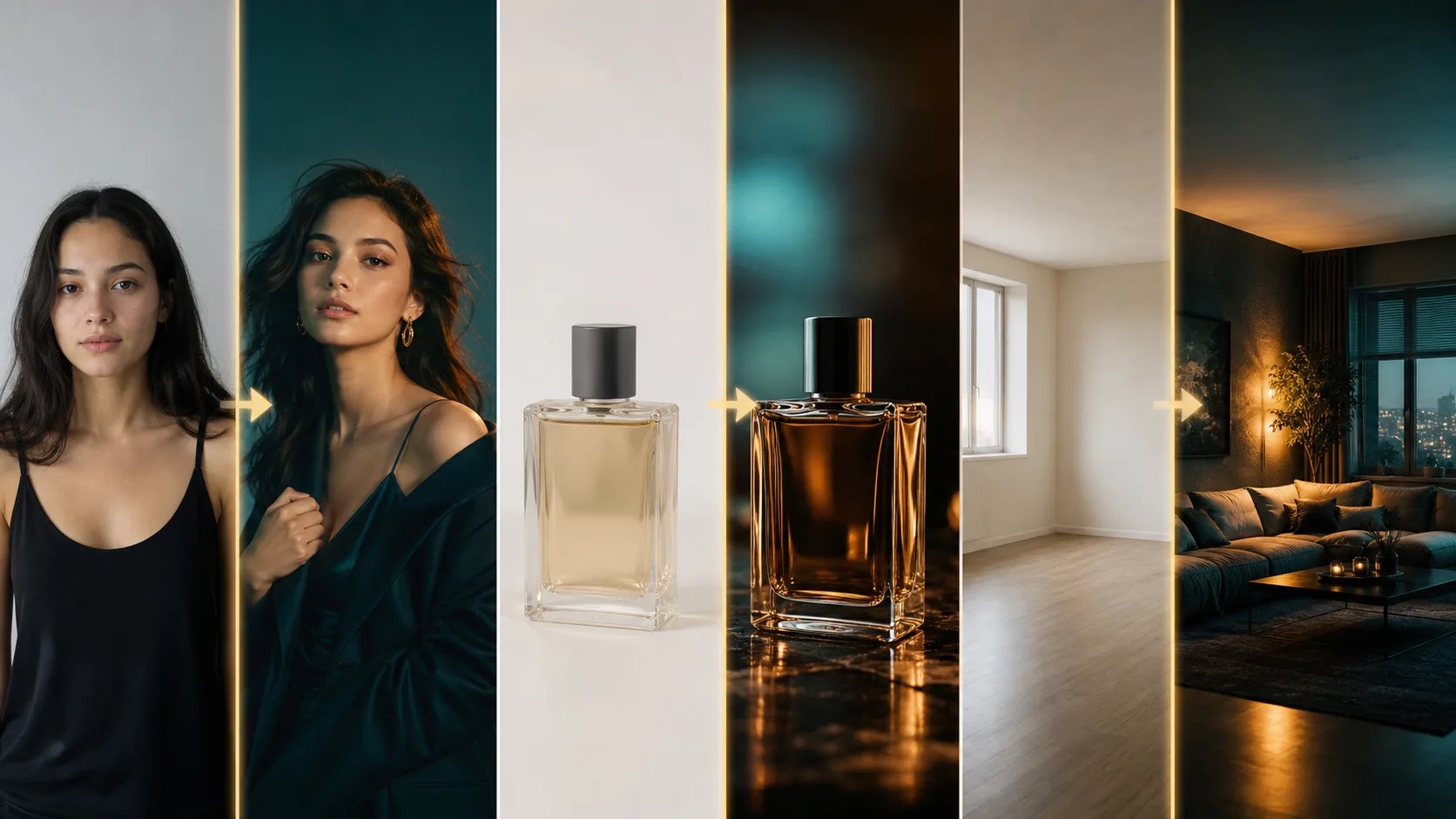
Tired of editing images by hand?
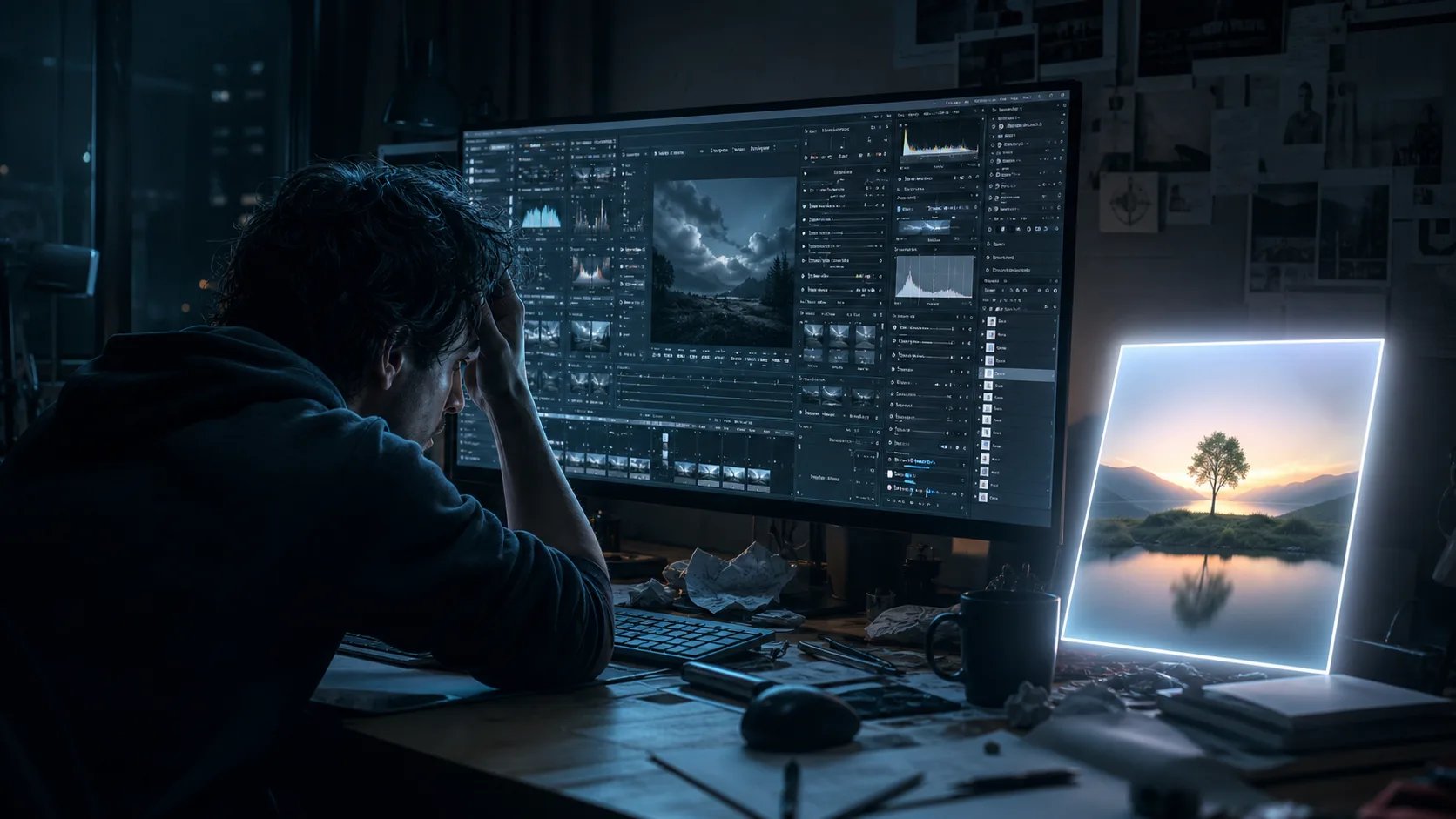
Manual photo editing means layers, masks, and a dozen sliders just to change a look. When you only want a different style or cleaner light, that is a lot of work for a small change. The AI image to image generator skips it: upload the picture, describe the result, and it edits the whole frame for you. You steer the change through the prompt, so a new style or a relit scene is a sentence away instead of an afternoon in an editor — no masking, no layer stacks, no learning curve.
How to use the AI image to image generator
Turn one picture into a new version in three steps.
- 1
Upload your image
Sign in and upload the photo you want to change — a JPG, PNG, or WebP. It becomes the starting point for the edit.
- 2
Describe the change
Type what you want different — a new style, better light, a fresh background — or pick a preset to start.
- 3
Generate and download
The AI image to image generator returns a new version of your photo. Compare it with the original, then download the result.
Reimagine your image
Upload a photo and let the AI image to image generator turn it into a new version.
More AI Image Generators
AI image to image generator FAQ
It takes an image you upload and produces a new version guided by your prompt — a restyle, an enhancement, a background change, or more detail — while keeping your original as the starting point.
A JPG, PNG, or WebP works. The generator uses the file you upload as the source and applies your described change to it.
Describe the change you want — a style, lighting, a background, or added detail. The image is the starting point and the prompt directs the edit. A preset can fill in the prompt if you are not sure where to start.
The edit starts from your uploaded image, so the result stays close to your composition and subject. You can compare the new version against the original side by side before downloading.
Yes. Sign in to use the AI image to image generator, and each edit runs on your credits. The amount depends on the model and resolution you pick.
Yes. Once the new version is ready you can compare it with your original and download the edited image.