
Upload your photo
Pixel art style
Pixel Art Sprite
Converted with crisp square pixels
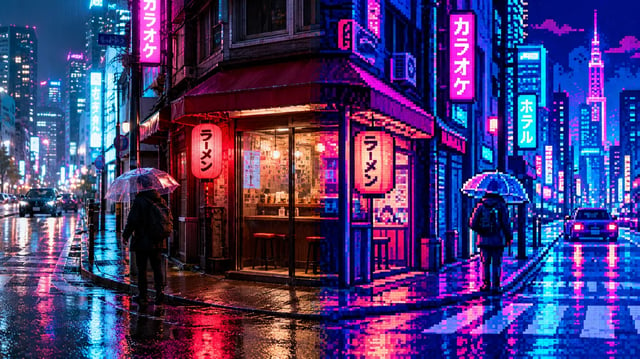
Photo to Pixel Art Converter
Turn your photos into authentic 8-bit and 16-bit retro arcade pixel art. Reconstruct portraits, pets, and landscapes on crisp logical grids with dithered shading and restricted retro palettes.
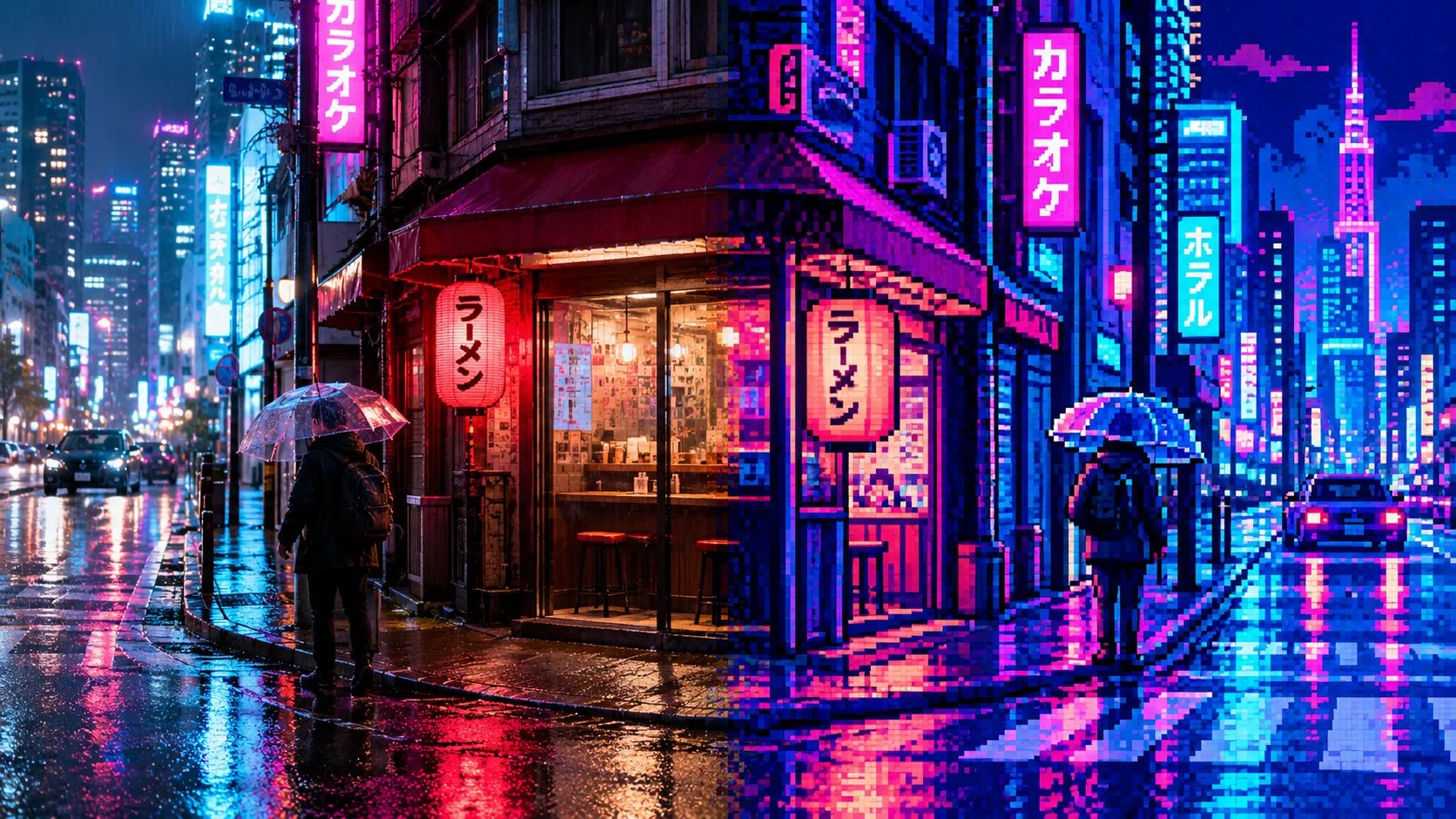
What is a photo to pixel art converter?
An AI photo to pixel art converter is a specialized image generation tool that reconstructs standard digital photos into authentic 8-bit and 16-bit retro pixel artwork. It replaces complex manual dithering and color clustering, transforming portraits, pets, and landscapes into crisp, grid-aligned game sprites without blurry downscaling filters.
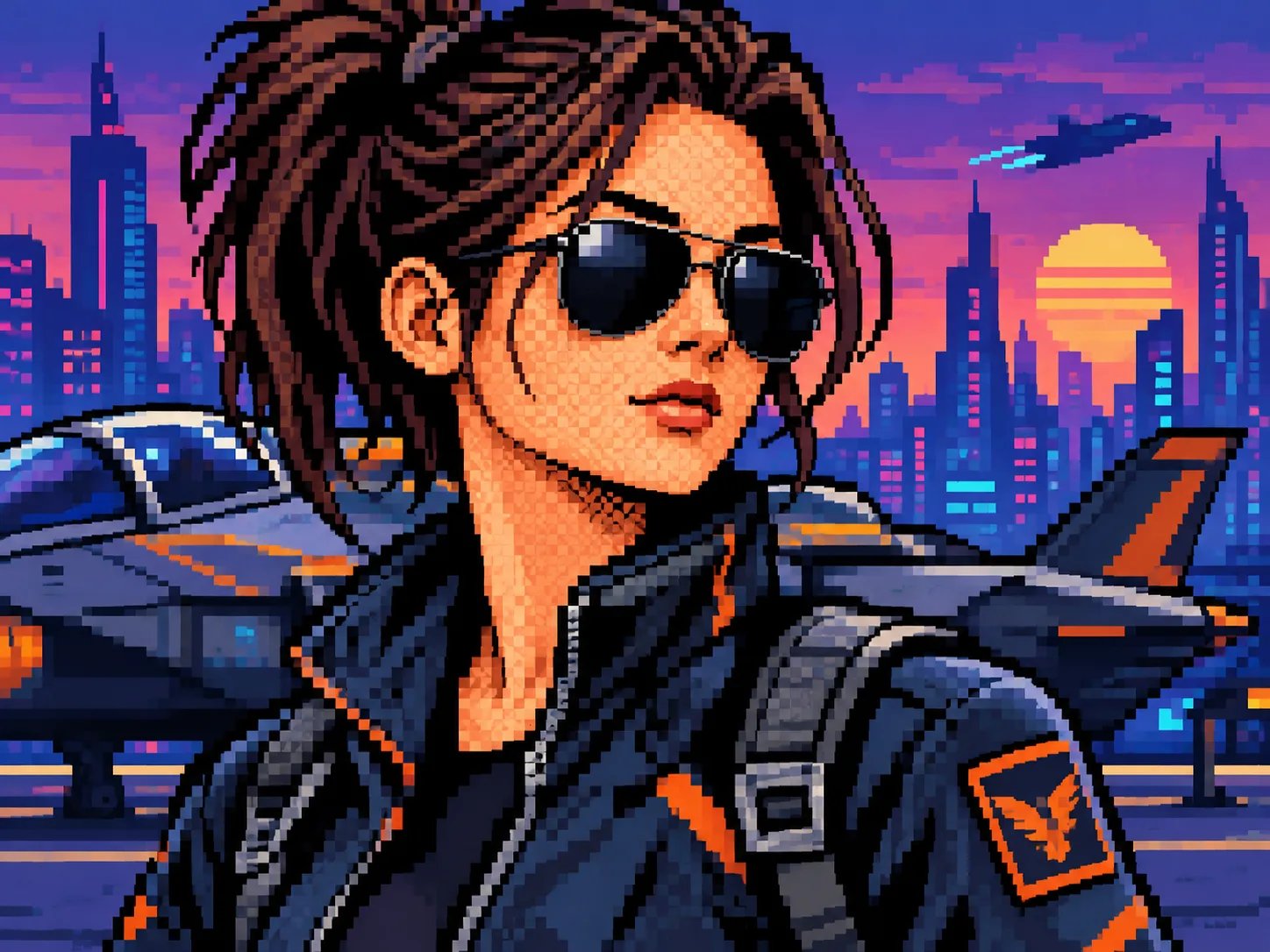
Transform Portraits into 16-Bit Character Sprites
Convert selfies and headshots into expressive retro game avatars. Our neural pipeline analyzes facial landmarks, cleans up messy gradients, and maps skin tones onto an intentional 32-color arcade palette with crisp stair-step contours.
- Clear stair-step silhouettes without anti-aliasing blur
- Preserves facial likeness and distinctive hair shapes
- Ideal for Discord avatars, Twitch badges, and retro gaming PFPs
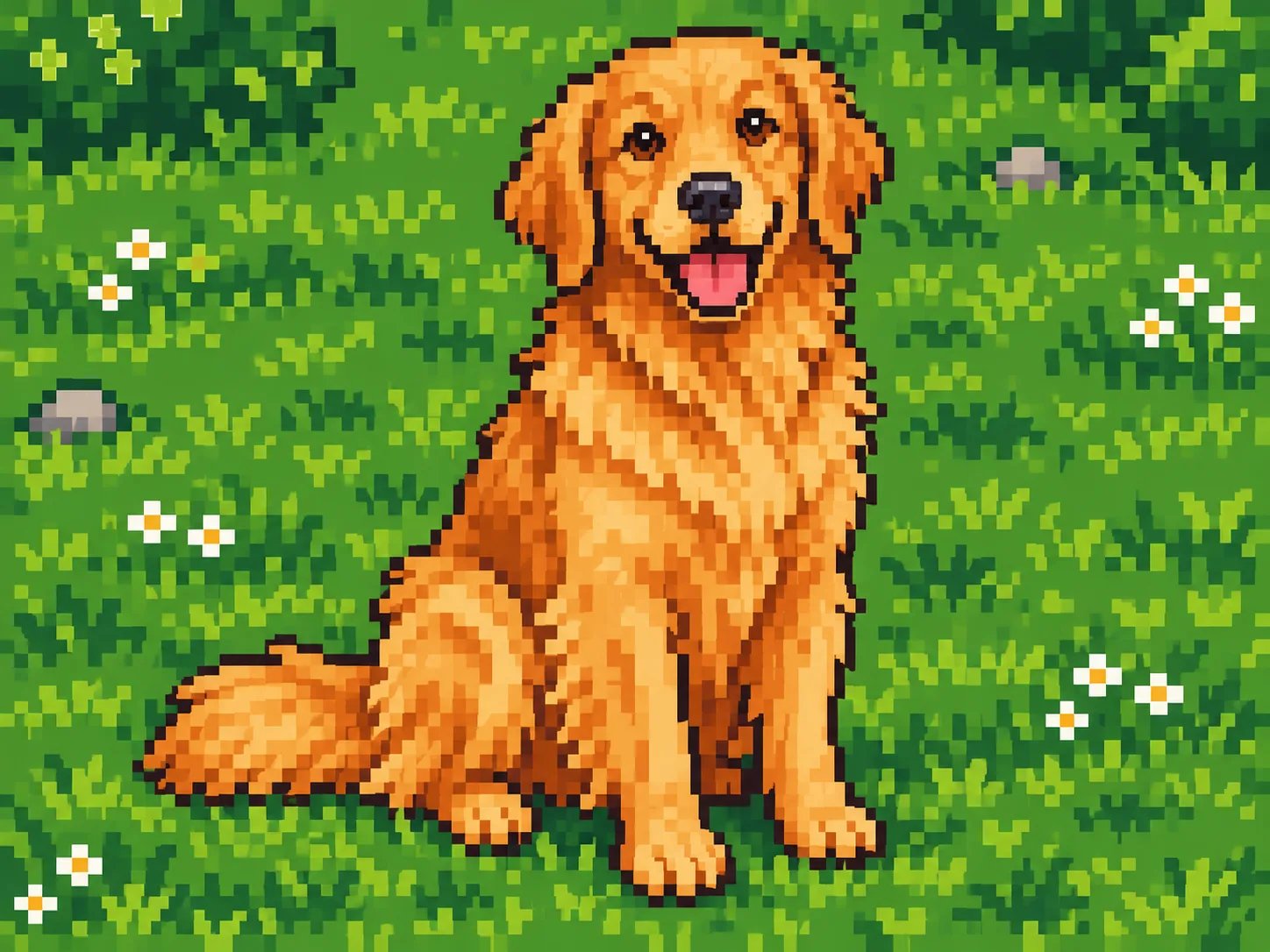
Turn Pet Photos into Charming Retro Companions
Turn dogs, cats, and exotic pets into collectible 8-bit sidekicks. Reconstructs furry textures into cohesive pixel clusters and ordered cross-hatch dithering instead of chaotic noise.
- Structured color clustering eliminates noisy stray pixels
- Authentic retro palette compression for fur highlights
- Ready for custom indie RPG mascots and physical cross-stitch charts
Recreate Cityscapes and Nature into Nostalgic 16-Bit Scenes
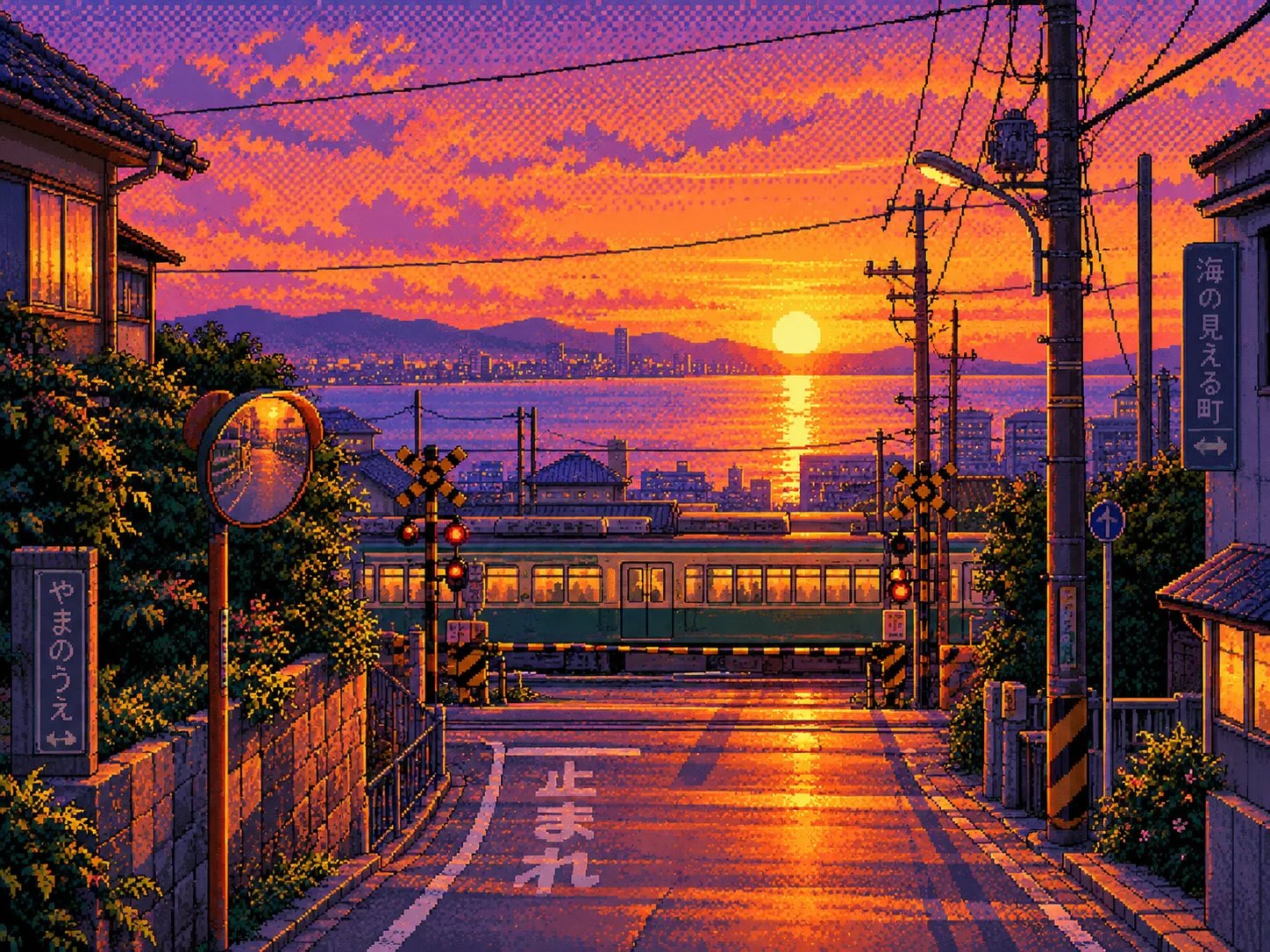
Convert skyline photos, sunset streets, and vacation landscapes into cozy pixel backgrounds reminiscent of 90s SNES and PC-98 classics with atmospheric lighting gradients.
- Checkerboard dither shading for cinematic sky gradients
- Preserves architectural vanishing points and street details
- Perfect for desktop wallpapers and lo-fi stream backgrounds
Key Features of AI Pixel Art Conversion
Genuine Logical Pixel Grid
Renders on an intentional low-resolution grid enlarged with nearest-neighbor scaling so every square pixel stays razor-sharp.
Restricted Retro Palettes
Emulates classic hardware palettes from NES 4-color constraints to 16-bit arcade richness with zero muddy color blending.
Ordered Dither Shading
Replaces random sensor noise with rhythmic cross-hatch and checkerboard dithering for authentic vintage depth.
Commercial Ready Assets
Generate unique retro game sprites, stickers, and digital merchandise with full commercial licensing on paid tiers.
AI Photo to Pixel Art vs Traditional Approaches
| Feature | CreatingImage AI | Manual Pixel Drawing | Basic Mosaic / Filter |
|---|---|---|---|
| Creation Speed | Fast automated AI conversion | 3 to 8 hours of manual plotting | Instant simple filter |
| Edge & Silhouette Sharpness | Intentional 1-px contours & clean clusters | Hand-placed pixel perfection | Muddy, blurry interpolated edges |
| Color Clustering & Dithering | Ordered dithering & unified retro palettes | Expert manual color ramp selection | Uncontrolled 16M color muddy noise |
| Required Skill Level | Zero technical or drawing skills required | Years of color theory & sprite experience | Simple slider adjustment |
How to convert a photo to pixel art
Three simple steps to transform any image into authentic retro pixel artwork.
- 01
1. Upload your photo
Choose a clear portrait, pet photo, or landscape. High-contrast subjects produce the crispest sprite silhouettes.
- 02
2. Choose a pixel style
Select 8-bit NES, 16-bit SNES arcade, Game Boy 4-green, or Cyberpunk Neon — or type custom instructions.
- 03
3. Convert and export
Our AI redraws your photo onto a clean pixel grid. Compare before and after with the interactive slider and download your sprite.
Ready to turn your photos into retro pixel art?
Upload any photo today and transform it into an authentic 8-bit or 16-bit masterpiece with full control.