Creating Image
Realistic AI Image Generator
163/1500

Your realistic result

Write a prompt, choose a model, and your image appears here.
Realistic AI Image Generator — HD Art

Describe any subject and this realistic AI image generator renders it with hyper-detailed, render-grade realism. You set the surface, the light, and the fine texture through your prompt, then get a high-resolution image in seconds.

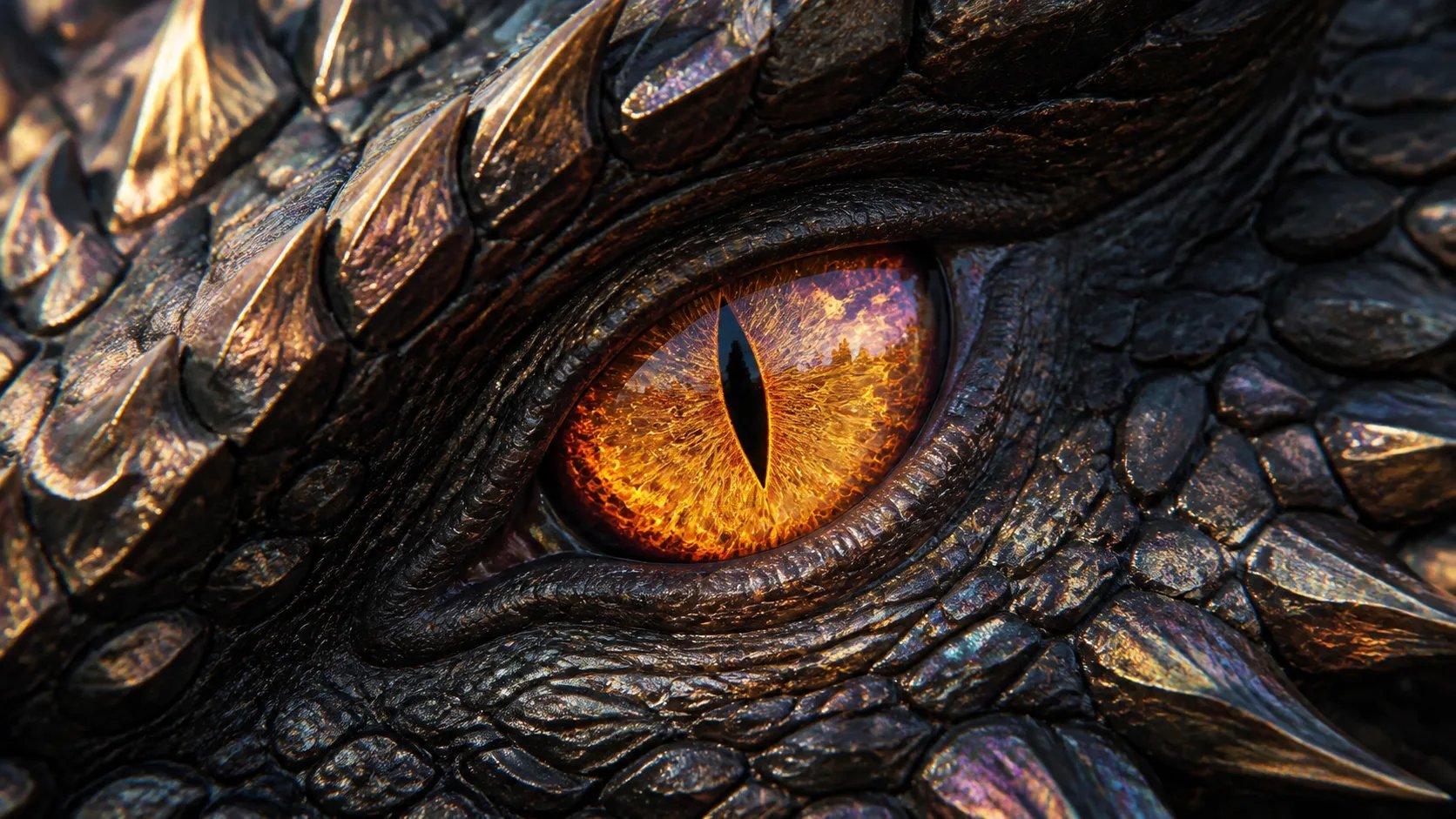
A hyper-realistic dragon eye macro generated by the realistic AI image generator

What is a realistic AI image generator?

A realistic AI image generator is a tool that turns a written prompt into a hyper-detailed, render-grade image. You describe the subject, the surface, and the light in words, and the model produces a result with the fine texture and depth you would expect from a high-end 3D render or a studio shot. A realistic AI image generator reads how precisely you describe materials and light, so a prompt that names brushed titanium, soft studio light, and visible micro-texture returns a far more convincing image than a flat one. This page is a prompt-only workflow: every image starts from text you write.
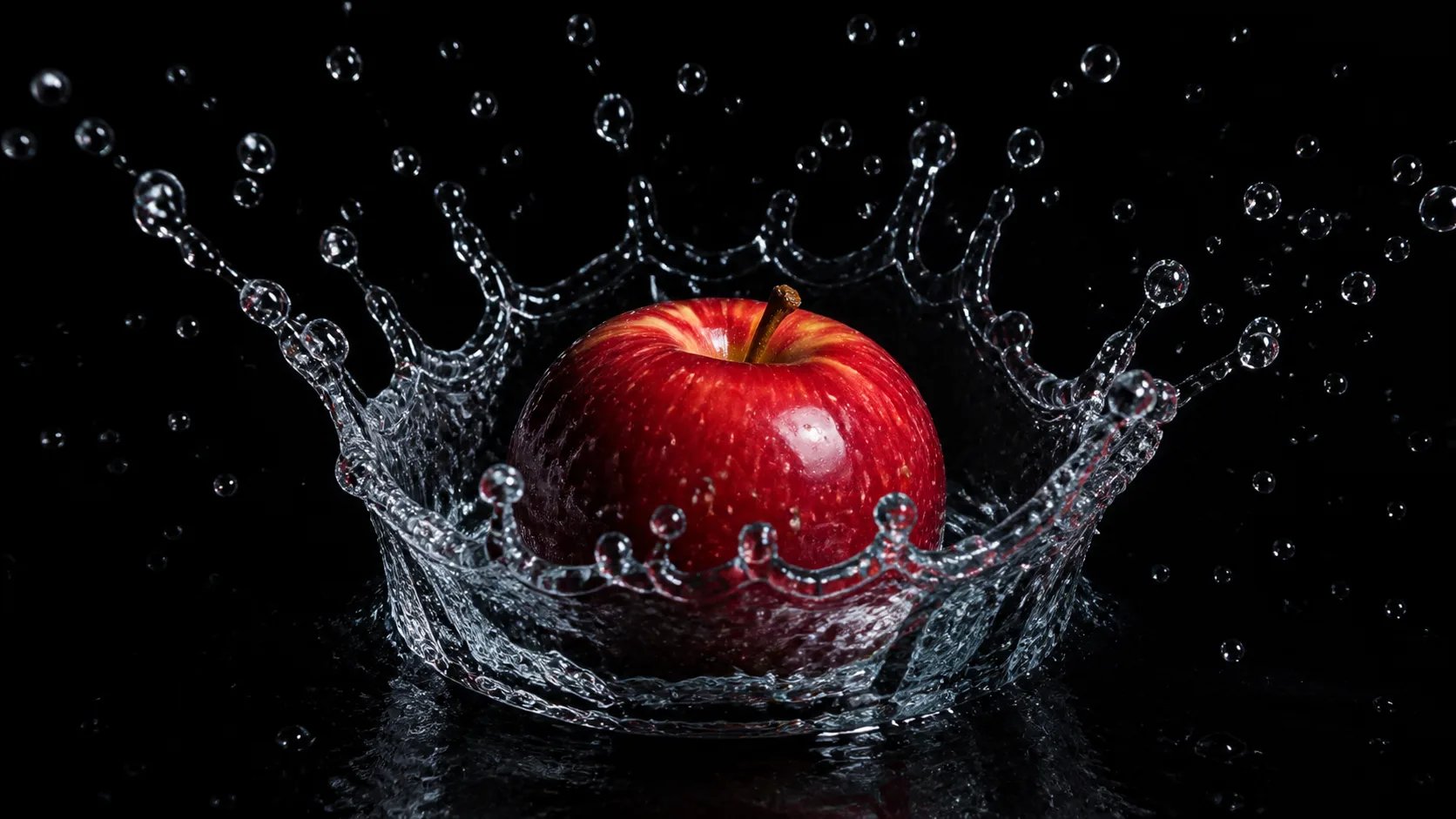
A hyper-realistic water splash around an apple, made with the realistic AI image generator

Why material and texture words drive realism

Realism is built from specifics: the sheen of a surface, the softness of a shadow, the micro-texture a close look reveals. When you prompt a realistic AI image generator, naming those materials and light qualities — brushed metal, subsurface skin detail, volumetric mist, sharp specular highlights — is what pushes the result from an obvious render toward a convincing one. The same subject described plainly or described with rich material language comes back at two very different levels of realism, so precise description is the biggest lever the realistic AI image generator gives you.
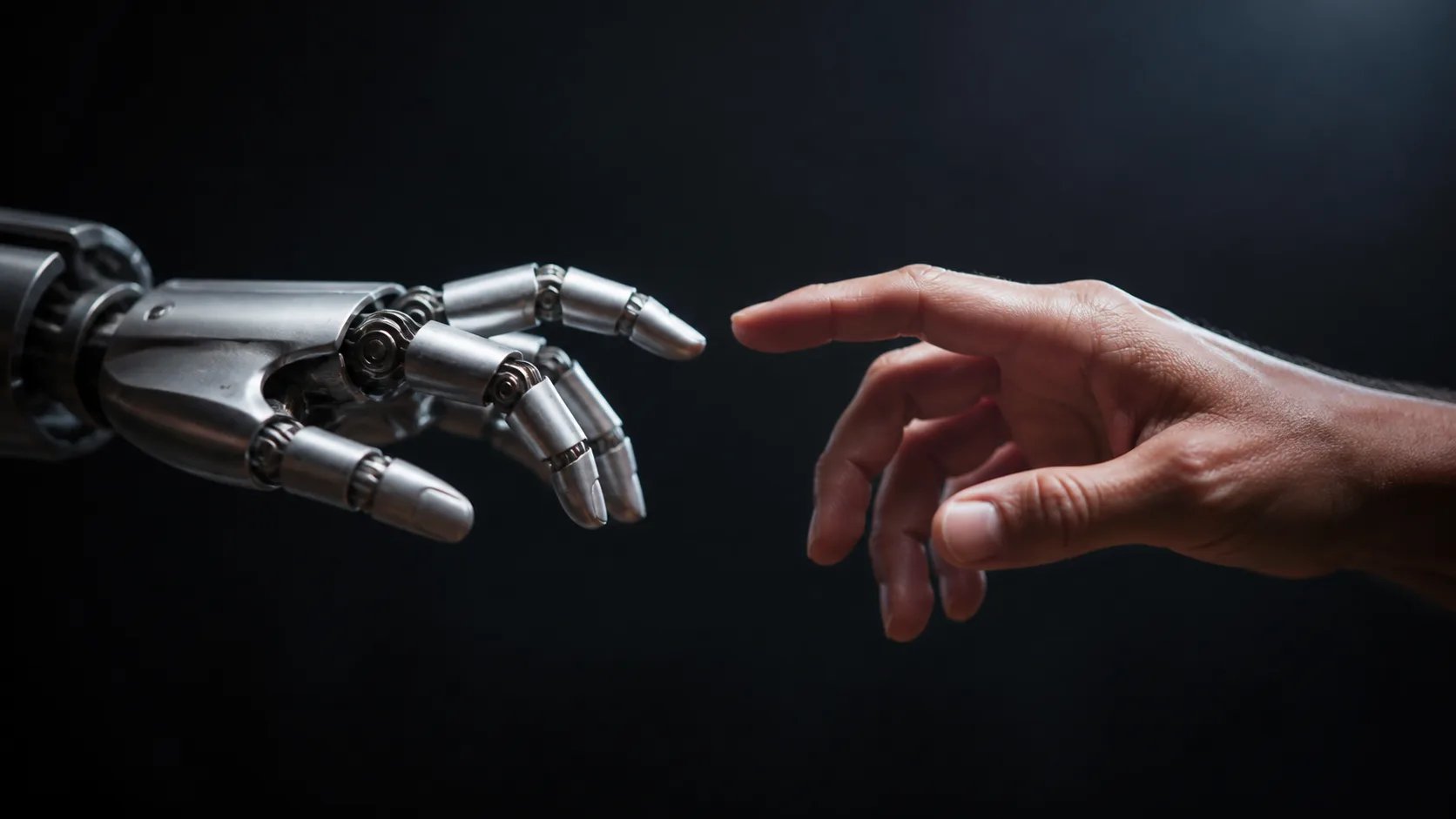
A hyper-realistic robot hand and human hand render made with the realistic AI image generator

From a flat render to convincing detail

A plain prompt returns a flat, generic render. The fix is to describe the fine detail you actually want: the material, the light direction, the atmosphere, the tiny imperfections that read as real. Add faint fingerprints on glass, a colorful reflection, sharp scratches, and the realistic AI image generator has enough to make the surface believable. Re-prompt with one more material detail each time and the result converges on render-grade realism. Because each generation costs credits, a specific prompt also reaches convincing detail in fewer tries.
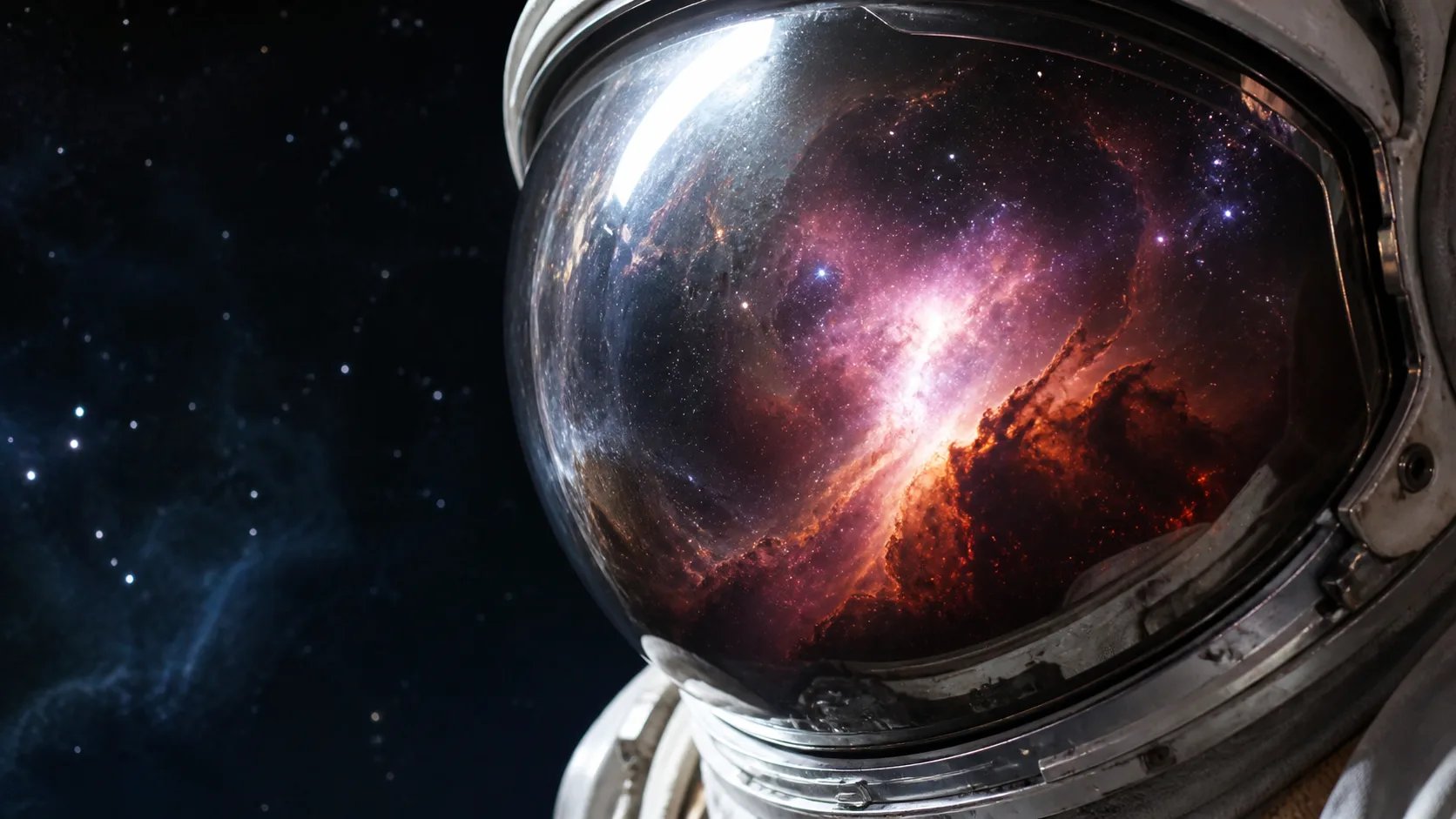
A hyper-realistic astronaut visor reflecting a nebula, from the realistic AI image generator

How to use the realistic AI image generator

Three steps from a text prompt to a hyper-detailed image with the realistic AI image generator.

  1. 1

    Describe the detail

    Name the subject, the materials, the light, and the fine texture. Material words give the realistic AI image generator more to work with.

  2. 2

    Pick a model

    Choose from the available image models. Each renders fine detail and realism with its own strengths.

  3. 3

    Generate and refine

    Select Generate, review the result, then add one more material or light detail and run it again to reach render-grade realism.

Turn a description into a hyper-detailed image with the realistic AI image generator

Write a prompt, pick a model, and let the realistic AI image generator render it.

More AI Image Generators

AI Thumbnail MakerCreate 16:9 video-cover images from a topic and visual brief.AI T-Shirt Design GeneratorCreate print-ready custom t-shirt graphics, vintage streetwear prints, and transparent apparel assets from text.AI Chibi GeneratorCreate cute anime chibi characters, Twitch stream emotes, and kawaii sticker designs.AI Instagram Ad Image GeneratorCreate static Instagram ad image drafts from effect presets and optional brief edits.AI Clothes ChangerSwap and try on outfits on any photo with natural fabric textures and facial preservation.AI Hairstyle ChangerTry bangs, a pixie or any style on your own photo before you cut.Haircut SimulatorSimulate any cut on your own photo before you commit.Bangs PreviewSee what you'd look like with bangs on your own photo.AI Beard GeneratorTry realistic beards, stubble, goatees, and mustaches on your photos online.AI Hair Color ChangerTry on realistic hair dye colors, highlights, blonde, and brunette shades online.AI Eyebrow FilterTry on natural arches, feather lamination, and microblading nano-strokes.AI Product Background GeneratorCreate studio-quality commercial product photos with realistic lighting and contact shadows.AI PFP GeneratorCreate a profile picture or avatar from a text prompt.AI Sticker GeneratorCreate a die-cut sticker from a text prompt.AI Anime GeneratorCreate anime and manga-style art from a text prompt.AI Poster GeneratorCreate a cinema, event, or business poster from a text prompt.AI Infographic GeneratorTurn raw notes and workflow steps into high-resolution visual infographic drafts.AI Flyer GeneratorCreate event, business, and promo flyer drafts from a short brief.AI Meme GeneratorCreate original meme-style still images, captions, and reaction drafts from a prompt.AI Business Card GeneratorCreate horizontal business card visual drafts from a short brand brief.AI Pattern GeneratorCreate a seamless, tileable pattern from a text prompt.AI Logo MakerGenerate a logo image from a text prompt — describe the brand, style, and colors.AI Art GeneratorTurn a text prompt into original AI artwork — any style, from painting to anime.AI Character GeneratorTurn a text description into original character art in any style.AI Influencer GeneratorCreate SFW virtual influencer profile and lifestyle images from a reference persona and prompt.Nano Banana 2Generate photorealistic, text-accurate images with the Nano Banana 2 model.Nano Banana ProGemini's top image model for text, edits and 4K detail.GPT Image 2Generate images with crisp, readable text using the GPT Image 2 model.AI Photo GeneratorGenerate photorealistic images from a text prompt — control light, lens, and mood.AI Avatar GeneratorCreate a distinctive character avatar for games, streams, and profiles from text.Text to Image GeneratorTurn written prompts into finished images and learn to describe exactly what you want.AI Image to ImageTurn your own photo into a new version — restyle, relight, or reimagine it while keeping your subject.AI Photo EditorEdit your own photo with prompt-based AI changes while keeping the source recognizable.AI Headshot GeneratorTurn your own selfie into a studio-quality professional headshot — clean background, business attire, and flattering light.AI Drawing GeneratorGenerate sketches, line art, cartoons, and detailed illustrations from a text prompt.AI Tattoo GeneratorGenerate tattoo designs — fine-line, blackwork, neo-traditional, and illustrative styles — from a text prompt.AI Portrait GeneratorTurn your own photo into artistic portraits — oil painting, Renaissance, cyberpunk, and fantasy — while keeping your face.AI Icon GeneratorGenerate app icons, UI glyphs, and product marks from a text prompt — polished PNG icons, no design skills.AI Cartoon GeneratorTurn your own photo — or your pet's — into fun cartoons: 3D-animated, comic, anime, and caricature.Photo to SketchTurn your own photo — of a person or pet — into a pencil, charcoal, line-art, or colored-pencil sketch.AI Pixel Art GeneratorGenerate retro pixel art — sprites, characters, scenes, and 8-bit game icons — from a text prompt.AI Album Cover GeneratorGenerate release-ready square cover art for singles, EPs, and albums across genres — from a text prompt.AI Wallpaper GeneratorGenerate original phone wallpapers — gradients, nature, retrowave, minimal — from a text prompt, matched to your vibe.AI Coloring Page GeneratorGenerate printable black-and-white coloring pages of any theme — animals, dinosaurs, mandalas — from a text prompt.AI Book Cover GeneratorGenerate genre-fit book cover art — fantasy, romance, thriller, sci-fi — with your title and author name, from a text prompt.AI Comic GeneratorGenerate comic-style strips and pages — manga, American, webtoon — with panels and dialogue, from a text prompt.AI Photo to Anime ConverterTurn your own photo into anime-style art — modern, street-pop, classic cel, or chibi — keeping your likeness.Colorize Black and White PhotosAdd realistic, natural color to an old black and white photo while keeping the face and every detail exactly.Caricature GeneratorTurn a photo into a fun, exaggerated caricature that still looks like the person — 3D, hand-drawn, or watercolor.Photo to Coloring PageTurn a photo of your kid, pet, or family into a clean, printable coloring page — bold outlines ready to color.AI Storyboard GeneratorTransform script scenes into cinematic 16:9 storyboard frames and visual pitch sketches.

Realistic AI image generator FAQ

A realistic AI image generator turns a written prompt into a hyper-detailed, render-grade image. You describe the subject, materials, and light in words, pick a model, and it produces a result with the fine texture and depth of a high-end render — no camera or 3D software required.

Describe materials and light precisely: brushed metal, subsurface skin detail, volumetric mist, sharp specular highlights, tiny imperfections. Rich material language is what pushes a realistic AI image generator from an obvious render toward a convincing one.

No. This is a prompt-only workflow — every image starts from the text you write, so no upload or reference is needed. You direct the whole result through the prompt.

Generating an image requires signing in and uses credits, since each render runs a paid AI model on our servers. You can check your credit balance and top up any time from your account.

The realistic AI image generator returns high-resolution images from the realistic AI image generator suitable for on-screen use and sharing. The exact size depends on the model you choose from the selector.

They overlap but frame it differently: this realistic AI image generator leans into render-grade detail across any subject, real or fantastical. The AI photo generator page is built around a photographic look — camera, lens, and natural light.