
AI Christmas Photo Generator: Turn One Photo into a Christmas Scene
Upload a photo of yourself, your family or your pet, pick a Christmas scene and download the festive version. Every result is AI-generated, faces and fur can change, and it works from one photo at a time.
Upload a photo
Christmas scene
Your Christmas photo
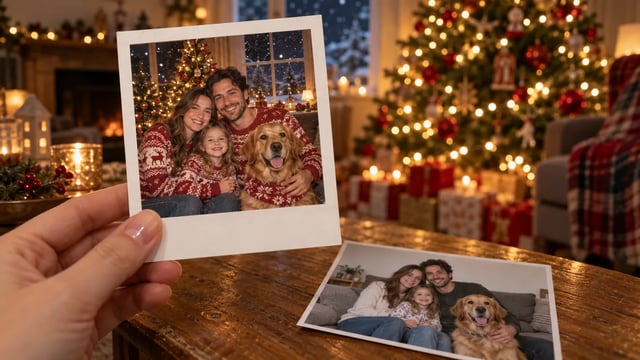
AI-generated example. Your festive version appears here next to the photo you uploaded.
What Is an AI Christmas Photo Generator?
An AI Christmas photo generator is an image-to-image tool that restyles one uploaded photo into a holiday scene, such as a decorated living room, a snowy street or a Santa-hat pet portrait. It uses your photo as a reference for faces and poses, but each result is a new AI image, so likeness is not guaranteed.
Turn an everyday photo into a Christmas scene
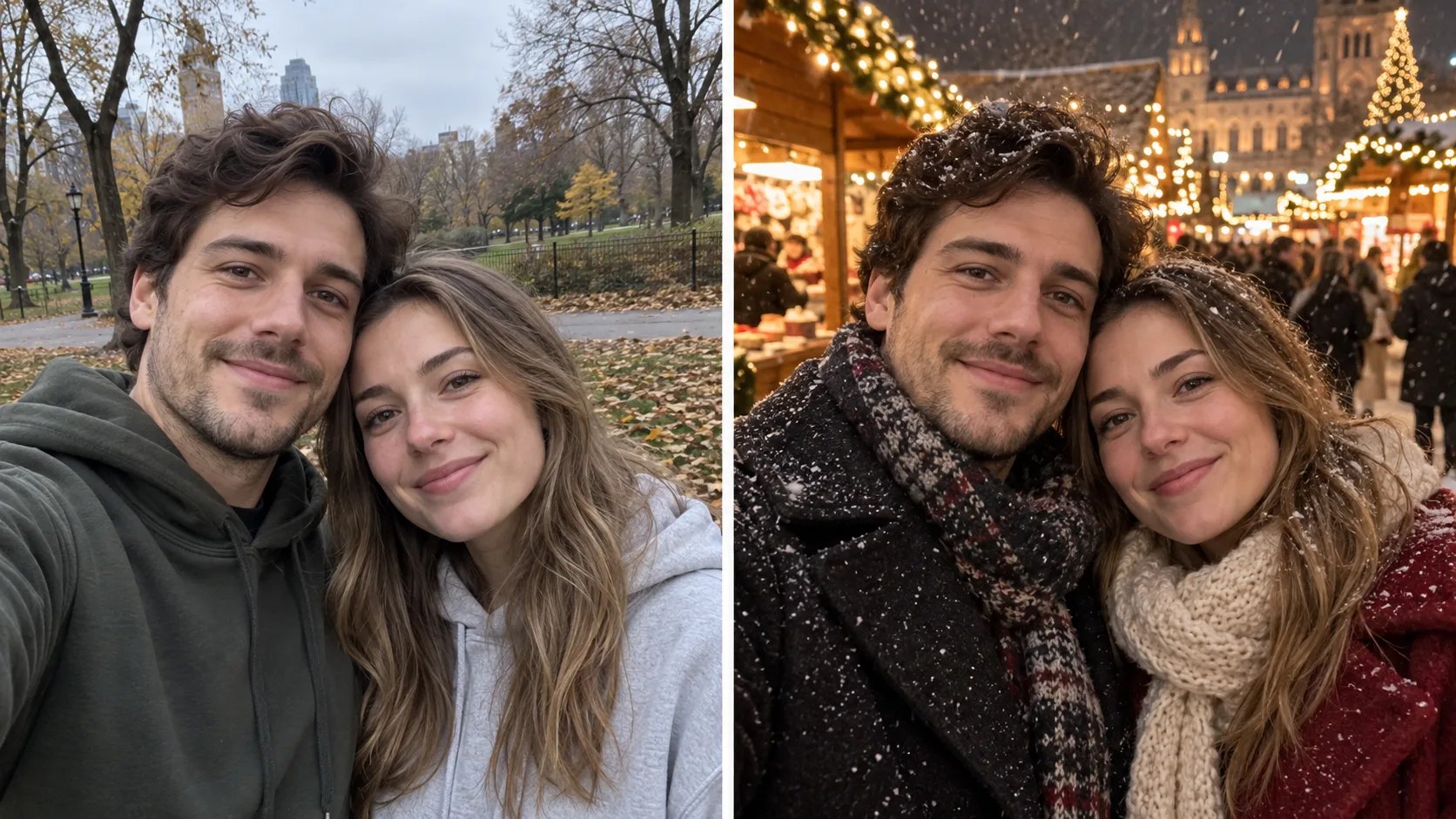
Start from a photo you already have, like a park selfie or a sofa snapshot, and move it into a snowy market, a tree-lit living room or a scene with Santa. Faces usually stay close to the original when they are large and sharp in the photo.
- Use a photo where every face is clear and well lit
- Pick a scene preset or describe your own
- Generate again if someone looks different
Give your dog or cat a Christmas photo
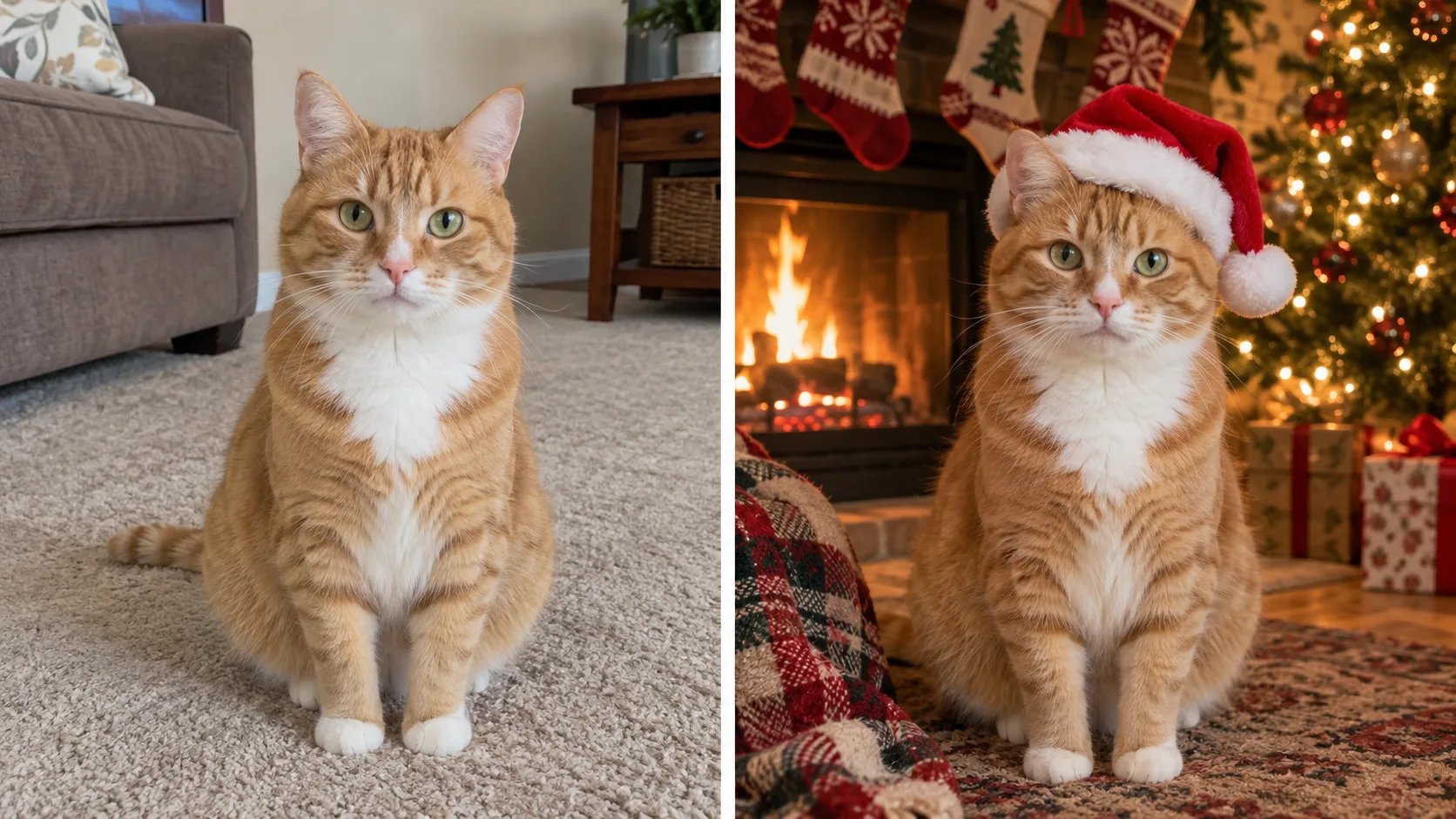
Upload a clear photo of your pet and put it by the fireplace in a Santa hat. Markings, eye color and ear shape can shift between results, so compare each one with your photo before you keep it.
- Use a photo with your pet's face in focus
- Check markings and eye color against the original
- Try a few results and keep the closest one
Check the picture before it goes on a card
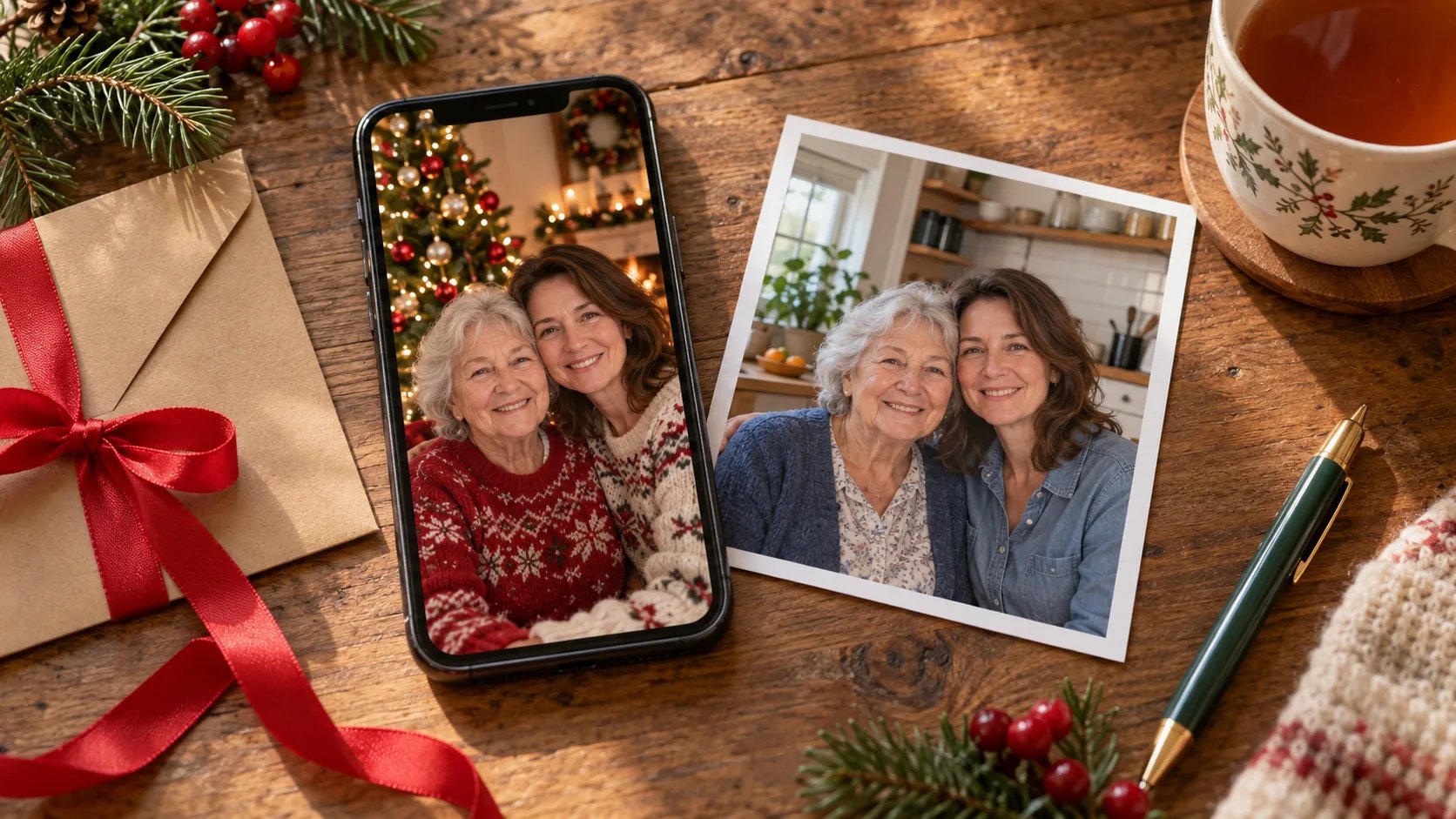
Put the Christmas version next to your original photo and look at faces, eyes, hands and any text. Ask everyone in the photo before you post or print it, especially for children, and tell people it is AI-made if they ask.
- Compare faces, eyes and hands with the original
- Get a yes from everyone in the photo first
- Keep your real photo if the AI version feels off
How to Make an AI Christmas Photo
- 1
Upload one photo
Choose a sharp photo of yourself, your family or your pet with faces large in the frame. The tool works from one photo at a time, so start from a shot that already has everyone in it.
- 2
Pick a scene and generate
Select a Christmas scene such as By the tree or Snowy evening, or describe your own. Check the credit cost in the model selector, sign in and generate.
- 3
Compare, then download
Look at the result next to your photo. If a face, eye or detail looks wrong, generate again or try another scene, then download the version you like.
Make This Year's Christmas Photo from One You Already Have
Pick a clear photo from this year, choose a scene and see it by the tree or in the snow. Keep it only if it still looks like you.
Make my Christmas photoFor other changes to a photo, such as a new background or style outside the holidays, use AI Image to Image.