
Create Emoji from Photo with AI
Upload one clear photo of yourself, a friend or your pet, choose a sticker style, and get a sheet of emoji-style reactions that keep the same face, hair and colors for your chats.
Upload a photo
Emoji style
Your emoji sticker sheet
The result appears here as one image with several stickers of the same subject.
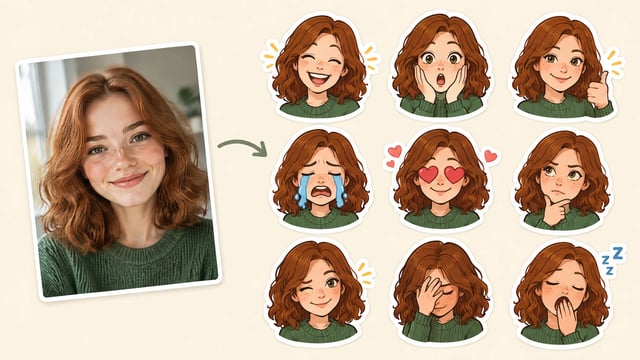
What Is a Photo to Emoji Maker?
A photo to emoji maker is an AI image tool that turns an uploaded selfie or pet photo into a set of emoji-style stickers. Each sticker keeps the subject’s face, hair and colors while changing the expression, so your chat reactions look like you instead of a generic yellow face.
Turn Your Pet Photo into an Emoji Set
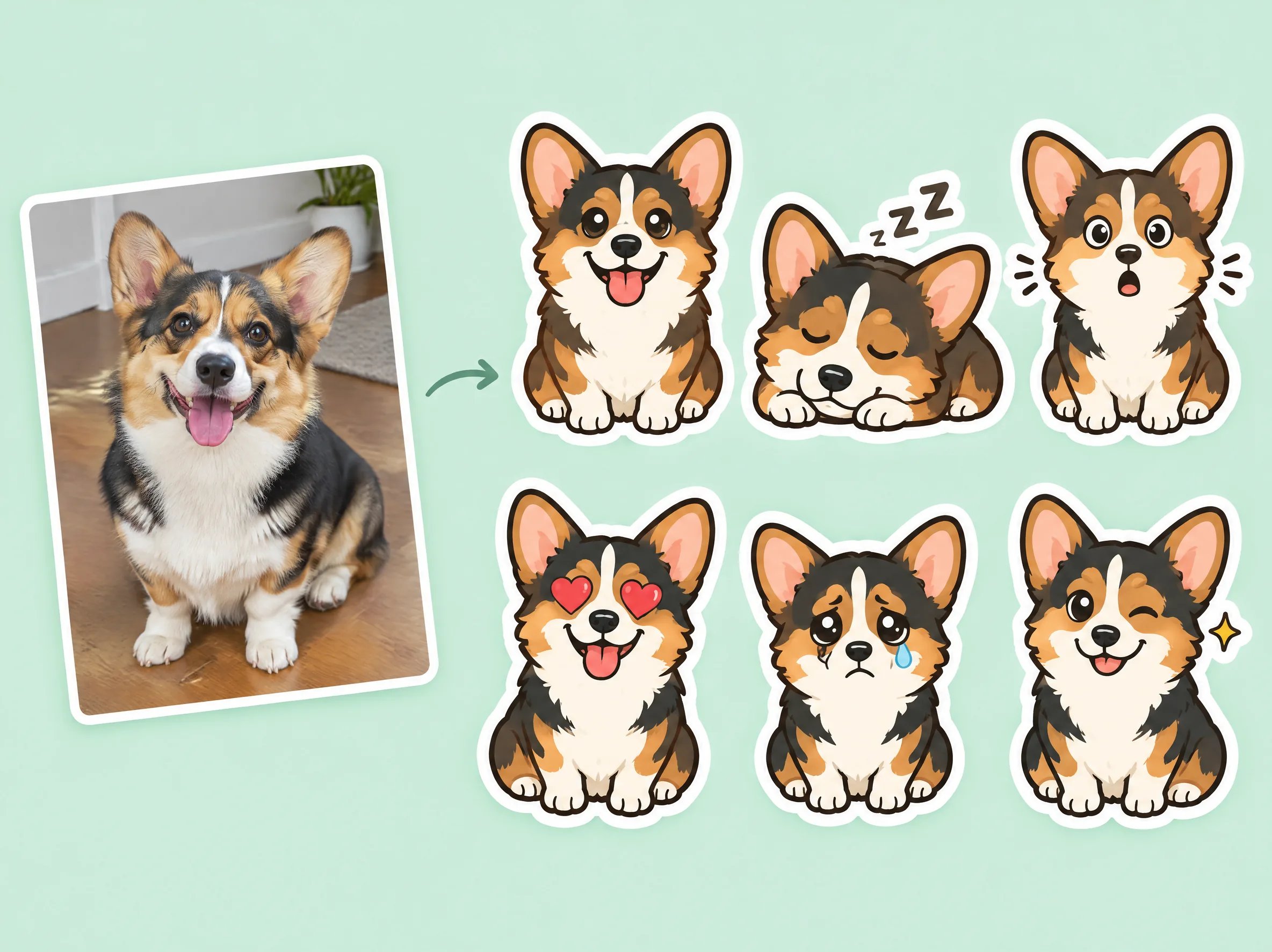
Pets are one of the most fun subjects for custom emoji. Upload a photo of your dog or cat and the AI redraws it as a row of reactions, from tongue-out grins to sleepy and surprised faces.
- Keeps fur color, markings and ear shape from the photo
- Several expressions on one sticker sheet
- Works with dogs, cats and other pets with a clear face
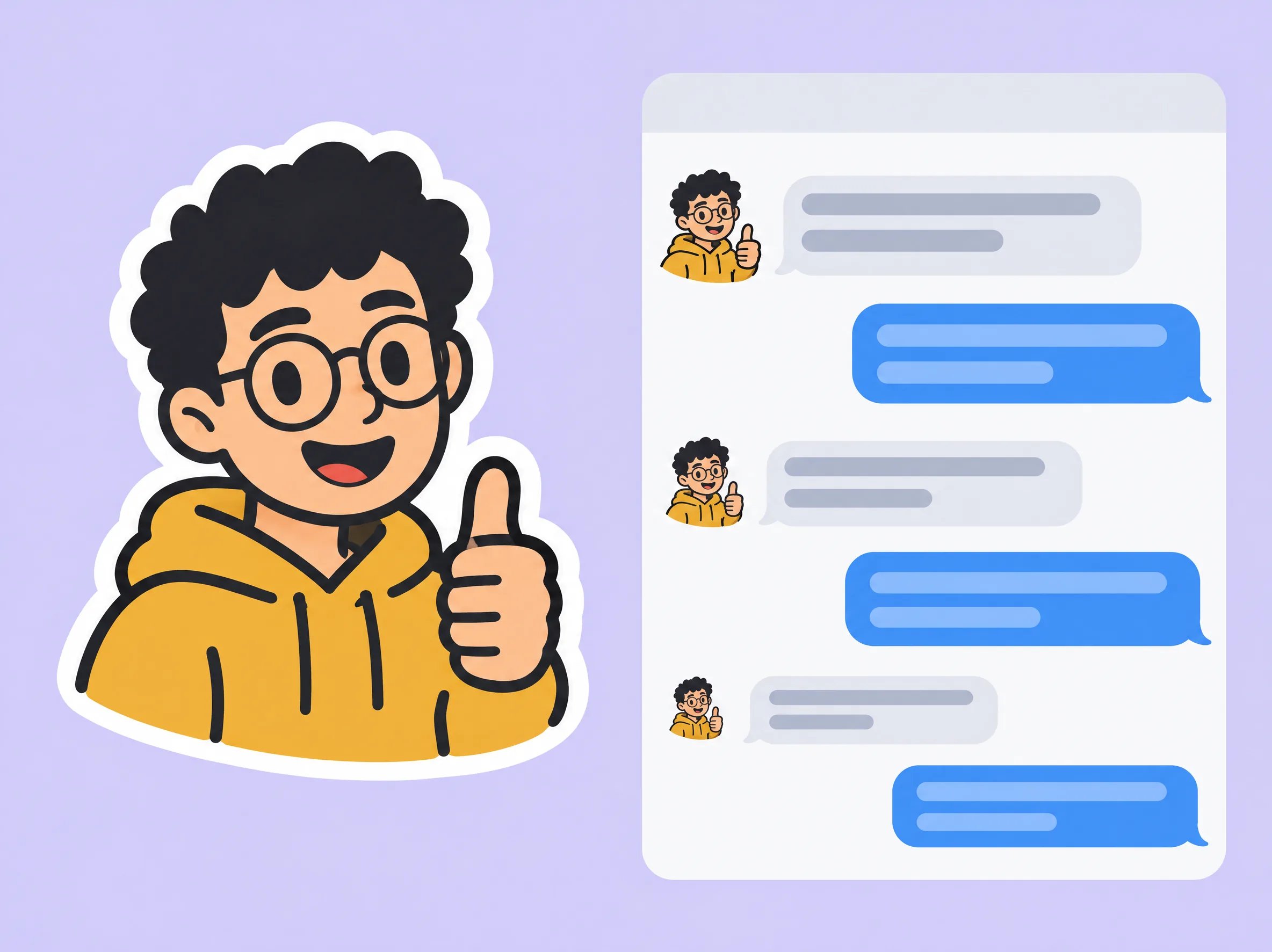
Bold Designs That Stay Clear at Small Sizes
Chat apps show emoji tiny, so busy drawings turn into blurs. The styles here favor thick outlines, flat colors and few details, so each face is still recognizable when it shrinks next to a message.
- Thick outlines and simple shapes by default
- One subject per sticker with plenty of spacing
- Crop each sticker to a square before you add it to a chat app
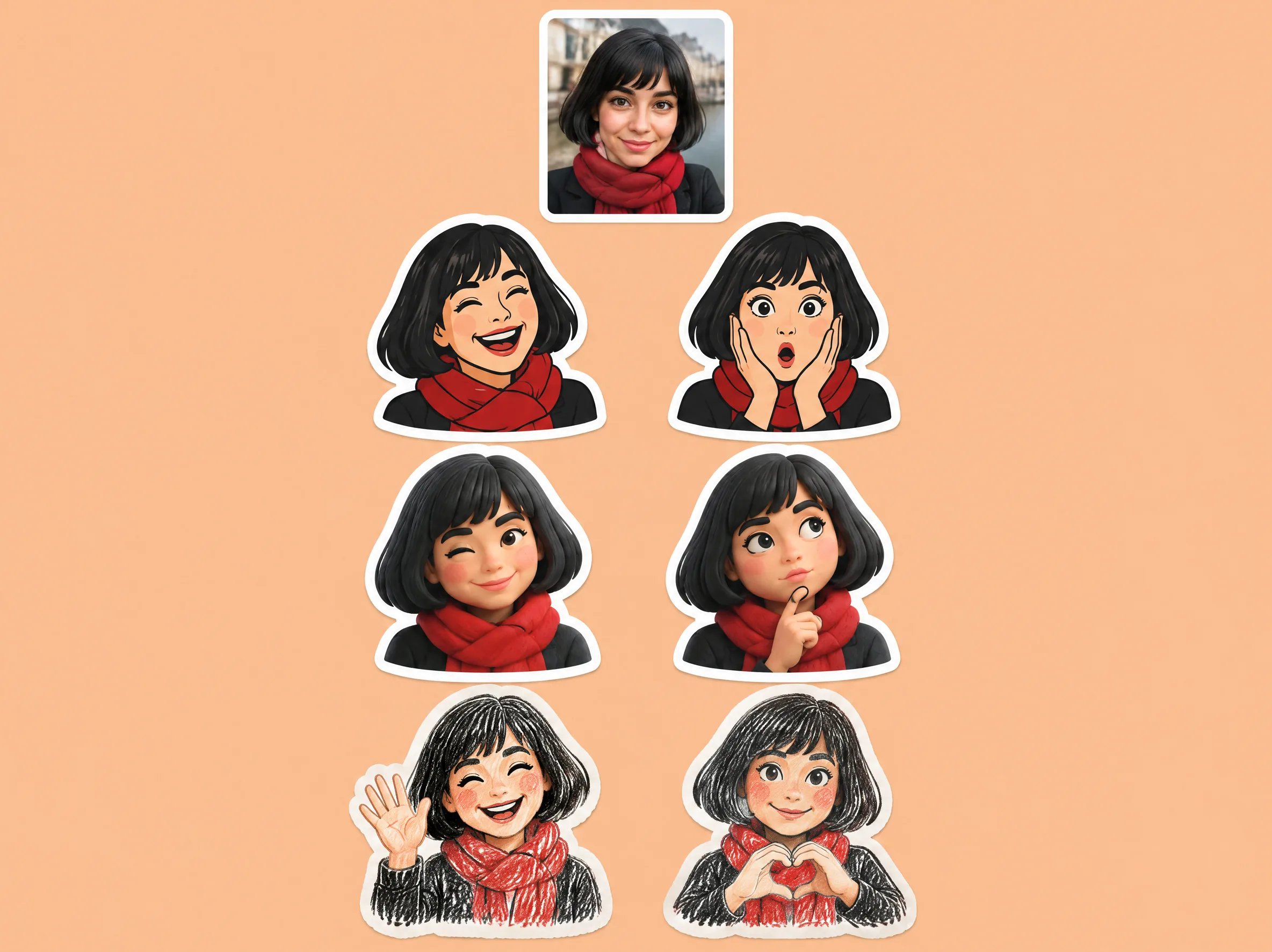
One Photo, Several Sticker Styles
Try the same photo as a flat cartoon, a soft 3D figure or a hand-drawn crayon sketch. Compare the sets and keep the style that fits your group chat, stream or team workspace.
- Flat cartoon, 3D and hand-drawn presets
- Add your own expression list in the prompt box
- Run the same photo again to compare looks side by side
Why Make Your Emoji from a Photo
Looks Like the Real Subject
The prompt asks the model to keep face shape, hairstyle, colors and clothing from your photo. Results are AI redraws, so likeness can vary between runs.
A Whole Set in One Run
Each generation returns one sheet with several expressions of the same subject, which is faster than briefing an artist emoji by emoji.
Styles Built for Emoji
Presets use bold outlines, flat colors and white sticker borders that read well at chat size.
Clear Credit Cost
The credit cost of the selected model appears next to the model picker before you generate, so you know the price up front.
Photo to Emoji Maker vs Other Ways to Get Custom Emoji
| What you need | Creating Image | Commissioning an artist | Avatar emoji keyboards |
|---|---|---|---|
| Time to first set | Minutes per generation, no back-and-forth | Days to weeks, depending on the artist | Minutes, built from preset parts |
| Typical cost | Credits per generation, shown before you start | Often quoted per emoji, e.g. 4 emojis for $70 on Reddit hiring threads | Usually included with the keyboard app |
| Likeness to your photo | Based on your uploaded photo; may vary between runs | High, with revisions | Approximate; you pick hair and face parts by hand |
| Transparent PNG, ready-sized for Discord or Slack | No. Solid background; remove it and resize each sticker yourself | Usually delivered transparent and sized | Stays inside the keyboard app |
How to Create Emoji from a Photo
- 01
Upload a clear photo
Use a well-lit, front-facing photo of one person or pet. Faces that are small, blurry or partly hidden give weaker likeness.
- 02
Pick an emoji style
Choose a preset such as 3D cartoon, flat sticker or hand-drawn crayon, and optionally list the expressions you want.
- 03
Generate and save your set
Generate the sticker sheet, then download it. Crop each sticker to a square and resize it before adding it to a chat app.
Where People Use Photo Emoji
Group chats
Reply with your own face laughing, crying or giving a thumbs up instead of a generic emoji.
Discord and Slack servers
Give your community or team custom reactions of members, mascots or pets after cropping each sticker.
Streamers and creators
Draft emote ideas from your own photo before deciding whether to commission final art.
Pet owners
Turn your dog or cat into a set of reactions to share with family and friends.
Ready to Turn Your Photo into Emoji?
Upload a photo, pick a style and see your face or your pet as a full set of emoji-style reactions.