
AI Flag Generator
Create flag concepts for fictional nations, game factions and online communities. Describe the colors, symbols and story you want to express.
Your flag concept
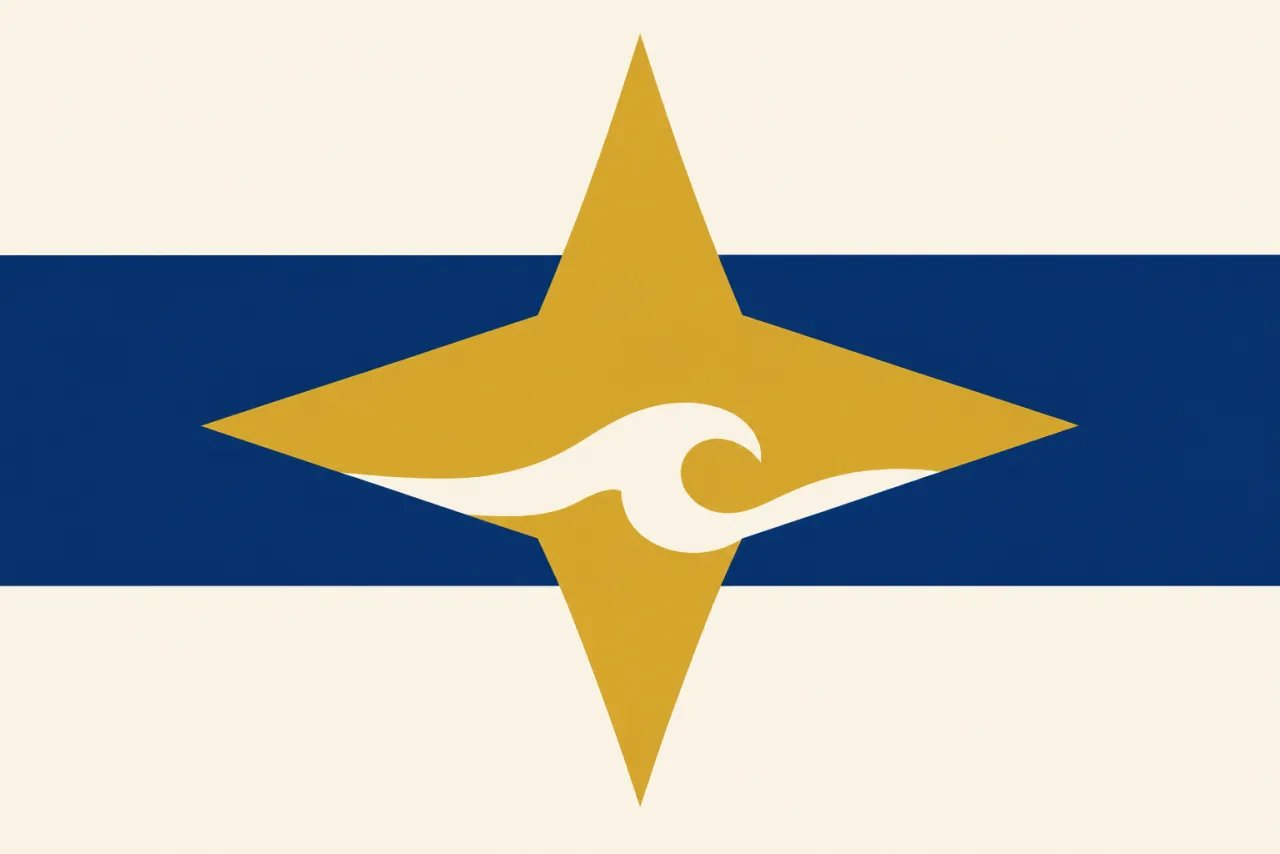
AI-generated concept example. Your generated image appears here.

Give Your Flag a Story Before You Choose Its Shapes
A fictional country, a gaming faction and a community can all have different reasons for flying a flag. Start with what yours represents, then describe a palette and one main symbol. This AI flag maker gives you a visual concept to consider instead of an empty canvas.
The examples are AI-generated concepts. Review details before using a result; precise layouts and production files may need further design work.
What Is an AI Flag Generator?
An AI flag generator is a prompt-based image creation tool for exploring custom flag concepts. Worldbuilders and community creators describe colors, symbols, and a theme to generate images for fictional nations, game factions, or online groups. Each result is a concept to review, rather than an editable vector or print-production file.
Turn a fictional nation into a visual idea
A setting can have a rich history while its flag still feels unresolved. Describe a region, the values you want to represent and a small set of colors. Explore a concept that gives your fictional nation or faction a visual starting point.
- Describe the setting and what the flag represents
- Choose a main symbol and a restrained palette
- Review symbolic details against your own worldbuilding

Explore a flag your group can discuss
Give an online group or gaming community a concept built around its own colors and symbols. Rewrite the prompt to explore a different direction, then bring the result to your group for feedback. Each generation creates a new image and uses credits.
- Start with the symbols your community already uses
- Try another direction by changing the prompt
- Ask your group whether the design communicates its meaning

Struggling to combine colors and symbols?
A personal flag does not need every meaningful detail in one design. Start with one nature symbol and a few colors, then inspect the concept at the size you intend to use. If it feels too busy, simplify the description before generating another image.
- Give each chosen color or shape a purpose
- Check the design at its intended display size
- Use a separate design workflow for exact production details

How to Create a Flag Concept from Text
- 1
Describe the purpose and symbols
Say who the flag is for, what its colors mean and which symbol should be the visual focus. Ask for a flat design if you want the flag artwork rather than a waving mockup.
- 2
Choose a model and generate
Select an available model and aspect ratio, review the displayed credit cost, then select Generate a flag concept. Sign in to generate. The initial aspect ratio is 3:2.
- 3
Review and download the image
Check colors, symbol counts, lettering and overall balance before downloading. To explore another idea, rewrite the prompt and generate again. Arrange any vector redraw or printer-specific preparation separately.
Start with the Story Your Flag Should Tell
Describe a fictional place, a community or a personal theme. Add a few colors and one main symbol, then explore a flag concept you can review.
Generate a flag conceptFor a shield or family emblem, explore the AI Family Crest Generator. For a marketing or channel graphic, use the AI Banner Generator.