
DnD Map Generator: Turn Campaign Ideas into Fantasy Maps
Describe your realm, from mountain ranges and rivers to cities, ruins, and dragon lairs, and get a parchment-style campaign map to show at the table. Made for Dungeon Masters and fantasy writers who need a map but have no time to draw one.
Describe Your Campaign Map
Name the map type, terrain, settlements, and style. Keep place names to a few short labels in quotes so the lettering stays legible.
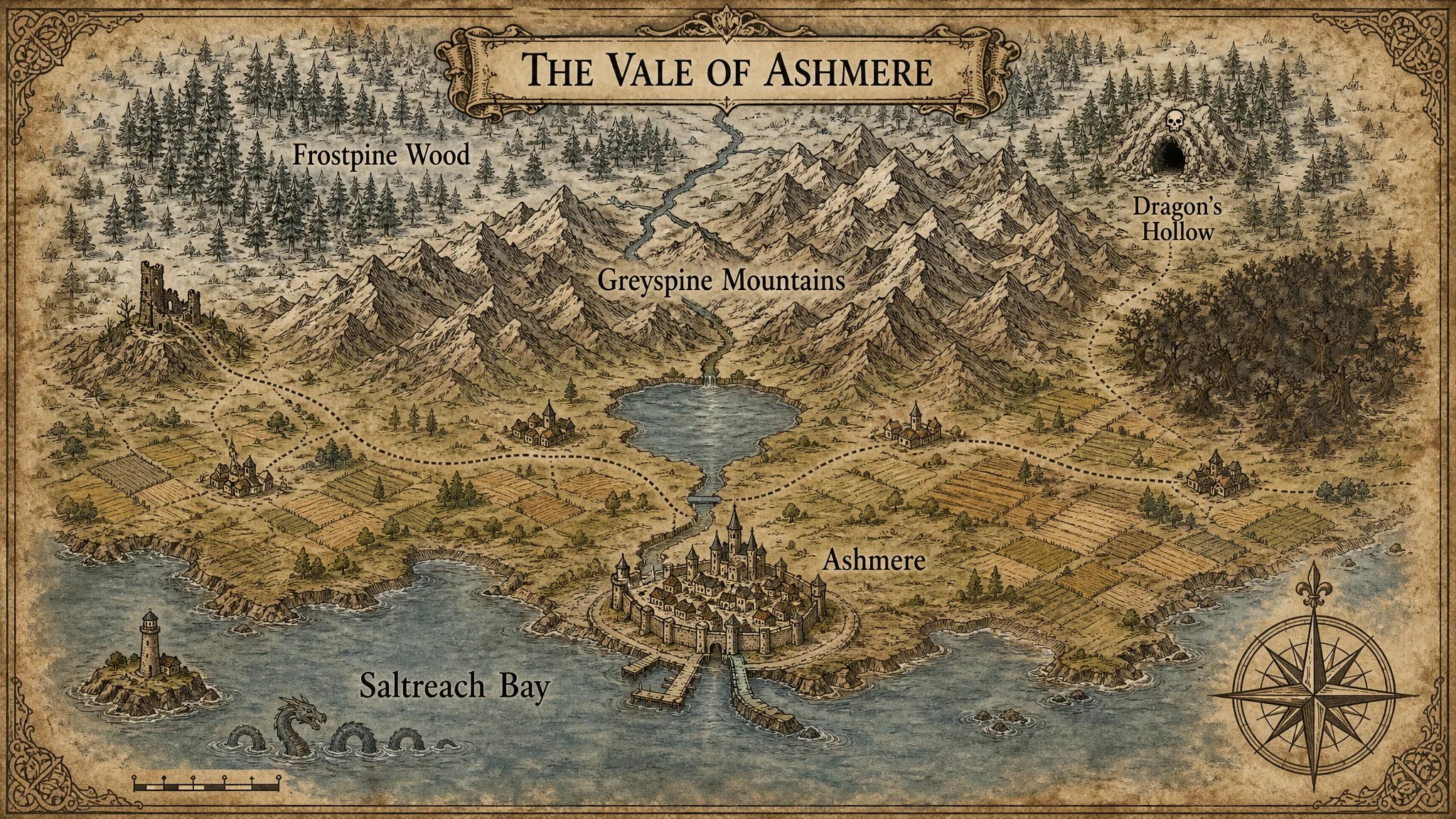
What Is a DnD Map Generator?
A DnD map generator is an AI image tool that turns a written description of a campaign setting into a finished map illustration. You describe the terrain, settlements, and style, and it renders a world, region, city, or battle map image you can share with players, without drawing or learning map software.
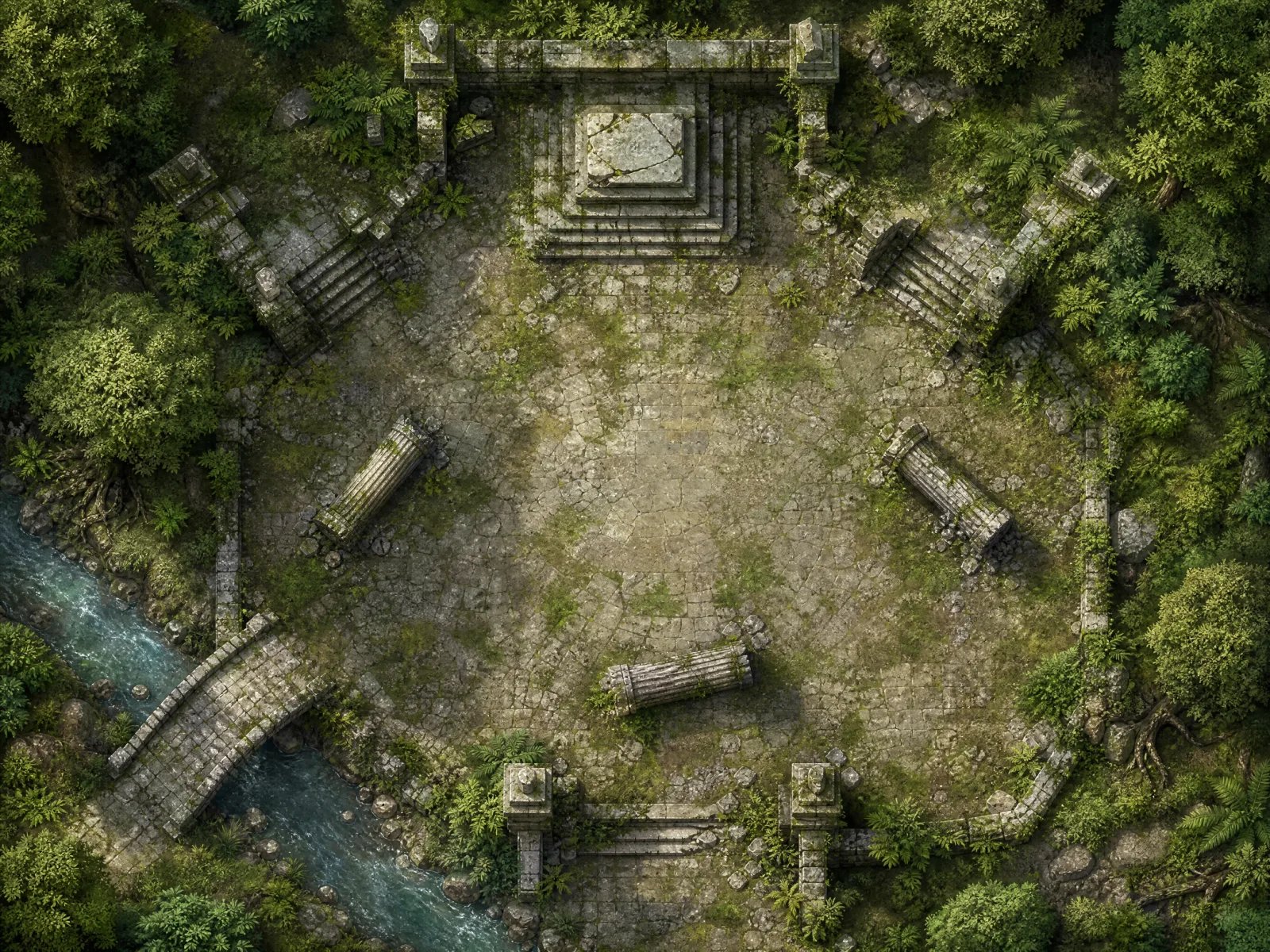
Top-Down Battle Maps for a Single Encounter
Describe a ruined temple, a forest clearing, or a tavern floor and get an overhead encounter map. Earlier AI battle maps often came out with tilted perspective and cramped floors, so the Battle Map preset asks for a straight top-down view and names the open space where tokens will move.
- Overhead wording that avoids a tilted, diorama-style camera
- Open floor space called out in the prompt so players have room to move
- One scene per image: not a multi-room dungeon or a measured VTT grid
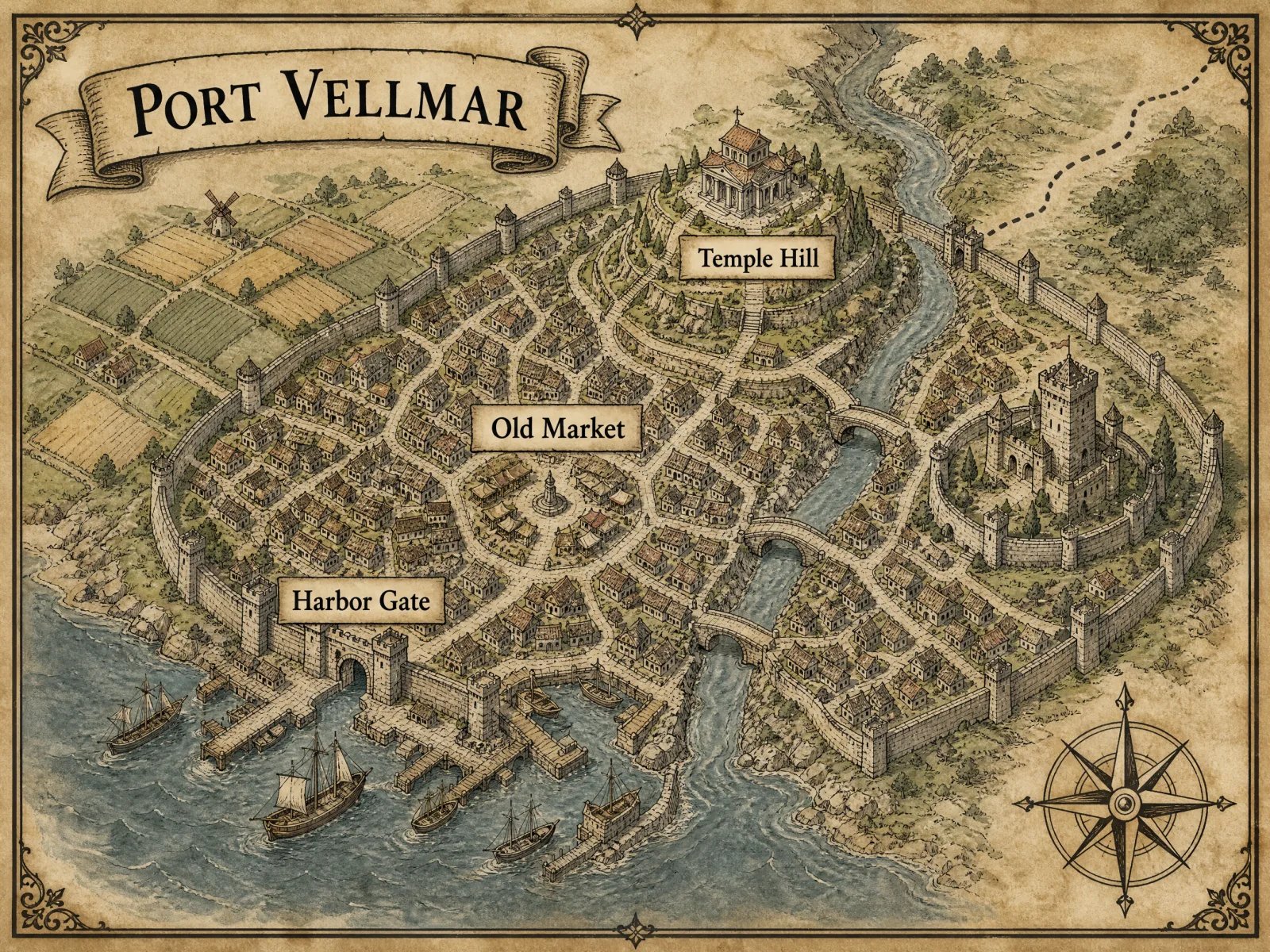
Walled Cities, Harbors, and Market Towns
Sketch the city your party arrives in: walls, gates, districts, bridges, and a busy harbor in hand-inked parchment style. Three or four large place names render far more reliably than a crowded legend, so name only the districts your players will visit.
- Districts, walls, bridges, and docks drawn as classic map icons
- A few short labels in quotes for legible lettering
- Village scale works just as well when the story stays local
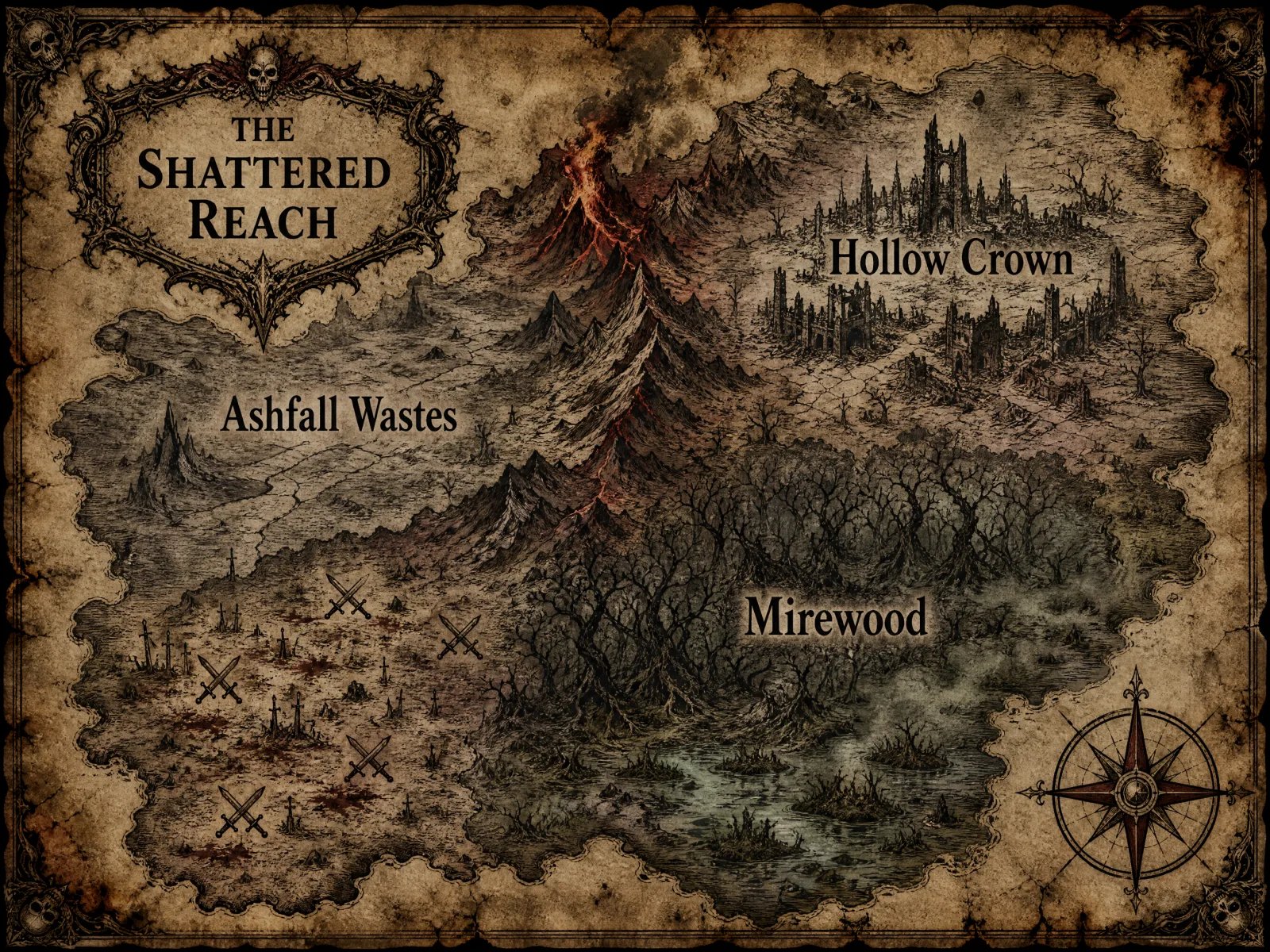
Continents, Kingdoms, and Cursed Lands
Lay out the whole setting at once, then change the mood with a single line: classic parchment for a heroic campaign, scorched ink for a grim one, or soft golden storybook color for a lighter table. Describe where rivers start and which mountains divide the regions to keep the geography believable.
- Style presets from classic atlas to dark fantasy and storybook
- Mountain ranges, rivers, forests, and ruins placed as you describe
- Rivers flowing from mountains to the sea are worth stating in the prompt
Built Around What DMs Ask For
No Drawing Skills Required
Write the map in plain words. Mountains, forests, coastlines, and settlements are drawn for you in a consistent hand-inked style.
Battle Maps with Room to Move
The Battle Map preset asks for a straight overhead view and open floor space, the two things that most often go wrong in AI encounter maps.
Labels That Stay Legible
Presets limit maps to a handful of large, quoted place names. Fewer labels means fewer misspelled towns on the finished map.
Map Only What the Story Needs
Start with the village or region your party will actually visit, then generate the wider world later when the campaign grows.
AI Map Generator vs. Map Editors vs. Commissioned Artists
| What Matters | Creating Image AI | Map Editors (Inkarnate, Wonderdraft) | Commissioned Map Artist |
|---|---|---|---|
| Time to a first usable map | Minutes: write a description and generate | Hours of placing terrain, stamps, and labels | Days to weeks, depending on the artist |
| Drawing skill needed | None: the map is described in words | Low to moderate, plus time to learn the tool | None: the artist draws it |
| Changing the map later | Rewrite the prompt and generate another version; no layers | Full control over layers, stamps, and labels | Revisions through the artist |
| Text and labels | A few short labels work well; long legends may contain errors | Exactly the text you type | Exactly the text you request |
| Cost model | Credits per generation on a paid plan | Varies by tool, from no-cost tiers to paid licenses | A commission fee per map |
How to Make a Fantasy Map in 3 Steps
- 01
1. Describe the Map
Say what kind of map you need (world, region, city, or battle map), then the terrain, the settlements, and where rivers and mountain ranges run.
- 02
2. Pick a Style and a Few Labels
Start from a preset such as Battle Map, Port City, or Dark Fantasy Continent, and put three or four place names in quotes for clean lettering.
- 03
3. Generate and Refine the Prompt
Click Generate My Map. If a river runs the wrong way or a label is off, adjust that line of the description and generate another version.
Who Uses a DnD Map Generator
Dungeon Masters Prepping a Session
Give players a region or city to look at instead of a list of place names, even when prep time is short.
Fantasy Writers Drafting a World
Draft a working map of your setting to check distances and borders while you write, before deciding on final book art.
Worldbuilders Exploring Ideas
Try several takes on the same continent in different moods to see which version of the world fits your story.
Players Visualizing Their Adventure
Turn the DM's verbal description into a picture for players who follow the story more easily with a map in front of them.
Put Your Next Campaign on the Map
Describe the world your players are about to explore and turn it into a parchment-style map image.