
Upload your photo
Line style
Your coloring page
Made from your photo

Photo to Coloring Page — Clean Outlines
Upload a photo and get a clean coloring page of it — bold black outlines on white that keep your kid, pet, or family recognizable, ready to print and color. Pick how simple or detailed the lines are, compare before and after, and download it. No drawing or tracing.
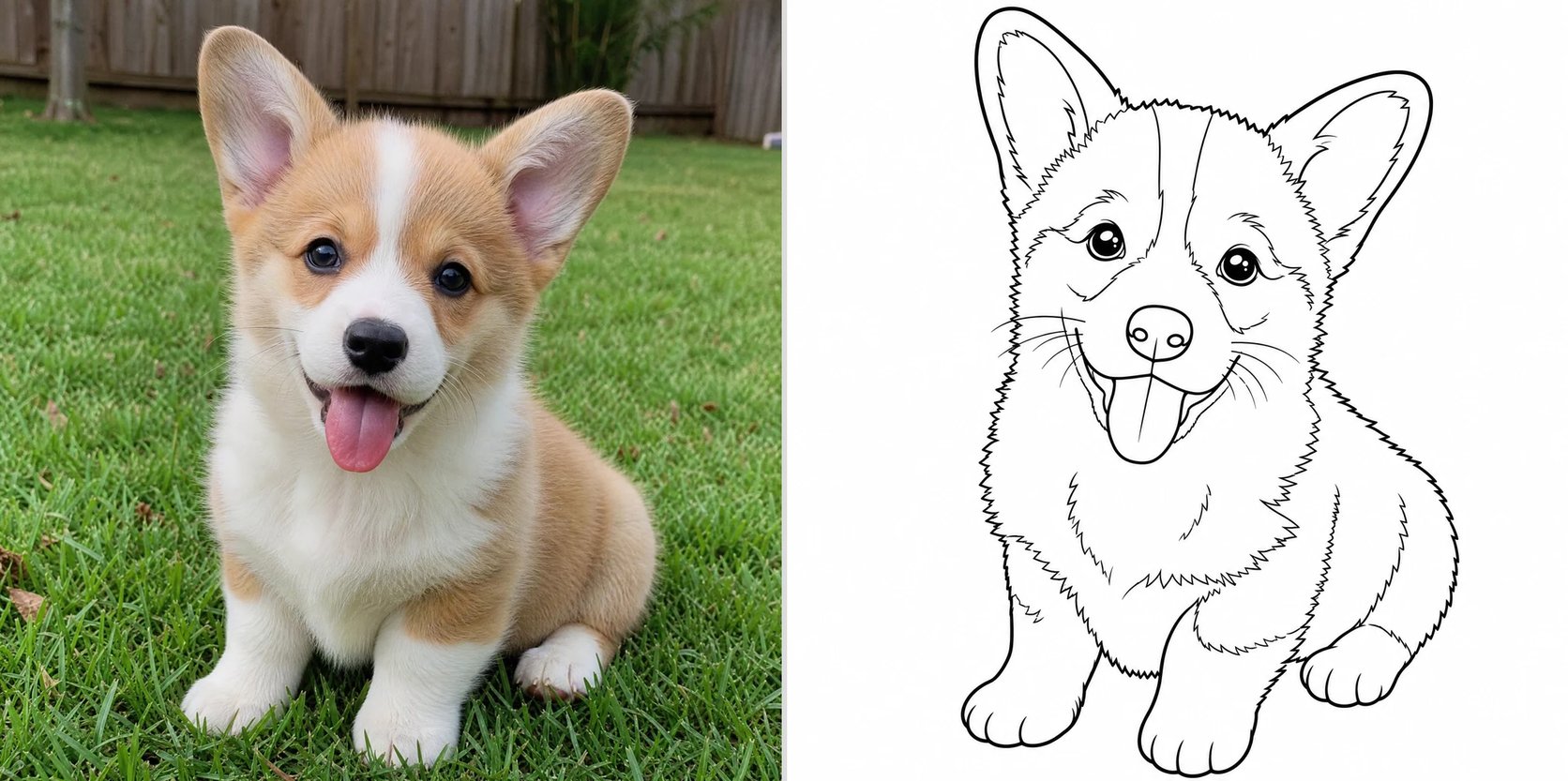
What is a photo to coloring page converter?
A photo to coloring page converter takes a photo and turns it into a coloring page — a clean black-and-white line drawing with bold, closed outlines on white that you can print and color in. You upload a photo, and the converter traces the main shapes into simple line art, dropping the color and shading so every area is left white and ready for crayons or markers. It keeps the subject recognizable, so a coloring page of your dog still looks like your dog. It works like the pillar image generator pointed at your own photo: instead of drawing a coloring page from scratch or from a text prompt, it converts the picture you already have.
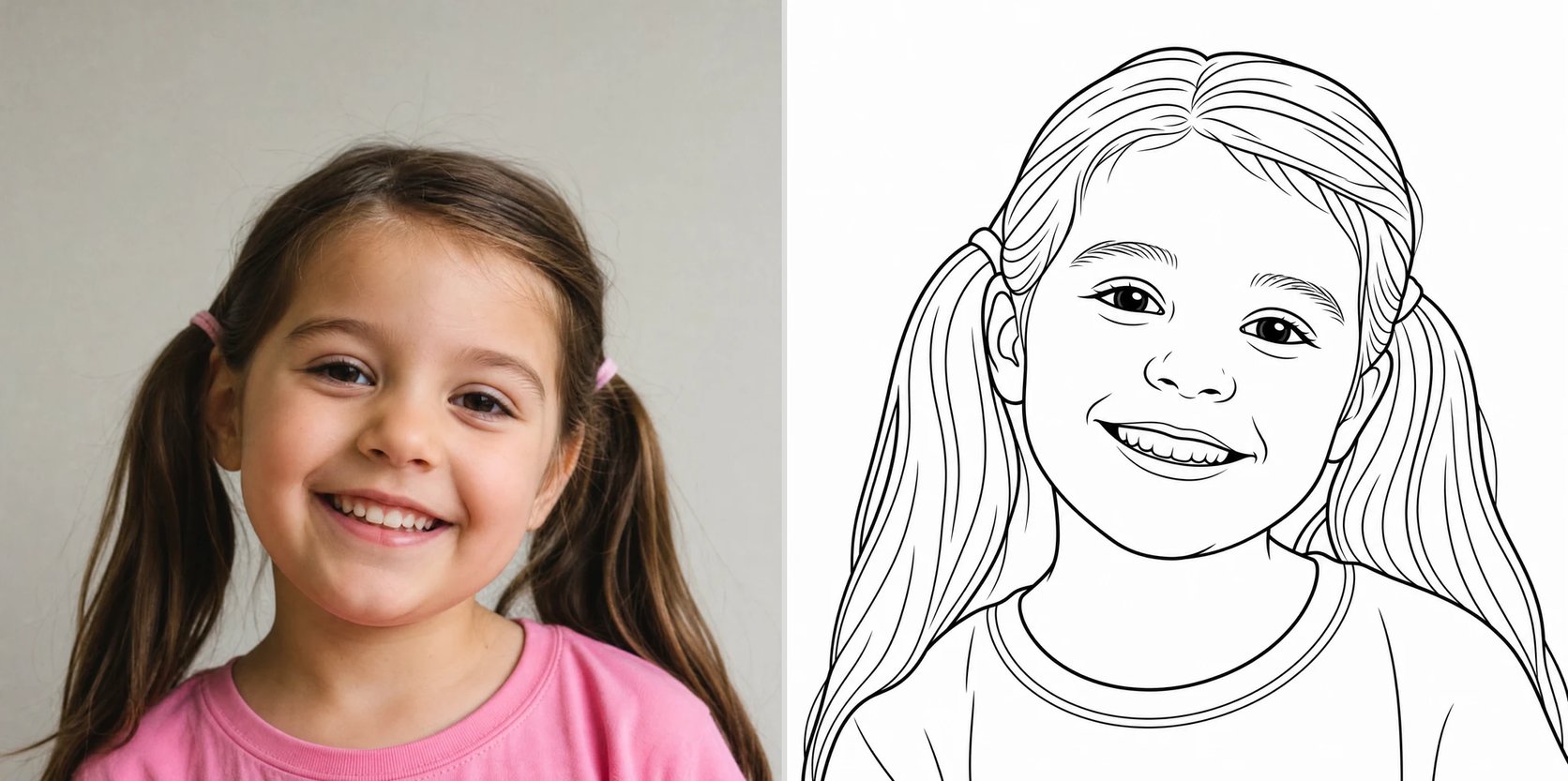
Why turn a photo into a coloring page?
A coloring page made from a real photo is a personal, screen-free activity kids love — coloring in their own pet, their sibling, or a family trip instead of a generic printout. Parents and teachers use it for birthday-party favors, quiet-time activities, and classroom worksheets, and crafters use it for cards and scrapbooks. Instead of tracing a photo by hand or hunting for the right printable, you upload the photo, pick how bold or detailed the lines are, and print a coloring page in about a minute.
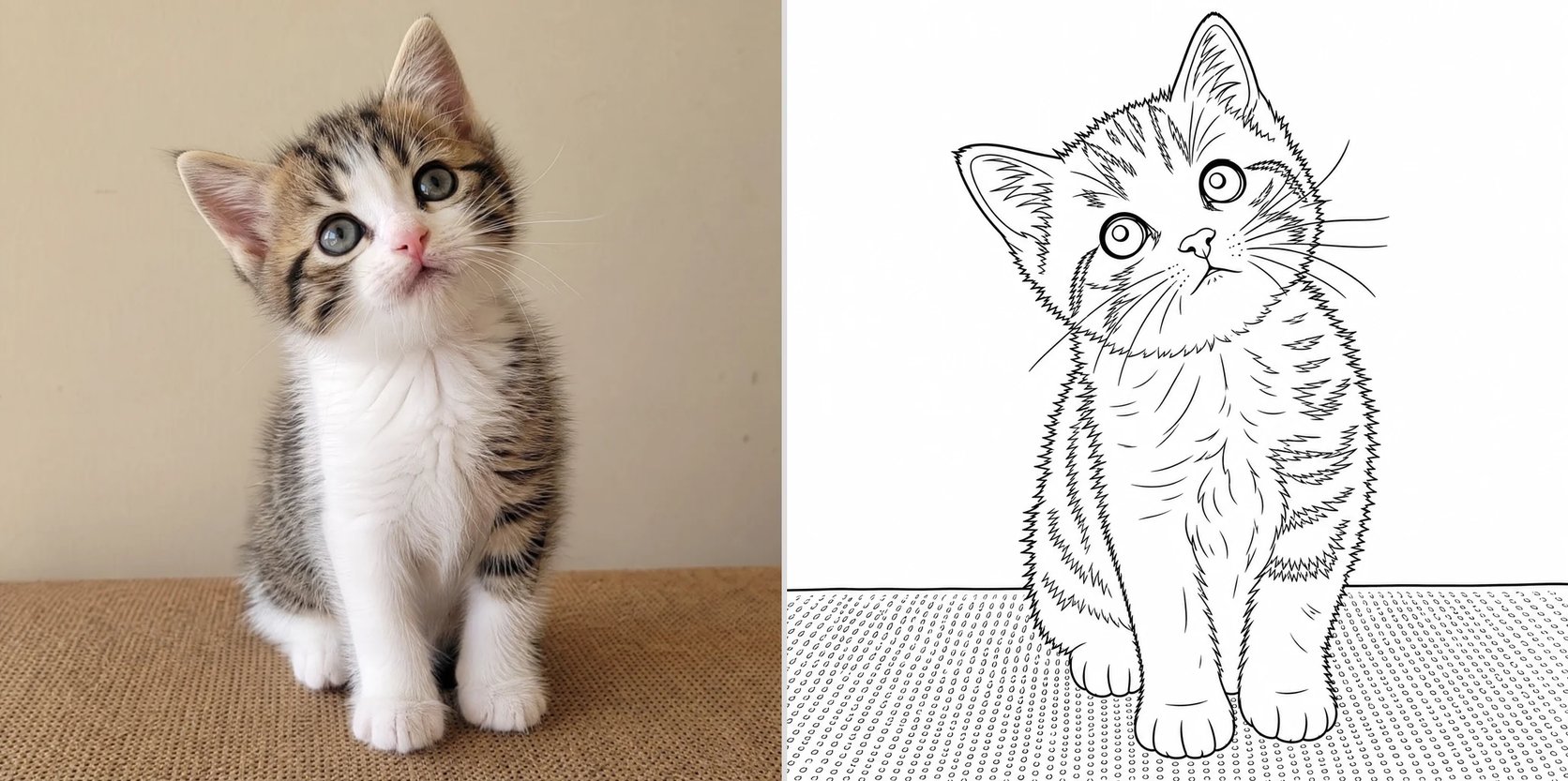
Want a coloring page of your own photo?
Your kid would love to color a picture of their own puppy or their last birthday — but tracing a photo by hand is fiddly, and the printables online are all generic. A photo to coloring page converter closes that gap: upload the photo, pick a line style, and get a clean, printable coloring page of it in minutes. Make one of your kids, your pet, or a family photo, and print as many as you need for the crayons to come out.

How to turn a photo into a coloring page
Three steps from a photo to a printable coloring page.
- 1
Upload a photo
Add a clear photo with one main subject. Good light and a simple background give the cleanest outlines.
- 2
Pick a line style
Choose simple and bold for young children, or detailed for older kids and adults — or describe your own.
- 3
Print and color
The converter turns your photo into clean outlines. Compare before and after, download the coloring page, and print it.
Make a coloring page from your photo
Upload one photo and get a clean, printable coloring page in minutes.
More AI Image Generators
Photo to coloring page FAQ
Yes. You upload your own photo and the converter turns it into a coloring page of it — so it needs a photo to work from. It converts the picture you already have, rather than drawing a coloring page from a text description.
Yes. The result is clean black outlines on a white background — a printable coloring page. Download it and print it on regular paper, then color it with crayons, markers, or pencils.
A clear, well-lit photo with one main subject and a simple background makes the cleanest coloring page. Busy or dark photos produce messier lines, so a single pet, child, or object works best.
A sketch keeps grey shading and looks like a drawing; a coloring page is clean, closed black outlines on white with no shading, so the areas are left empty for you to color in. This tool makes the colorable kind.
Yes. Kids and pets are the most popular subjects — upload a clear photo and you get a coloring page that still looks like them. Group photos work too, though a single clear subject comes out cleanest.
Yes. Making a coloring page runs on credits and needs you to be signed in, so you can try different line styles and keep the ones you like.