
Upload your photo
Line art style
Minimalist Line Art
Rendered with clean unbroken ink contours & zero grey halos
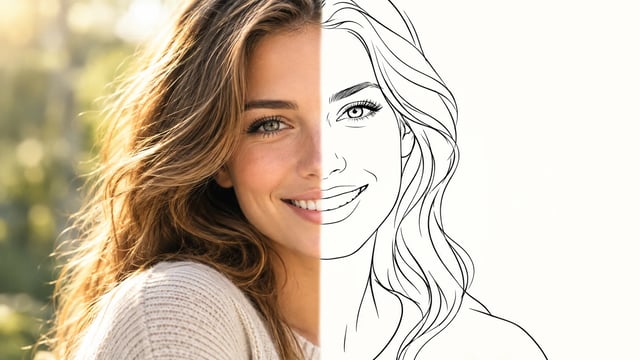
Photo to Line Art Converter
Transform personal portraits, pets, and design concepts into elegant minimalist line drawings online. Experience continuous one-line contours, fine-line tattoo stencils, and clean vector-ready silhouettes with zero pixel noise.
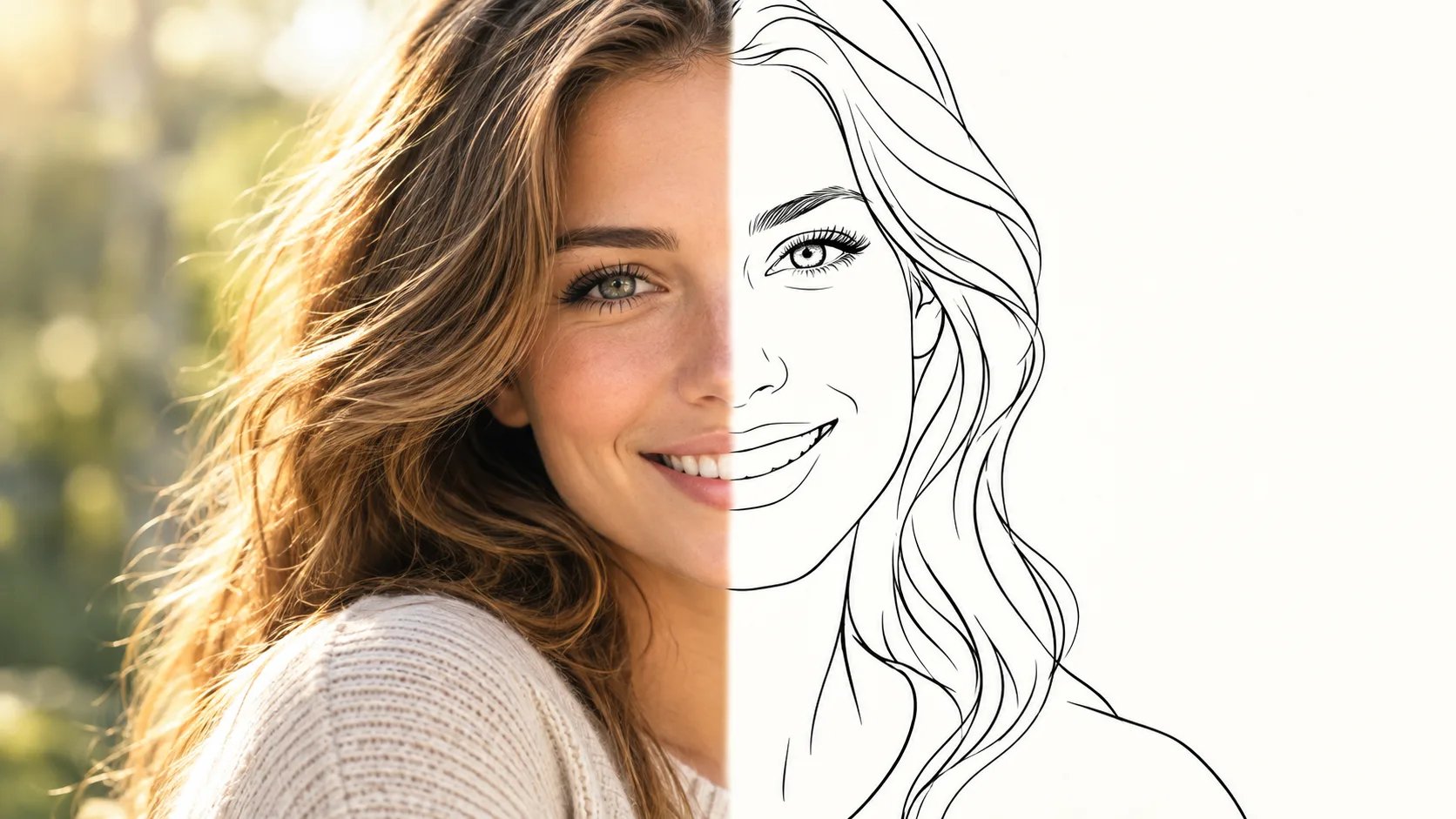
What Is a Photo to Line Art Converter?
A photo to line art converter is an AI tool that extracts contours and structural silhouettes from photographs into clean black-and-white vector-like line drawings. It replaces tedious manual pen tracing while preserving distinct facial landmarks, pet silhouettes, and tattoo stencils without producing muddy shading, broken vector paths, or grey compression noise.
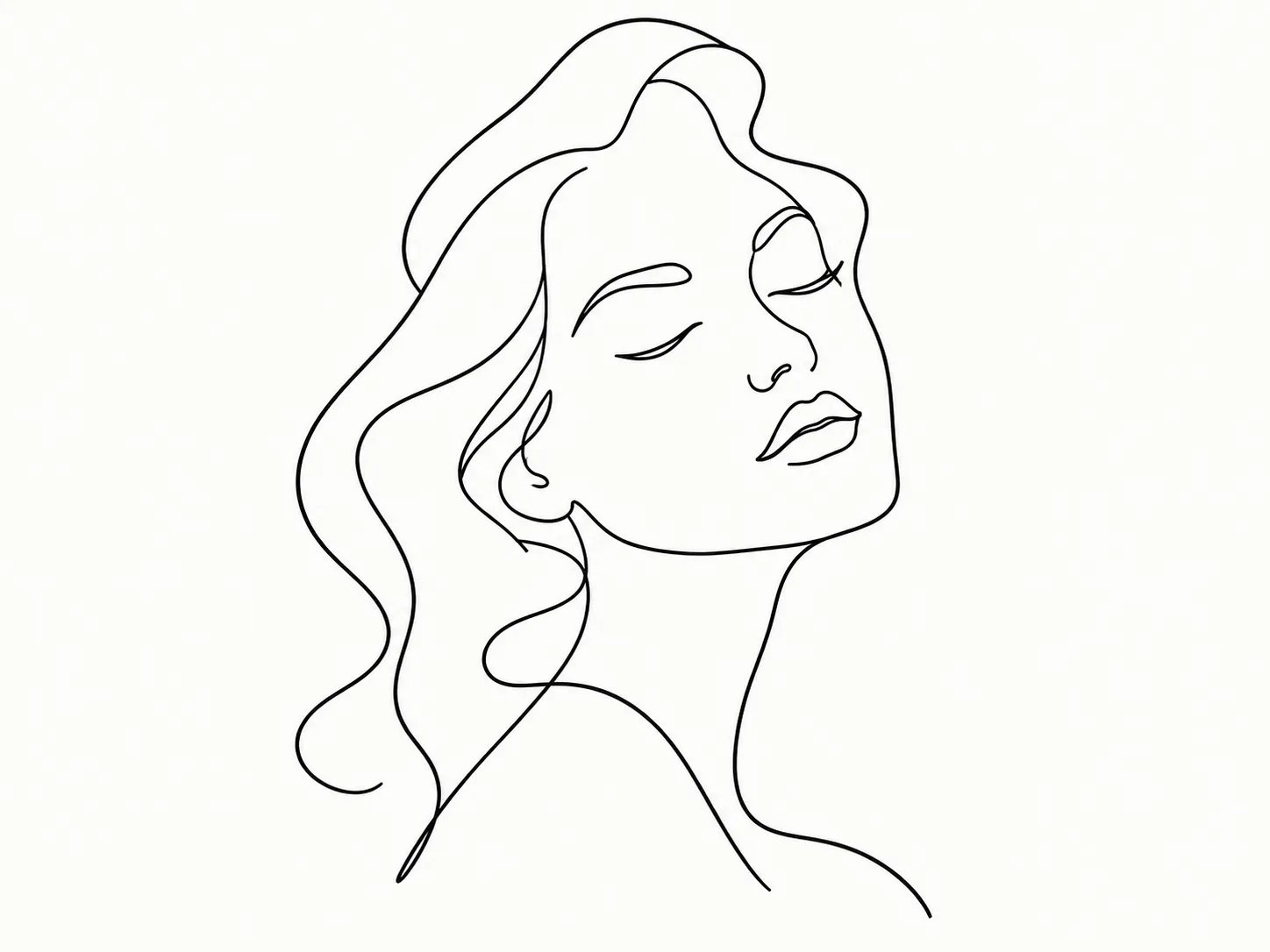
Turn Portraits into Minimalist Single-Line & Contour Art
Convert personal selfies and couple portraits into gallery-grade continuous line drawings. Our structural contour pipeline traces facial bone contours, jawlines, and authentic smiles in unbroken black ink lines against pure ivory backgrounds.
- Preserves distinct facial landmarks and eye contours without distortion
- Pure binary black strokes with zero grey dithering or pixel halos
- Perfect for minimalist Scandinavian wall frames and vinyl decals
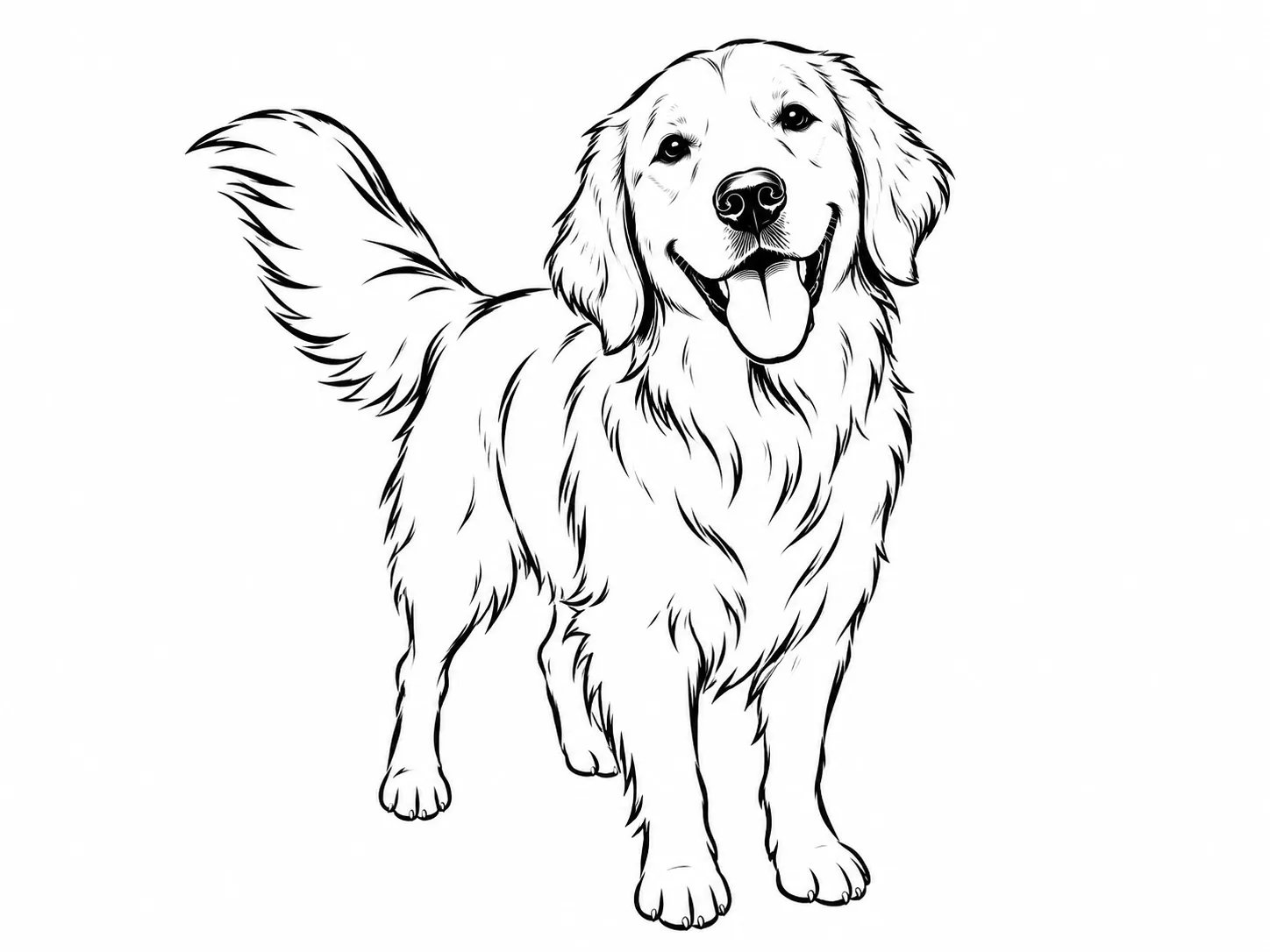
Transform Dog & Cat Photos into Clean Silhouette Line Art
Turn pet pictures into expressive, high-definition line drawings without messy fur spiderweb noise. Our AI abstracts complex coats into rhythmic, flowing strokes that capture your pet's perked ears, whiskers, and joyful spirit.
- Replaces chaotic fur clusters with clean, continuous contour strokes
- Captures distinctive snout shapes, floppy ears, and lively postures
- Ready for custom pet portrait merchandise, mugs, and embroidery
Generate High-Contrast Stencils & Clean Engraving Outlines
Create sharp, high-contrast monochrome linework tailored for tattoo thermal transfer paper, laser engraving, and screen printing. Provides solid black outlines ready for clean vector tracing without gray gradient noise or thermal smudge.
- Solid black lines optimized for thermal transfer paper and screen printing
- Distinct contrast edges designed for one-click vector tracing in Illustrator or Inkscape
- High-contrast vector delineation for laser wood and leather etching
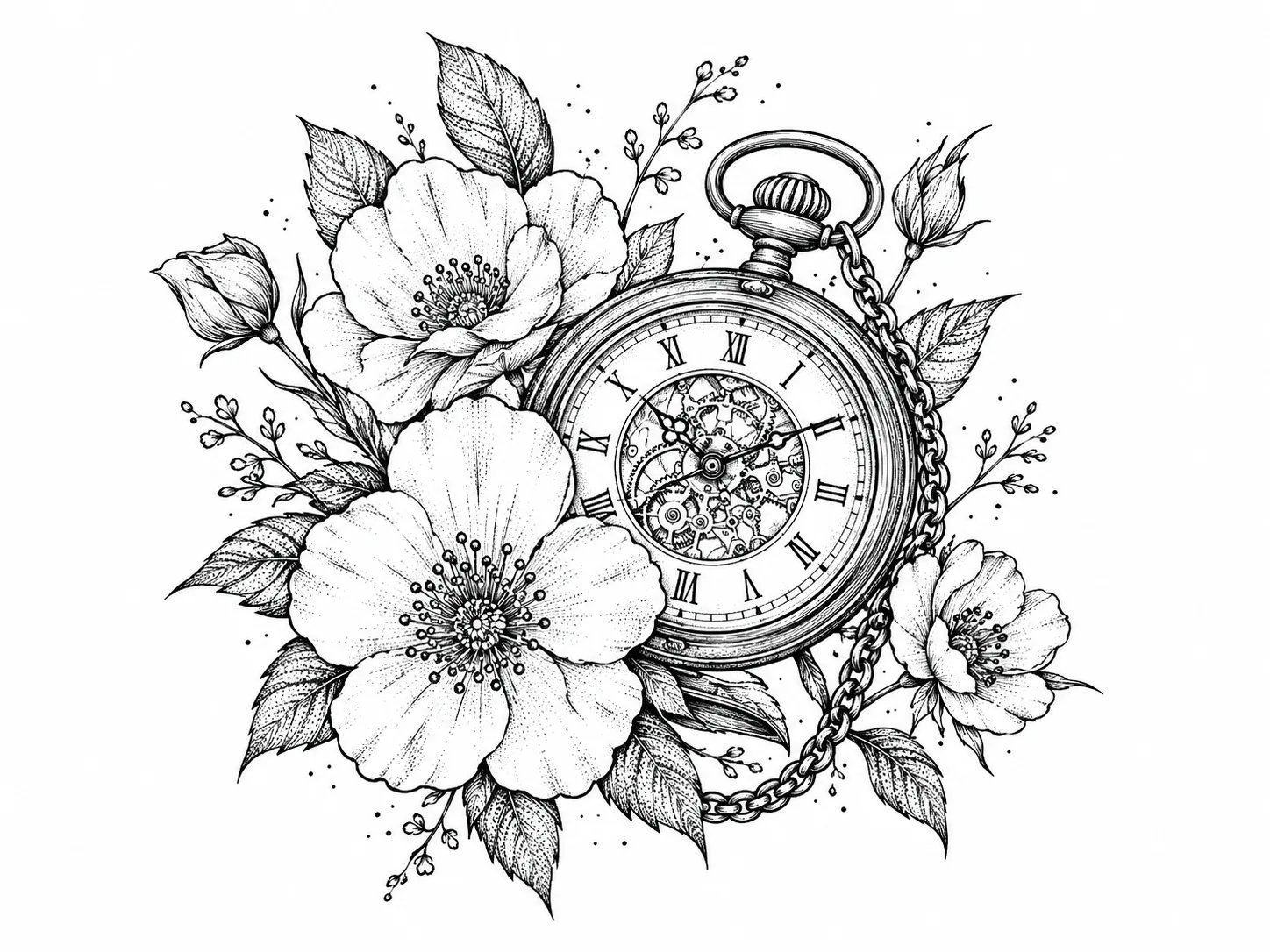
AI Line Art vs Manual Pen Tracing & Old Edge Filters
Compare how modern AI contour synthesis eliminates the tedious hours of vector pen tracing and the muddy compression artifacts of legacy filters.
| Conversion Capability | CreatingImage AI Line Art | Manual Pen Tracing (Illustrator) | Photoshop Find Edges / Posterize | Generic Image Auto-Trace |
|---|---|---|---|---|
| Turnaround Workflow | Automated neural contour extraction | 2 to 4 hours per complex portrait | Instant but noisy pixel artifacts | Laggy manual anchor-point cleanup |
| Line Cleanliness & Continuity | Smooth continuous single-weight strokes | Smooth but relies entirely on operator hand skill | Jagged, noisy pixel stair-stepping | Thousands of redundant fragmented anchor nodes |
| Thermal Stencil & Laser Integrity | Pure solid black lines (Zero grey smudge) | Clean binary vectors if manually drawn | Muddy grey halos cause ink bleeding on stencil | Double-cut outlines that ruin laser engraving |
| Facial Likeness & Key Anatomy | Locks structural bone geometry & expressions | High fidelity if drawn by expert illustrator | Destroys facial features into muddy blob patches | Distorts subtle eye corners and lip curves |
| Cricut Weeding Overhead | Closed smooth outer paths, effortless weeding | Clean if customized for vinyl pathing | Unusable micro-dots that shred vinyl adhesive | Dozens of tiny island cutouts requiring hours to weed |
| Cost & Barrier to Entry | Instant web app, affordable pay-as-you-go | $35 - $120 per commission fee | $20+/mo Adobe Creative Cloud subscription | Expensive desktop vector software required |
How to Turn a Photo into Line Art in 3 Steps
Transform any photo into crisp, minimalist line art directly in your web browser with zero drawing skills required.
- 01
Upload your photo
Select a clear portrait, pet picture, botanical snapshot, or object photo from your device. Clear contrast between the subject and background yields the sharpest outline curves.
- 02
Choose your line art style
Pick continuous one-line art, delicate fine-line tattoo stencil, bold graphic ink outline, or architectural contour. Add optional prompt modifiers to refine line thickness.
- 03
Generate and download
Click generate to create your line artwork automatically. Review the clean unbroken strokes and pure white background, then download your high-resolution image for printing, stencil transfer, or vinyl cutting.
Ready to Transform Your Photos into Elegant Line Art?
Upload your first photo now and watch AI draw clean, gallery-worthy line art contours directly in your browser.
More AI Image Generators
Frequently Asked Questions
Everything you need to know about turning photos into minimalist line drawings, tattoo stencils, and vector-ready contours.