
Upload your photo
Sketch style
Your sketch
Sketched from your photo
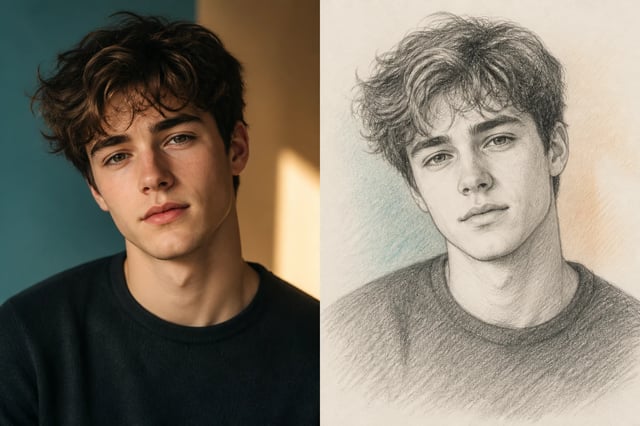
Photo to Sketch — Turn Photos to Pencil & Charcoal Art
Upload a photo of a person, a pet, or a couple, and this image to sketch tool turns it into a hand-drawn-style sketch — pencil, charcoal, line art, or colored pencil — with the likeness kept. No drawing skills.
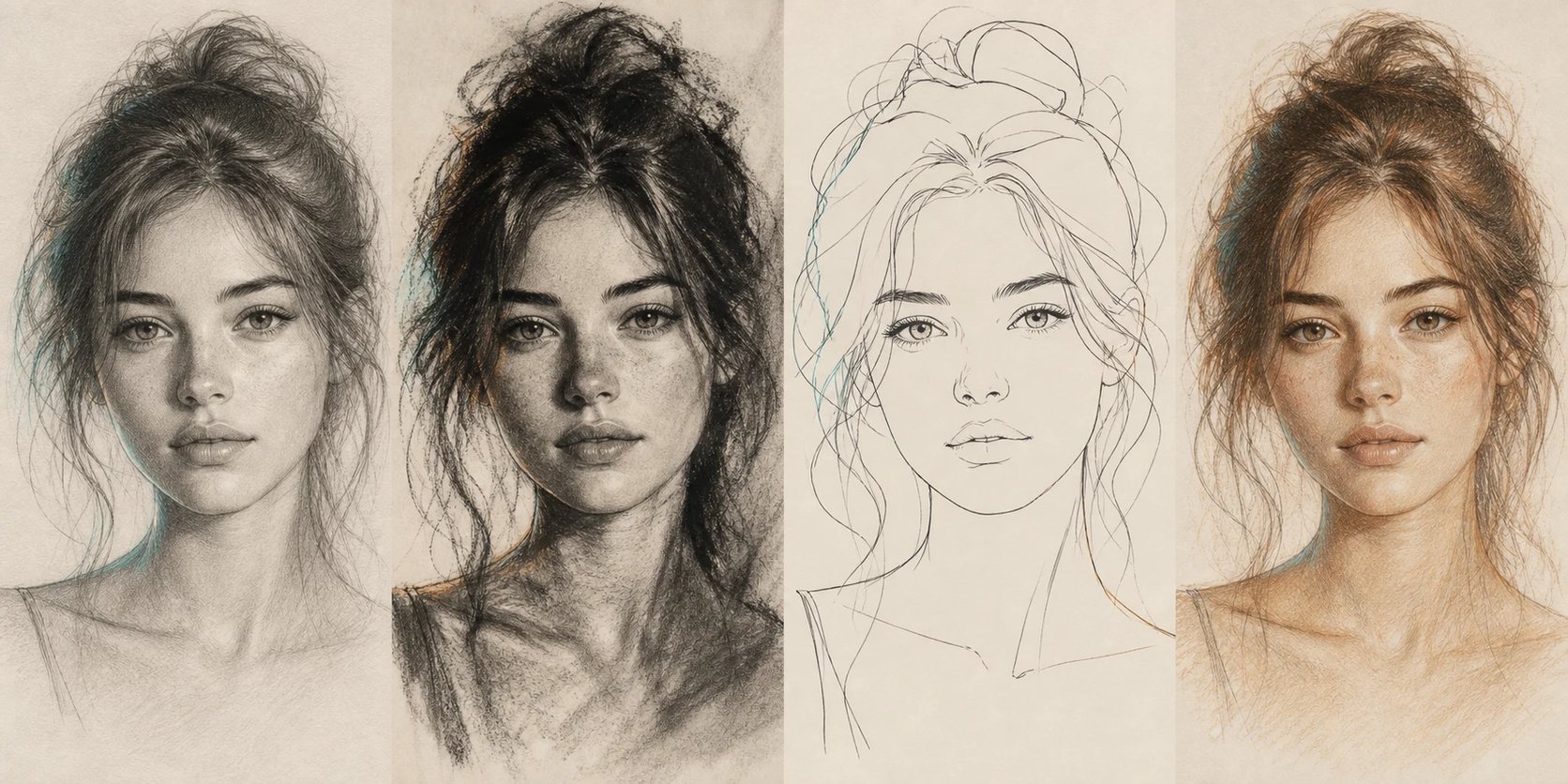
What is an image to sketch converter?
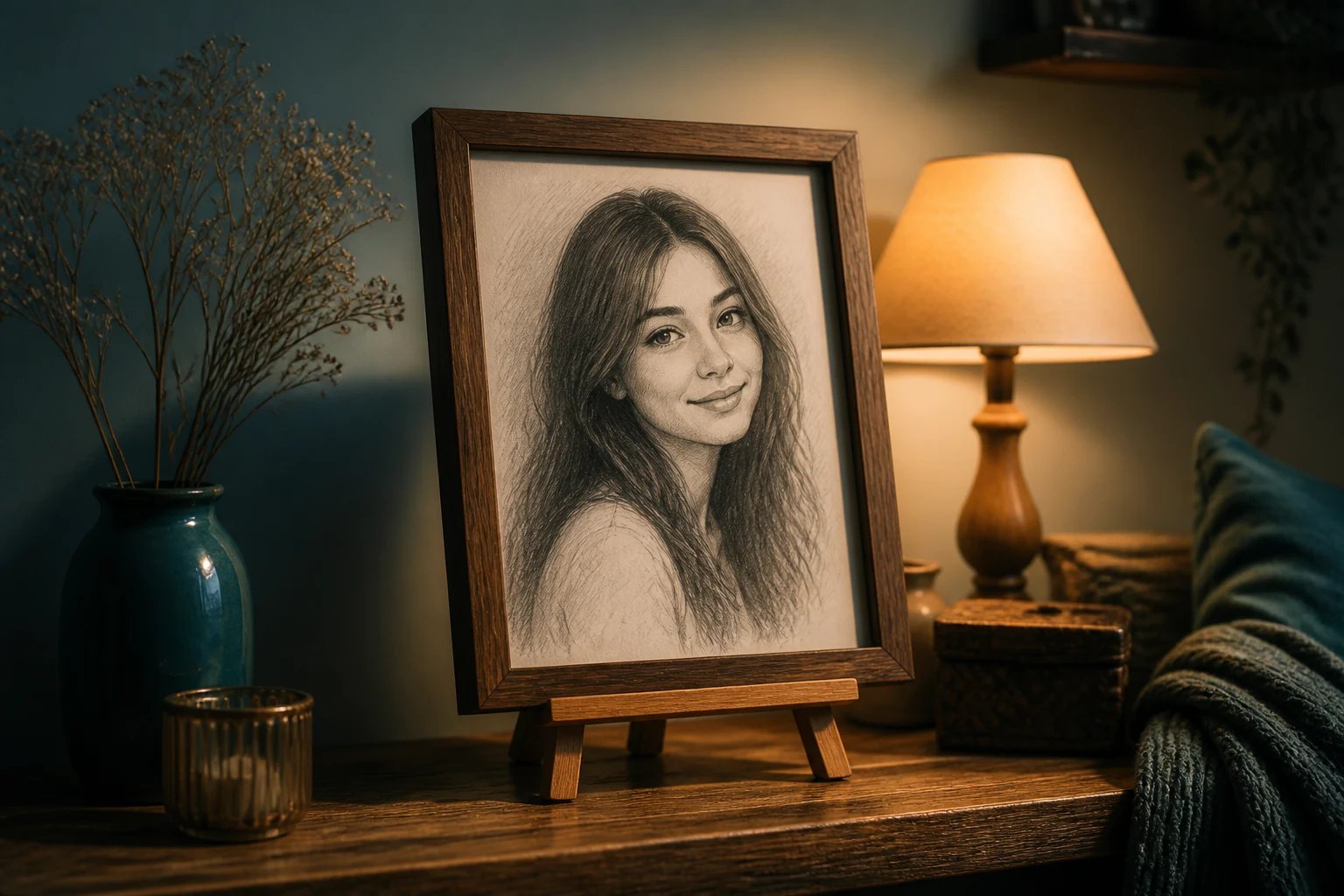
An image to sketch converter takes a photo and redraws it as a sketch, keeping the face recognizable. Upload a picture of yourself, a friend, or your pet, pick a style — pencil, charcoal, line art, colored pencil — and the image to sketch tool turns your photo into a drawing. Unlike a text tool that invents a scene, it works from your actual photo, so the sketch is still the person (or pet) in it, just drawn in a hand-drawn style. An image to sketch converter is a quick way to get the look of a commissioned pencil portrait without hiring an artist or waiting weeks.
Prefer a bold anime style over a sketch? Run your photo through the photo to anime converter.
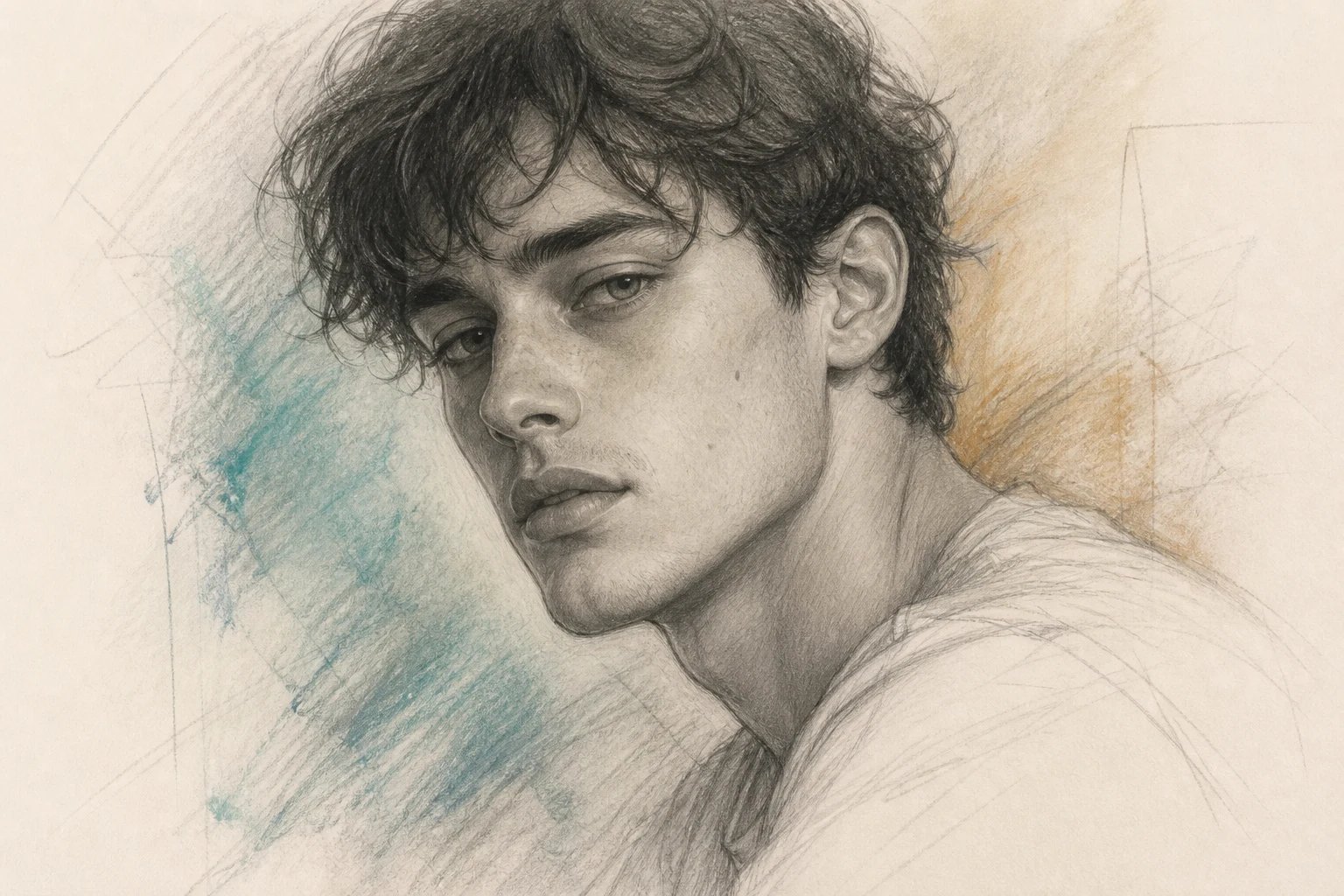
Why use an image to sketch converter?
A hand-drawn pencil portrait of a loved one or pet makes a wonderful gift, but commissioning an artist costs a lot and takes weeks. An image to sketch converter does it in about a minute, and lets you try several styles from one photo. Make a soft pencil sketch of your partner for a frame, a bold charcoal of your dog, or a clean line-art of the family — all from the same upload. Because the image to sketch tool keeps the likeness, the sketch still reads as them, which a random AI drawing never does.
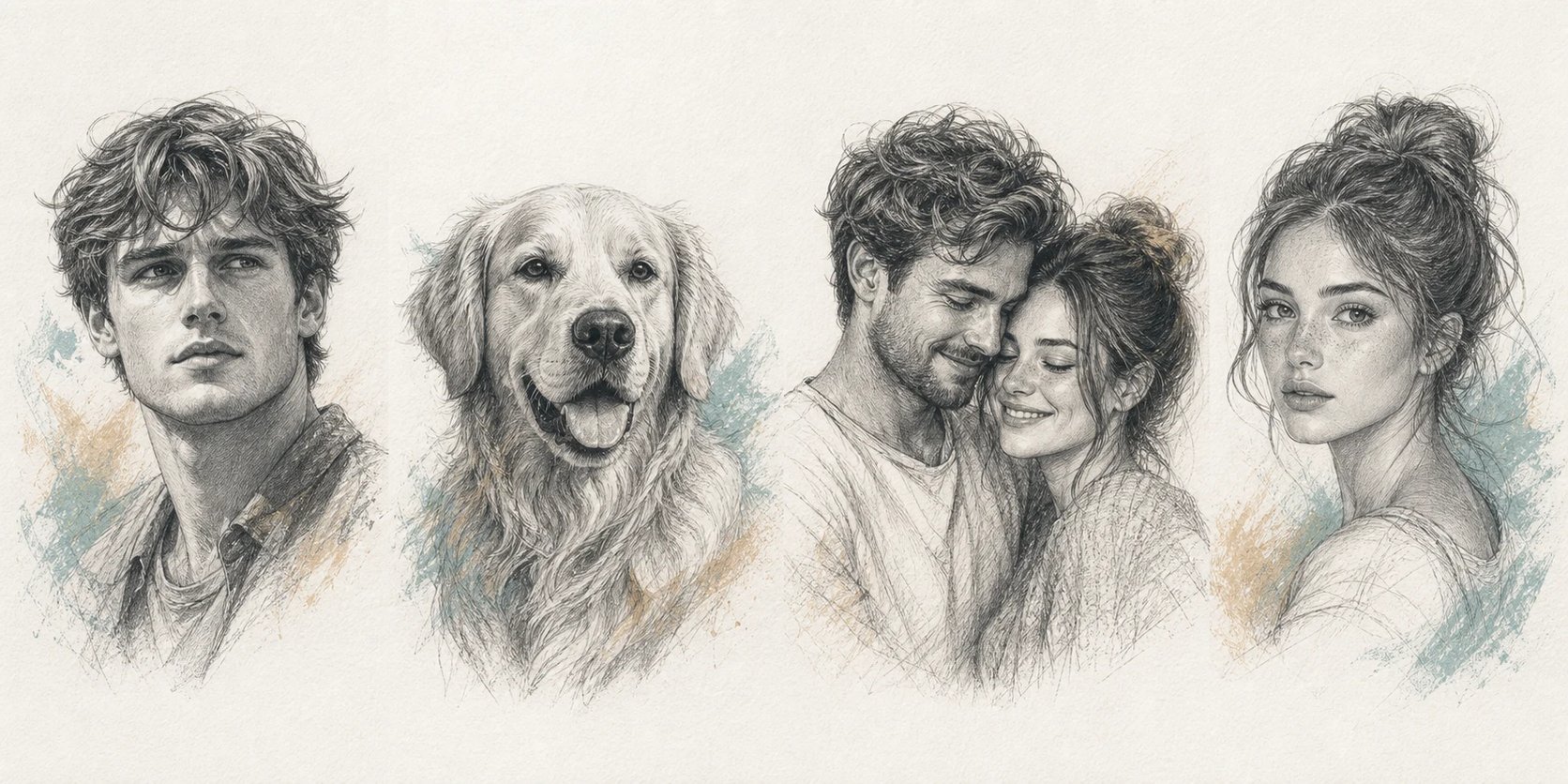
Want a pencil sketch of someone — without hiring an artist?
Maybe you have wanted a framed pencil sketch of your partner, a memorial drawing of a pet, or a sketch to bring to a tattoo artist, but commissioned portraits are expensive and take weeks, so the idea sits in a photo album. An image to sketch converter fixes that: upload one picture, choose a style, and get a sketch that actually looks like them in minutes. Try a few styles, keep the ones you love, and use them as gifts, prints, or references.
How to turn a photo into a sketch
Three steps from a photo to a sketch of a person or pet.
- 1
Upload a photo
Add a clear, front-facing photo of a person or pet. Good lighting gives the closest sketch.
- 2
Choose a style
Pick pencil, charcoal, line art, or colored pencil — or describe your own in the box.
- 3
Generate and download
The image to sketch converter draws your photo. Generate a few, then download the sketches you love.
Turn your photo into a sketch
Upload one photo and get a hand-drawn-style sketch in minutes.
More AI Image Generators
Image to sketch FAQ
Yes. The image to sketch converter redraws your own photo, so it needs one clear, front-facing picture of a person or pet. It does not invent a scene from text — the sketch is the person (or pet) in your photo, drawn.
It keeps the likeness, and how close it looks depends on your photo. A sharp, well-lit, front-facing shot gives the best resemblance; blurry or angled photos drift further. Generate a few and keep the closest.
Pencil, charcoal, line art, and colored pencil are built in, and you can describe your own — ink, cross-hatch, pastel — in the prompt box. Each keeps the face.
No. It produces an AI-generated sketch image that looks hand-drawn, not a drawing made by a human artist. It is a fast, low-cost way to get the sketch look from a photo.
Yes. Upload a photo of a pet, a couple, or a friend, and it sketches them in your chosen style. The result also works as a clean reference to bring to a tattoo artist.
Yes. Turning a photo into a sketch runs on credits and needs you to be signed in, so you can try several styles and keep the ones you like.