
1. Upload portrait photo
2. Choose a hair dye color
AI Hair Color Changer
Upload a photo and pick a hair shade. AI naturally dyes and blends realistic tones with authentic strand sheen.
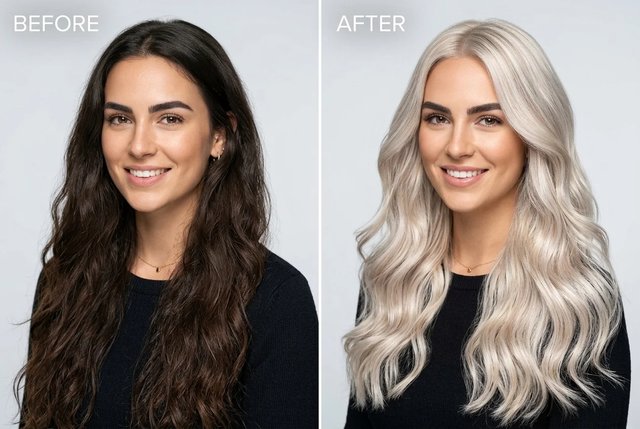
AI Hair Color Changer — Hair Dye AI
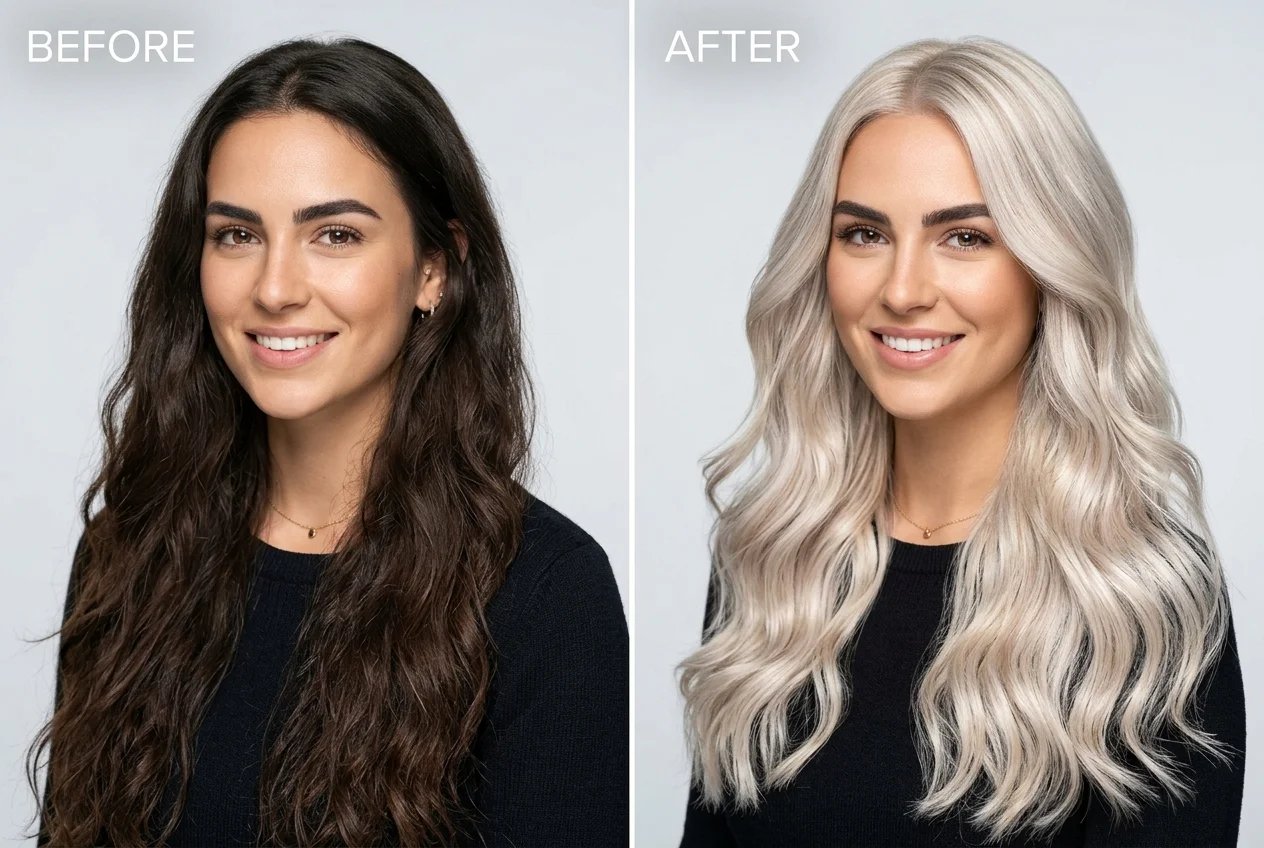
Zero helmet effect, zero color bleeding onto skin. Keep your original facial identity and hair highlights completely intact while testing platinum blonde, copper red, honey blonde, and rose gold in seconds.
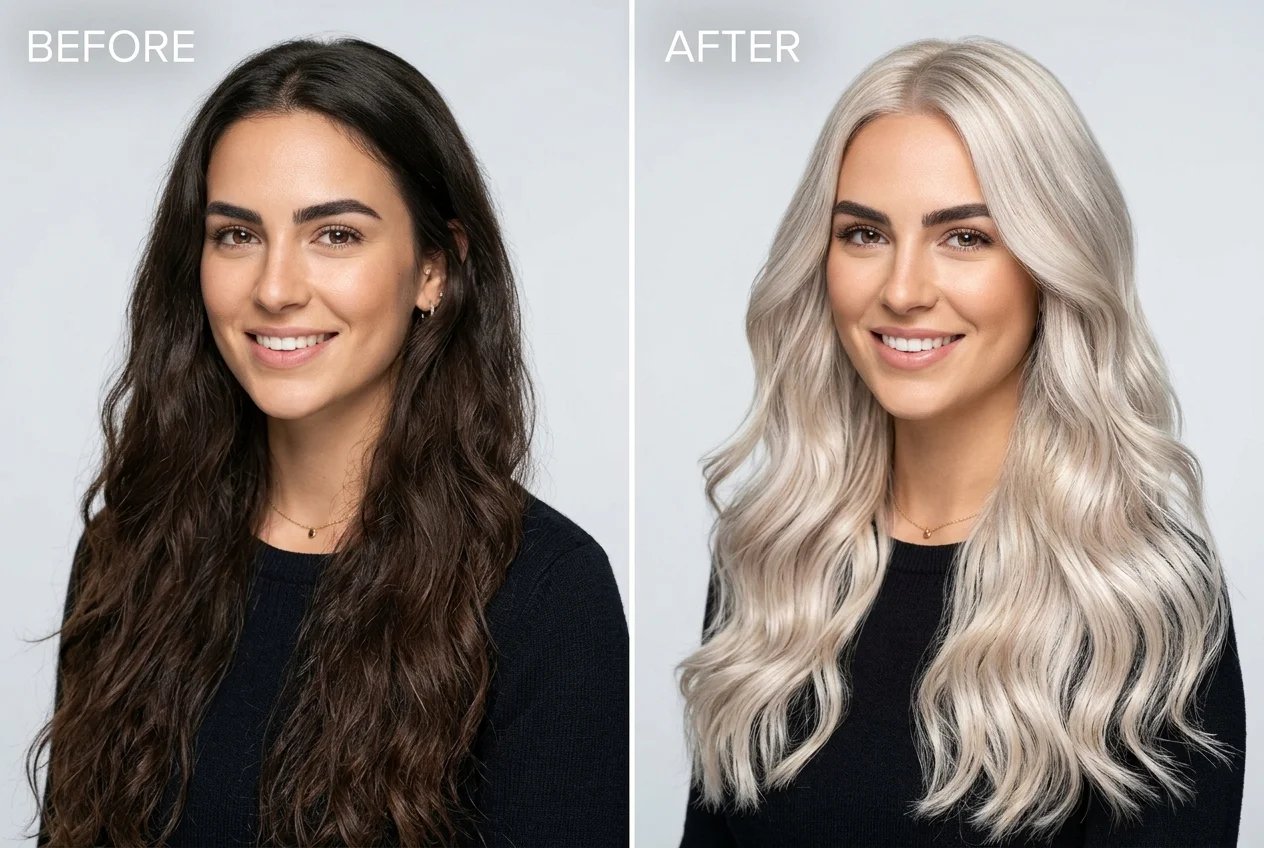
What is an AI Hair Color Changer?
An AI Hair Color Changer is a virtual hair dye simulator that realistically changes and previews hair colors on uploaded photos while preserving natural strand texture, specular highlights, and facial identity. Unlike basic filter apps that slap a flat colored overlay like a plastic helmet, Creating Image uses deep diffusion inpainting to render dimensional depth, individual hair follicles, and clean scalp boundaries.
Why Use Creating Image's AI Hair Color Changer?
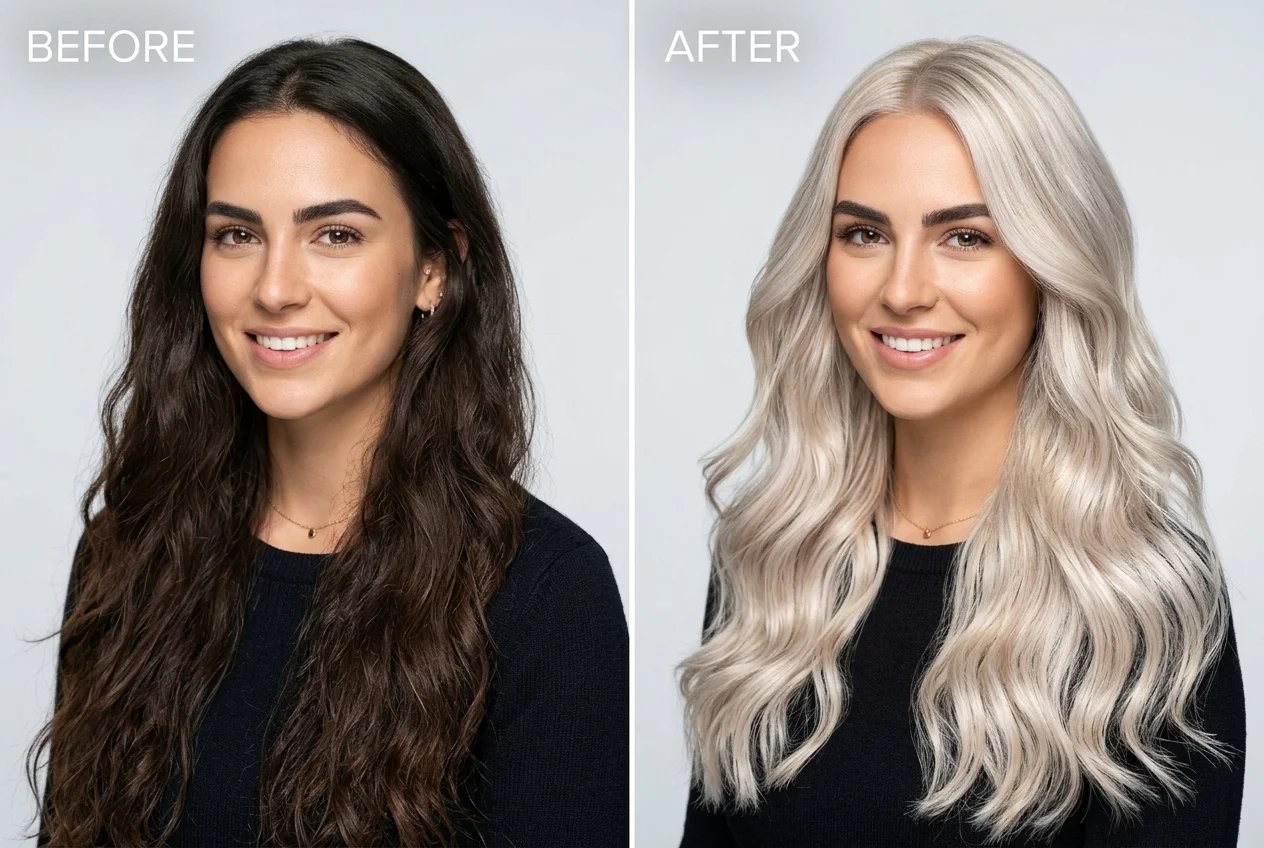
Natural Strand Sheen & Zero Helmet Look
Say goodbye to flat, artificial color blocks. Our AI preserves your natural hair reflections, dark roots, and strand separation so every shade looks salon-finished.
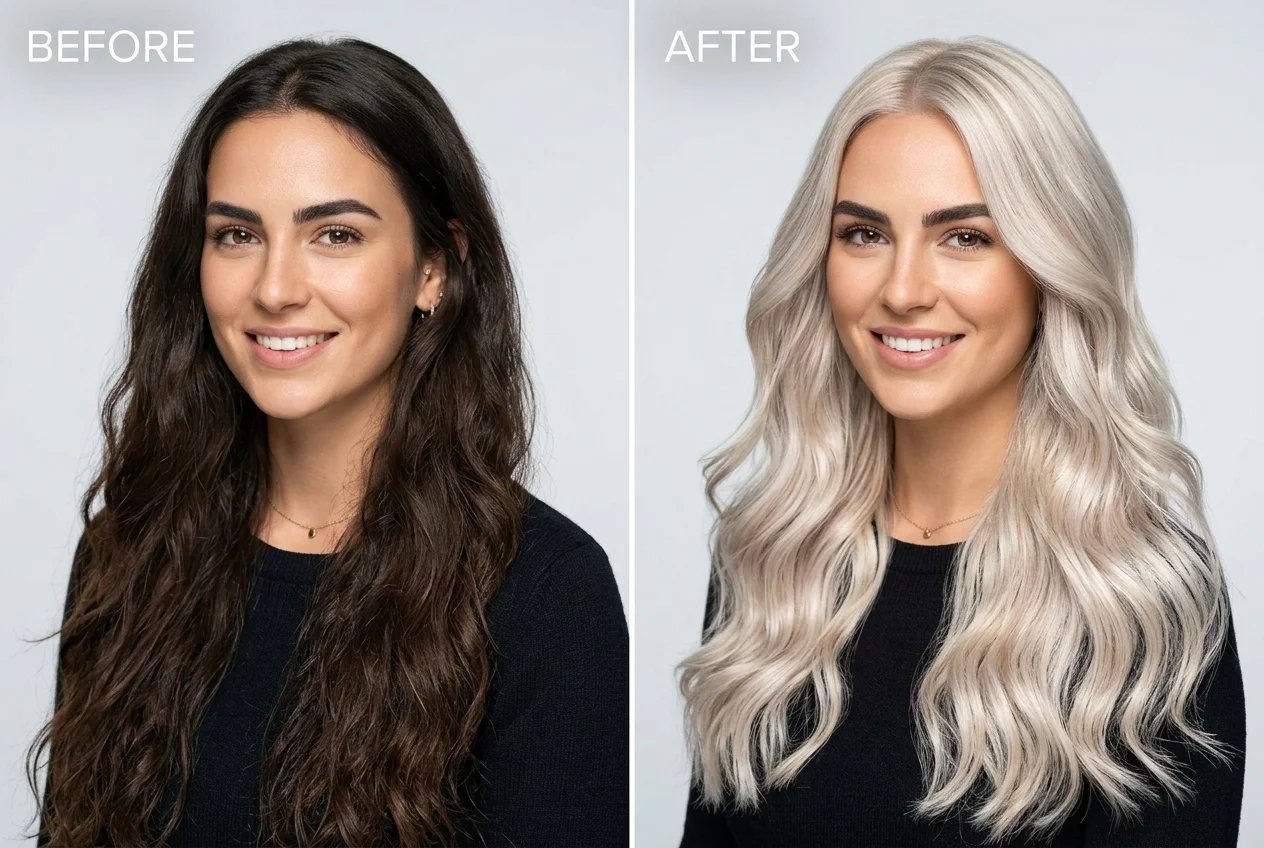
Zero Color Bleeding & Precise Face Lock
Precision edge-detection keeps color strictly on hair strands without messy spills onto forehead, ears, or makeup, keeping your facial features 100% authentic.
How to Change Your Hair Color Online with AI
Preview vibrant new hair shades in 3 simple steps — no messy dye, salon appointment, or manual editing required.
1. Upload Your Photo
Upload a clear front-facing portrait or selfie with visible hair and good lighting.
2. Pick a Hair Color Shade
Choose from shades like Platinum Blonde, Copper Red, Honey Blonde, or Rose Gold, or type a custom tone.
3. Generate and Download
Click Generate to view your strand-accurate new look in seconds. Compare before and after and download high-res images instantly.
Test Your Dream Hair Color Risk-Free Today
Upload your photo now to preview radiant blondes, rich coppers, and playful pastels with salon-level photorealism.