
Your photo
Pick a hairstyle
You, with bangs
The Bangs preset is already selected — upload a photo, generate, and drag the slider to see what you would look like with bangs.
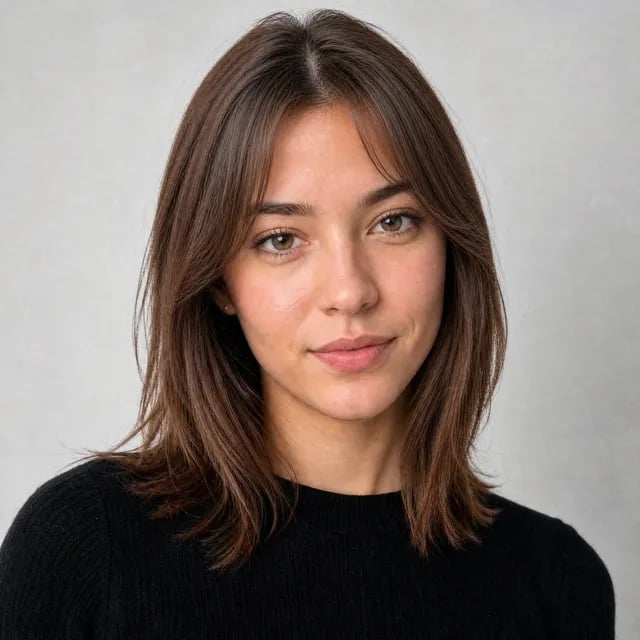
What Would I Look Like With Bangs AI
Every mirror experiment is a guess and every celebrity photo is someone else's face. Upload one picture, see the new look in seconds, and decide with your eyes instead of your nerves.
Try bangs on my photo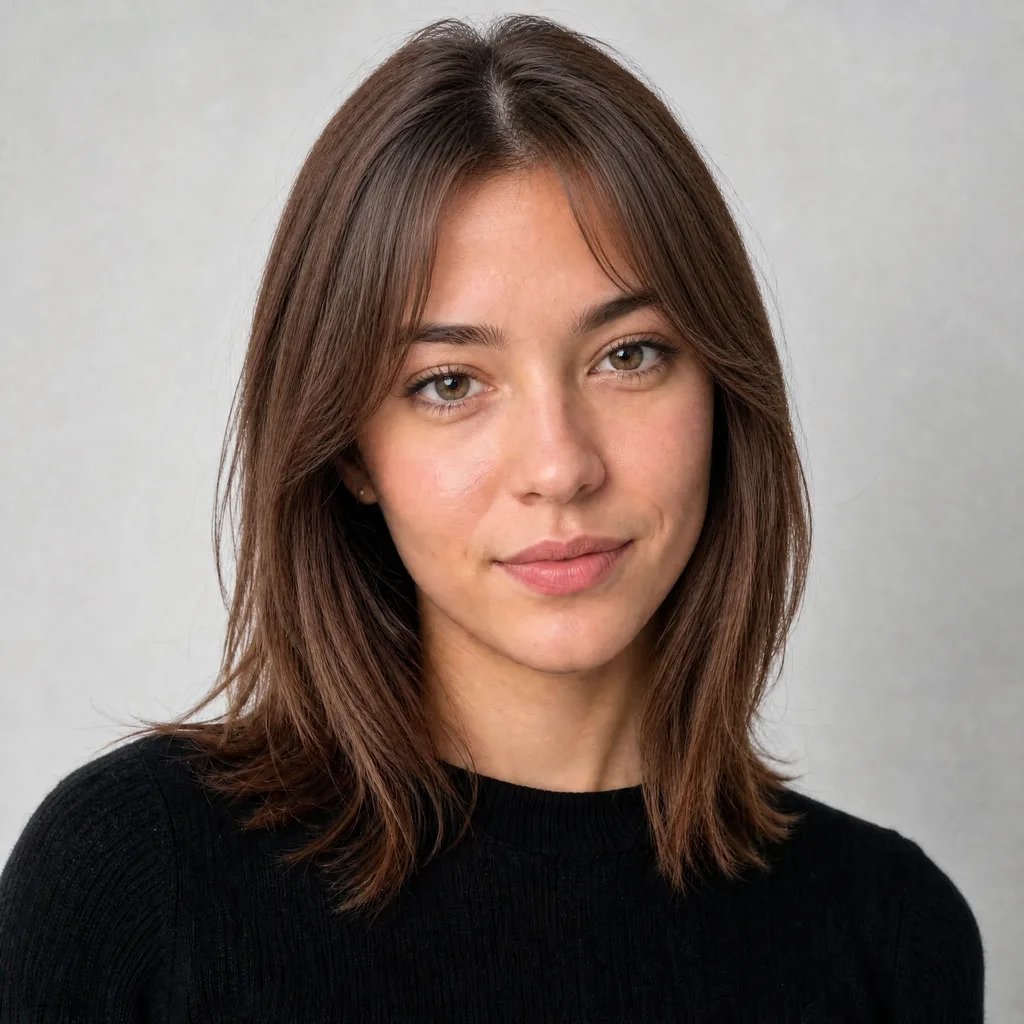
How This Answers “What Would I Look Like With Bangs?”
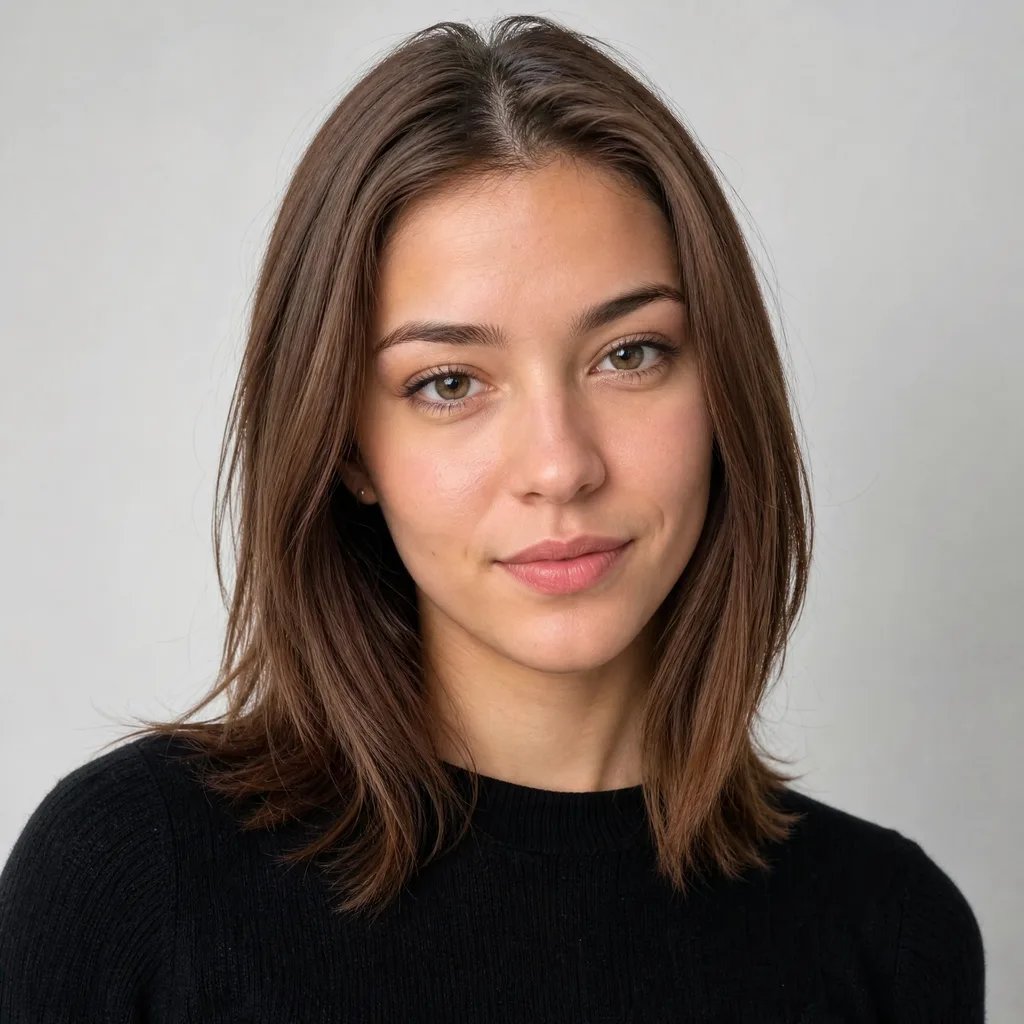
An image model adds them to your photo while keeping your face, expression, lighting and background exactly the same. The preset starts you with soft curtain bangs; describe blunt, wispy or side-swept styles to try the rest. The result is you — not a filter sticker and not a lookalike — so “what would I look like with bangs” stops being a guess and becomes a picture you can judge.
Stop Guessing in the Mirror
Pulling hair over your forehead is not a preview
The mirror trick shows a flap of hair, not a haircut. Real bangs have a cut line, layers and weight that a hand-held preview can't fake. A generated preview shows the finished style sitting on your face instead.
Her bangs are not your bangs
Celebrity photos are the default way people decide, and the least reliable: different hairline, different face shape, different stylist. The only photo that answers the question is one of you — with the bangs already on.
Ask your friends with evidence
“Does it look better?” gets real answers when there's a picture. Download the before and after, send both to the group chat, and let them vote on you-with-bangs — not on a mood board.
See Yourself With Bangs in 3 Steps
From wondering to a side-by-side answer in under a minute.
- 1
Upload a clear photo
Front-facing, forehead and hairline visible. Your picture stays on your account and is used only for your preview — nothing is published anywhere.
- 2
Keep the preset or refine it
Curtain bangs are pre-selected. Want blunt or wispy instead? Edit the description before you generate — any style you can put into words works.
- 3
Compare and decide
Drag the slider between the before and the after, then download both to ask friends or show your stylist.
Stop Wondering What You'd Look Like With Bangs
One photo answers it — see them on your own face before the scissors decide for you.
See myself with bangsMore AI Image Generators
Bangs Preview FAQs
The preview shows exactly how they sit on your face, hairline and features — you judge with your own eyes instead of a face-shape chart. It is a visual preview, not styling advice.
The preset starts from the soft curtain style. Type a description to try blunt, wispy, side-swept, curly or baby variations — any look you can put into words.
Yes — the result appears as a before/after slider over your original photo, and you can download both halves to compare or share. Send the pair to your group chat and let them vote on the actual you.
No. The edit keeps your face, skin, expression, pose, clothing and background the same — only the hair changes.
It starts at 10 credits depending on the model and quality tier; the exact price sits next to the Generate button before you submit anything.
Yes — curtain bangs are the preset's default. Upload a photo, generate, and compare the before and after; type a different description for blunt or wispy versions.