
Your photo
Pick a hairstyle
See a new hairstyle on you
Upload one photo to the AI hairstyle changer, pick a style, and drag the slider to compare — before any scissors come out.
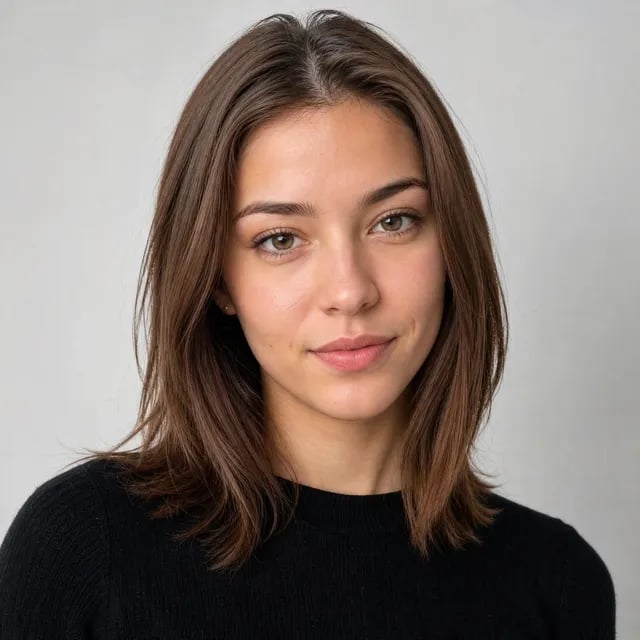
AI Hairstyle Changer — Haircut Try-On
A haircut takes months to grow back; an AI hairstyle changer preview takes seconds. Try bangs, a pixie, a bob or your own idea on your actual photo, and decide with your eyes instead of your nerves.
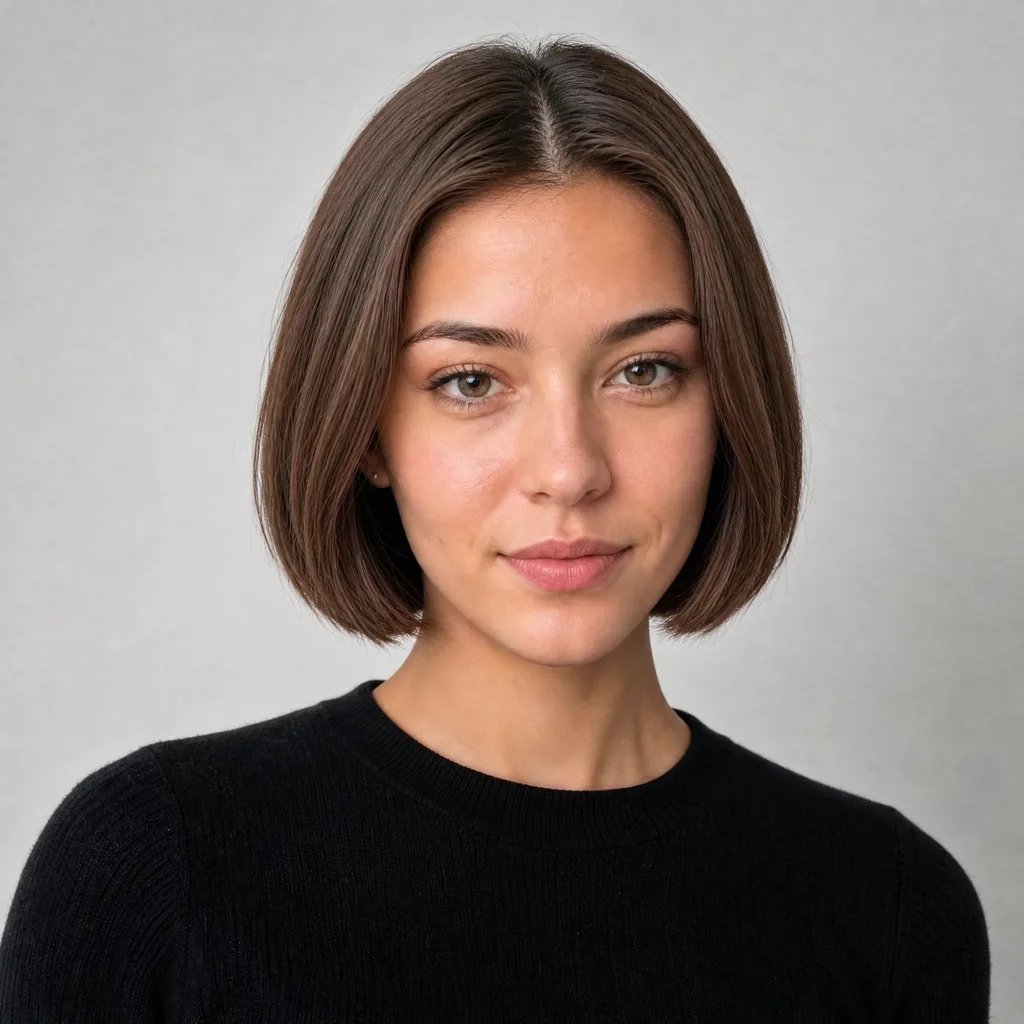
What is the AI Hairstyle Changer?
The AI hairstyle changer swaps the hairstyle in your photo while keeping everything else in place. Upload a picture, choose a preset like bangs or a pixie — or describe any style in your own words — and the AI hairstyle changer returns a realistic preview of you with that hair, ready to compare side by side. Because the edit starts from the photo you upload, the result is your face with the new hair — not a lookalike model's.
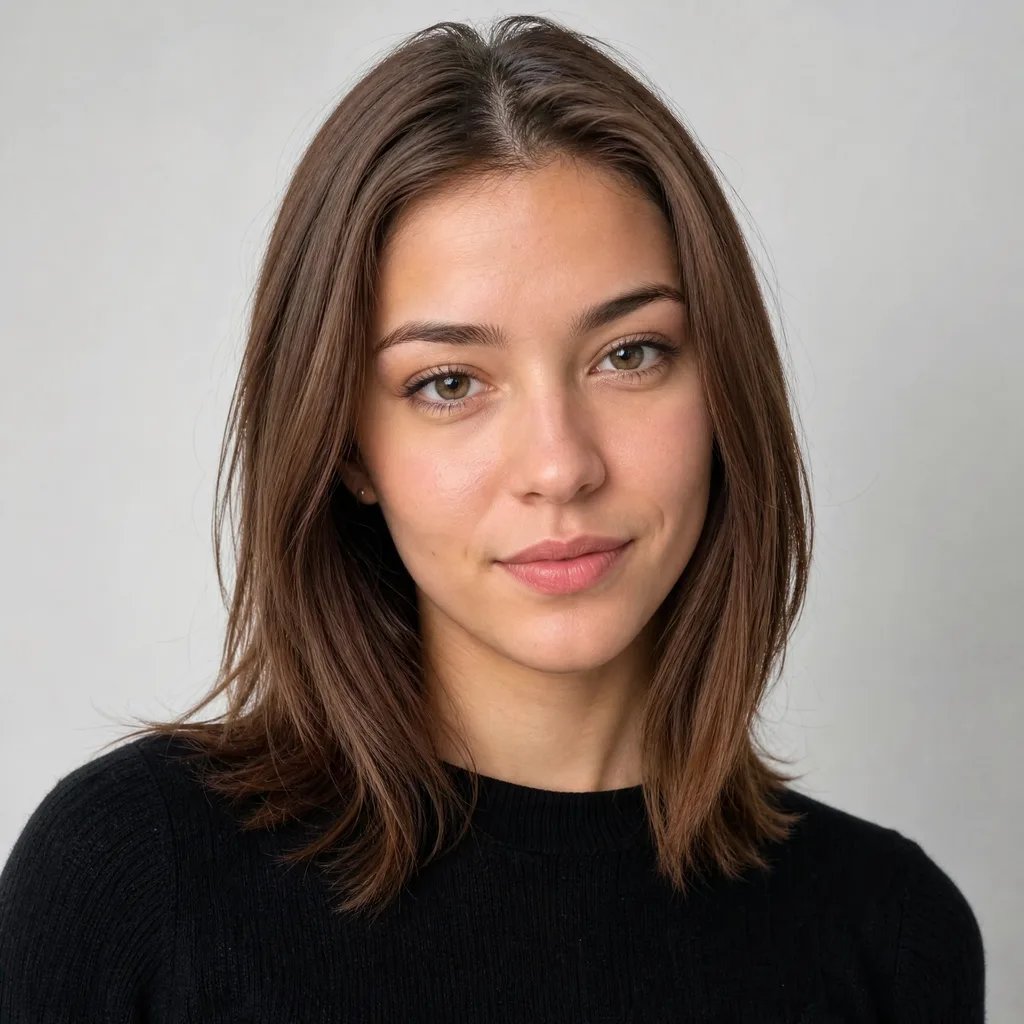
Ask your people with a real comparison
“Does it look better?” works a lot better with evidence. Download the before and after pair from the AI hairstyle changer and send both to your group chat, your partner or your feed — let them vote on the actual you, not on a celebrity photo. The pair carries the argument for you: same face, same light, only the hair changed.
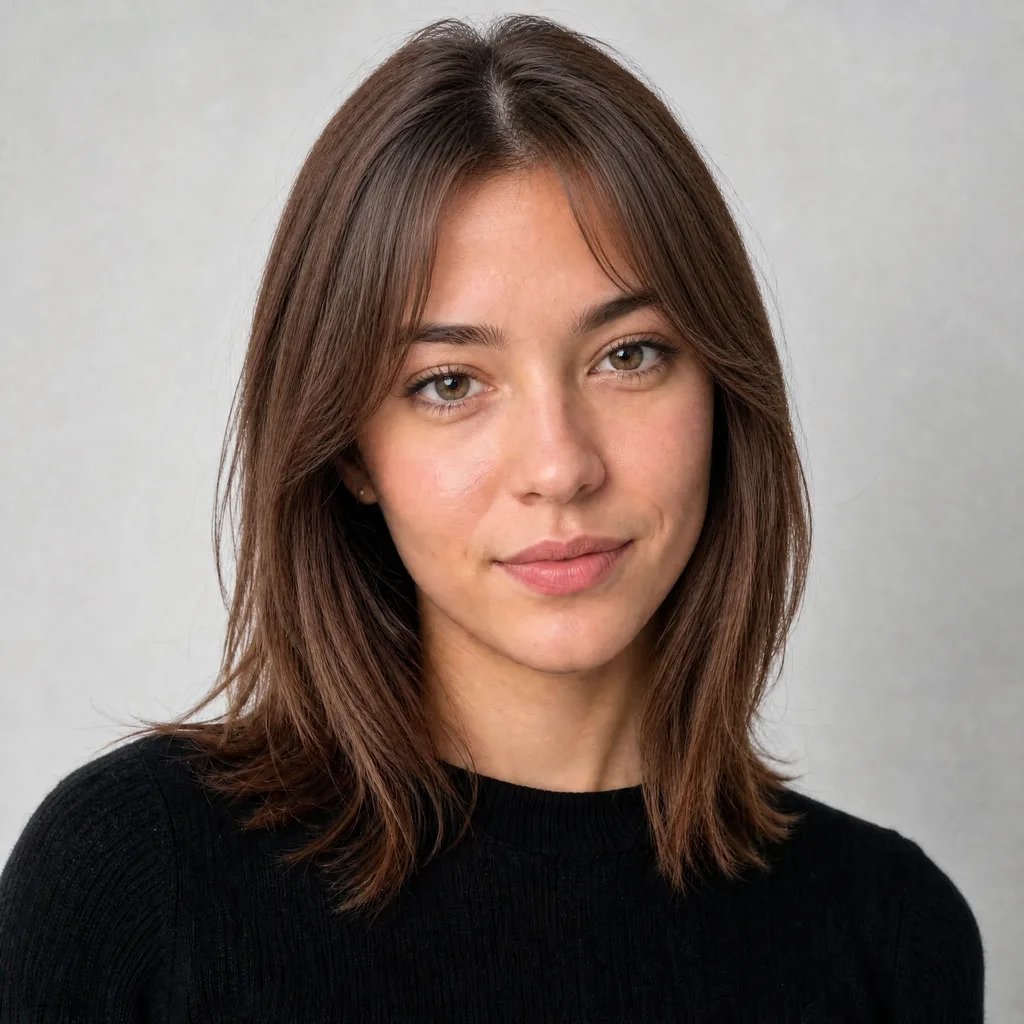
Bring your barber the photo they actually need
Showing a celebrity picture tells your barber what the style looks like on someone else. An AI hairstyle changer preview on your own photo shows how it should look on you — clearer for them, safer for you, and a far shorter conversation at the chair.

How to Try On a Hairstyle in 3 Steps
From “what would I look like” to a side-by-side answer with the AI hairstyle changer in under a minute — no salon visit, no commitment, no regrowing anything.
- 1
Upload your photo
A clear, front-facing photo works best — the AI keeps your photo and changes only the hair.
- 2
Pick a style or describe one
Choose bangs, pixie, bob and more — or type any style in your own words.
- 3
Compare and download
Drag the slider to compare before and after, then download both from the AI hairstyle changer to share or show your barber.
Try a New Hairstyle Before You Cut
Upload one photo to the AI hairstyle changer and see the answer to "what would I look like" — in seconds, not months of regrowth.
More AI Image Generators
AI Hairstyle Changer FAQs
Upload a photo to the AI hairstyle changer and pick the style — the preview shows that cut on your own face in seconds. Presets cover the most-tried looks: pixie, bob, long layers, buzz cut and more.
Yes — that is exactly what the AI hairstyle changer is for. Preview the cut on your photo first, compare before and after, and only commit at the salon once you like what you see.
Yes, and it works better than a celebrity photo: the AI hairstyle changer preview shows the style on you, so your barber sees the actual target instead of guessing how someone else's cut translates.
One AI hairstyle changer preview costs from 10 credits depending on the model and quality tier you pick — the exact cost is shown next to the Generate button before you submit.
It is uploaded only to run your generation and is kept with your account's projects. We don't publish it or use it for anything else, and you can delete your projects at any time.
Nine presets cover the most-asked looks — bangs, pixie, bob, long layers, buzz cut, two braids, top bun, wavy and straight — and the prompt box accepts any style you can describe in words.