
Upload your black and white photo
Color style
Your colorized photo
Colored from your black and white photo
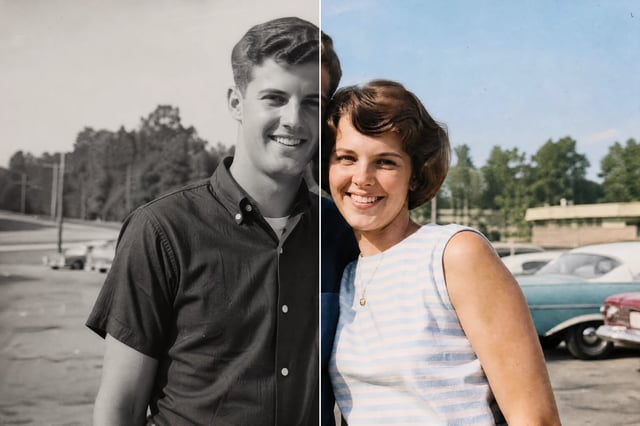
Colorize Black and White Photos AI
Upload an old black and white photo and the colorizer adds realistic, natural color — while keeping the face and every detail exactly, so the person still looks like themselves. Pick a color style, compare before and after, and download the colorized photo.
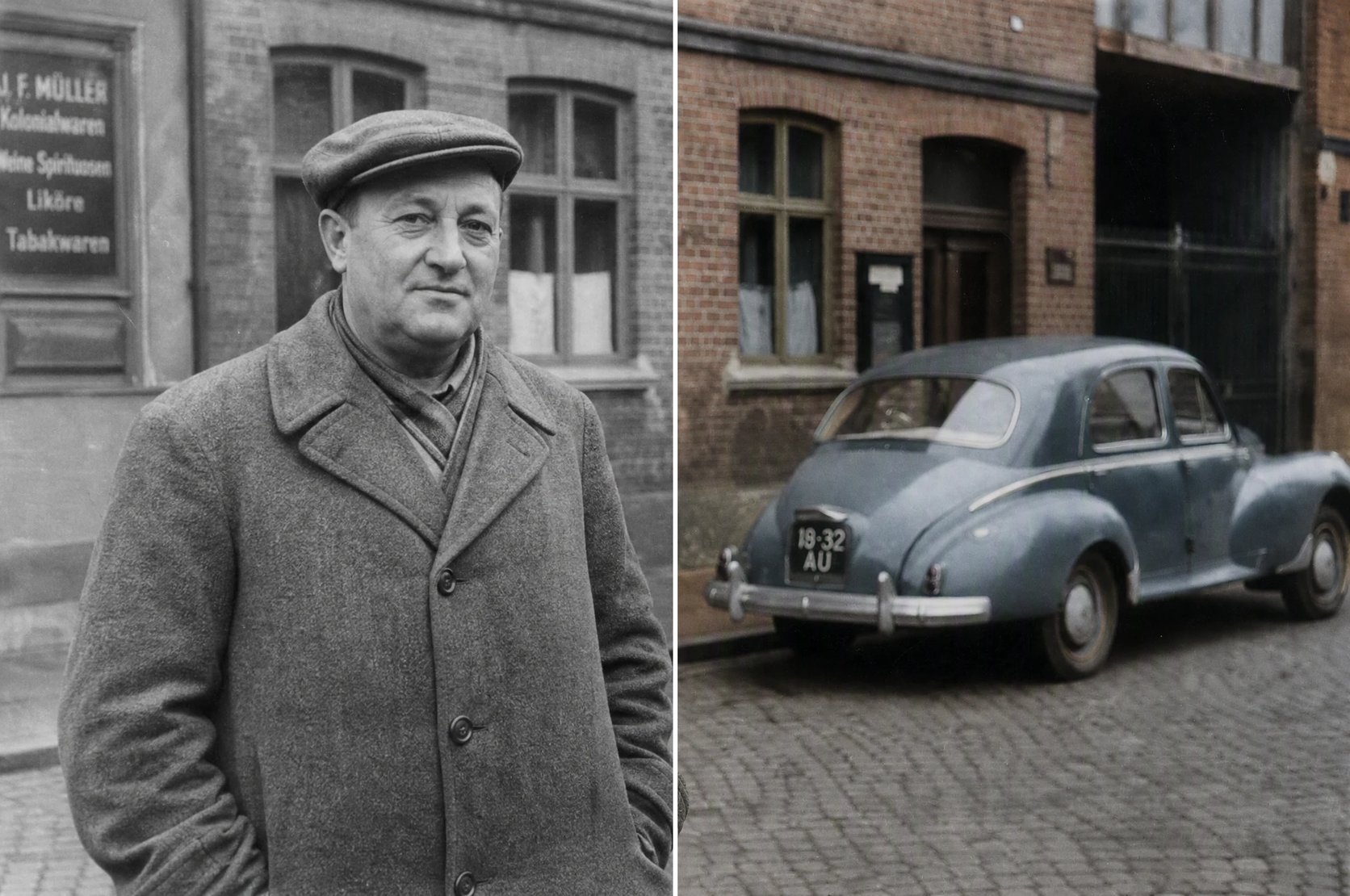
What is a black and white photo colorizer?
To colorize black and white photos, you upload one and the black and white photo colorizer adds realistic color while keeping the face, pose and every detail exactly — so the person still looks like themselves. The colorizer reads the scene — skin, hair, clothing, sky, buildings — and fills in natural, period-plausible color without redrawing anything. It works like the pillar image generator pointed at your own photo: instead of inventing a new picture, it colors the one you already have. You do not need Photoshop skills or an artist — you upload the photo and get a colorized version back to compare side by side.
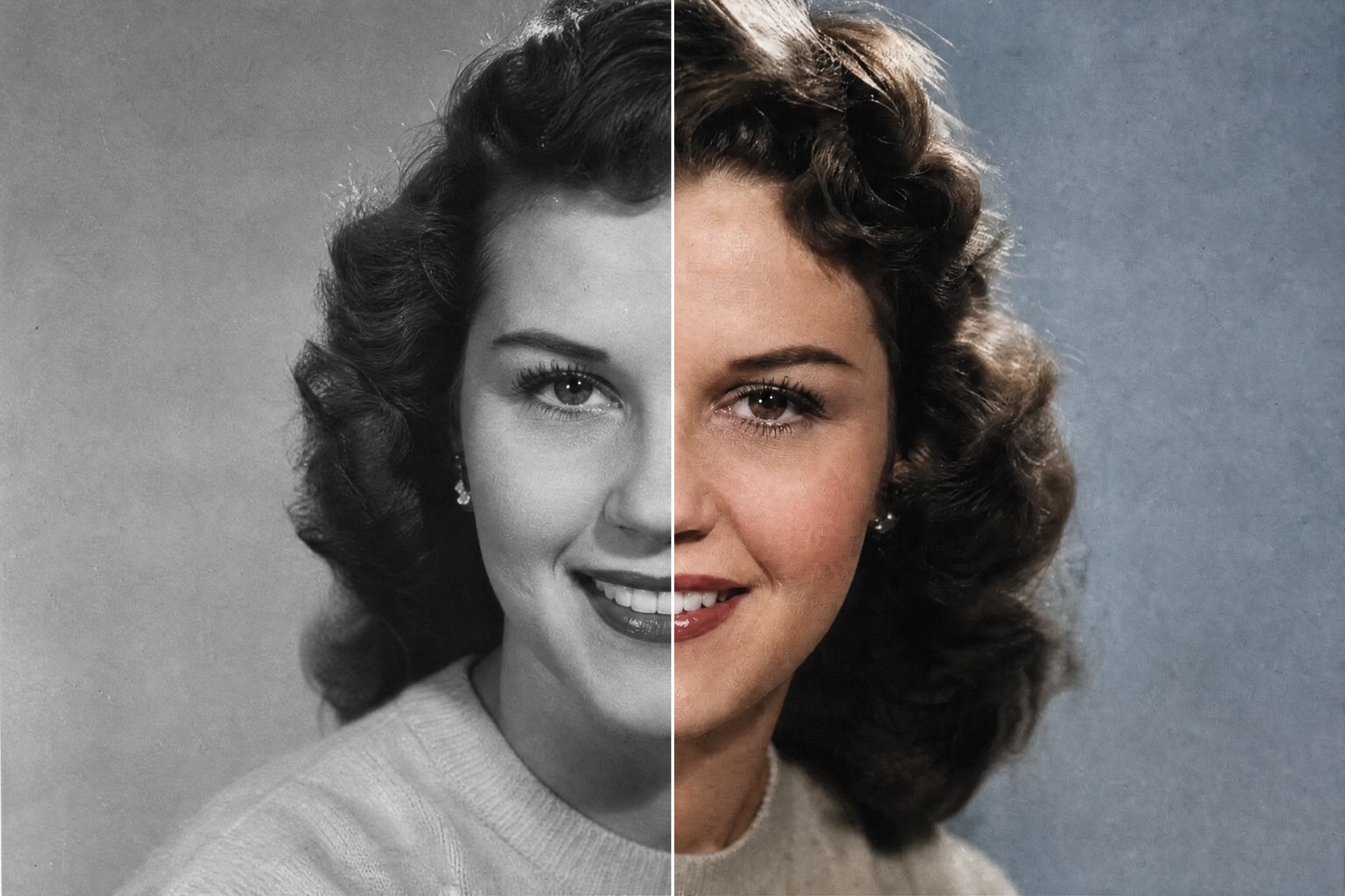
Why colorize black and white photos?
Old black and white family photos hold the people and moments that matter most, but grayscale keeps them at a distance. Colorizing a black and white photo brings it closer: skin tones, a coat, the sky behind a grandparent all come back, and the moment suddenly feels present. A colorizer gives you that in about a minute instead of hours in an editor, and lets you try a few looks — natural, period-accurate, or brighter modern color — then keep the one that feels right. Colorize a grandparent, a wedding, or a childhood photo, and share a version your family has never seen in color.
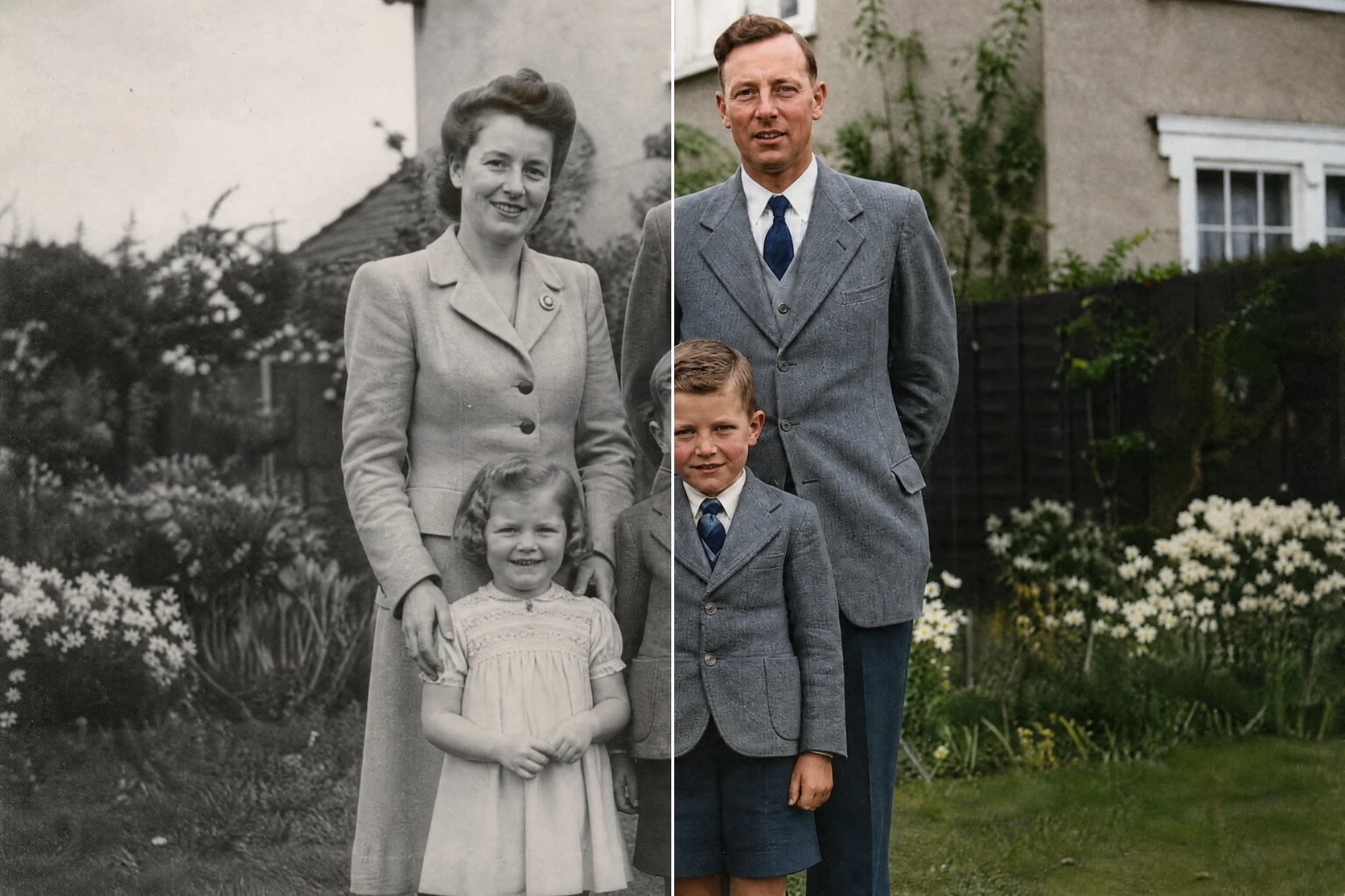
Have an old photo you wish you could see in color?
You have a black and white photo of someone you love, and you have long wondered what it looked like in color — but you cannot colorize it by hand, and paying a retoucher is slow and expensive. A photo colorizer closes that gap: upload the black and white photo, pick a color style, and get a colorized version in seconds that still looks like the same person. Try natural or brighter color, keep the one you love, and download it to print or share.
How to colorize a black and white photo
Three steps from a black and white photo to a colorized one.
- 1
Upload a photo
Add a clear scan of your black and white photo. Good contrast and one clear subject give the most natural color.
- 2
Choose a color style
Pick natural, period-accurate, vivid modern, or warm vintage — or describe the colors you want.
- 3
Colorize and download
The colorizer adds color while keeping the face and details. Compare before and after, then download the colorized photo.
See your old photo in color
Upload one black and white photo and get a colorized version in seconds.
More AI Image Generators
Black and white photo colorizer FAQ
Yes. The colorizer adds color on top of your photo and keeps the face, pose, and details exactly — it colors the photo rather than redrawing it, so the person still looks like the same person. It changes the color, not who is in the picture.
No. This tool colorizes — it adds color to a black and white photo. It does not repair scratches, tears, creases, or heavy blur. If your photo is physically damaged, colorizing will add color but the damage stays; it is a colorizer, not a restoration or repair tool.
The colors are realistic and natural, but they are the AI’s best inference of what fits the scene — not a documented record of the real colors. A specific shirt or wall may not be the exact original color. Use the period-accurate style for muted, era-appropriate tones, or describe colors you know.
A clear, well-lit black and white photo with one main subject colorizes most cleanly. A good scan with decent contrast helps the colorizer read skin, hair, and clothing; very small, blurry, or low-contrast photos come out looser.
Yes. You can colorize a faded photo or one with several people — the colorizer works on the whole image. A single clear subject colorizes most precisely; very faded or crowded photos come out less exact but still add believable color.
Yes. Colorizing a photo runs on credits and needs you to be signed in, so you can try several color styles and keep the ones you like.